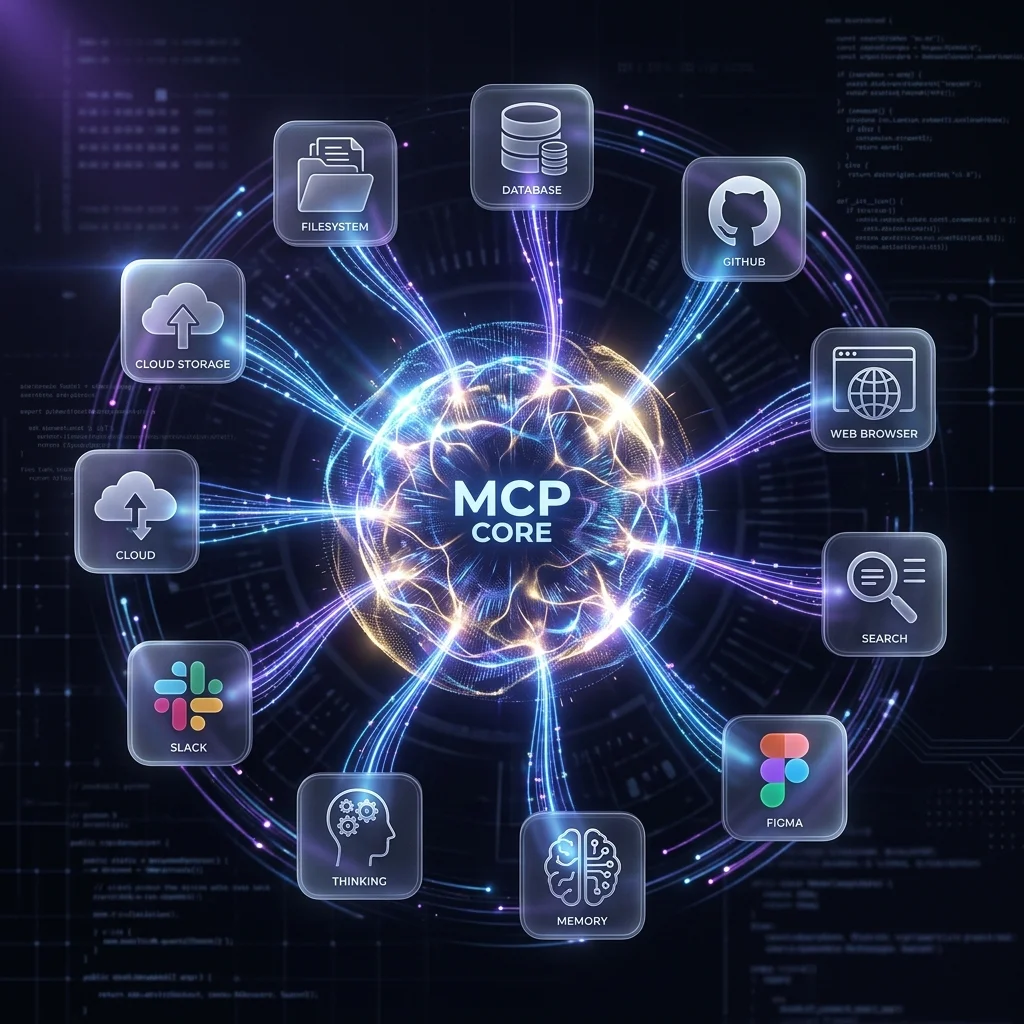
The Model Context Protocol (MCP) is the standard for connecting AI coding agents to external tools. Instead of the agent guessing or hallucinating, it calls a real tool — your database, your filesystem, your browser, your API.
But the MCP ecosystem is growing fast. Which servers actually matter for daily development work? Here are the 10 that earn their place in every developer's toolkit, ranked by how often you'll reach for them.
1. Filesystem
Let your agent read, write, and navigate your file system — securely, with configurable access controls.
Why you need it: Every coding agent needs filesystem access. This MCP server gives it to them with proper permission boundaries. Configure allowed directories and the agent can create, read, edit, and organize files without risking access to sensitive paths.
npx -y @modelcontextprotocol/server-filesystem /path/to/allowed/directory
Setup across tools:
- Claude Code: Add to
.claude/mcp.jsonwith thecommandandargspointing to the allowed directory. - Gemini CLI:
gemini mcp add filesystem npx -y @modelcontextprotocol/server-filesystem /path/to/project - OpenCode: Add to
opencode.jsonundermcpServerswith the same npx command.
Note:
Always scope filesystem access to your project directory. Never allow root (/) or home (~) access. The agent is powerful — give it fences.
2. GitHub
Create issues, read pull requests, search repos, and manage branches — directly from your AI agent.
Why you need it: Instead of copy-pasting between your agent and GitHub, the agent interacts with your repos directly. During code review, it can pull the actual PR diff. When planning, it can check existing issues for duplicates. For automation, it can create issues and PRs without leaving the terminal.
npx -y @modelcontextprotocol/server-github
Setup: Requires a GitHub personal access token with repo scope. Set GITHUB_PERSONAL_ACCESS_TOKEN in your environment and point the server at your repos.
Real workflow: "Review PR #342 and summarize the changes." The agent pulls the actual diff from GitHub, analyzes it, and gives you a review — no copy-paste, no switching tabs.
3. Postgres / SQLite
Query your database directly from the agent. It inspects schemas, writes and tests queries, and debugs performance issues.
Why you need it: Database work involves constant context switching between your agent and a SQL client. An MCP database server eliminates that. The agent sees your actual schema, runs EXPLAIN on your query, and suggests indexes based on real data patterns — not guesses.
Postgres:
npx -y @modelcontextprotocol/server-postgres postgresql://localhost/mydb
SQLite:
npx -y @modelcontextprotocol/server-sqlite /path/to/database.db
Real workflow: "This endpoint is slow — analyze the query and suggest an index." The agent inspects the schema, runs EXPLAIN, and recommends a specific CREATE INDEX — with the actual column names from your database.
4. Brave Search
Give your agent web search capabilities. It pulls current information, documentation, and API references directly from the web.
Why you need it: LLMs have a knowledge cutoff. When you ask about a new library version, a recent CVE, or the latest framework release, the agent without search makes things up. With Brave Search, it finds the actual docs and cites them.
npx -y @modelcontextprotocol/server-brave-search
Setup: Get a free API key from brave.com/search/api. Free tier includes 2,000 queries/month, which is plenty for individual dev use.
Real workflow: "What's the new API in React 19 for handling form state? Show me the actual docs." The agent searches, reads the real documentation, and gives you the correct answer with citations — not hallucinated method names.
5. Puppeteer / Browser
Automate browser interactions — take screenshots, test UI flows, scrape documentation, debug rendering issues.
Why you need it: For frontend work, a browser MCP server lets the agent see what your app actually looks like. It can take screenshots of a rendered component, test a user flow end-to-end, or scrape documentation that requires JavaScript rendering.
npx -y @modelcontextprotocol/server-puppeteer
Real workflow: "This page renders blank on mobile. Take a screenshot at iPhone size and show me what's happening." The agent launches a headless browser at the right viewport, takes a screenshot, and shows you the actual rendering — not a guess.
6. Context7
Pull up-to-date documentation and code examples from 1,000+ libraries and frameworks.
Why you need it: Context7 resolves library documentation at the correct version. Instead of the agent guessing a method signature from its training data (which might be for v2 when you're on v4), it pulls the actual docs for your version.
npx -y @upstash/context7-mcp
Works with: Next.js, React, Vue, Django, Express, Tailwind, Prisma, Supabase, and hundreds more. No API key required for the base tier.
7. Memory
Persist knowledge across sessions. The agent remembers project conventions, decisions, and context between restarts.
Why you need it: Every new agent session starts fresh. The memory MCP server stores insights, conventions, and decisions in a knowledge graph so subsequent sessions pick up where previous ones left off. No more repeating "we use kebab-case for filenames" every time.
npx -y @modelcontextprotocol/server-memory
Real workflow: Session 1: The agent learns your project structure and conventions. Session 2 (next day): You ask "optimize the auth middleware," and the agent already knows the middleware is in src/middleware/auth.ts and follows the error handling pattern from the rest of the codebase.
8. Sequential Thinking
Improves the agent's reasoning on complex problems by enforcing structured, step-by-step analysis.
Why you need it: Some problems require holding multiple constraints in mind and reasoning through their interactions. The Sequential Thinking MCP server forces the agent to break problems into discrete steps, revise earlier thoughts when new information emerges, and verify conclusions before acting.
npx -y @modelcontextprotocol/server-sequential-thinking
Real workflow: "Design the database schema for a multi-tenant SaaS app with role-based access control." The agent works through entity relationships step by step, catches contradictions (a user shouldn't be in two tenants without an explicit relationship), and produces a schema that accounts for edge cases a one-shot prompt would miss.
9. Figma
Connect your agent to your design files. Read component specs, extract design tokens, and convert designs to code.
Why you need it: The designer hands you a Figma file. Instead of manually measuring spacing and guessing colors, your agent reads the file directly — pulling dimensions, colors, typography, and component spec.
npx -y @modelcontextprotocol/server-figma
Setup: Requires a Figma personal access token and the file key (from the Figma URL). FIGMA_PERSONAL_ACCESS_TOKEN in your environment.
Real workflow: "Implement this component from the Figma file." The agent reads the actual Figma specs and generates code that matches the design — correct padding, correct hex codes, correct font sizes. No more "close enough."
10. Fetch
A universal HTTP client for your agent. Call REST APIs, test endpoints, and pull data from anywhere on the web.
Why you need it: Keep it simple. Not every integration needs a dedicated MCP server. The Fetch server gives your agent the ability to make HTTP requests — your internal APIs, third-party services, webhooks — using the same mental model as curl or fetch().
npx -y @modelcontextprotocol/server-fetch
Real workflow: "Test the new /api/users endpoint with a POST request. Does it handle missing required fields correctly?" The agent sends the request, inspects the response, and reports the actual status code and error message — not a prediction.
Quick Reference
| # | Server | Command | Key Required? | Best For |
|---|---|---|---|---|
| 1 | Filesystem | @modelcontextprotocol/server-filesystem | No | File operations with permissions |
| 2 | GitHub | @modelcontextprotocol/server-github | Yes (PAT) | Repos, PRs, issues |
| 3 | Postgres | @modelcontextprotocol/server-postgres | No (DB URI) | Schema inspection, query optimization |
| 4 | Brave Search | @modelcontextprotocol/server-brave-search | Yes (API key) | Current docs, web research |
| 5 | Puppeteer | @modelcontextprotocol/server-puppeteer | No | Screenshots, UI testing, scraping |
| 6 | Context7 | @upstash/context7-mcp | No | Up-to-date library docs |
| 7 | Memory | @modelcontextprotocol/server-memory | No | Cross-session knowledge persistence |
| 8 | Sequential Thinking | @modelcontextprotocol/server-sequential-thinking | No | Complex problem decomposition |
| 9 | Figma | @modelcontextprotocol/server-figma | Yes (PAT) | Design-to-code, token extraction |
| 10 | Fetch | @modelcontextprotocol/server-fetch | No | Universal HTTP/API access |
How to Install
Each tool follows the same pattern across agents:
Claude Code — add to .claude/mcp.json:
{
  "mcpServers": {
    "github": {
      "command": "npx",
      "args": ["-y", "@modelcontextprotocol/server-github"],
      "env": { "GITHUB_PERSONAL_ACCESS_TOKEN": "ghp_..." }
    }
  }
}
Gemini CLI — use the CLI:
gemini mcp add github npx -y @modelcontextprotocol/server-github
OpenCode — add to opencode.json:
{
  "mcpServers": {
    "github": {
      "type": "local",
      "command": ["npx", "-y", "@modelcontextprotocol/server-github"]
    }
  }
}
What to Add First
Start with Filesystem and GitHub — these are the table stakes. They unlock file operations and repo interactions, which covers 70% of what you ask a coding agent to do.
Add Postgres (or SQLite) if you do backend work. Add Brave Search and Context7 if you spend time looking up documentation. Add Figma if you implement designs. The rest add incrementally as you encounter the need.
The goal isn't to install all 10 at once. It's to have the right tool available when the agent runs into a limitation it can't solve with reasoning alone.
For more on MCP server setup, see our MCP implementation guide and MCP server best practices.
Related Articles & Deep Dives
 #claude-code
Claude Code vs Gemini CLI vs OpenCode: Which AI Coding Agent Is Right for You?
Head-to-head comparison of the three leading terminal AI coding agents. Pricing, models, context windows, privacy, and when to pick each tool.
 #agent-skills
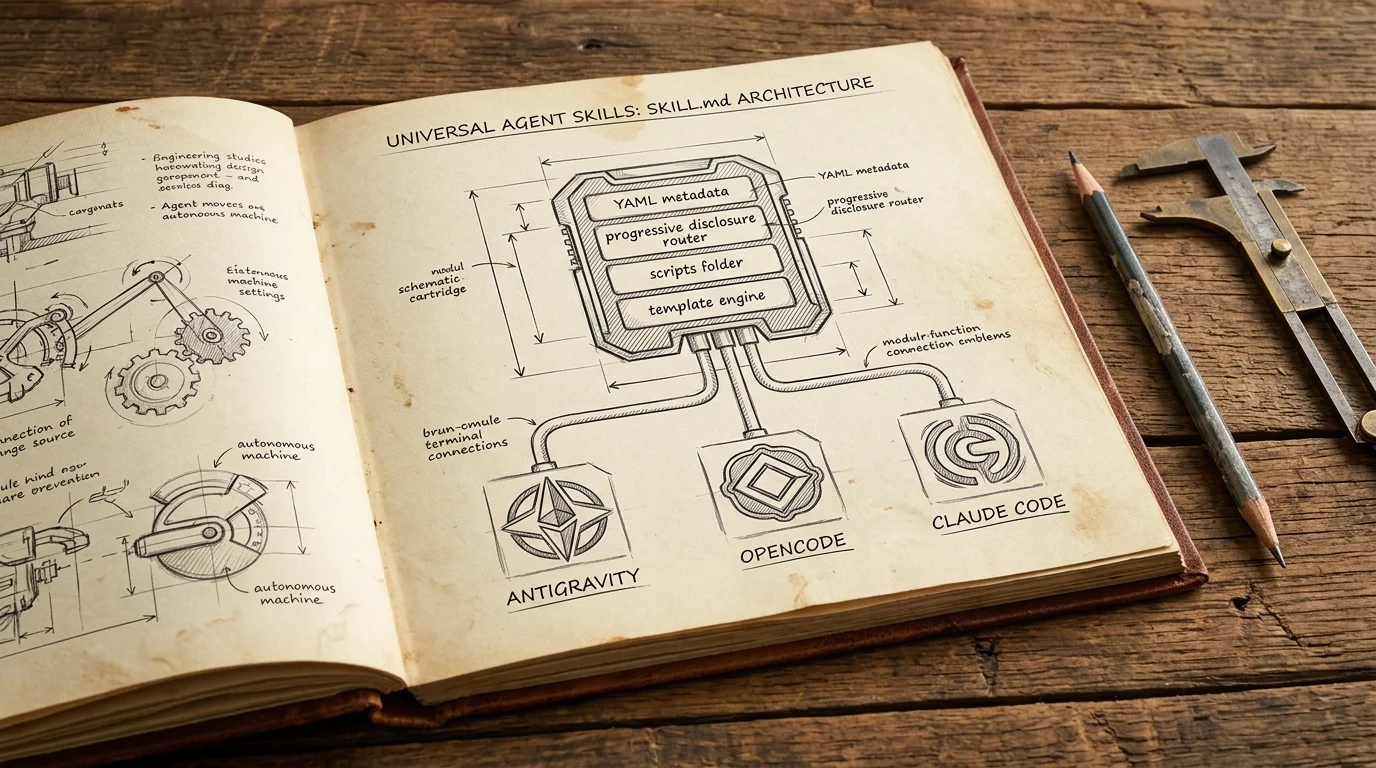
Cross-Platform Agent Skills: Writing Universal SKILL.md for Antigravity, OpenCode & Claude Code
A complete guide to authoring portable Agent Skills that run seamlessly across Google Antigravity, OpenCode, Claude Code, and Cursor without rewrite.
 #claude-code
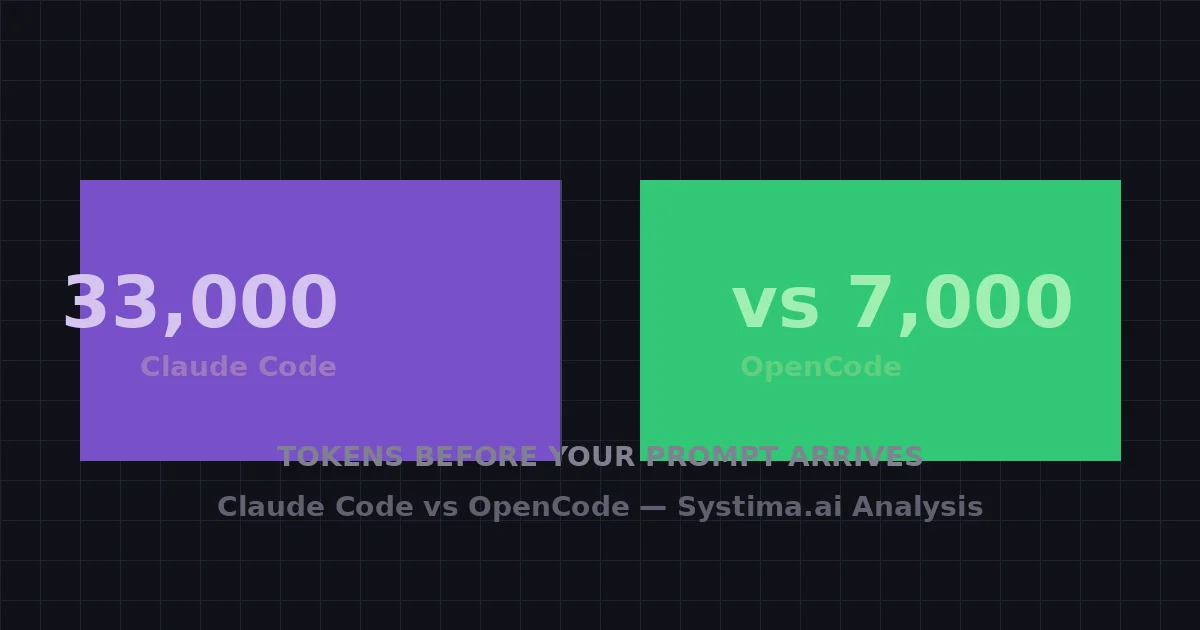
Claude Code Burns 33,000 Tokens Before Your Prompt Arrives — We Counted Every One
A systima.ai API-level analysis reveals Claude Code sends 33k tokens of system prompt and tool schemas per request vs 7k for OpenCode. Cache instability makes it worse — up to 54x more cache writes. Here's what it means for your daily workflow.