For decades, documentation was the thing developers put off until after the launch, then never did. The joke — "the code is the documentation" — was a confession that writing docs is hard, unrewarding, and the first task cut when deadlines tighten.
AI changes the economics. When an LLM can draft API references in seconds, generate changelogs from commit history, and scaffold READMEs from a codebase, the question shifts from "do we have time to write docs?" to "do we have time to review them?"
What AI Does Well Today
Four types of documentation are already better done by AI than by humans writing from scratch:
1. API References
AI reads your type definitions, function signatures, and JSDoc/docstring comments and generates reference pages that are at least as accurate as manually-written ones — and they stay in sync because they're generated from the code, not from memory.
def create_user(email: str, name: str, role: UserRole = UserRole.MEMBER) -> User:
    """Create a new user account and send a welcome email.

    Args:
        email: The user's email address. Must be unique and valid.
        name: Display name (2-100 characters).
        role: Initial role. Defaults to MEMBER. ADMIN requires separate provisioning.

    Returns:
        The created User object with populated ID and timestamps.

    Raises:
        ValidationError: If email format is invalid or name is out of range.
        DuplicateError: If email is already registered.
    """
If your codebase has thorough docstrings, AI can produce API documentation that's 90% complete without a human touching it. If your codebase doesn't have thorough docstrings — AI can write those too, given the function bodies.
2. Changelogs and Release Notes
The most tedious documentation task — summarizing what changed between versions — is also the most automatable. Commit messages, PR descriptions, and issue references contain everything a changelog needs. AI reads the diff, categorizes changes (feature, fix, breaking, security), and formats them.
The output is often better than manually-written changelogs because AI doesn't forget to mention the minor fix that caused the regression that someone on the team did on a Friday at 6pm.
3. README and Getting Started Guides
AI can scaffold a project README from the codebase — framework, dependencies, install steps, basic usage, configuration. The result isn't literary, but it's correct, and it exists. For open source projects where the alternative is a blank README or one that was accurate two years ago, an AI-generated starting point is an improvement.
4. Code-to-Documentation Mapping
AI excels at answering "where is X documented?" By reading both the code and the docs, it can identify undocumented functions, outdated examples, and broken links. This is the documentation equivalent of a linter — automated, fast, and catches problems humans miss during review.
What Still Needs Humans
AI documentation has a blind spot: it writes what exists, not what should exist. For these categories, humans are still essential:
1. Architecture Decision Records
"Why did we choose Postgres over MongoDB?" "Why is the auth flow structured this way?" "What were the alternatives we rejected?" — AI can explain what the code does, but it can't explain the decisions behind the code. Those decisions live in meeting notes, Slack threads, and the collective memory of the team. Only humans can extract and document them.
2. Tutorials and Guided Learning
A good tutorial doesn't just list steps — it anticipates confusion, explains the "why" behind each decision, and builds mental models. AI tutorials read like someone who knows the path but hasn't watched a beginner stumble through it. The surprising difficulty, the 20-minute detour into a tangent, the point where a diagram would clarify what paragraphs of text cannot — these come from experience, not pattern matching.
3. Migration Guides
When you're upgrading from v2 to v3 with 14 breaking changes, a changelog tells you what broke. A migration guide tells you how to fix it, in what order, with what tradeoffs. This requires understanding not just the code, but the user's context: what they're likely using, what they're likely to break, what the undocumented workarounds are.
4. Troubleshooting and Debugging Docs
"Error code E402: Connection timeout" can be AI-generated. "Error code E402 when deploying behind a corporate proxy with TLS inspection" — the specific combination of circumstances that causes the error and the specific fix that resolves it — comes from support tickets and production incidents. AI can aggregate these once they exist. It can't generate them from first principles.
5. The Why, Not the What
The most valuable documentation answers questions that aren't in the code. "Why is this function named process_data when it actually validates and transforms user input?" "Why does the billing module make a synchronous call to the shipping module?" "What's the historical reason for the 500ms timeout on this endpoint?" — code explains what it does. Documentation should explain why it does it that way, why it doesn't do it another way, and what you should know before you change it. AI can't answer these questions. Only the people who made the decisions can.
The New Documentation Workflow
The old workflow: developer writes code → weeks pass → someone writes docs → docs are out of date by the time they're published.
The new workflow: developer writes code (with docstrings) → AI generates docs draft → human reviews for accuracy, adds context → docs ship with the code.
What changes for teams:
Docstrings become non-negotiable. When AI generates documentation from code, the quality ceiling is the quality of your docstrings. A function without a docstring produces an empty API reference entry. A docstring that says "process the data" produces useless documentation. Teams that want good AI-generated docs need to enforce docstring standards as strictly as code formatting standards.
Documentation review becomes like code review. The human's role shifts from writer to editor. The AI writes the first draft. The human checks: is this accurate? Is it complete? Does it answer the questions a reader would actually have? What context is missing that only someone on the team would know?
Docs and code live together. When documentation is generated from code, it stops being a separate artifact that drifts out of sync. API references, changelogs, and type documentation are generated as part of the build. If the code changes, the docs change automatically. The gap between code and documentation shrinks to the review latency.
Outdated docs become a CI failure. If your documentation is generated from docstrings and your CI pipeline can verify that docstrings exist and are substantive, stale documentation becomes a build error, not a "we'll get to it eventually."
The Tooling Landscape
| Tool | What it does | Best For |
|---|---|---|
| Mintlify | AI-powered docs from code, beautiful hosted output | SaaS API docs, developer portals |
| GitBook AI | AI editing and generation inside a collaborative docs platform | Internal wikis, team knowledge bases |
| DocuWriter | Automated code documentation with CI integration | Teams that want docs-as-code |
| Swimm | Code-coupled documentation with automated drift detection | Large codebases, enterprise |
| LLM + CI pipeline | Custom: generate docs from docstrings, fail CI if missing | Teams with existing docs infra |
| GitHub Copilot chat | Ask questions about a codebase, get answers with citations | Replacing "read the code to understand" |
The right tool depends on scale. A 3-person startup is fine with an LLM + CI pipeline. A 50-person company with external API customers needs Mintlify or GitBook AI. A 500-person enterprise with compliance requirements needs Swimm or a custom solution.
The Open Source Problem
AI-generated documentation has a dark side, and it's visible in open source. The ease of generating READMEs, API docs, and "getting started" guides means that low-quality AI-generated documentation is flooding package registries.
The markers of AI-generated docs that waste your time:
- Vague claims without specifics: "This library provides high-performance, scalable, and reliable..." — no benchmarks, no architecture diagram, no comparison to alternatives.
- Generic examples that don't use the library: A README example that imports the library and doesn't call any of its functions.
- Perfect grammar, zero information: The English is flawless but after reading 500 words, you can't tell what the library actually does.
- The circular definition: "The ConfigManager manages configurations" — AI loves restating the name as the description.
For maintainers, the bar is higher now. Documentation that would have been "good enough" in 2023 — a basic README, a couple code examples, an API reference — is indistinguishable from AI-generated filler in 2026. The differentiator is the content AI can't produce: architecture decisions, migration guides, troubleshooting specific scenarios, honest comparisons to alternatives, and the author's actual opinions about when to use (and not use) their library.
What To Do Today
For individual developers:
Write docstrings. Not because you enjoy it — because it's the input to every AI documentation tool you'll use. A well-documented codebase generates good docs automatically. A poorly-documented one generates garbage.
Use AI to generate the first draft of your documentation, then spend your time adding the context only you have: why you made the decisions you did, what you learned during development, what surprised you, what you'd do differently.
For teams:
Make documentation part of the definition of done. Not "write docs" — the AI handles the draft. "Review and approve docs." A feature isn't shipped until the AI-generated documentation has been reviewed for accuracy and completeness.
Start treating missing docstrings the same way you treat missing types. If your TypeScript codebase would fail CI for any types, your Python codebase should fail CI for missing or placeholder docstrings.
For technical writers:
Your job is becoming more valuable, not less. When AI handles the routine documentation — API references, changelogs, parameter descriptions — you're freed to do the work AI can't: architecture documentation, tutorials that actually teach, migration guides that anticipate real problems, and the strategic decision of what to document and how to structure it.
The technical writer role in 2026 is less "writer" and more "editor, curator, and information architect." The output isn't a document — it's a documentation system that combines AI-generated structural content with human-authored context.
For open source maintainers:
Your documentation is competing with AI slop. The way to win is to provide what AI can't: an honest opinion about when to use your library and when to use something else, a real-world migration story from a user who switched, a comparison table you actually researched, a troubleshooting section with solutions to problems you actually encountered.
AI can generate documentation that looks right. You need documentation that is right — and that means including the messy, specific, contextual information that only comes from building and maintaining the thing.
For more on prompt templates and AI-assisted workflows, see our Daily Task Templates and prompt chaining tutorials.
Related: ship a documentation writer with the Content Writer Agent blueprint.
Related Articles & Deep Dives
 #huggingface
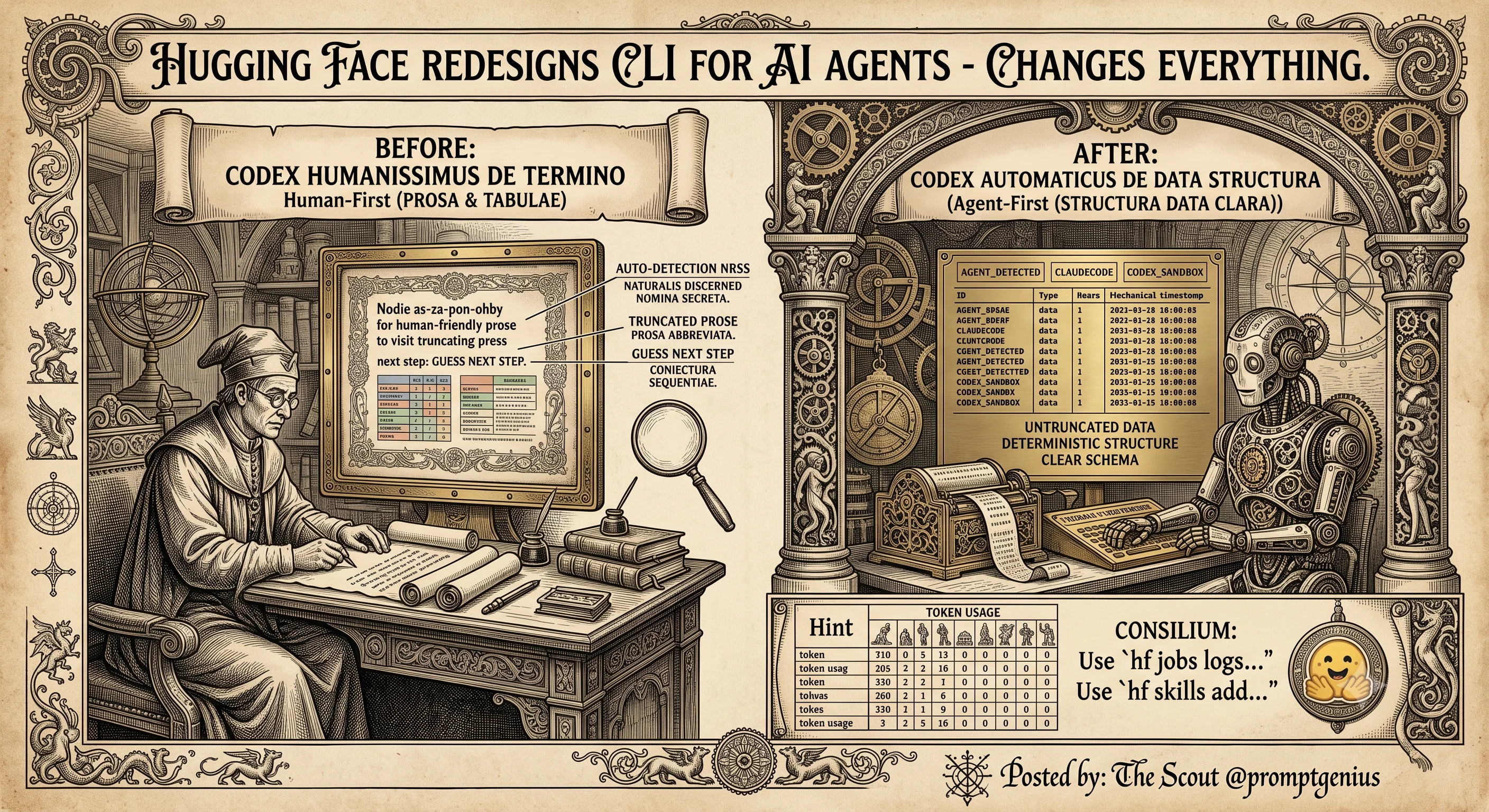
Hugging Face Just Redesigned Its CLI for AI Agents — and That Changes Everything
Hugging Face rebuilt the `hf` CLI with AI agents as first-class citizens. Dual rendering, next-command hints, non-blocking design, and benchmarks showing 30-40% fewer tokens vs curl/Python SDK. Why this is the strongest signal yet that agent-first tooling has arrived.
 #vllm
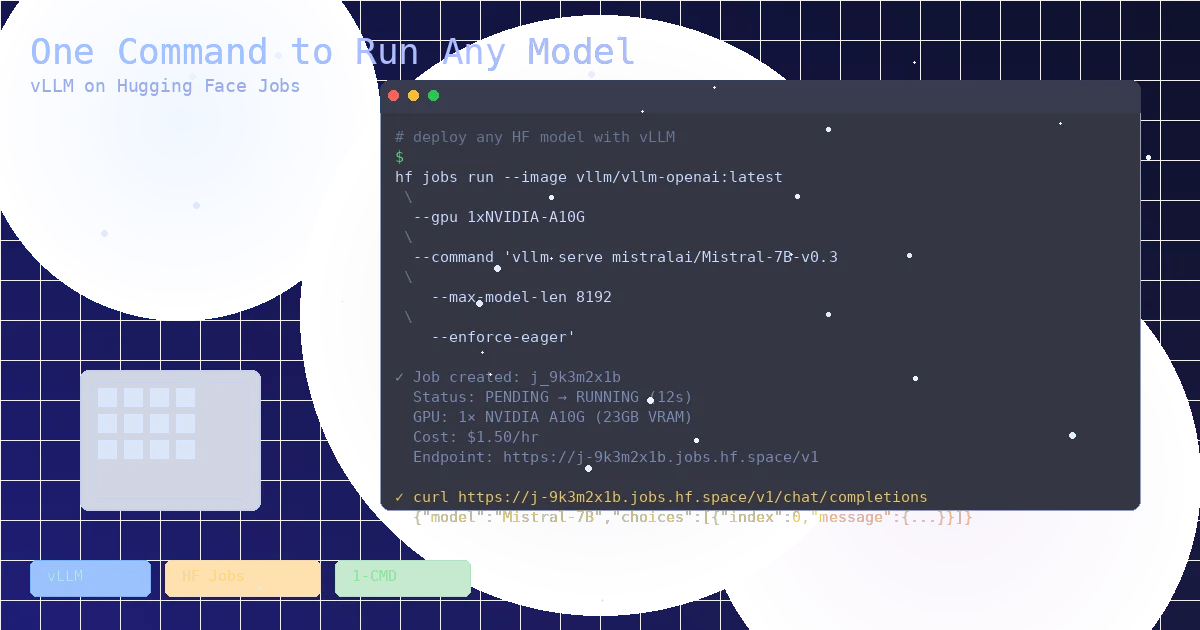
#vllmOne Command to Run Any Model: vLLM on Hugging Face Jobs
Hugging Face now lets you spin up a private, OpenAI-compatible vLLM endpoint with a single CLI command. No Kubernetes, no GPU orchestration, just `hf jobs run`. Here's how it works, what it costs, and why it changes the calculus for open-weight inference.
 #evoke
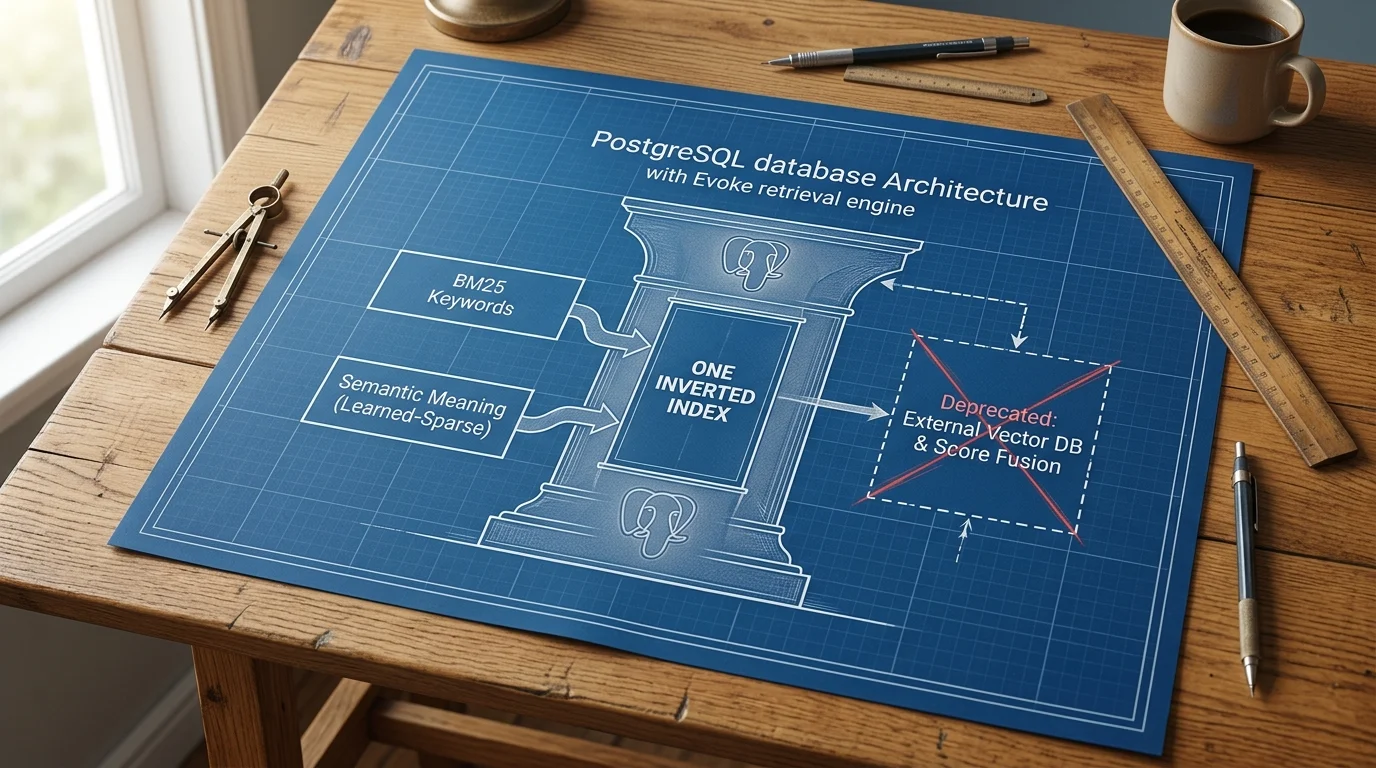
Evoke Is Statistical Retrieval in Postgres — One Index for Keywords and Meaning
A new Apache-2.0 Postgres extension puts semantic search inside the keyword index. No embedding pipeline, no vector index, no score-merge step — a 30M-parameter model runs on CPUs inside the database and matches a 0.6B dense encoder within 0.004 recall. The RAG plumbing you've been maintaining might just be deletable.