Thursday, June 18, 2026
Zero-Touch OAuth for MCP — Finally, Enterprise Auth That Doesn't Suck
Posted by
If you read our MCP Spec 1.2 guide — and if you're deploying MCP in production, you should have — you know the standard OAuth 2.1 flow is clean. Discovery, Dynamic Client Registration, Authorization Code with PKCE, token refresh with rotation. Beautiful on paper.
But here's the thing nobody tells you until you try to roll this out inside an actual company: the consumer OAuth flow breaks at the first whiff of enterprise policy.
Every server requires its own authorization prompt. Every connection creates a new consent screen. Every tool is a separate OAuth app that IT doesn't know about. Fifty engineers times eight MCP servers equals four hundred unmanaged connections — each one a thread dangling out of your security blanket.
Solo.io called this a "non-starter for enterprise" back in August 2025. At the time, they were right.
Then the November 2025 MCP spec landed, and with it, something that fundamentally changes the calculus: Enterprise-Managed Authorization — the io.modelcontextprotocol/enterprise-managed-authorization extension, built from SEP-990 and shepherded by Aaron Parecki (Director of Identity Standards at Okta).
This is the piece that makes MCP actually work inside an enterprise. And it just became production-ready with the latest client implementations.
The Shadow IT Problem
The standard MCP auth flow (the one Spec 1.2 codified) is a classic user-authorized OAuth dance. You open an MCP client, it redirects you to the server's authorization page, you log in, you click "Allow," you get a token. Repeat for every server.
In a corporate environment, this creates exactly the problem enterprise IT has been fighting for a decade: shadow IT connections that bypass organizational policy entirely.
The enterprise IdP — Okta, Entra ID, whatever your company uses — has no idea these connections exist. It can't enforce conditional access policies. It can't check whether the user's device is compliant. It can't apply group-based restrictions. And when someone leaves the company, IT has to manually revoke access on every single MCP server individually — assuming they even know which ones the user connected to.
This is the exact problem the Solo.io piece identified. The consumer OAuth model assumes the user is the right entity to make authorization decisions. In an enterprise, the organization makes that decision. The user just happens to be the one holding the session.
What Enterprise-Managed Auth Actually Does
Enterprise-Managed Authorization flips the model. Instead of the MCP client talking directly to the server's authorization server, it routes everything through the corporate identity provider. The IdP becomes the central policy decision point — the bouncer at the door who checks your ID against the guest list before letting you into any room.
The extension is defined as io.modelcontextprotocol/enterprise-managed-authorization (also called Cross App Access, or XAA). An MCP client declares support for it during the initialize handshake:
{
  "capabilities": {
    "extensions": {
      "io.modelcontextprotocol/enterprise-managed-authorization": {}
    }
  }
}
That's it on the client side. The server's authorization metadata advertises whether it supports the enterprise-managed flow, and the client adapts accordingly.
The ID-JAG Flow — Step by Step
The mechanism at the heart of this is the Identity Assertion JWT Authorization Grant (ID-JAG). It's a temporary token format that bridges the enterprise IdP and the MCP authorization server. Here's how it works:
Step 1: SSO Authentication. The user signs into the MCP client — Claude Desktop, VS Code, whatever — using their corporate SSO. The client receives an ID Token (OpenID Connect) or SAML assertion from the enterprise IdP. This is the same login they use for email, Slack, and every other work tool.
Step 2: ID-JAG Request. When the MCP client needs to connect to a server (say, an internal database MCP), it doesn't redirect the user to a consent screen. Instead, it takes the saved Identity Assertion back to the enterprise IdP and requests an ID-JAG token, specifying which MCP server it wants to access.
Step 3: Policy Evaluation. This is the critical step. The enterprise IdP doesn't just hand over a token. It evaluates organizational policy: Is this user in the right group? Does their role allow access to this server? Is their device compliant? Is it within business hours? If the policy check fails, the IdP returns an error — no token is issued. The user never sees a consent screen.
Step 4: Token Exchange. If the policy check passes, the IdP issues a signed ID-JAG — a JWT carrying the user's identity, group memberships, and any claims the IdP wants to assert. The MCP client presents this ID-JAG to the MCP server's authorization server, which validates the JWT signature against the IdP's JWKS endpoint, checks audience and issuer, and issues a standard access token scoped to that server.
The entire exchange happens silently behind the scenes. The user authenticates once and gets access to every authorized MCP server without a single additional prompt. And if an admin revokes access in the IdP's admin console, it takes effect immediately — no need to track down every MCP client the user may have connected to.
Why This Matters for Developers
If you're building MCP servers for internal enterprise use, this changes your deployment strategy significantly.
Assess whether you need the extension. Not every MCP server needs enterprise-managed auth. If you're building a public SaaS MCP (like GitHub's or Stripe's), the standard OAuth 2.1 flow works fine. But if your server lives inside a corporate network and accesses internal data, you want to support the enterprise extension.
Publish your server to the IdP's app catalog. For the enterprise flow to work, IT admins need to know your server exists. Publish a resource descriptor that enterprise IdPs can ingest — this lets Okta or Entra ID admins configure access policies in their admin console without manual configuration. Aaron Parecki's November spec overview has the details on the registration format.
Validate ID-JAGs on your authorization server. If you run your own auth server, you need to accept and validate ID-JAG tokens. The validation chain is: fetch the enterprise IdP's JWKS, verify the JWT signature, check aud matches your server, check exp and iss, then map the claims to your internal permission model. Most enterprise token validation libraries (like openid-client or MSAL) handle this out of the box.
Support both flows. Don't force every user through the enterprise flow. The opt-in extension model means your server can support both standard OAuth 2.1 (for personal use, external users, contractors without IdP access) and enterprise-managed auth (for corporate SSO users). The client declares which extension it supports during initialization, and your server routes accordingly.
How It Compares to the Standard Flow
| Dimension | Standard OAuth 2.1 (Spec 1.2) | Enterprise-Managed (XAA) |
|---|---|---|
| Who authorizes | The user (consent screen) | The enterprise IdP (policy engine) |
| Auth prompt | Every server, per-user | Zero — user SSO once |
| Client registration | DCR or CIMD | URL-based CIMD (preferred) |
| Token mechanism | Auth code + PKCE | ID-JAG → Auth Server exchange |
| Policy enforcement | Per-server, ad-hoc | Centralized, IdP-enforced |
| Revocation | Per-server token revocation | Single IdP toggle, instant |
| Shadow IT risk | High — unmanaged connections | Zero — all connections visible |
| Best for | Public SaaS, consumer apps | Internal tools, regulated environments |
The key insight: these aren't competing approaches. They're the same protocol with different authorization strategies. The transport, the JSON-RPC messages, the tool definitions — none of that changes. Only the token acquisition flow differs.
CIMD: The Registration Side of the Same Coin
Enterprise-Managed Authorization isn't the only thing the November spec fixed. The other half of the enterprise puzzle is Client ID Metadata Documents (CIMD), which replaces Dynamic Client Registration (DCR) as the preferred registration method.
DCR was always a weird fit for MCP. It required every authorization server to expose a registration endpoint, which meant unbounded database growth, rate limiting headaches, and a cleanup problem that nobody wanted to talk about. Den Delimarsky called DCR "a thorn in my side for the better part of the year" in his November spec breakdown.
CIMD solves this by making the client self-describing. The client publishes a JSON document at a URL it controls (say, https://my-mcp-client.com/client.json) that contains its name, logo, redirect URIs, and public keys. The authorization server fetches this document when it needs to register the client. Trust is delegated to DNS — if you trust my-mcp-client.com, you trust the client.
For enterprises, this is a game-changer. Instead of maintaining a registry of every approved MCP client, IT can define domain-based trust policies: auto-allow *.microsoft.com, block everything else by default. CIMD is how enterprise identity scales from a handful of known clients to thousands.
The spec now defines a clear priority order for client registration: pre-registration (if available), CIMD, DCR, and finally asking the user to paste credentials manually. DCR got demoted from SHOULD to MAY — it's now a backwards-compatibility fallback.
What This Means for the Ecosystem
This extension is the answer to the question that's been hanging over MCP since mid-2025: "Can I use this at my company?"
The answer was "not really" in June 2025. The Solo.io critique was harsh but fair — the consumer OAuth model didn't address enterprise requirements. Zero-touch auth, centralized policy enforcement, and IdP-driven revocation are table stakes for any protocol that wants to operate inside a regulated environment.
The November 2025 spec closed this gap with two complementary changes: Enterprise-Managed Authorization for the auth flow, and CIMD for the registration flow. Together, they transform MCP from a protocol that works great for individuals connecting to SaaS tools into one that works just as well for a Fortune 500 company connecting 10,000 employees to 50 internal MCP servers behind a single SSO login.
The partners endorsing the anniversary release say it all. Okta's SVP & GM of AI Security, Harish Peri, put it directly: "By formally incorporating Cross App Access as an MCP authorization extension, organizations can have the necessary oversight and access control." That's not marketing speak — it's the identity infrastructure vendor saying they can now natively support MCP in their product.
The Bottom Line
Enterprise-managed authorization is opt-in, backwards-compatible, and built on standard OAuth primitives. If you're shipping an MCP server today, you don't have to support it. But if your server ever touches corporate data — or if you ever want to sell to a company that has an IT department — you should be planning your implementation now.
The protocol for connecting AI to tools just got enterprise-ready. And honestly? It was the last thing standing between MCP and widespread corporate adoption.
Links:
- Enterprise-Managed Authorization Spec
- Aaron Parecki's Spec Overview
- MCP One Year Anniversary Announcement
- Den Delimarsky's Spec Breakdown
- Solo.io: MCP Authorization is a Non-Starter for Enterprise
- GitGuardian: OAuth for MCP — Emerging Enterprise Patterns
- Okta's Cross App Access (XAA) Overview
- MCP Authorization Spec (2025-11-25)
- TrueFoundry: OAuth 2.0 for MCP Enterprise Token Management
Related Articles & Deep Dives
 #mcp
#mcpMCP Just Crossed Into the Physical World — Reachy Mini Robots Can Now Run Remote MCP Tools
Pollen Robotics' Reachy Mini can now add MCP tools from Hugging Face Spaces — web search, weather APIs, anything — without modifying the robot's code. This is the first real bridge between MCP and embodied AI, and it changes how we think about hardware abstraction for agents.
 #mcp
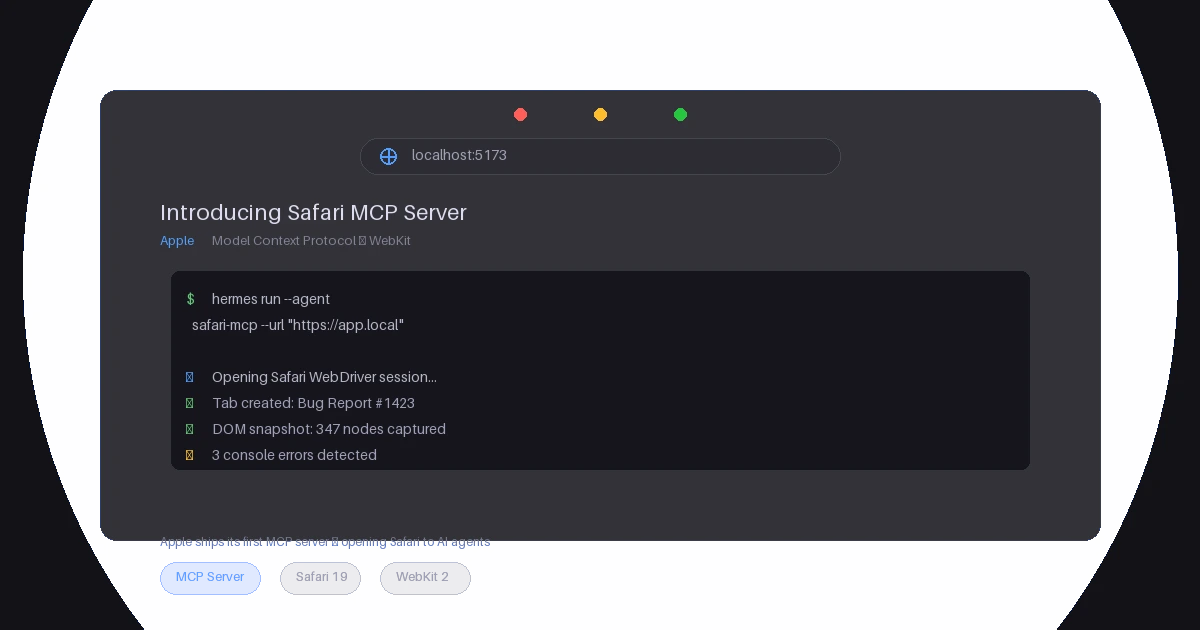
#mcpSafari MCP Server — Apple Just Gave MCP Its Biggest Endorsement Yet
Apple's WebKit team released an official MCP server for Safari, letting AI coding agents inspect live web pages, evaluate JavaScript, capture screenshots, and more. Here's what it does, why it matters for the MCP ecosystem, and what Apple's entry signals about the protocol's trajectory.
 #openknowledge
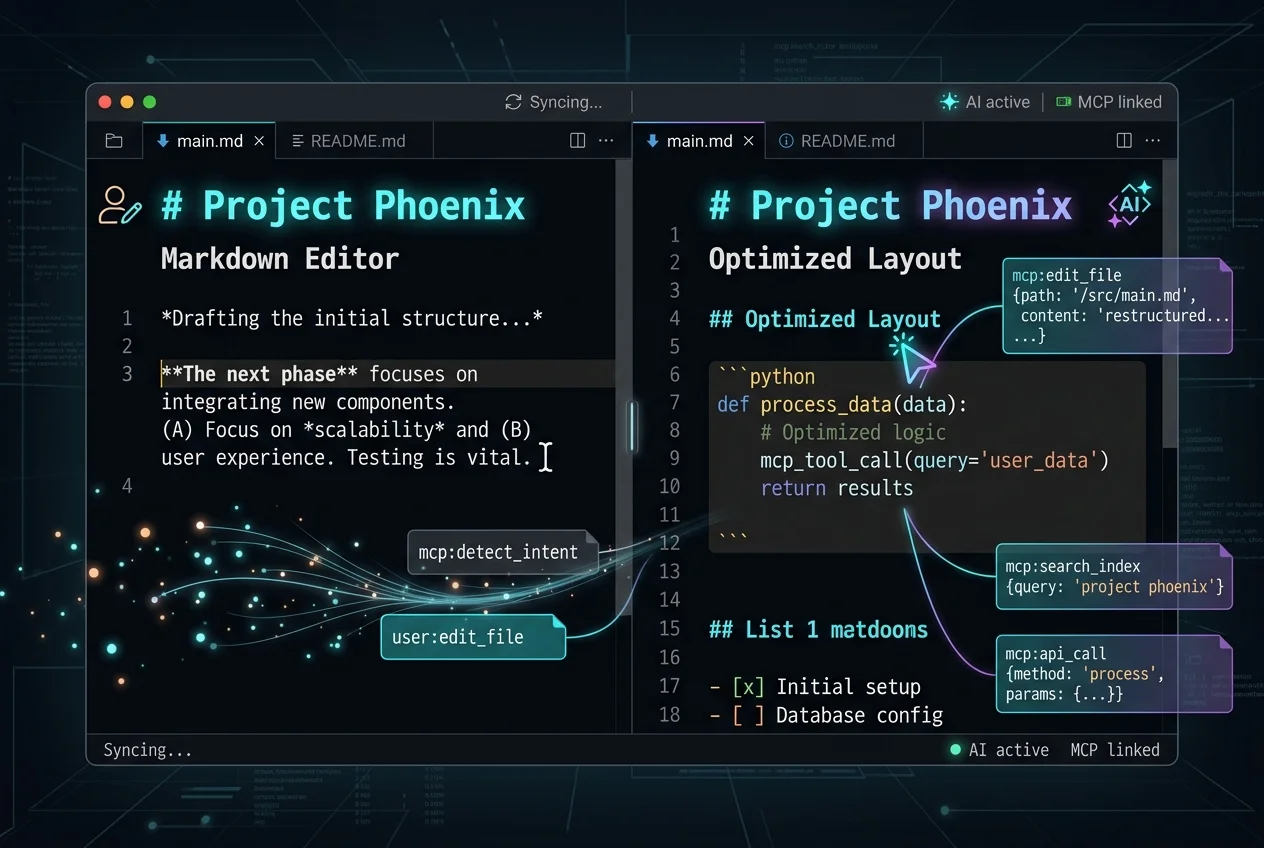
OpenKnowledge: The First Markdown Editor Built for Agents, Not Just Humans
Inkeep's open-source OpenKnowledge is a local-first, AI-native markdown editor and LLM wiki with built-in MCP integration. It treats AI agents as first-class editors — not an afterthought. Here's why that matters for the knowledge management landscape.