Monday, June 15, 2026
Gemini 2.5 Pro — 2M Token Context, Native Tool Use, and MCP Integration
Posted by

What Changed
Google's Gemini 2.5 Pro is shipping with a 2-million-token context window, native tool calling that operates over the full context (not a sliding subset), and direct Model Context Protocol (MCP) integration in Vertex AI. These aren't incremental updates — they change which agent architectures are viable and which aren't.
This guide covers the raw capabilities, the comparison against GPT-5.5 and Claude Opus 4.6, the prompt engineering adjustments you need to make at 2M tokens, and the patterns that actually leverage the full context window.
The 2M Token Context — What It Actually Means
Gemini 2.5 Pro's 2M input context window is the largest of any production model. For reference:
| Context Length | What Fits |
|---|---|
| 2M tokens | ~1.5M words — the entire Lord of the Rings trilogy plus The Hobbit, or ~1,500 pages of technical documentation, or a mid-sized codebase (~100K LOC with comments) |
| 1M tokens | ~750K words — the full Harry Potter series |
| 200K tokens | ~150K words — single long novel or a medium codebase |
| 128K tokens | ~96K words — single long technical report |
Where it breaks down. The needle-in-a-haystack (NIAH) benchmark shows Gemini 2.5 Pro achieves >99.7% recall at 1M tokens (Google Cloud Blog). At 2M, recall degrades measurably — expect ~95-97% for single facts buried in the middle third of the context, consistent with independent testing at extended context lengths (BetterLink analysis). The model remains coherent, but retrieval precision drops the further into the window you go and the more similar the surrounding text is to the target information.
The practical implication: for workloads where every token must be recallable (legal document review, audit trails), 2M is usable with appropriate prompt structure. For workloads where approximate retrieval is fine (codebase analysis, general research), 2M works near-perfectly.
Native Tool Calling Over the Full Context
Unlike some competitors that restrict tool-calling scope to a subsection of the context window, Gemini 2.5 Pro makes the entire context available during function calls. This matters more than it sounds.
How Gemini's Function-Calling Loop Works
Declare tool schemas → Gemini returns functionCall objects → your app executes them → send results back → Gemini synthesises a final answer
The critical detail: when Gemini calls a tool, it processes the full 2M-token context — not just a recent window. This means a tool call can reference something from 400,000 tokens back in the conversation or from a document loaded 1.5M tokens ago.
# Vertex AI SDK — declaring tools for full-context use
from vertexai.generative_models import GenerativeModel, Tool, FunctionDeclaration

search_tool = Tool(
    function_declarations=[
        FunctionDeclaration(
            name="search_knowledge_base",
            description="Search internal knowledge base. Full context available — results are synthesized with all prior context.",
            parameters={
                "type": "object",
                "properties": {
                    "query": {"type": "string"},
                    "max_results": {"type": "integer", "default": 5},
                },
            },
        )
    ]
)

model = GenerativeModel(
    "gemini-2.5-pro-001",
    tools=[search_tool],
    system_instruction=[
        "You have access to a 2M-token context window.",
        "Use it as working memory. Load documents upfront, then call tools with full awareness of everything already seen."
    ],
)
What Changes for Agent Architects
If you've been building agents with 128K-200K context models, the 2M window changes several design decisions:
-
Pre-load documents before tool loops. Instead of loading a document per tool call, you can batch-load your entire knowledge base into the initial user message. Subsequent tool calls can reference anything in context.
-
Fewer summarisation steps. With smaller contexts, agents summarise intermediate results to stay within limits. At 2M, you can keep raw results in context longer, deferring compression until the final synthesis step.
-
Larger tool result buffers. Tool results that would have forced truncation at 200K fit easily. A search that returns 50K tokens of results doesn't need aggressive trimming.
-
Context as database. For batch-analysis workloads, the context window itself becomes a queryable database. Load 500 customer records, then have the agent filter, compare, and extract patterns without external retrieval.
Where It Falls Short
Caveat:
Gemini 2.5 Pro's tool calling works reliably for simple to moderately complex tool schemas (1-3 tools, flat argument structures). It becomes fragile on deeply nested JSON argument schemas or chains requiring 10+ sequential tool calls. For multi-step orchestration with complex state passing, Claude Opus 4.6 remains more reliable.
Direct MCP Integration in Vertex AI
The MCP (Model Context Protocol) integration is the feature that makes Gemini 2.5 Pro interesting for agent builders outside Google's ecosystem.
How It Works
Vertex AI now supports MCP servers as first-class tool providers. You register an MCP server endpoint (currently stdio-based for local servers, HTTP-based for remote), and Vertex AI maps its tools into Gemini's function-calling schema automatically.
// Agent configuration — Vertex AI + MCP server
{
  "model": "gemini-2.5-pro-001",
  "tools": {
    "mcp_servers": [
      {
        "name": "codebase-tools",
        "transport": "stdio",
        "command": "node",
        "args": ["/path/to/mcp-codebase-server/index.js"]
      },
      {
        "name": "web-data",
        "transport": "http",
        "url": "https://mcp-web.example.com/sse"
      }
    ]
  },
  "system_instruction": "You have access to codebase tools and web tools via MCP."
}
This matters because MCP is a standard — an MCP server written for Claude or any other MCP-compatible client works with Gemini through Vertex AI with zero code changes. The tool schemas are discovered automatically via the MCP handshake protocol.
Supported MCP Features in Vertex AI
| Feature | Vertex AI Support |
|---|---|
| Tool discovery (listTools) | Yes — auto-mapped to Gemini function declarations |
| Tool execution (callTool) | Yes — synchronous and streaming |
| Resource templates | Yes — static and dynamic |
| Prompt templates | Yes |
| Stdio transport | Yes |
| HTTP/SSE transport | Yes (GA) |
| Streaming tool results | Yes |
| MCP authentication | Via Vertex AI IAM integration |
What This Enables
- Unified tool ecosystem. Write a MCP server once, use it with Gemini, Claude, and any other MCP-compatible agent framework.
- Drop-in replacement. If you have an agent built around Claude + MCP, you can swap the model to Gemini 2.5 Pro and keep the same tool stack.
- Google-native tooling. For workflows that need both MCP and Google services (Search Grounding, code execution, BigQuery), Vertex AI can serve both through the same agent loop.
Comparison: Gemini 2.5 Pro vs GPT-5.5 vs Claude Opus 4.6
Pricing
| Model | Input (per 1M tokens) | Output (per 1M tokens) | Context Window |
|---|---|---|---|
| Gemini 2.5 Pro | $1.25 (Vertex AI pricing) | $10.00 | 2M tokens |
| GPT‑5.5 | $5.00 (OpenAI pricing) | $15.00 | 256K tokens |
| Claude Opus 4.6 | $3.00 (Anthropic pricing) | $25.00 | 200K tokens |
Gemini 2.5 Pro is 2-4x cheaper on input and 1.5-2.5x cheaper on output than its closest competitors. For high-volume agent workloads that hit the context window hard, the savings compound quickly — a single 1M-token agent run costs $1.25 in input with Gemini vs $3-5 with competitors.
Agent Architecture Comparison
| Dimension | Gemini 2.5 Pro | GPT-5.5 | Claude Opus 4.6 |
|---|---|---|---|
| Context window | 2M tokens — best for full-codebase / full-document agents | 256K tokens — adequate for most workloads | 200K tokens — adequate but tight for long-running conversations |
| Tool call reliability | Good for simple-3 tool schemas; fragile on deep nesting | Best for complex multi-tool orchestration | Best for self-correcting coding agents |
| MCP support | Native in Vertex AI; partial in AI Studio | Via OpenAI Agents SDK adapters | First-class, most mature |
| Multimodal | Native (text, image, audio, video, code) | Native (text, image, audio) | Image only |
| SWE-bench Verified | 63.8% (Google blog) | ~60% | ~70% (Opus 4.6) |
| Best for | Cost-sensitive long-context agents, web-connected agents, multimodal pipelines | Complex API orchestration, enterprise workflows | Code generation, self-correcting agents, reliable tool chains |
| Availability | Vertex AI, AI Studio | OpenAI API (limited GA) | Anthropic API, AWS, GCP |
When to Pick Gemini 2.5 Pro
- Your workload benefits from 2M+ tokens of context. Codebase-level agents that need the full repository in context. Document processing at scale. Long-running analysis sessions.
- Cost is a primary constraint at scale. At $1.25/$10 per 1M tokens, Gemini 2.5 Pro is the cheapest frontier option. If your agent makes 100 calls a day averaging 200K input tokens, the monthly saving vs Claude Opus is meaningful.
- You need a unified MCP + Google-native tool stack. Vertex AI's ability to serve MCP tools alongside Google Grounding, BigQuery, and code execution in one agent loop eliminates the need for middleware.
- Multimodal inputs are central to your use case. Native video and audio understanding give Gemini 2.5 Pro capabilities no other frontier model matches.
When to Pick Something Else
- Your agent needs complex multi-step orchestration with strict reliability. GPT-5.5 handles 10+ step tool chains with nested argument schemas more reliably.
- Code generation and self-correction are the primary use case. Claude Opus 4.6 still leads on coding benchmarks and self-correcting agent workflows.
- You're already deeply integrated with OpenAI or Anthropic's ecosystem. The switching cost (API keys, SDKs, monitoring, team expertise) may outweigh the pricing and context advantages.
Prompt Design at 2M Tokens
Writing prompts for a 2M-token model requires different instincts than writing for 128K-200K models.
Where to Place Instructions
The most reliable structure for 2M-context prompts:
1. SYSTEM INSTRUCTION (top of context, always visible)
   — Model identity, behavior rules, output format
   — Stays in the first ~2K tokens

2. TOOL SCHEMAS (next 5-10K tokens)
   — Function declarations for tool use
   — Known to work well when placed before data

3. REFERENCE DATA (middle, bulk of context)
   — Documents, codebases, conversation history
   — The largest section, 100K–1.9M tokens

4. CURRENT TASK / USER QUERY (last section)
   — What to do with the reference data
   — Fresh input at the end of context
Why this works. Gemini 2.5 Pro's attention mechanism shows a U-shaped pattern — it pays most attention to the very beginning and the very end of context, with accuracy dipping in the middle third (Lost in the Middle, Liu et al., 2024). By placing instructions and tool schemas at the start and the current query at the end, you maximise attention on both. The reference data sits in the middle, where recall is slightly lower but still functional.
Anti-pattern:
Don't bury system instructions in the middle of the context. If your system prompt lands at token 300K of 2M, expect degraded instruction-following. Place it in the first 1% of context.
Context Caching for Cost Efficiency
Vertex AI supports context caching, which is essential when working with 2M tokens:
# Context caching — pay once for static reference data
from vertexai.generative_models import CachedContent

cache = CachedContent(
    model_name="gemini-2.5-pro-001",
    contents=[
        # Your reference documents — loaded once, reused across turns
        {"role": "user", "parts": [{"text": full_codebase_text}]}
    ],
    ttl="300s",  # Cache lives for 5 minutes
)

# Reuse across multiple queries without re-uploading 2M tokens
model = GenerativeModel.from_cached_content(cached_content=cache)

# Each query only costs for the new input, not the cached portion
response = model.generate_content("Find all places where we handle authentication...")
Without caching, every 2M-token query costs $2.50 for input alone. With caching, only the delta (query + any appended results) is billed.
Agent Architecture Patterns for 2M Context
Pattern 1: The Full-Codebase Agent
The most obvious application of 2M context is dropping an entire codebase into context and asking questions about it.
# Pseudocode — Full-codebase agent
codebase_tokens = tokenize_all_files("/path/to/repo")
# ~100K-1.5M tokens depending on repo size

messages = [
    {"role": "system", "content": "You are a codebase expert. Analyze the full codebase and answer questions."},
    {"role": "user", "content": f"Full codebase:\n\n{codebase_tokens}\n\n---\n\nQuestion: How does authentication flow work end-to-end?"}
]
When this works. Repos under ~500K tokens with modular structure. The model traces calls across files because the entire graph is in context.
When it doesn't. Repos over ~1.5M tokens where the attention U-curve means code in the middle is invisible for cross-referencing. Monorepos with deeply entangled dependencies.
Pattern 2: Long-Running Document Analysis
Loading 50-100 documents upfront and having the agent cross-reference them over hours of conversation.
Session flow:
 1. Load 100 PDFs into context (1.8M tokens)
 2. "Find all references to clause 14 across these contracts" → tool call with full context
 3. "Cross-reference pricing with Company X's standard terms" → tool call, still has all contracts
 4. "Generate a comparison table" → synthesis, retains all original documents
The key insight: with 2M context, you don't need to retrieve per question. You load everything upfront and let the model's internal attention serve as the retrieval mechanism. This eliminates RAG latency for workloads where the corpus fits in one context window.
Pattern 3: Multi-Agent Orchestrator with Flash Sub-Agents
Google positions Gemini 2.5 Pro as the orchestrator in multi-agent setups, with Gemini 2.5 Flash instances as sub-agents.
Gemini 2.5 Pro (orchestrator) — full 2M context
  ├── Gemini 2.5 Flash (research sub-agent) — assigned a document chunk
  ├── Gemini 2.5 Flash (coding sub-agent) — working on one module
  └── Gemini 2.5 Flash (validation sub-agent) — checking results
The orchestrator holds the entire problem context, decomposes tasks, and passes focused work to cheaper Flash sub-agents. This is cost-efficient — Flash is $0.15/$0.60 per 1M tokens (Google AI pricing), roughly 10x cheaper than Pro.
Pattern 4: Context-as-Database for Batch Analysis
For structured data analysis where the dataset fits within 2M tokens, skip traditional databases entirely:
Load 5,000 customer support tickets into context (~1.5M tokens)
Query: "Find all tickets mentioning 'refund' from users on the enterprise plan,
        group by category, and identify the top 3 recurring issues."
This works because Gemini 2.5 Pro can filter, sort, and aggregate within the context window. It's not replacing SQL for petabyte-scale workloads, but for mid-size datasets, it's dramatically faster to prototype.
Pitfalls
1. Attention Degrades in the Middle of Long Contexts
The U-shaped attention curve is real. Facts placed in the middle third of a 2M-token context have measurably lower recall rates than facts at the start or end (Lost in the Middle paper). Mitigation: structure your prompts so the most important information (instructions, current query) lives at the boundaries, and bulk reference data sits in the middle.
2. Tool Calls Add Latency at 2M Tokens
Each tool call processes the full context. At 2M tokens, expect 15-30 seconds per generation, even before tool execution time. An agent loop with 5 tool calls takes 2-3 minutes minimum. Plan for this in user-facing applications — streaming responses help, but don't eliminate the perception of latency.
3. Cost Can Bite Without Caching
2M tokens × $1.25/1M = $2.50 per input-only call. A 10-turn agent conversation without caching costs $25+ in input tokens alone. Context caching is not optional for production use.
4. Deep Nesting in Tool Schemas Causes Failures
Gemini 2.5 Pro struggles with tool schemas that have deeply nested $ref or oneOf structures. If your MCP server exposes tools with complex argument hierarchies, test extensively before relying on them in production. Flatten argument schemas where possible.
5. MCP Server Availability Gap
While Vertex AI supports MCP, the Gemini API and AI Studio have inconsistent MCP support. If you're not on Vertex AI, you'll need to build your own MCP adapter layer (or use one from the community). Check your exact deployment target before architecting around MCP.
6. SWE-bench Score Does Not Tell the Full Story
Gemini 2.5 Pro scores 63.8% on SWE-bench Verified (Google announcement) — behind Claude Opus 4.6 (~70%). But SWE-bench measures single-agent coding with limited context. Gemini's advantage in context length doesn't show in SWE-bench because the benchmark's tasks don't require 2M tokens. Evaluate on your workload, not benchmarks designed for smaller contexts.
The Bottom Line
Gemini 2.5 Pro is the best option if (a) your workload genuinely benefits from 2M+ token context, (b) cost-per-token is your primary constraint, or (c) you're building multi-modal agents that need to understand images, audio, and video natively. The MCP integration in Vertex AI makes it a credible alternative to Claude for teams already invested in MCP tooling.
It is not the best option if you need deeply reliable multi-step tool orchestration (pick GPT-5.5) or state-of-the-art code generation with self-correction (pick Claude Opus 4.6).
The models are converging in capability but diverging in specialization. Pick the one whose strong suit matches your bottleneck.
Related: put MCP orchestration into practice with the Autonomous Researcher blueprint.
Related Articles & Deep Dives
 #mcp
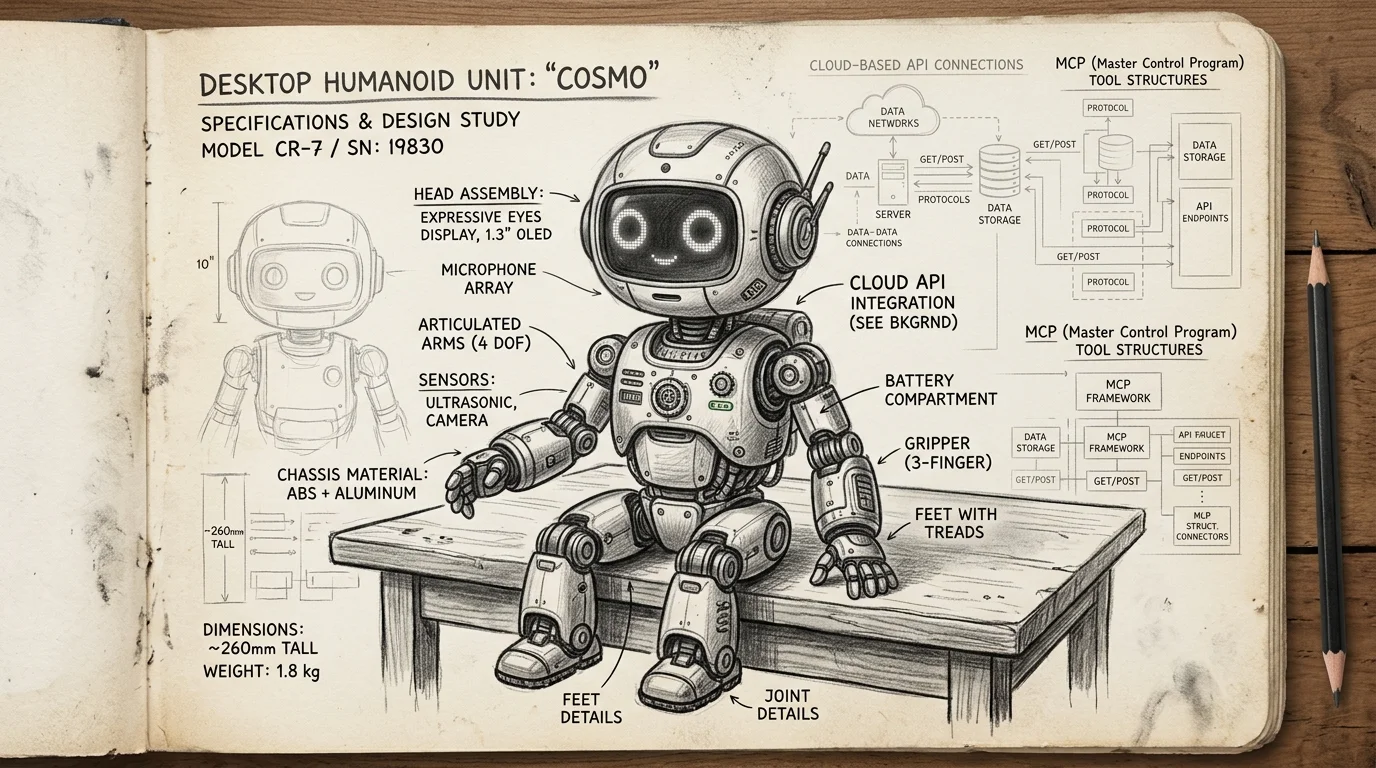
#mcpMCP Just Crossed Into the Physical World — Reachy Mini Robots Can Now Run Remote MCP Tools
Pollen Robotics' Reachy Mini can now add MCP tools from Hugging Face Spaces — web search, weather APIs, anything — without modifying the robot's code. This is the first real bridge between MCP and embodied AI, and it changes how we think about hardware abstraction for agents.
 #mcp
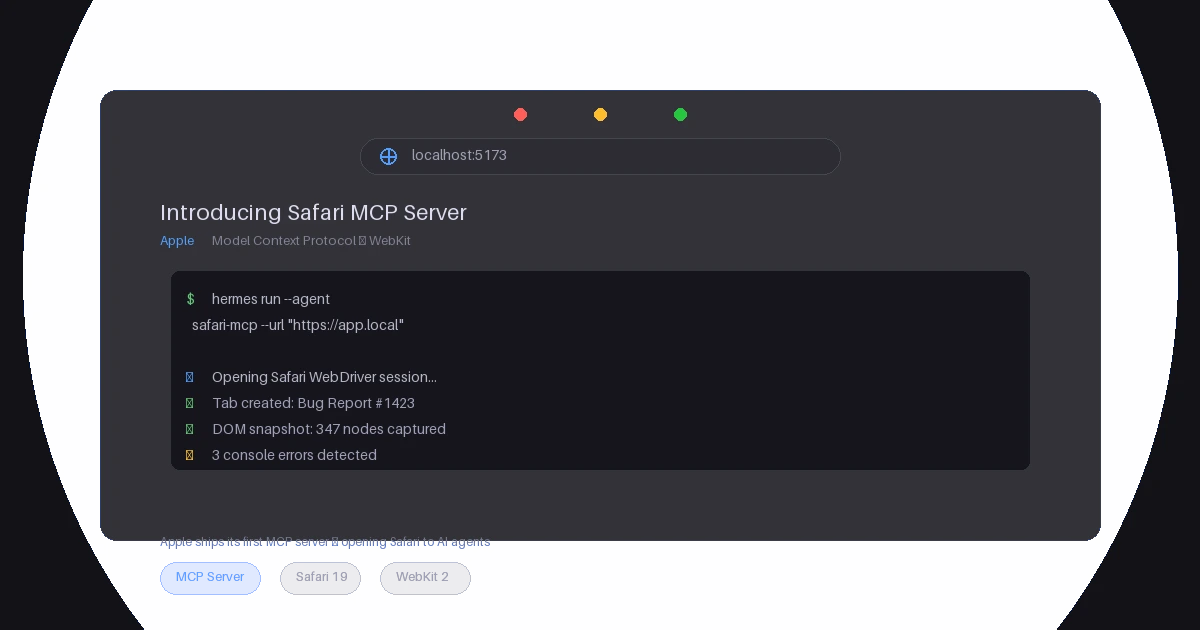
#mcpSafari MCP Server — Apple Just Gave MCP Its Biggest Endorsement Yet
Apple's WebKit team released an official MCP server for Safari, letting AI coding agents inspect live web pages, evaluate JavaScript, capture screenshots, and more. Here's what it does, why it matters for the MCP ecosystem, and what Apple's entry signals about the protocol's trajectory.
 #ibm
#ibmVAKRA Is IBM's Reality Check for AI Agents – and It's Brutal
IBM Research dropped a benchmark that actually tests whether agents can complete multi-step enterprise workflows end-to-end — mixing APIs, document retrieval, and natural-language policy constraints. The results: models fail dramatically, and the failure modes reveal where the real gaps are.