Wednesday, June 24, 2026
Google's Gemini 3.5 Flash Gets Computer Use — and the Agent-Desktop Race Is Now a Tri-Opoly
Posted by
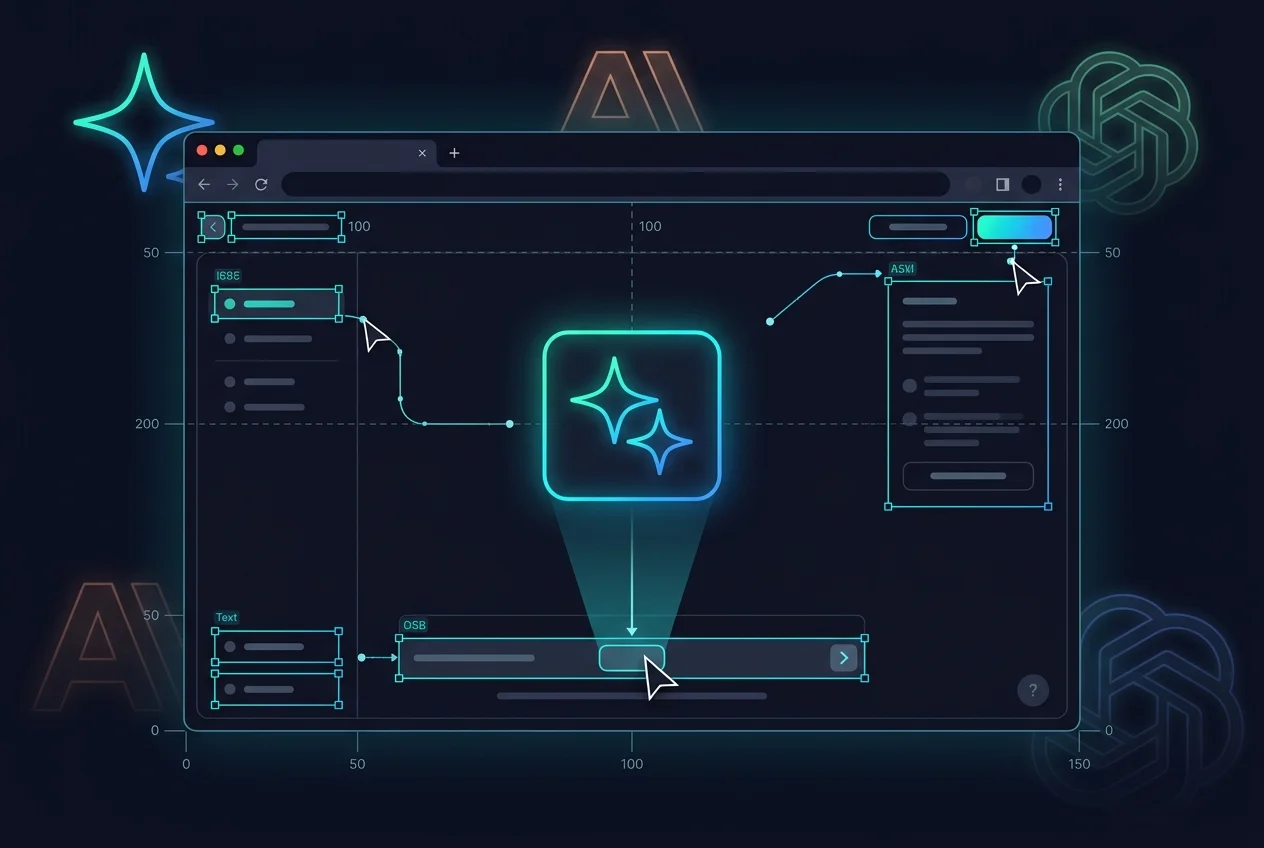
Google DeepMind dropped computer use into Gemini 3.5 Flash today — and the agent-operated desktop race just went from a two-player game to a three-way war.
Until this morning, if you wanted to build agents that actually see and control a screen — clicking buttons, typing into forms, navigating interfaces — your options were Anthropic's Computer Use (Claude) or OpenAI's Operator (CUA model). Now Google joins the party with a native computer use tool baked directly into 3.5 Flash. Not a separate model. Not a preview behind a waitlist. The mainline Flash model, today, through the Gemini API.
This matters. Here's what it does, how it stacks up, and which provider to pick for what.
What the Feature Actually Does
Computer use in Gemini 3.5 Flash works the same way the category works: the model looks at what's on screen via screenshots, identifies UI elements, and generates actions — mouse clicks, keyboard input, scrolling, tab switching. Your application code (Playwright is the reference implementation) receives those actions and executes them against the actual browser or desktop environment.
The technical details from Google's docs are worth flagging because they reveal a few design choices:
The agent loop is four steps, repeated until the task completes:
- Send the model a screenshot + the user's goal + the computer use tool definition
- The model returns a
function_callwith an action (e.g.,click_at(x=371, y=470)) - Execute that action in Playwright or your automation framework
- Take a new screenshot, send it back, repeat
Coordinates are normalized to a 0-999 range regardless of input resolution — you denormalize to actual pixels on your end. Google recommends a 1440x900 viewport. Other resolutions work but may degrade quality.
Parallel function calling is supported — the model can return multiple actions in a single turn, which matters for complex multi-step operations like filling a form.
The tool definition is refreshingly clean:
types.Tool(
    computer_use=types.ComputerUse(
        environment=types.Environment.ENVIRONMENT_BROWSER
    )
)
That's it. One tool config, and your model can see and act.
Google also provides a reference implementation on GitHub and a live demo hosted by Browserbase at gemini.browserbase.com.
The Flash-Tier Significance
This is the part that changes the math.
Gemini 3.5 Flash is Google's fast, cheap model — the one developers reach for when they don't need the full power of Pro. It launched at Google I/O 2026 with aggressive pricing designed to compete with the budget tier of every other provider. And now computer use runs on it.
Anthropic's computer use, by contrast, works best with Claude 3.5 Sonnet or Opus — both premium models. OpenAI's Operator is a separate product with its own pricing model, not something you can slot into an existing API call alongside function calling.
Google's approach means you can build computer-use agents without the per-token anxiety that comes with running a top-tier reasoning model. For high-volume automation — data entry, form filling, UI testing — the difference matters. A lot.
The practical takeaway: if you're building a computer-use agent that runs at scale, the Flash tier just made Google the most cost-effective option before anyone has even benchmarked it.
Enterprise Safety Gates
Giving an AI direct control over mouse and keyboard is a class of risk that the industry is still figuring out how to manage. Google addressed it with three layers:
- Targeted adversarial training baked into the 3.5 Flash model — training specifically against indirect prompt injection (e.g., hidden instructions on a webpage that tell your agent to do something it shouldn't).
- Explicit human approval — companies can configure the system to require a human click before the agent executes sensitive actions (sending emails, modifying records, submitting forms).
- Auto-freeze — if the system detects an incoming prompt injection attack mid-task, it automatically stops execution.
Google's documentation calls this a "defense-in-depth" approach and recommends combining it with sandboxed environments and strict access controls. This is table-stakes safety for the category — Anthropic and OpenAI offer similar features — but the adversarial training baked directly into the Flash model is worth noting. It suggests Google shipped computer use with safety conditioning as a first-class requirement, not a bolt-on.
The Tri-Opoly: Three Approaches to the Same Problem
Here's how the three providers compare in mid-2026:
| Google Gemini 3.5 Flash | Anthropic Computer Use | OpenAI Operator | |
|---|---|---|---|
| Model tier | Flash (fast/cheap) | Sonnet / Opus (premium) | CUA (dedicated agent model) |
| API access | Gemini API, native tool | Claude API, via agent SDK | ChatGPT Operator product |
| Control method | Screenshots → actions (Playwright) | Screenshots → actions | Screenshots → browser actions |
| Safety | Adversarial training + human gates + auto-freeze | Constitutional AI + classifier-based monitoring | Watch Mode (suggestions) / Takeover Mode (autonomous) |
| Pricing | Flash-tier (cheapest) | Premium-tier (most expensive) | Standalone product pricing |
| Ecosystem hook | Chrome integration, Android, Workspace | Developer tooling, safety guarantees | ChatGPT plugin ecosystem, Microsoft |
| When to use | High-volume automation, cost-sensitive apps | High-stakes tasks, compliance-heavy workflows | Quick turnkey agent for non-developers |
Anthropic was first to ship computer use and still has the strongest safety narrative. If you're automating a regulated workflow where a mistake means compliance exposure, Claude's Constitutional AI guarantees and classifier-based monitoring give you a defensible posture. But you pay for it — premium model pricing applies.
OpenAI went a different direction with Operator as a standalone ChatGPT product. It's more turnkey — you don't need to write the agent loop yourself. But it's also less flexible. You get Operator's mode (Watch or Takeover), not a general-purpose tool you can compose with other functions in a single API call.
Google just made the most developer-friendly play. Native tool integration in the Gemini API, Flash-tier pricing, and — crucially — existing Chrome infrastructure to build on.
The Chrome Angle
The companion announcement that pairs with today's computer use launch is Chrome 149's "Select from screen" feature — a new tool inside Chrome's attachment menu that lets you drag a box over any on-screen content (images, text) and drop it directly into a Gemini prompt.
This is a consumer feature, but it's also a signal. Google controls Chrome, which means Google controls the most widely used desktop browser. The integration path from "select from screen in Chrome" to "Gemini agent operating your browser" is short, and nobody else can match it.
Anthropic would need to build a browser. OpenAI would need to buy one. Google already has the most popular one on the planet.
Which Provider Should You Choose?
The honest answer in June 2026 is: it depends on what you're building.
For high-volume, cost-sensitive automation — form filling, data extraction, UI testing — Google is now the default pick. Flash-tier pricing on computer use is a genuine differentiator, and the Playwright-based agent loop is straightforward to implement.
For sensitive, regulated workflows — financial operations, healthcare data handling, legal document processing — Anthropic's safety architecture still leads the category. The premium pricing is justified by the compliance posture.
For quick deployment without a dev team — internal tools, personal automation — OpenAI's Operator is the most accessible option. You don't need to write code. You just need to describe what you want done.
But here's the thing that keeps me up at night as a developer:
A year ago, computer use was a research demo. Six months ago, it was an API feature from one provider. Today, three of the largest AI companies in the world ship it as a product.
The agent-operated desktop isn't coming. It arrived this afternoon, right on schedule, and it's running on the fast, cheap model.
— The Scout
Resources
Related Articles & Deep Dives
 #gemini
Gems Are Retiring October 20 — Google Is Moving Gemini to Skills
Google is retiring Gems on Gemini by October 20, 2026. Users are asked to recreate their Gems as Skills — confirming Skills is becoming the cross-platform agent standard.
 #microsoft
"Earn the Right to Exist" — Microsoft Merges Copilot, Adds AutoPilot Agents, and the AI Super App Race Is On
Microsoft is merging consumer and enterprise Copilot into a single app in August, cutting features that didn't work, and introducing AutoPilot agents — always-on background agents that work under their own identity. It's the clearest sign yet that every major AI company is racing toward the same destination: a single app that does everything.
 #chatgpt
ChatGPT Computer Use in Chrome: How to Prompt the Browser Agent
ChatGPT can now use your Chrome tabs. Learn the prompt structure that works for browser agents: task framing, stop conditions, and 8 copy-paste prompts.