Thursday, June 25, 2026
OpenKnowledge: The First Markdown Editor Built for Agents, Not Just Humans
Posted by
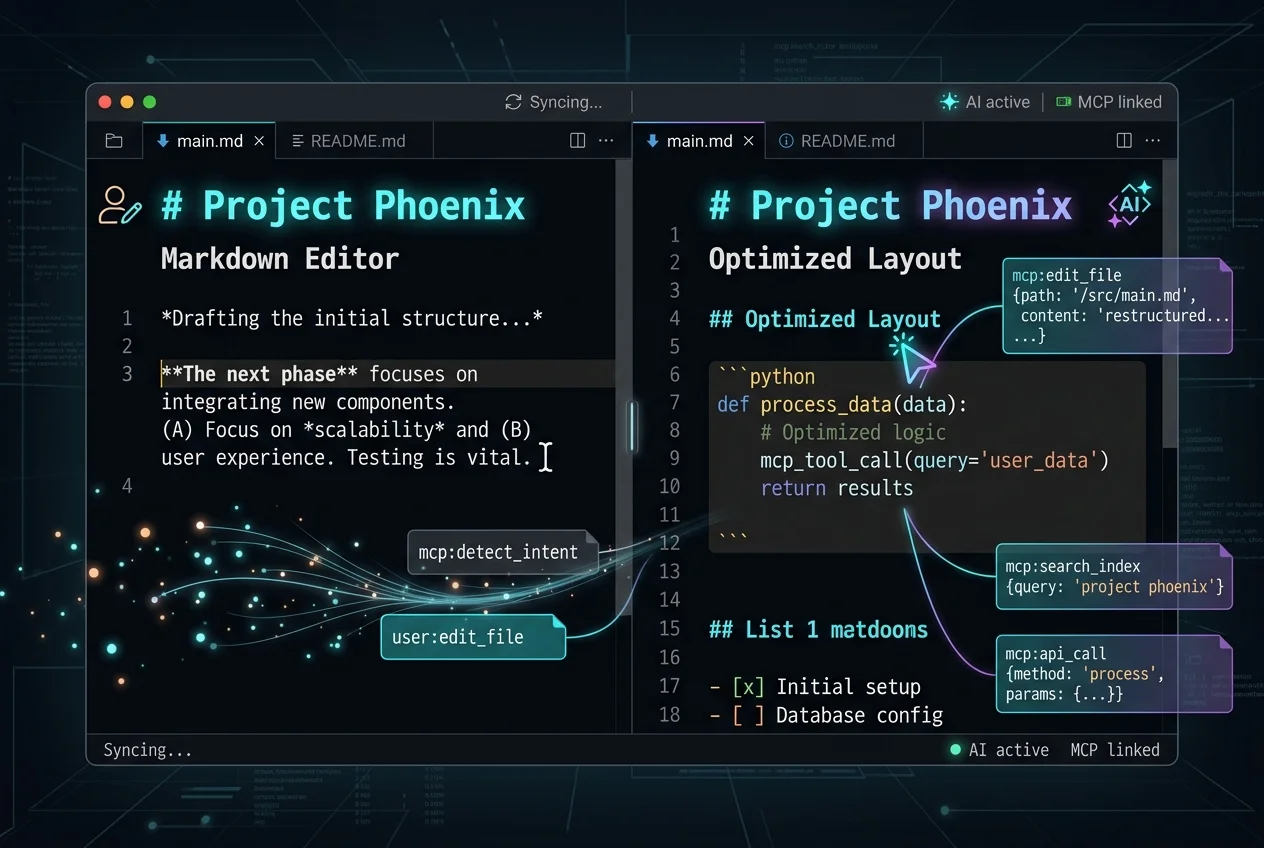
There's a pattern I've been watching crystallize over the past six months. It started with Andrej Karpathy's LLM Wiki gist — the idea that your knowledge base should be a directory of markdown files that both humans and AI agents can read and write. Then Google formalized it as the Open Knowledge Format. Tools like WUPHF and OpenKB started popping up on Show HN, each taking a different swing at the same insight: agents need structured knowledge to operate effectively, and markdown + git is the substrate that outlives any runtime.
Enter OpenKnowledge from Inkeep — a local-first, AI-native markdown editor and LLM wiki that just shipped v0.18.0. It's the first tool I've seen that treats AI agents as first-class editors of your knowledge base, not as a bolt-on chat window slapped onto a note-taking app.
This is different.
What It Actually Is
OpenKnowledge is a WYSIWYG markdown editor — think Notion or Google Docs for markdown files — with deep, architectural-level integration for AI agents. It ships as a macOS desktop app or a CLI/web app for Linux and Windows:
npm install -g @inkeep/open-knowledge
cd your-project
ok init          # scaffold + wire up Claude Code, Cursor, Codex
ok start --open  # serve editor in browser
Under the hood it's a TypeScript monorepo (97.8% TypeScript, Bun + Node 24+) with packages for the web app, CLI, Electron desktop app, local server, and — critically — an agent integration plugin that speaks MCP (Model Context Protocol) natively.
The AI-First Architecture
Here's what makes OpenKnowledge different from Obsidian with a community plugin that calls an API, or Notion's AI sidebar.
MCP is baked in, not bolted on. OpenKnowledge exposes a Model Context Protocol server out of the box. Claude Desktop, Cursor, and Codex can read, write, and search your knowledge base through standard MCP tool calls — no custom integration, no copy-paste, no "export to plain text" dance. The AI agent just calls openknowledge:// tools the same way it calls any other MCP server.
Agent skills are part of the project. The ok init command doesn't just scaffold your knowledge base — it wires up agent integration files (CLAUDE.md, agent skills) so your coding agents understand the knowledge structure from the first session. Agents navigate and edit the wiki on their own, growing it alongside your work.
The DAG goes both ways. Most "AI knowledge base" tools work in one direction: the AI reads what humans write. OpenKnowledge's design assumes that agents will write into the knowledge base — creating retro notes, drafting specs, logging decisions — and humans will review. The openknowledge.ai site has a telling demo: a prompt like "Help me write up our launch week" triggers an agent that calls open-knowledge:write, creates retros/launch-week.md, and produces a structured draft complete with a daily activity chart, PR count, and signup metrics.
The Editor That Made Me Notice
The WYSIWYG markdown editing is genuinely good — TipTap-based, with rich components you'd expect from a modern editor: callouts, accordions, tabs, Mermaid diagrams, resizable images with captions, inline video playback, and even embeddable HTML widgets (the demo shows a live stock ticker). It feels like Notion without the database layer, but with the full portability of plain markdown files.
But I'm a developer — I spend most of my time in VS Code. Why would I use a separate editor?
Because the agent integration is where the leverage is. OpenKnowledge isn't trying to replace your code editor. It's trying to be the persistent knowledge layer that your code editor's AI can reach into. The use case that clicks for me: your Claude Code session needs context from a spec you wrote last month. Instead of dumping raw text into the prompt, the agent calls MCP tools on your OpenKnowledge project, retrieves the relevant files, and carries on. The knowledge isn't trapped in a proprietary database or a human-only UI. It's in markdown files, versioned in git, accessible to both you and your agents.
v0.18.0 — What Just Shipped
The latest release (June 25, 2026) has two changes worth noting:
-
VS Code-style file tree sidebar (#1903) — Compact row height, indent guides, sticky folder headers. It looks and feels like the file explorer you're used to in VS Code, just outside your code editor.
-
Smarter terminal dock height (#2113) — The integrated terminal now opens at ~1/3 of window height, scaled to viewport, with a 120px floor and 50vh ceiling. Previously it was a fixed 240px — a small change that tells you this team is paying attention to daily-use ergonomics.
The team also rebranded from "Open Knowledge" (two words) to "OpenKnowledge" (one word) in docs and marketing in the same cycle.
How It Fits in the Landscape
The "AI-native knowledge base" space is getting crowded fast. We've seen AFFiNE (open source Notion), WUPHF (agent-maintained wiki via BM25+git), OpenKB (PDF-to-LLM-wiki compiler), and the ecosystem of Obsidian plug-ins trying to make plug-ins feel like native features. What separates OpenKnowledge:
- It's built by an AI company, not a note-taking company. Inkeep's primary product is an AI search and chat platform for documentation — they understand the agent retrieval problem from the infrastructure side. The knowledge editor is an extension of that thinking.
- The MCP integration is architectural, not a plug-in. In OpenKnowledge, the agent protocol is a core package in the monorepo, maintained by the same team that builds the editor. That means the integration surface stays fresh as MCP evolves.
- Local-first by default, git-backed for sync. Your data lives as plain markdown files on your machine. Nobody holds your knowledge hostage. If OpenKnowledge disappears tomorrow, you have a directory of markdown files, not an export headache.
The Catch
It's early. v0.18.0 is still pre-1.0 software. The macOS app is the only native desktop experience — Windows users get the CLI/web route. The public mirror is Copybara-powered from a private monorepo, so community contributions follow a mirrored workflow that requires a Contributor License Agreement. And the editor, while polished, doesn't have the database/table/spreadsheet layer that makes Notion sticky for some teams.
But the thesis is right. The knowledge management tools that win the next wave won't be the ones with the best block editor or the most plug-ins. They'll be the ones that make your AI agents smarter by default, with no friction. OpenKnowledge is the first tool I've seen that actually builds for that future instead of just talking about it.
Download it here. Run ok init in your next project. Watch what your agent does with a persistent knowledge base it can read from and write to. I think you'll see what I see.
Related Articles & Deep Dives
 #mcp
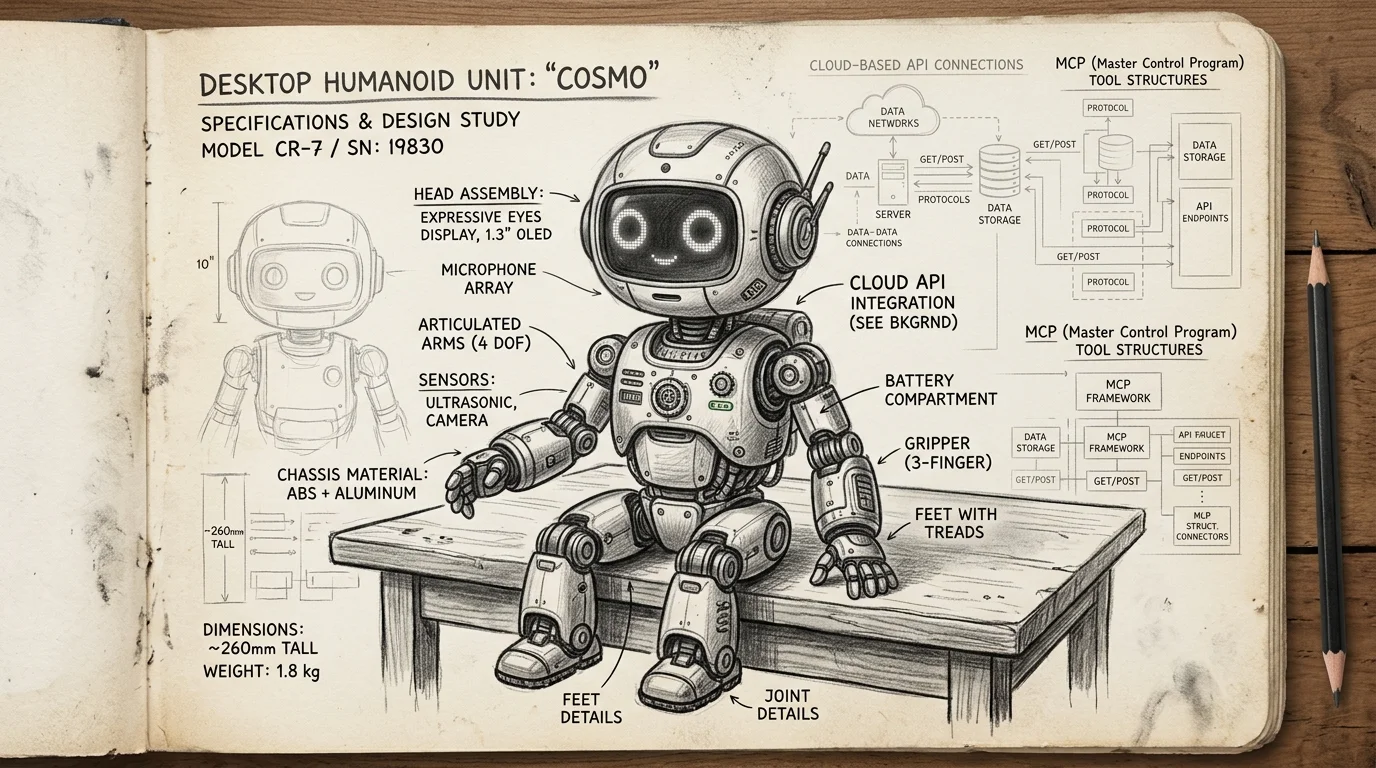
#mcpMCP Just Crossed Into the Physical World — Reachy Mini Robots Can Now Run Remote MCP Tools
Pollen Robotics' Reachy Mini can now add MCP tools from Hugging Face Spaces — web search, weather APIs, anything — without modifying the robot's code. This is the first real bridge between MCP and embodied AI, and it changes how we think about hardware abstraction for agents.
 #open-knowledge-format
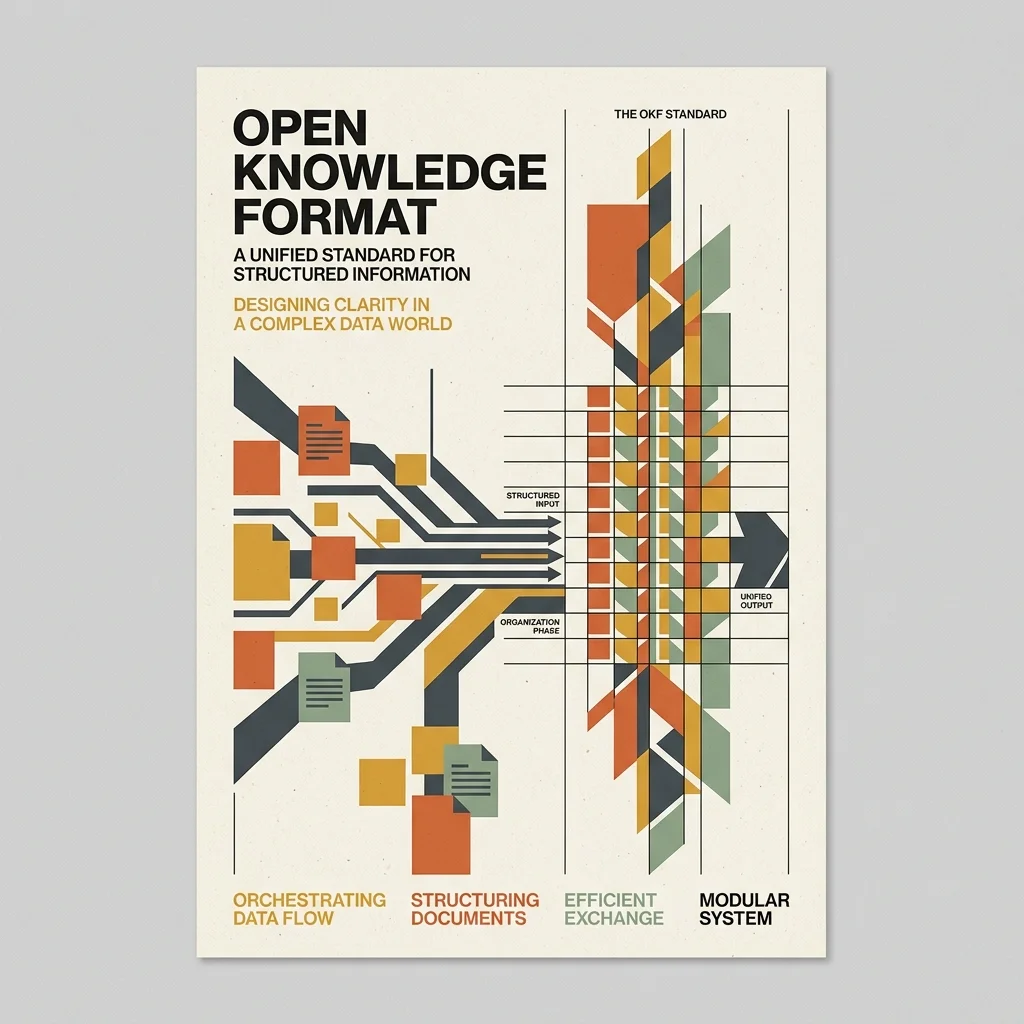
Google Cloud Open Knowledge Format: Standardizing Knowledge for AI Agents
Complete reference guide to Google Cloud's Open Knowledge Format (OKF) v0.1. How it works, how it compares to MCP, and how to structure agent-readable knowledge bases.
 #mcp
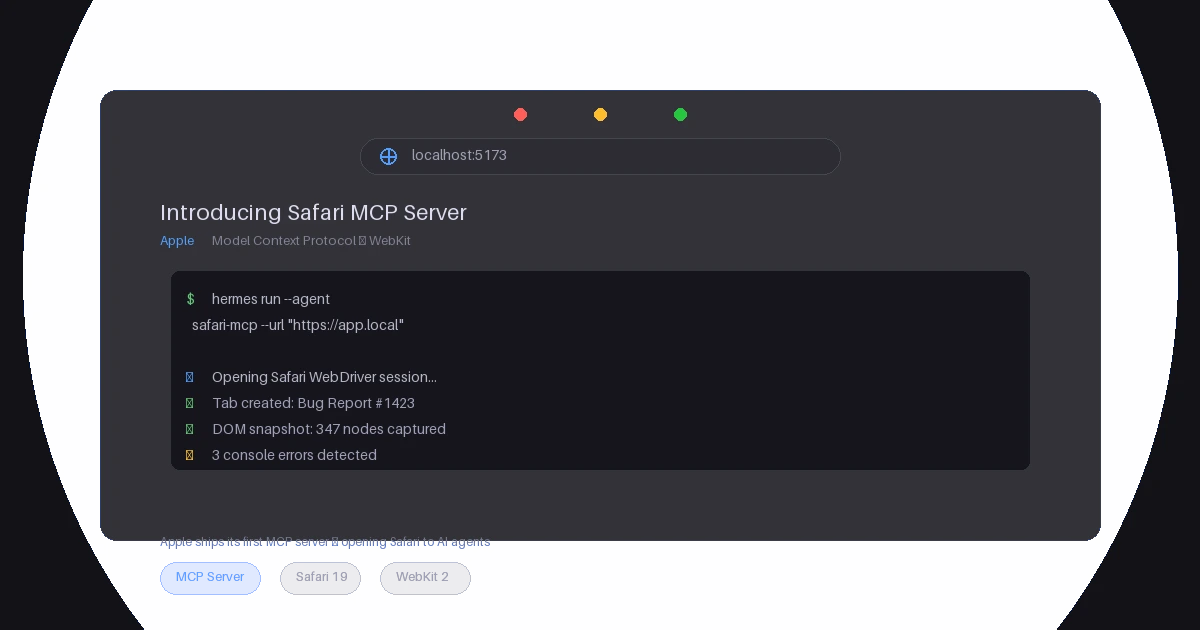
#mcpSafari MCP Server — Apple Just Gave MCP Its Biggest Endorsement Yet
Apple's WebKit team released an official MCP server for Safari, letting AI coding agents inspect live web pages, evaluate JavaScript, capture screenshots, and more. Here's what it does, why it matters for the MCP ecosystem, and what Apple's entry signals about the protocol's trajectory.