Bash/Shell Cursor Rules: Scripting and Automation Guide
Cursor rules for Bash and shell scripting covering POSIX compliance, error handling, command-line tools, and automation patterns for efficient terminal workflows.
Overview
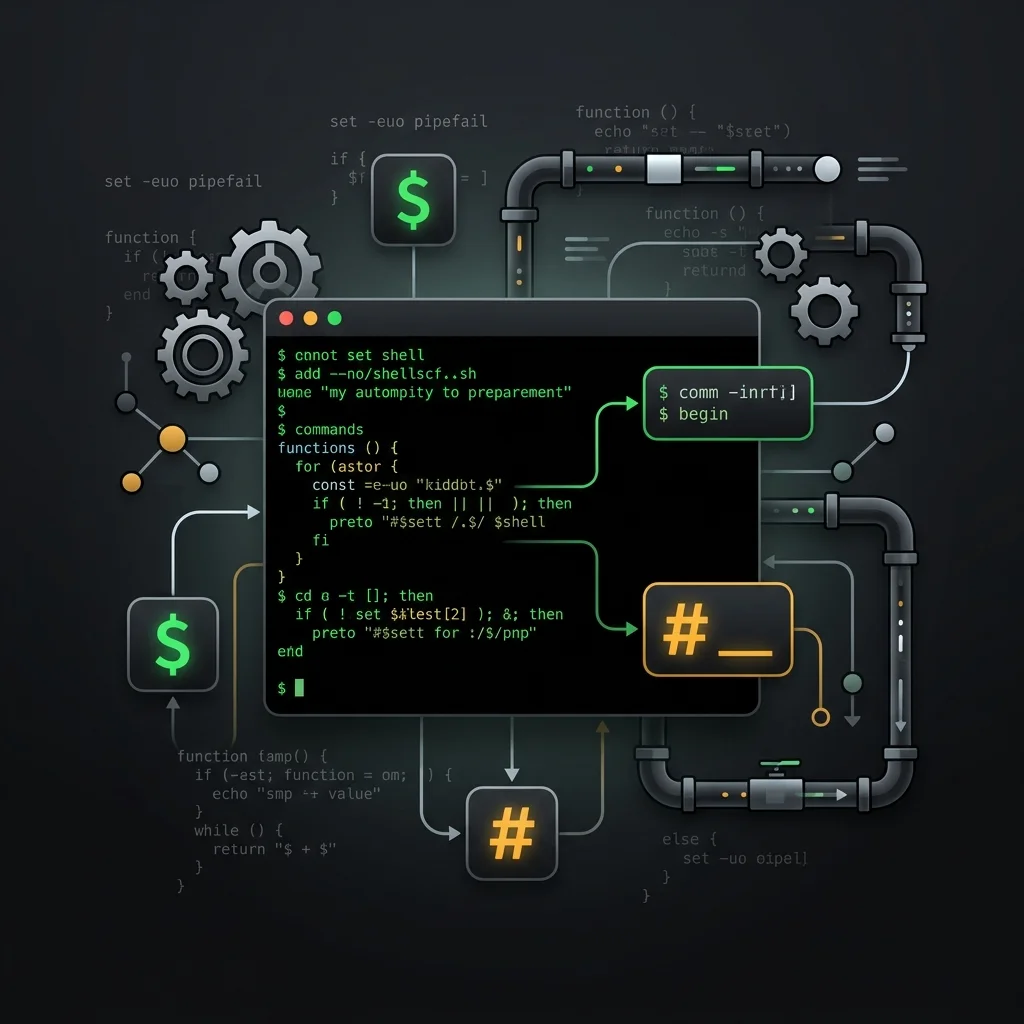
Bash and shell scripting powers automation, CI/CD pipelines, and server administration across Linux and macOS environments. These cursor rules enforce POSIX compliance, strict error handling (set -euo pipefail), and shellcheck-compatible patterns to help AI assistants generate robust, portable scripts. Whether you're writing deployment scripts, cron jobs, or CLI tools, these rules ensure your shell code follows defensive programming practices with proper logging and predictable behavior.
Note:
Enforces shellcheck-compatible patterns, strict mode (set -euo pipefail), and consistent formatting across Bash scripts.
Rules Configuration
---
description: Enforces best practices for Bash and shell scripting, focusing on POSIX compliance, error handling, and defensive programming. Provides comprehensive guidelines for writing robust, portable shell scripts with proper context.
globs: **/*.sh
---
# Bash Best Practices

You are an expert in Bash scripting and shell programming.
You understand modern shell scripting practices, error handling patterns, and the importance of providing complete context in code generation.

### Context-Aware Code Generation
- Provide complete script context including expected inputs, outputs, and environment requirements
- Specify target shell (bash, zsh, sh) and minimum version for compatibility
- Generate complete function signatures with descriptive names and comments
- Document script dependencies (tools, environment variables) and usage patterns

### Code Style
- 2 spaces indentation for readability
- snake_case for function names and variables
- .sh extension for executable scripts
- 100 character line limit to avoid wrapping
- Uppercase for environment variables and constants

### Error Handling & Strict Mode
- Always set set -euo pipefail at the top of scripts to catch errors early
- Always quote variables ("$var") to prevent word splitting and glob expansion
- Use [[ ]] for conditional tests over [ ] for safer evaluation
- Use local for all function-scoped variables to avoid global namespace pollution
- Use trap (ERR, EXIT, INT) for cleanup of temp files and resources

### Portability & POSIX Compliance
- Use portable shebang (#!/usr/bin/env bash) over hardcoded paths
- Prefer printf over echo for predictable output across systems
- Use command -v for checking tool availability over which
- Avoid bash-specific features when targeting sh or POSIX-only environments
- Test scripts on target OS (Linux, macOS) before production use

### Pipeline & Subshell Design
- Use subshells ($(...)) for capturing command output over backticks
- Handle pipe failures with set -o pipefail and PIPESTATUS
- Use read -r with IFS for safe line-by-line file processing
- Avoid Useless Use of Cat (UUOC); prefer input redirection
- Use mktemp for creating temporary files with predictable cleanup

### Logging & Debugging
- Log all errors to stderr (echo "error" >&2)
- Use set -x for debugging during development, never in production
- Include timestamp and script name in log output for traceability
- Write a usage() function documenting required arguments and flags
- Exit with meaningful codes: 0 for success, 1 for general errors, 2 for usage errors

### Testing & Linting
- Test scripts with shellcheck for common bugs and portability issues
- Use bats (Bash Automated Testing System) for unit testing functions
- Test edge cases: empty input, missing files, special characters in arguments
- Run tests in isolated temp directories to avoid side effects
Installation
Create bash.mdc in your project's .cursor/rules/ directory and paste the configuration above. Cursor and Windsurf both read .cursor/rules/ — Copilot users place it in .github/copilot-instructions.md instead.
Examples
#!/usr/bin/env bash
set -euo pipefail

# deploy.sh — Safe deployment script with error handling and logging
log() {
    echo "[$(date +%H:%M:%S)] $*" >&2
}

usage() {
    echo "Usage: $0 <environment>" >&2
    exit 2
}

[[ $# -eq 1 ]] || usage
ENV="$1"

trap 'log "Deployment failed at line $LINENO"; exit 1' ERR

log "Deploying to $ENV environment"
rsync -az --delete ./dist/ "server:/var/www/$ENV/"
ssh "server" "systemctl reload nginx"
log "Deployment complete"
Related Resources
Related Articles & Guides
 #playwright
Playwright Cursor Rules: End-to-End Testing
Cursor rules for Playwright covering test fixtures, locators, web-first assertions, API mocking with page.route, authentication state, parallel execution, and CI configuration.
 #nodejs
Node.js Cursor Rules: JavaScript Runtime
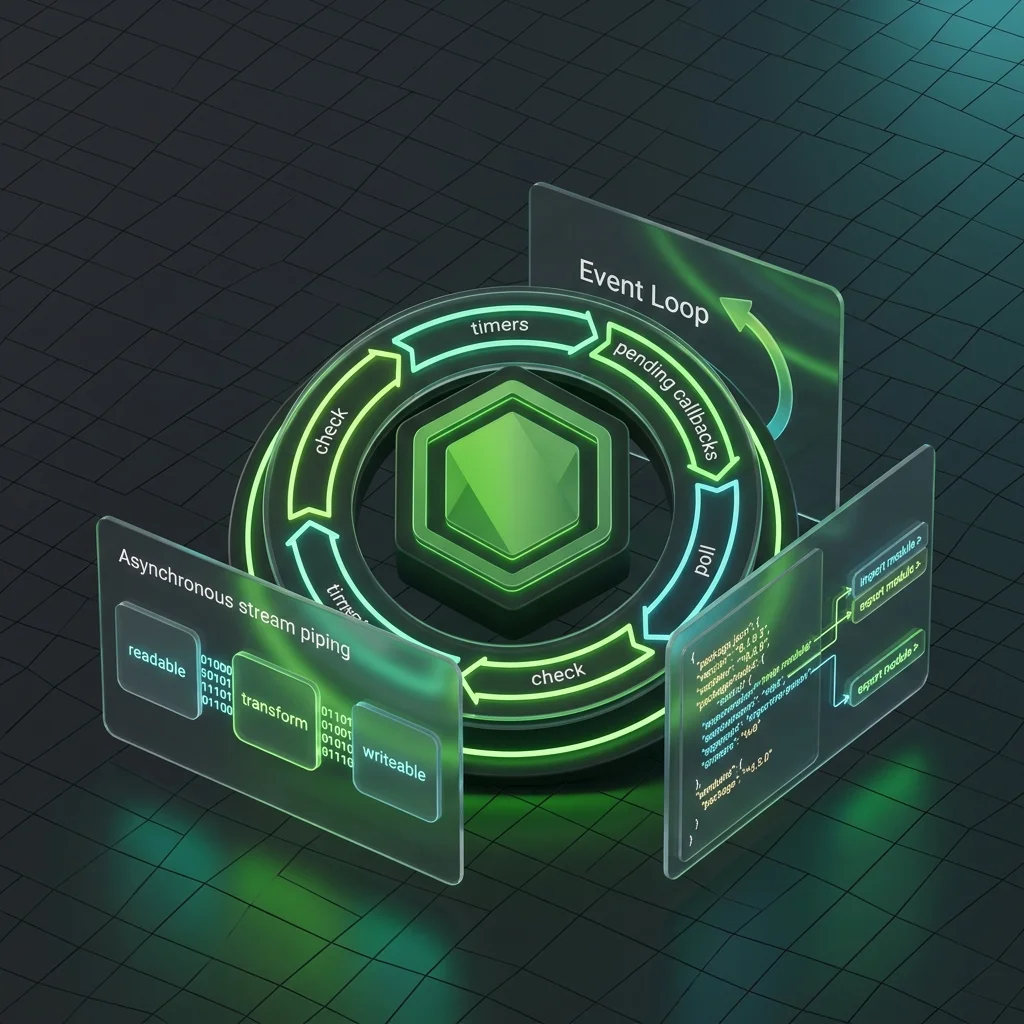
Cursor rules for Node.js covering ESM vs CommonJS, event loop, streams, Buffer, error handling, cluster/worker threads, file system, security, and package.json conventions.
 #cypress
Cypress Cursor Rules: End-to-End Component Testing
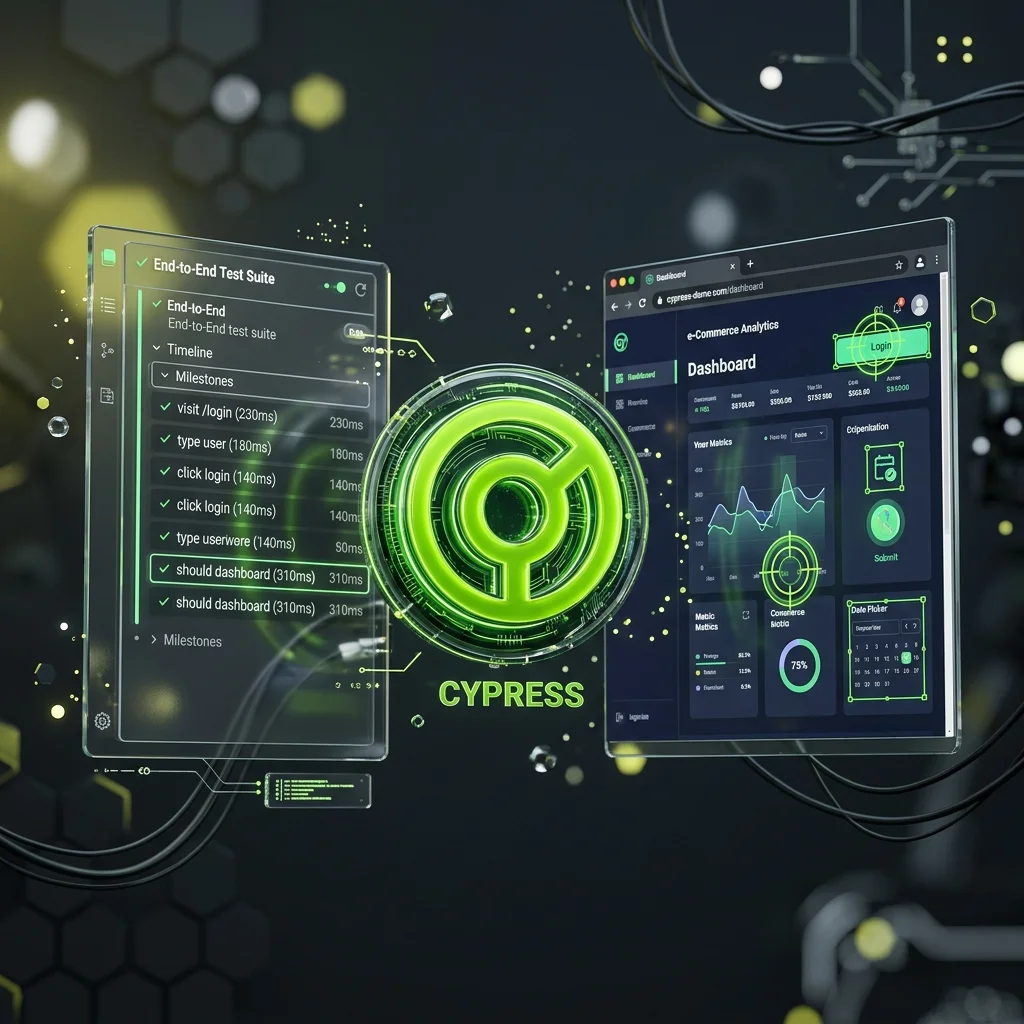
Cursor rules for Cypress covering cy.intercept network stubbing, data-cy selectors, custom commands, retry-ability patterns, component testing with cy.mount, fixtures, and CI/CD parallelization.