Sunday, October 18, 2026
Reverse Engineer Anything (REA): How to Prompt the MCP
Posted by
A single MCP server just passed 300,000 stars on GitHub — and most people still don't know what it actually does. REA, "Reverse Engineer Anything," at morluto/rea: the GitHub API put it at 313,210 stars and 79,391 forks when we checked on October 18. Matt Van Horn's post framing the milestone argues it's "not about 'oh, let's make an open source Photoshop'… It's about what this UNBLOCKS in our brains."
Strip the movement talk and REA is a specific tool: one MCP server that connects your coding agent — Claude Code, Codex, Cursor, Gemini CLI, Grok Build — to inspection tools for native binaries, JavaScript and Electron apps, .NET assemblies, Android APKs, websites, and more. See a feature you like; have your agent explain how it works, down to the binary level, with evidence attached.
What REA Actually Returns
The README's capability table is the honest spec. Depending on target:
- Native binaries — pseudocode, assembly, strings, symbols, calls and references. Requires Hopper, Ghidra, or IDA (setup can install Hopper after your approval; the others use existing installs).
- JavaScript / Electron apps — modules, imports, source maps, routes, IPC, and native add-on relationships. Needs nothing but Node and npm.
- Android APKs — manifest declarations, classes, decompiled methods (headless JADX plus a full JDK).
- Also: .NET assemblies (static), websites via a Chrome-family browser, HAR/SAZ network captures, firmware via Binwalk/Unblob, Flutter apps, Go and Rust binaries via built-in static inspection, and recorded process behavior.
Two design facts matter for how you prompt it. First, analysis runs locally — the FAQ states REA doesn't upload your app; your agent's model provider still has its own data policy. Second, findings come with evidence and limitations, which changes what a good prompt asks for: you're not asking for an answer, you're asking for a claim plus the evidence behind it.
Install
From the README, assuming Node.js 22.x (≥22.19), 24.x (≥24.11), or 26+:
# Registers the MCP server + workflow instructions with your agent
npx rea-agents setup

# Or install the CLI globally
npm install --global rea-agents
rea --help
npx rea-agents setup asks which agents to configure, shows the proposed changes, and backs up existing configs — approve, then restart your agent. Updates run with rea update; the README warns REA changes quickly and new releases carry frequent bug fixes.
Three Workflows
1. Feature archaeology on an Electron app (no native engine needed)
The cheapest workflow — static JavaScript analysis reads the files without running anything. A prompt shaped like the README's own example:
Understand how the clipboard sync works in this Electron app at
<path>, show me the evidence, and write up how it could be
implemented in my project. Start from the renderer's clipboard
API, trace it through preload and IPC into the main process.
That's the exact shape of REA's published Notion case study — clipboard API, through preload and IPC, into the main process. For your own target, name the feature and the boundary you suspect it crosses; REA returns modules and their relationships with the evidence for each claim.
2. Native binary deep-dive (needs Hopper, Ghidra, or IDA)
For compiled code, REA drives a decompiler through MCP and returns pseudocode and assembly. The DX-Ball showcase is the model: follow a sound call into its position-to-pan helper, inspect the instructions, and turn incomplete pseudocode into C — a reconstruction that passes 3,205 original-x86 cases and reproduces all 63 compiled function bytes.
Using REA, investigate how <target binary> computes <behavior>.
Give me pseudocode and assembly for the relevant functions, the
strings and symbols that support your reading, and list every
step where the decompiler output is ambiguous.
The last line is the important one. Decompiler output is incomplete by nature; a prompt that demands ambiguity flags gets you evidence to review instead of a confident guess.
3. Android APK walk-through (JADX + JDK)
Using REA on <app.apk>: extract the manifest declarations, list
the main activity classes, and decompile the methods behind the
<feature> flow. Show the decompiled source next to your summary
of what it does.
The README's Android guide links the full requirements — headless JADX and a full JDK on Linux/macOS/Windows x64. If you have a device or emulator, caller-supplied adb extends this to installed packages and running processes.
The same interest shows up in Ayo O's video: AI used to reverse engineer Subway Surfers, which drew questions about why game logic lives client-side at all.
The Legal Lines — Read Before You Prompt
REA's MIT license covers the tool, not your use of it. The README states the project's position plainly: REA is for "lawful research, education, interoperability, software preservation, and analysis of software you own or are authorized to examine." Two hard lines follow:
- Commercial tools stay commercial. You must legally obtain and be authorized to use IDA Pro/Hex-Rays, Hopper, and JEB under their licenses. REA grants no tool license, key, or activation; cracked copies and bypassed license checks are explicitly unauthorized.
- Ownership and authorization are your responsibility. The repo's disclaimer covers all versions and channels, but it's a floor, not a shield: reverse engineering an app or game you don't own — or that its terms of service forbid examining — is a legal question REA can't answer for you.
The security-research pattern — where a researcher said they could find the one-line fix by reverse engineering, without source code — is the legitimate end of this: analyzing software you're authorized to examine, to understand or harden it.
Why an MCP Server Is the Right Shape
REA is not a chatbot wrapper around Ghidra. It's the plumbing pattern that made MCP useful elsewhere: your agent keeps its reasoning loop, and gains a tool catalog with defined result contracts (documented in the repo's mcp-contracts.md). If you build or review servers yourself, our MCP server best practices and the ten servers most developers already run are the context for evaluating one like this — evidence-backed outputs and local-only analysis are the two contract details worth stealing.
What to Watch
The star velocity invites skepticism — third-party posts in the same week claimed anywhere from 18k to 120k stars; the verified endpoint is 313k on the GitHub API (October 18, 2026). Version churn is the practical risk: release 6.7.0 shipped the day we checked, and the README warns that features added since the last npm release may exist only on main. Keep your install up to date by running rea update, and treat any viral claim about what REA "just did" as unverified until it shows up in a showcase or a commit.
Related Articles & Deep Dives
 #claude-code
Claude Code Auto Mode Is Now the Default — What Changes on August 14
Auto mode becomes the default permission mode in Claude Code on August 14. How the separate command classifier works, the 89%-vs-14% detection stat, and how to configure it safely.
 #anthropic
Anthropic brings Artifacts to Claude Code — sharing interactive pages from coding sessions
Claude Code can now turn session output into shareable, interactive web pages called artifacts. Complete guide to how it works, what you can build, sharing and permissions, and practical use cases for teams.
 #mcp
#mcp10 MCP Servers Every Developer Needs
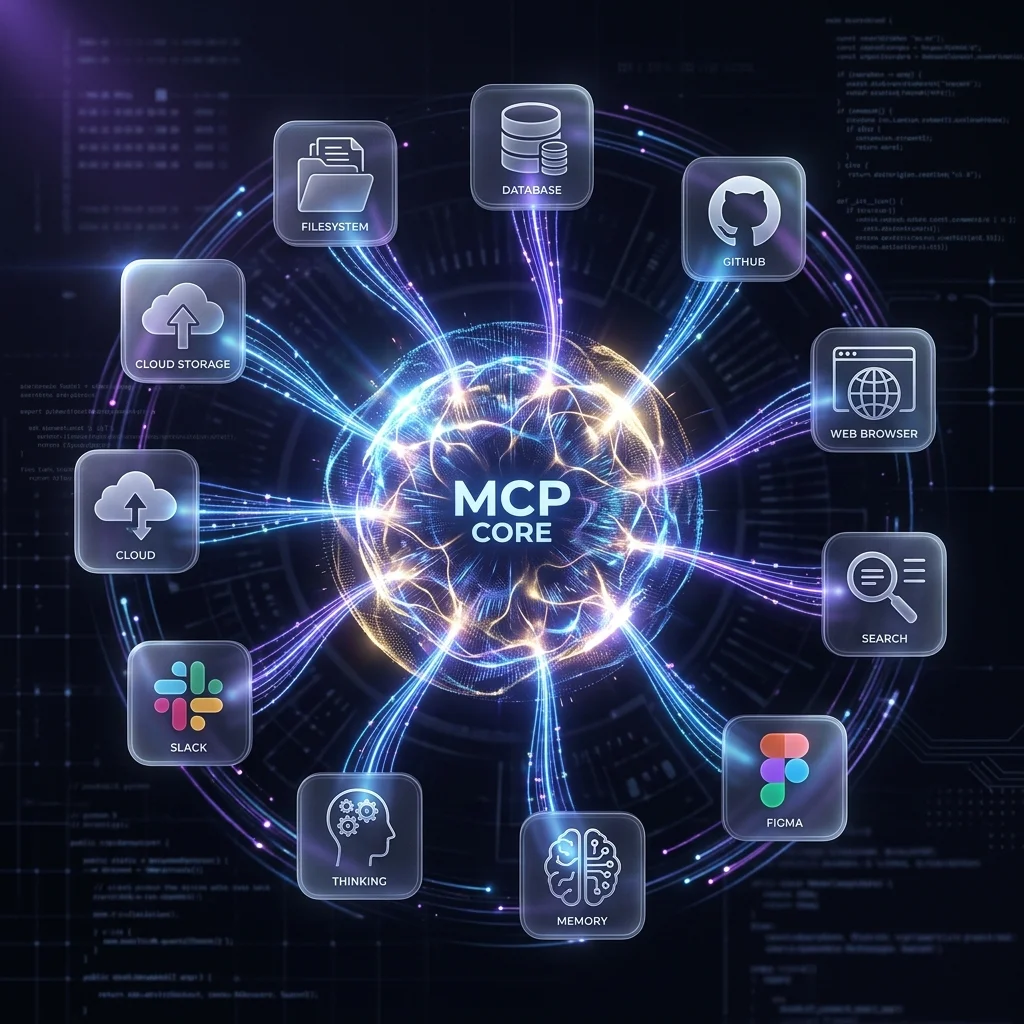
The essential Model Context Protocol servers for AI coding agents — GitHub, Postgres, Filesystem, Brave Search, Figma, and more — with setup instructions for Claude Code, Gemini CLI, and OpenCode.