Friday, July 3, 2026
Safari MCP Server — Apple Just Gave MCP Its Biggest Endorsement Yet
Posted by
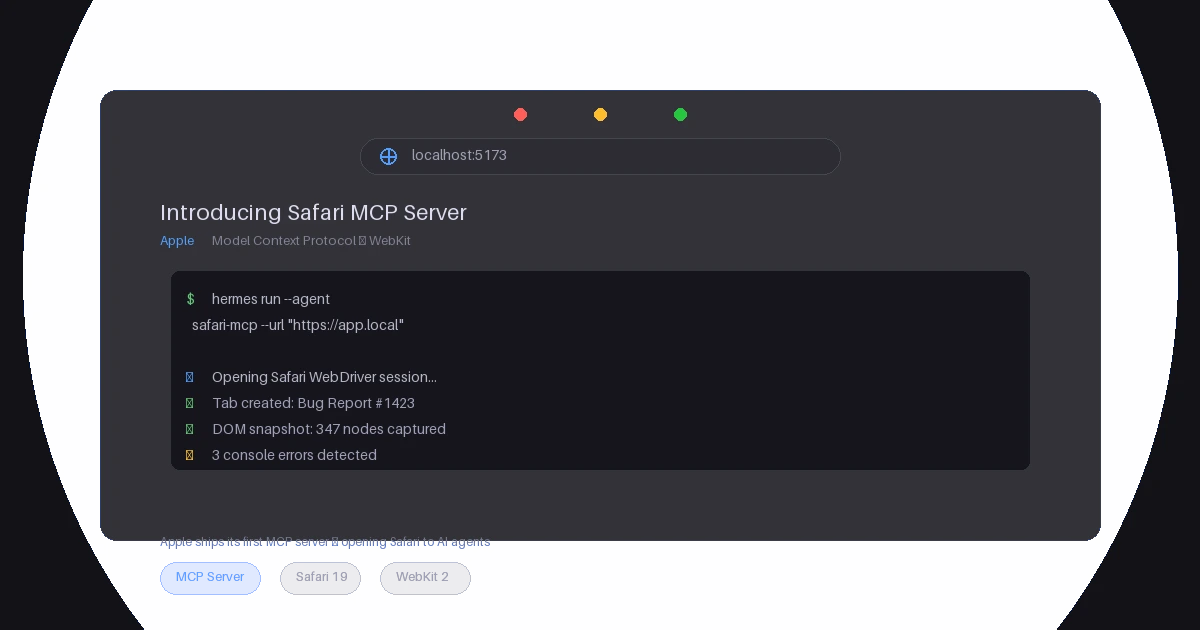
Apple just made the biggest single endorsement of the Model Context Protocol since Anthropic published the spec.
On July 1, 2026, the WebKit team released Safari Technology Preview 247 — and with it, an official Safari MCP server that gives AI agents direct access to a live Safari browser window. Not a screenshot pipeline. Not a Selenium wrapper. A first-party MCP server, maintained by the team that builds Safari, exposing 15+ tools for DOM inspection, JavaScript evaluation, network analysis, performance measurement, and accessibility auditing.
Written by Saron Yitbarek, Jen Simmons, and Jon Davis, the announcement reads like someone who has actually used AI coding agents and gotten frustrated: "Your agent can emulate what your users experience, giving it the information it needs to debug more autonomously, like access to the DOM, network requests, screenshots, and console output."
This isn't a research experiment. It ships in Safari Technology Preview today.
What the Safari MCP Server Actually Does
The server runs as a subprocess of safaridriver — Safari's existing WebDriver — and exposes the full browser debugging surface as MCP tools. Here's the complete toolkit:
| Tool | What It Does |
|---|---|
get_page_content | Extract page text (markdown, HTML, JSON) |
evaluate_javascript | Run arbitrary JS, return the result |
screenshot | Capture a PNG of the current viewport |
page_interactions | Click, type, scroll, hover, keyPress in sequence |
list_network_requests | Summaries of all network requests (URL, method, status, timing) |
get_network_request | Full detail — headers, body, timing on one request |
browser_console_messages | Buffered console logs from the current tab |
browser_dialogs | List and respond to alert/confirm/prompt dialogs |
set_viewport_size | Resize the browser window |
set_emulated_media | Emulate CSS media types (e.g. print, screen) |
navigate_to_url | Go to a URL and return rendered content |
create_tab / close_tab / list_tabs / switch_tab | Full tab management |
page_info | URL, title, and loading state |
wait_for_navigation | Block until the page finishes loading |
If that list looks familiar — it should. It's the same class of capabilities Playwright MCP and Browserbase MCP expose, but from Safari's own tooling, maintained by the browser team itself at the WebDriver level.
The critical detail: agents can run JavaScript on the page. That means an AI agent can not just see the page — it can mutate state, trigger events, and assert conditions, all through the same runtime your users interact with.
The End of "Works on My Machine" Debugging
The workflow the announcement demonstrates is the killer app. You paste a bug report into your agent, the agent opens your local page in Safari, inspects the DOM, checks the console logs, screenshots the result, and comes back with a diagnosis — without you ever switching windows.
This is the first thing that's genuinely excited me about AI-assisted debugging since I started using Claude Code for code review. Because the fundamental problem with AI coding agents has always been that they operate on a representation of your application — the source code — not the reality of it. They don't see the rendering bug you're seeing. They don't notice the console error spewing on every navigation. They don't feel the 800ms First Input Delay.
The Safari MCP server closes that gap. Not by piping text-based accessibility trees into a context window, but by giving the agent the same tools a human developer uses: a live browser, DevTools-level introspection, and the ability to try things and see what happens.
Apple's Entry Signals Something Bigger
Let me zoom out for a second.
MCP has been on a trajectory all year. Anthropic published Spec 1.2 in June with remote server support and OAuth. GitHub shipped its own MCP server for repository operations. Manufact MCP Cloud launched managed hosting. Google integrated MCP into Vertex AI for Gemini. The numbers confirm the momentum: over 19,000 indexed servers, 97 million monthly SDK downloads, and backing from every major AI vendor.
But there's a qualitative difference between "AI vendors support MCP" and "a platform vendor ships MCP as a first-class interface to their product."
Apple isn't an AI company. Apple doesn't make models. Apple makes the operating system and the browser that hundreds of millions of people use every day. When Apple ships an MCP server, it's not because they're trying to sell you an AI product — it's because they believe MCP is the standard interface through which AI agents will interact with the world. And they want their platform ready for it.
That's the subtext of this release that I can't stop thinking about. Safari is Apple's on-ramp. If MCP becomes the standard protocol for agent-tool communication — and everything about 2026 suggests it is — then Apple has already built the bridge from any AI agent into any web application running in Safari.
Privacy and the Local-First MCP Model
Worth calling out: the Safari MCP server runs entirely on your local machine and makes zero network calls of its own. No telemetry, no data sent to Apple. It's sandboxed from personal data — AutoFill, passwords, and other browser activity are not exposed. Only the specific tab the agent is working on is accessible.
This matters because one of the persistent concerns about MCP adoption has been security: if every server is another running process with filesystem and network access, the attack surface grows fast. Apple's implementation sidesteps that by inheriting Safari's existing sandbox and WebDriver security model. The server can't access what Safari doesn't expose.
Who Is This For?
If you're building web applications and you use AI coding agents (Claude Code, Codex, Cursor, any MCP-compatible client), you can use this today. The setup is three steps:
- Install Safari Technology Preview (it's free)
- Enable remote automation in Developer settings
- Add the server to your agent's MCP config
For Claude Code: claude mcp add safari-mcp-stp -- "/Applications/Safari Technology Preview.app/Contents/MacOS/safaridriver" --mcp
For Codex: codex mcp add safari-mcp-stp -- "/Applications/Safari Technology Preview.app/Contents/MacOS/safaridriver" --mcp
Drop those commands in a justfile or your dotfiles and you're set. The agent will use the tools automatically when it needs to inspect a page.
The Takeaway
The Safari MCP server is not the most technically impressive MCP server I've seen this year. (That's still the Manufact MCP Cloud deployment system, or GitHub MCP's pull request workflow.) But it might be the most strategically significant.
Apple doesn't ship things to be nice. Apple ships things when they matter. And Apple just decided that MCP matters enough to build a first-party server, written by the WebKit team, announced on the WebKit blog, with contributions from Safari engineering leadership.
If you build on the web and you use AI tools, this is the week to add Safari to your agent's toolbox. The debugging dance of "run your code, alt-tab to the browser, inspect the element, alt-tab back, explain the bug to the agent" — that dance just got a lot shorter.
Apple ships MCP today. Your agents should ship with it.
The Safari MCP server is available now in Safari Technology Preview 247. Read the full announcement on the WebKit blog.
Related Articles & Deep Dives
 #claude
Claude Opus 5 Wants Simpler Prompts — Delete Your Skills and Just Say What You Want
The most viral Claude advice of the week: Opus 5 performs worse when loaded with skills, MCPs, and step-by-step instructions. Here's what the 'simplified prompts' shift means and how to actually prompt Opus 5.
 #mcp
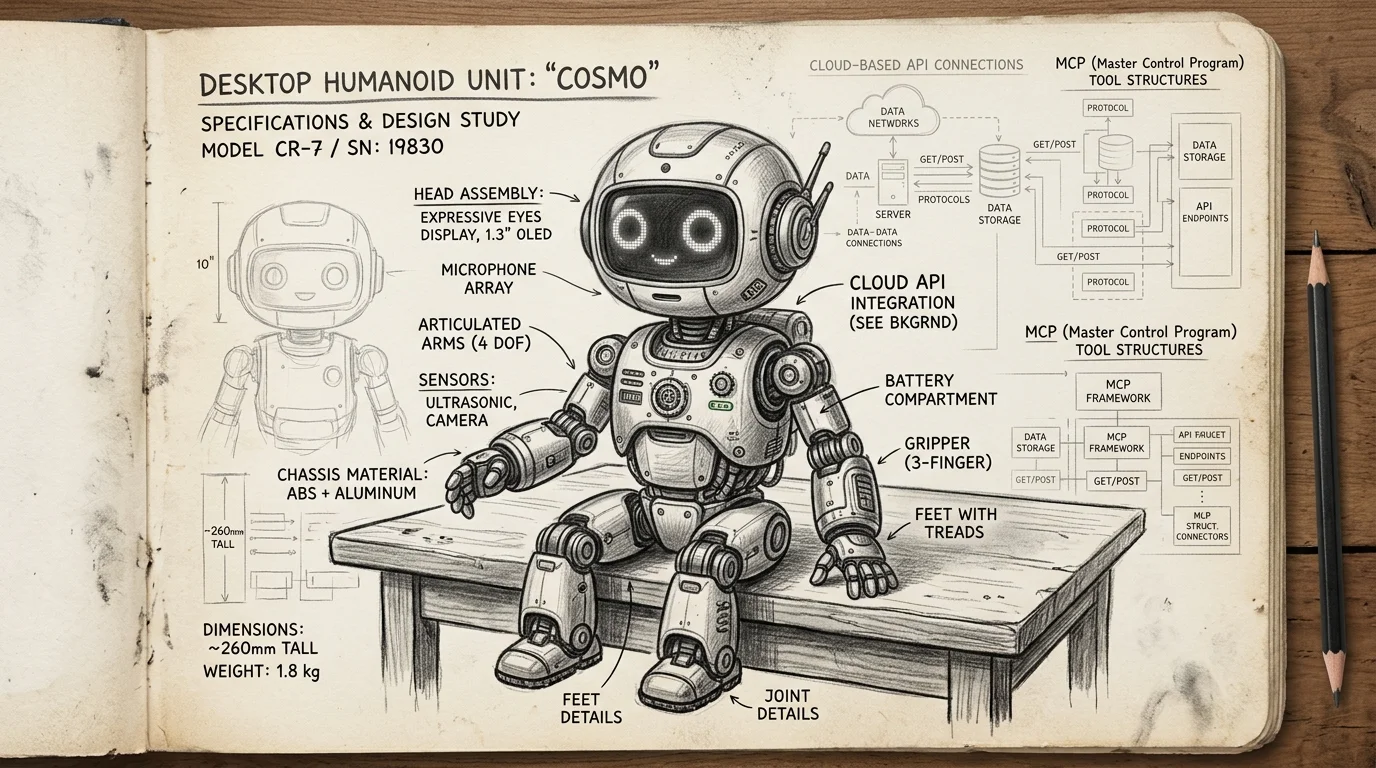
#mcpMCP Just Crossed Into the Physical World — Reachy Mini Robots Can Now Run Remote MCP Tools
Pollen Robotics' Reachy Mini can now add MCP tools from Hugging Face Spaces — web search, weather APIs, anything — without modifying the robot's code. This is the first real bridge between MCP and embodied AI, and it changes how we think about hardware abstraction for agents.
 #manufact
Manufact (YC S25) Is Building the Cloud Layer for MCP — and That Changes the Whole Equation
Manufact, the team behind the mcp-use SDK, is launching MCP Cloud — dedicated cloud infrastructure for the Model Context Protocol. With $6.3M in seed funding, a YC S25 pedigree, and adoption at NASA and IBM, Manufact signals that MCP is graduating from protocol spec to production infrastructure ecosystem.