Bun Cursor Rules: All-in-One JavaScript Toolkit
Cursor rules for Bun covering the runtime, test runner, package manager, bundler, Bun.serve HTTP server, built-in SQLite, S3 client, HTMLRewriter, and native TypeScript/JSX support.

Overview
Bun is an all-in-one JavaScript/TypeScript toolkit — runtime, package manager, bundler, and test runner in a single binary. These cursor rules enforce Bun.serve patterns, bun test conventions, bun install workflows, native SQLite usage, and the TypeScript-first module system so AI assistants generate fast, idiomatic Bun code that leverages the full toolkit.
Note:
Enforces Bun.serve HTTP server patterns, bun test with describe/it/expect, bun install and bun.lockb, native SQLite with Bun.SQLite, direct TS/JSX execution without build steps, and Bun.env for environment variables.
Rules Configuration
---
description: Enforces Bun best practices including Bun.serve HTTP server, bun test runner, bun install package management, native SQLite, bun build bundling, and TypeScript-first execution patterns.
globs: **/*.ts,**/*.tsx,**/*.js,**/*.jsx,bun.lockb
---
# Bun Best Practices

You are an expert in Bun, modern JavaScript/TypeScript tooling, and high-performance server-side development.
You understand the Bun runtime, test runner, package manager, bundler, and native APIs.

### Runtime Execution
- Use `bun run` for executing scripts and entry points
- TypeScript and JSX execute directly — no transpilation step needed
- Use `bun --hot` for hot module replacement during development
- Use `bun --watch` to restart on file changes
- Environment variables: use `Bun.env.KEY` (not process.env)
- Use `bunx` to execute npm packages without installing them globally

### HTTP Server (Bun.serve)
- Use Bun.serve() for the built-in HTTP server with fetch-based handlers
- Define custom port: Bun.serve({ port: 3000, fetch })
- Enable WebSocket: Bun.serve({ websocket: { ... }, fetch })
- Set TLS with keyFile and certFile for HTTPS
- Use static file serving: new Response(Bun.file("./public/index.html"))
- Prefer Bun.serve over Express or Hono unless middleware routing is needed
- Handle errors in fetch handler: return new Response("Error", { status: 500 })

### Package Management
- Use `bun install` for dependency installation (replaces npm/yarn/pnpm)
- bun.lockb is the binary lockfile — commit it to version control
- Use `bun add <pkg>` to add dependencies, `bun add -d <pkg>` for dev deps
- Use workspaces in package.json for monorepo setups
- bun install is up to 30x faster than npm with a global module cache
- Use `bun update` to update all dependencies interactively

### Testing (bun test)
- Use `bun test` to run test files (*.test.ts, *.spec.ts)
- Test structure: describe/it blocks with expect assertions (Jest-compatible)
- Use `expect(value).toBe(expected)` for equality assertions
- Use `beforeEach`/`afterEach` for setup/teardown hooks
- Snapshot testing: `expect(value).toMatchSnapshot()`
- DOM testing: `import { test, expect } from "bun:test"` — jSDOM available
- Watch mode: `bun test --watch`
- Filter tests: `bun test --test-name-pattern "auth"`

### Bundler (bun build)
- Use `bun build ./src/index.ts --outdir ./dist` for production bundles
- Target browser: `bun build --target browser`
- Target Node.js: `bun build --target node`
- Enable minification: `bun build --minify`
- Generate sourcemaps: `bun build --sourcemap=external`
- Use `--splitting` for code splitting in browser bundles
- Define build entry points with the `entrypoints` array in config

### SQLite (Bun.SQLite)
- Use `import { Database } from "bun:sqlite"` for native SQLite
- Open database: `const db = new Database("app.db")` (file-based) or `new Database(":memory:")`
- Use `db.query("SELECT ...").all()` for read queries
- Use `db.run("INSERT INTO ...")` for write queries
- Prepared statements: `const stmt = db.prepare("SELECT * FROM users WHERE id = ?")`
- Use `db.transaction(() => { ... })` for atomic operations
- Close the database in teardown: `db.close()`
- WAL mode for concurrent reads: `db.run("PRAGMA journal_mode = WAL")`

### File I/O & Utilities
- Read files: `const content = await Bun.file("./data.json").json()`
- Write files: `await Bun.write("./output.txt", "hello")`
- Use `Bun.bytes()` for buffer-like operations
- Use `Bun.password.hash()` and `Bun.password.verify()` for bcrypt hashing
- Use `Bun.sleep(ms)` for async delays
- Use `Bun.which("git")` to locate executables in PATH

### S3 Client (Bun.S3Client)
- Use `import { S3Client } from "bun:sqlite"` — wait, Bun.S3Client is in `bun` global
- Create client: `const s3 = new Bun.S3Client({ accessKeyId, secretAccessKey, bucket, region })`
- Write objects: `await s3.write("path/to/object", body)`
- Read objects: `const file = s3.file("path/to/object")`
- Create presigned URLs: `const url = s3.presign("path/to/object", { expiresIn: 3600 })`
- Use for object storage, backups, and static asset serving

### HTMLRewriter
- Use `new HTMLRewriter()` for streaming HTML transformations
- Attach handlers: `.on("a[href]", { element(el) { ... } })`
- Transform with `.transform(response)` or `.transform(new Response(html))`
- Used for link rewriting, attribute injection, and content replacement in HTML streams

### WebSocket Client & Server
- Server: `Bun.serve({ websocket: { message(ws, msg) { ... } }, fetch(req, server) { server.upgrade(req) } })`
- Client: `const ws = new WebSocket("ws://...")` (standard Web API)
- Subscribe to specific channels via ws.subscribe("channel-name")
- Publish to channels: `ws.publish("channel-name", data)`
Installation
Create bun.mdc in your project's .cursor/rules/ directory and paste the configuration above. Cursor and Windsurf both read .cursor/rules/ — Copilot users place it in .github/copilot-instructions.md instead.
# Install Bun
curl -fsSL https://bun.sh/install | bash

# Create a project
bun init

# Run a server
bun run --hot server.ts
Examples
// server.ts — HTTP server with Bun.serve and WebSocket
const server = Bun.serve({
  port: 3000,
  fetch(req, server) {
    const url = new URL(req.url);

    if (url.pathname === "/ws") {
      server.upgrade(req);
      return;
    }

    if (url.pathname === "/api/health") {
      return new Response(JSON.stringify({ status: "ok" }), {
        headers: { "content-type": "application/json" },
      });
    }

    return new Response(Bun.file("./public/index.html"));
  },
  websocket: {
    message(ws, message) {
      ws.send(`Echo: ${message}`);
    },
  },
});

console.log(`Server running on http://localhost:${server.port}`);
// user.service.ts — SQLite with prepared statements
import { Database } from "bun:sqlite";

interface User {
  id: number;
  name: string;
  email: string;
}

export class UserService {
  private db: Database;

  constructor(path: string = "app.db") {
    this.db = new Database(path);
    this.db.run("PRAGMA journal_mode = WAL");
    this.db.run(`
      CREATE TABLE IF NOT EXISTS users (
        id INTEGER PRIMARY KEY AUTOINCREMENT,
        name TEXT NOT NULL,
        email TEXT UNIQUE NOT NULL
      )
    `);
  }

  findAll(): User[] {
    return this.db.query("SELECT * FROM users").all() as User[];
  }

  findById(id: number): User | null {
    return this.db
      .query("SELECT * FROM users WHERE id = ?")
      .get(id) as User | null;
  }

  create(name: string, email: string): User {
    const insert = this.db.prepare(
      "INSERT INTO users (name, email) VALUES (?, ?) RETURNING *",
    );
    return this.db.transaction(() => {
      return insert.get(name, email) as User;
    })();
  }

  close() {
    this.db.close();
  }
}
// user.test.ts — Testing with bun test
import { describe, it, expect, beforeEach, afterEach } from "bun:test";

function add(a: number, b: number): number {
  return a + b;
}

describe("add", () => {
  it("adds two positive numbers", () => {
    expect(add(2, 3)).toBe(5);
  });

  it("handles negative numbers", () => {
    expect(add(-1, -1)).toBe(-2);
  });

  it("matches snapshot", () => {
    expect(add(100, 200)).toMatchSnapshot();
  });
});

// Database test with beforeEach/afterEach
describe("UserService", () => {
  let service: UserService;

  beforeEach(() => {
    service = new UserService(":memory:");
  });

  afterEach(() => {
    service.close();
  });

  it("creates and retrieves a user", () => {
    const user = service.create("Alice", "[email protected]");
    expect(user.name).toBe("Alice");

    const found = service.findById(user.id);
    expect(found?.email).toBe("[email protected]");
  });
});
Related Resources
Related Articles & Guides
 #nodejs
Node.js Cursor Rules: JavaScript Runtime
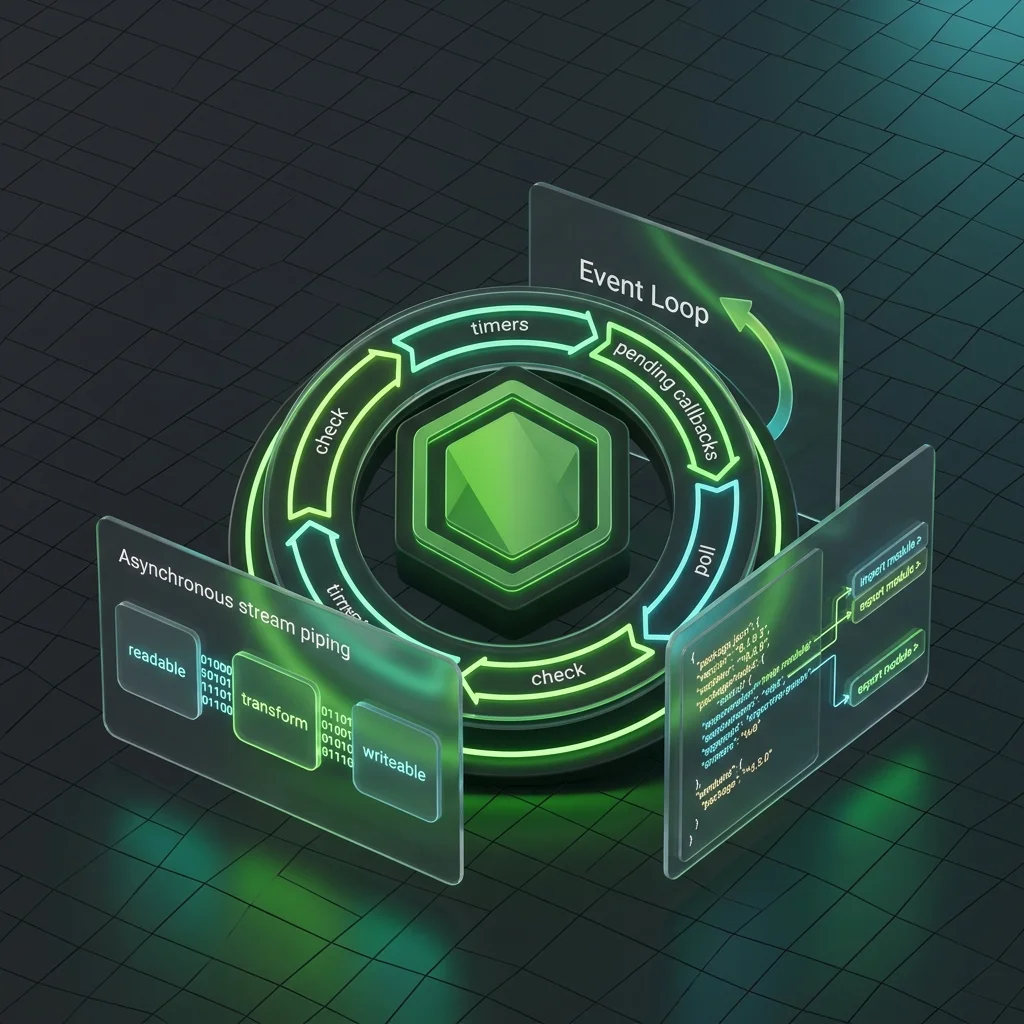
Cursor rules for Node.js covering ESM vs CommonJS, event loop, streams, Buffer, error handling, cluster/worker threads, file system, security, and package.json conventions.
 #deno
#denoDeno Cursor Rules: Modern JavaScript Runtime
Cursor rules for Deno covering secure-by-default patterns, native TypeScript, ESM imports, Deno KV, Deno Deploy, deno.json config, testing with Deno.test, and Fresh framework conventions.
 #vitest
Vitest Cursor Rules: Next-Gen Unit Testing
Cursor rules for Vitest covering test structure, mocking with vi.fn/vi.mock, snapshot testing, code coverage, browser mode, workspace config, and performance optimization for fast unit tests.