Docker Cursor Rules: Containerization & Deployment
Cursor rules for Docker covering multi-stage builds, layer caching, non-root users, health checks, .dockerignore, and docker-compose service orchestration.
Overview
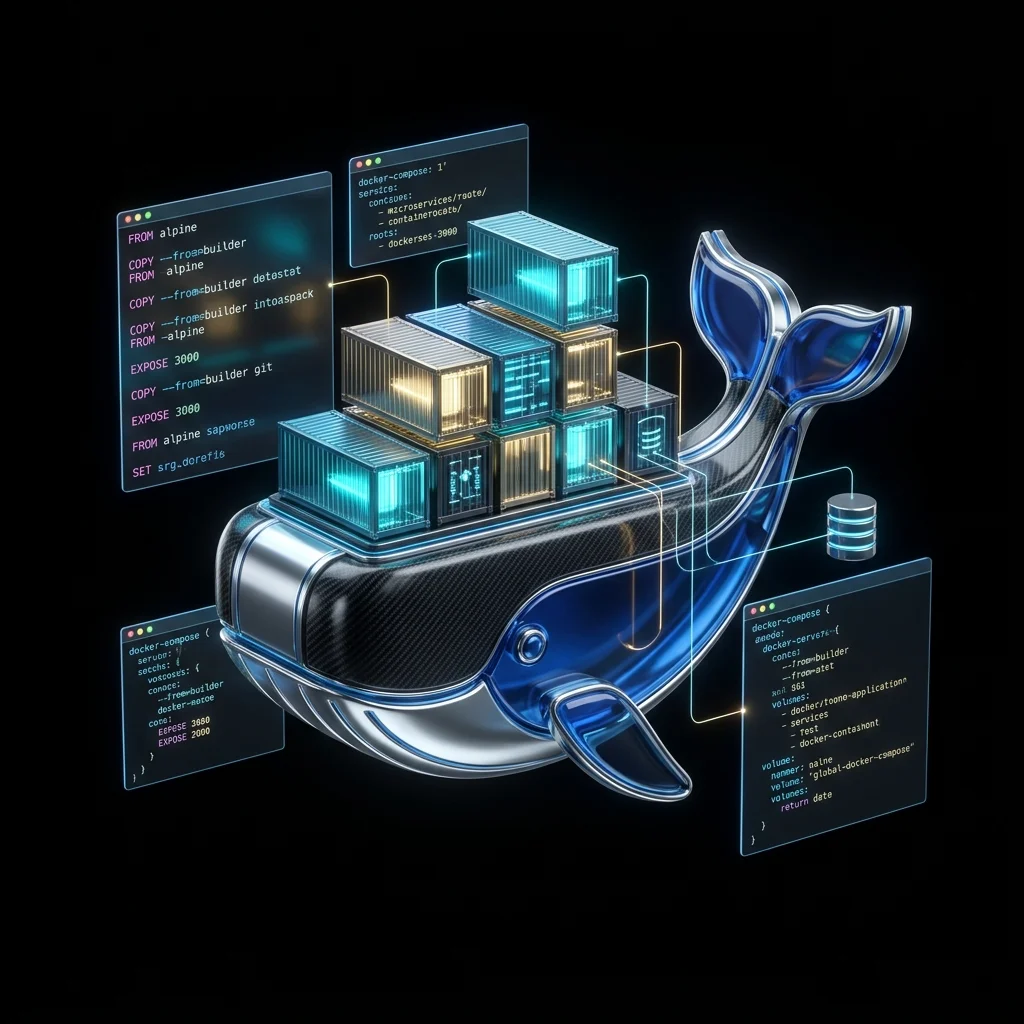
Docker is the standard container runtime, packaging applications with their dependencies into reproducible, portable units. These cursor rules enforce multi-stage builds, layer caching strategies, security hardening (non-root users, minimal base images), health check patterns, and docker-compose service orchestration to help AI assistants generate production-grade Docker configurations.
Note:
Enforces multi-stage Dockerfiles, COPY vs ADD discrimination, layer ordering for cache efficiency, non-root execution, health checks with retries, .dockerignore hygiene, and docker-compose service/network/volume patterns.
Rules Configuration
---
description: Enforces Docker best practices including multi-stage builds, layer caching, security hardening, health checks, docker-compose orchestration, and production deployment patterns. Provides guidelines for containerized application development.
globs: **/Dockerfile,**/docker-compose.yml,**/docker-compose.yaml,**/.dockerignore
---
# Docker Best Practices

You are an expert in Docker, containerization, and cloud-native deployment.
You understand Dockerfile optimization, layer caching, security hardening, and container orchestration.

### Dockerfile Structure
- Use explicit base image tags, never `latest`: FROM node:22-alpine
- Use multi-stage builds to separate build-time and runtime dependencies
- Name build stages: FROM node:22-alpine AS builder
- Copy only what's needed in each stage with --from=builder
- Keep RUN instructions chained with && to minimize layers
- Use .dockerignore to exclude node_modules, .git, tests, dist from context

### Layer Caching
- Order instructions by change frequency: rarely-changed first, frequently-changed last
- Copy package.json and lockfile separately before source files
- Run npm ci (not npm install) in the dependency layer for deterministic installs
- Use --mount=type=cache for package manager caches during build
- Never put apt-get update and apt-get install in separate RUN instructions

### Security
- Run containers as a non-root user: USER node (or create a dedicated user)
- Use minimal base images: alpine or distroless wherever possible
- Never expose secrets via ENV or ARG — use build secrets or runtime injection
- Prefer COPY over ADD (ADD auto-extracts archives and fetches URLs)
- Scan images with docker scout or trivy before pushing to registries
- Set HEALTHCHECK with interval, timeout, retries, and start-period

### Runtime Configuration
- Use CMD for default commands, ENTRYPOINT for wrapper scripts
- Prefer exec form: CMD ["node", "server.js"] over shell form: CMD node server.js
- Expose only necessary ports: EXPOSE 3000
- Set NODE_ENV=production in production stages
- Use init process (tini or --init flag) to handle signals properly

### docker-compose
- Define services, networks, and volumes in docker-compose.yml
- Use depends_on with healthcheck conditions for startup ordering
- Mount source code as volumes in development, not in production
- Define named volumes for persistent data (postgres_data, redis_data)
- Use environment variables with ${VARIABLE:-default} syntax for configuration
- Avoid hardcoding credentials — use env_file or Docker secrets
- Set restart policy: unless-stopped for production services

### Image Management
- Tag images with version and environment: myapp:1.2.3-prod
- Never push images with secrets in layers (check with docker history)
- Prune dangling images regularly: docker image prune
- Use multi-arch builds for arm64/amd64: docker buildx build --platform linux/amd64,linux/arm64
Installation
Create docker.mdc in your project's .cursor/rules/ directory and paste the configuration above. Cursor and Windsurf both read .cursor/rules/ — Copilot users place it in .github/copilot-instructions.md instead.
Examples
# Multi-stage Node.js Dockerfile
FROM node:22-alpine AS base
WORKDIR /app
RUN addgroup -S appgroup && adduser -S appuser -G appgroup

FROM base AS deps
COPY package.json package-lock.json ./
RUN --mount=type=cache,target=/root/.npm \
    npm ci --omit=dev

FROM base AS build
COPY package.json package-lock.json ./
RUN --mount=type=cache,target=/root/.npm \
    npm ci
COPY tsconfig.json ./
COPY src/ ./src/
RUN npm run build

FROM base AS production
ENV NODE_ENV=production
RUN apk add --no-cache wget
COPY --from=deps /app/node_modules ./node_modules
COPY --from=build /app/dist ./dist
COPY package.json ./

USER appuser
EXPOSE 3000
HEALTHCHECK --interval=30s --timeout=3s --start-period=5s --retries=3 \
    CMD wget --no-verbose --tries=1 --spider http://localhost:3000/health || exit 1
CMD ["node", "dist/server.js"]
# docker-compose.yml — API with PostgreSQL and Redis
version: "3.9"

services:
  api:
    build:
      context: .
      target: production
    ports:
      - "3000:3000"
    environment:
      DATABASE_URL: postgresql://app:${DB_PASSWORD:-devpass}@db:5432/app
      REDIS_URL: redis://cache:6379
    depends_on:
      db:
        condition: service_healthy
      cache:
        condition: service_started
    restart: unless-stopped

  db:
    image: postgres:16-alpine
    environment:
      POSTGRES_USER: app
      POSTGRES_PASSWORD: ${DB_PASSWORD:-devpass}
      POSTGRES_DB: app
    volumes:
      - postgres_data:/var/lib/postgresql/data
    ports:
      - "5432:5432"
    healthcheck:
      test: ["CMD-SHELL", "pg_isready -U app -d app"]
      interval: 10s
      timeout: 5s
      retries: 5
    restart: unless-stopped

  cache:
    image: redis:7-alpine
    volumes:
      - redis_data:/data
    restart: unless-stopped

volumes:
  postgres_data:
  redis_data:
# .dockerignore
node_modules
.git
.gitignore
.env
.env.*
*.md
dist
coverage
tests
.vscode
.idea
Dockerfile
docker-compose.yml
Related Resources
Related Articles & Guides
 #cursor-rules
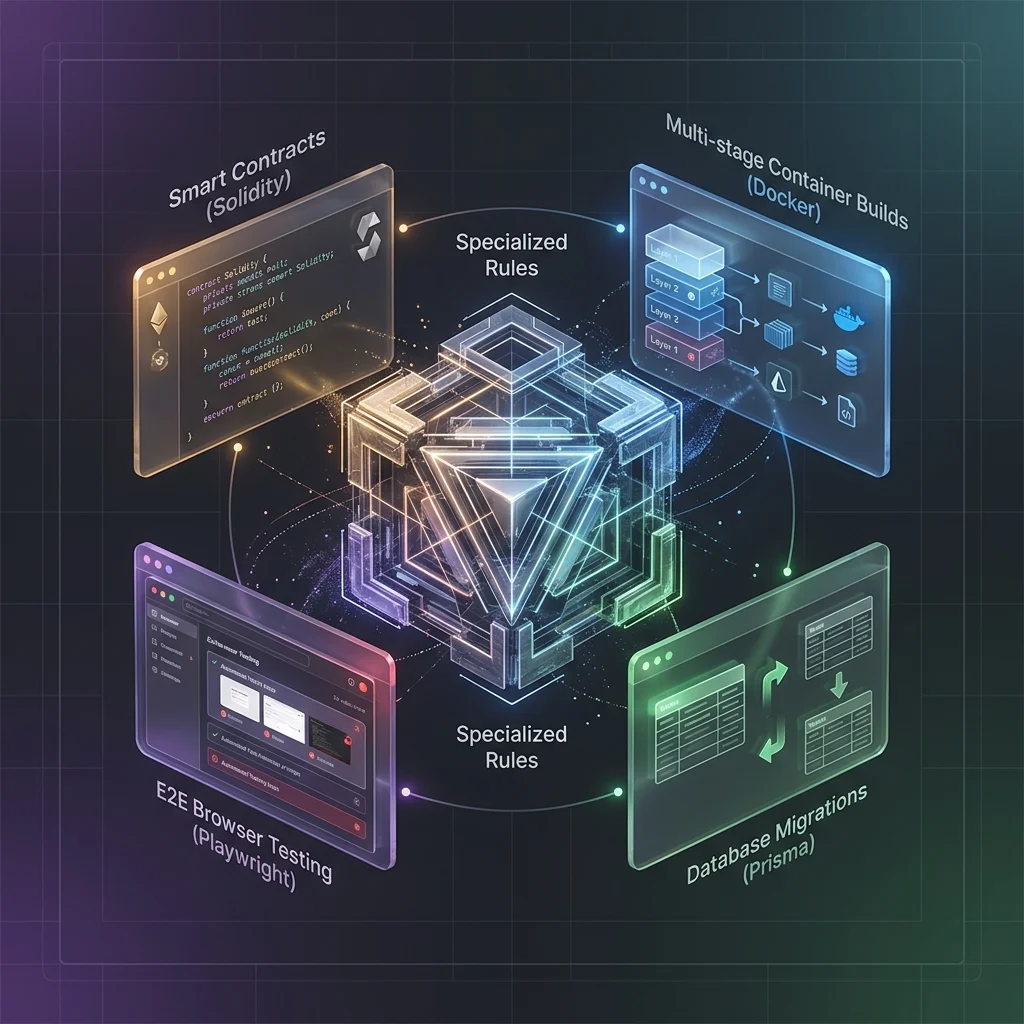
Specialized Rules
Cursor rules for specialized domains — Vite, MongoDB, Firebase, Pandas, Pydantic, Solidity, Docker, GraphQL, Prisma, Supabase, Playwright, Vitest and more
 #nodejs
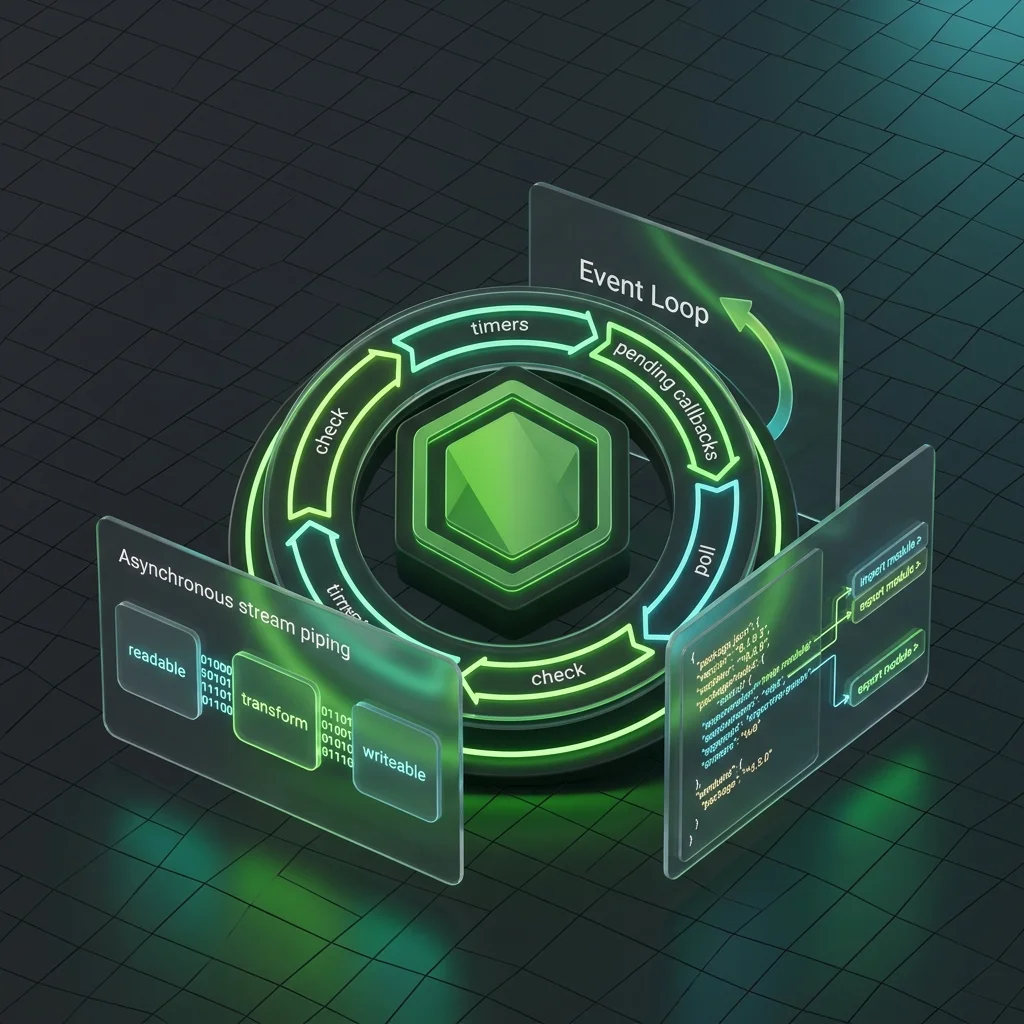
Node.js Cursor Rules: JavaScript Runtime
Cursor rules for Node.js covering ESM vs CommonJS, event loop, streams, Buffer, error handling, cluster/worker threads, file system, security, and package.json conventions.
 #aws
#awsAWS Cursor Rules: Lambda, IAM & Infrastructure as Code
Cursor rules for AWS covering Lambda handler patterns, IAM least privilege, API Gateway integration, S3 operations, CDK/SAM infrastructure as code, CloudWatch observability, and serverless best practices.