Supabase Postgres Best Practices — Schema, RLS, Indexes, and Query Rules
Supabase's Postgres skill packages eight categories of database rules for schema changes, RLS policies, indexes, connections, locking, and diagnostics. It applies to Postgres anywhere, with Supabase-specific notes where relevant.
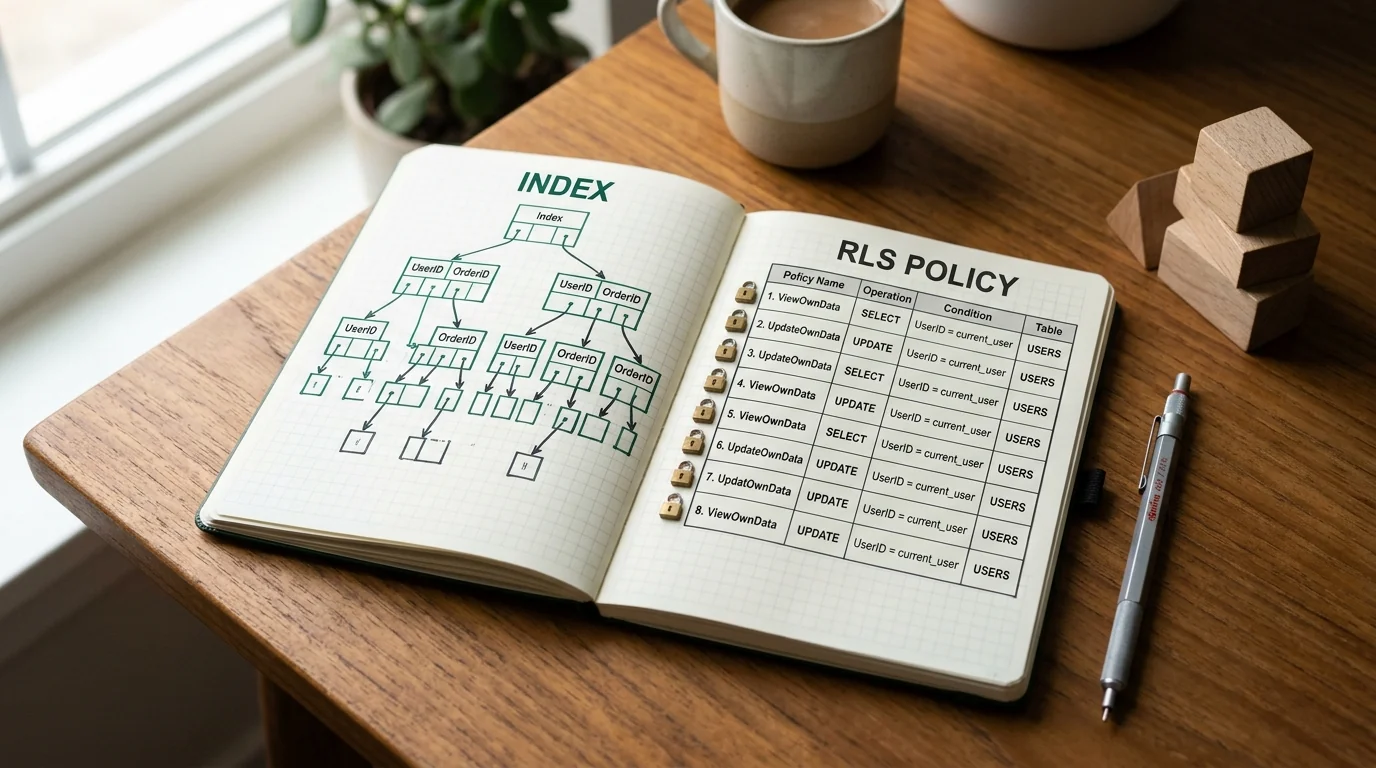
Supabase Postgres Best Practices
Supabase Postgres Best Practices is a database rulebook for agents. It covers query performance, connection management, security and row-level security, schema design, concurrency and locking, data access patterns, monitoring, and advanced features.
The important framing is in the skill's own description: it is for "Postgres running anywhere," not only Supabase. Some rules carry Supabase-specific notes, but the schema and SQL guidance applies to a plain Postgres instance too.
Source and revision
| Field | Value |
|---|---|
| Maintainer | Supabase |
| Canonical source | skills/supabase-postgres-best-practices/SKILL.md at 3291216 |
| Revision inspected | 32912161e2732c3e5001c6811a76c1f8308ed0da, updated 2026-07-30 |
| Access date | 2026-10-23 |
| License | MIT (LICENSE, copyright 2026 Supabase) |
| Install unit | skills/supabase-postgres-best-practices/, including references/ |
What the skill actually does
The SKILL.md is an index, not the whole guide. It defines eight categories and sends the agent to individual rule files:
| Priority | Category | Prefix | Stated impact |
|---|---|---|---|
| 1 | Query performance | query- | Critical |
| 2 | Connection management | conn- | Critical |
| 3 | Security and RLS | security- | Critical |
| 4 | Schema design | schema- | High |
| 5 | Concurrency and locking | lock- | Medium-high |
| 6 | Data access patterns | data- | Medium |
| 7 | Monitoring and diagnostics | monitor- | Low-medium |
| 8 | Advanced features | advanced- | Low |
Each rule file follows a consistent shape: why it matters, incorrect SQL, correct SQL, optional EXPLAIN output or metrics, context, references, and Supabase-specific notes. The example rule for missing indexes shows a sequential scan on orders filtered by customer_id, then adds an index and shows the index scan. The example rule for RLS shows application-level filtering versus a database policy.
The skill covers more than performance: table and column types, migrations, declarative schema files, RLS policies and tests, triggers, database functions, queues and scheduled jobs (pg_cron, pgmq), vector search (pgvector), dump restore, and data import. That breadth is why the description says to load it before any Postgres change, including a one-column migration.
Illustrative schema review
This is a constructed example, not a run against a database.
Task: add an orders table for a multi-tenant app and let users read only their organization's orders.
A first pass might create the table and filter in the application:
create table orders (
  id bigserial primary key,
  org_id bigint not null,
  user_id bigint not null,
  total_cents integer not null,
  created_at timestamptz not null default now()
);

select * from orders where org_id = 42;
The skill's rules push toward:
create table orders (
  id bigint generated always as identity primary key,
  org_id bigint not null references organizations (id),
  user_id bigint not null references users (id),
  total_cents integer not null check (total_cents >= 0),
  created_at timestamptz not null default now()
);

create index orders_org_id_created_at_idx
  on orders (org_id, created_at desc);

alter table orders enable row level security;
alter table orders force row level security;

create policy orders_org_read on orders
  for select
  to authenticated
  using (org_id = (select auth.jwt() -> 'app_metadata' ->> 'org_id')::bigint);
Two caveats:
- The
auth.jwt()form is Supabase-specific. On plain Postgres, use a session setting or a security-definer function that resolves the current tenant. - An RLS policy is not tested by writing it. Test with two users in different organizations and the anonymous role. The Supabase service role can bypass RLS by design, so it is not a tenant-isolation test.
force row level securityapplies to the table owner, not to roles that carryBYPASSRLS.
The skill's own RLS example uses current_setting('app.current_user_id') and a Supabase variant with auth.uid(). Both are illustrative; the right identity source depends on your auth layer.
When to use it
- Creating or altering tables, columns, constraints, or indexes.
- Writing migrations or declarative schema files.
- Designing or reviewing RLS policies and their tests.
- Diagnosing slow queries, high CPU, timeouts, connection exhaustion, locking, or bloat.
- Working with
pgvector,pg_cron,pgmq, triggers, or database functions. - Restoring a dump or importing data.
When not to use it
- You need an ORM-specific guide. The rules are SQL and Postgres semantics.
- You need a Supabase platform setup guide (project creation, API keys, CLI). This is a database skill.
- You are on MySQL, SQLite, or a non-Postgres warehouse. The SQL and planner behavior differ.
- You need a security certification. RLS guidance is not a penetration test.
- You want an automatic migration tool. The skill advises; it does not apply migrations.
Install
npx skills add supabase/agent-skills --skill supabase-postgres-best-practices -a claude-code
Prerequisites and footprint
| Item | Detail |
|---|---|
| Runtime | Any agent that can read files and write SQL |
| Files | SKILL.md plus the references/ rule set |
| Scripts | None referenced by the rule set |
| Network | None required by the skill; your database connection is separate |
| Credentials | None bundled; the agent uses your existing database access |
| Writes | Schema and data changes you approve |
| Context cost | Core file is small; rule files load on demand |
The skill is text, but its output is DDL and SQL. A migration can drop data, lock a table, or expose rows. Review the SQL before running it, and use a transaction or a staging database for destructive changes.
Limitations
- Rules are guidance, not a migration engine. The agent still has to apply them correctly.
- Version and extension dependent.
pg_uuidv7,pg_cron,pgmq, andpgvectormay not be available on your plan or version. - RLS is easy to get subtly wrong. Test with multiple roles and tenants; a policy that compiles can still leak.
- Supabase-specific notes do not transfer to plain Postgres. Identity functions and JWT claims differ.
- No runtime test by us. We did not execute the SQL or check query plans.
- Short core file. The detail lives in the reference files; a partial install is much weaker than a full one.
Verify it yourself
- Read
references/_sections.mdand confirm the category prefixes match the files in the folder. - Pick one rule and run its incorrect and correct SQL against a disposable database. Compare the plans with
EXPLAIN (ANALYZE, BUFFERS). - For RLS, create two tenants and a user for each. Try to read the other tenant's rows through the authenticated role, the anonymous role, and the service role. Record what each can see.
- Check whether your Postgres version supports the extension or syntax a rule recommends.
- Confirm the license and the Supabase-specific notes before copying the rule text into your own documentation.
Review transparency
| Field | Value |
|---|---|
| Last reviewed | 2026-10-23 |
| What was inspected | Full SKILL.md, references/_sections.md, three representative rule files (query-missing-indexes, security-rls-basics, schema-primary-keys), license, pinned commit metadata |
| What was not done | No install, no SQL execution, no RLS test, no query-plan measurement |
| Reviewers | Editorial source inspection only. Not a two-model security review. |
| Re-vet trigger | Any change to the rule set or RLS guidance; a Postgres or Supabase major change; more than 30 days |
This is an original guide with short attributed SQL examples. It does not reproduce the full rule set.
Related
- Supabase Rules — editor rules for Supabase projects
- Postgres MCP — connecting an agent to a database
- Database Lookup — retrieving from public databases, a different problem
- Code Review and Quality — review schema changes before merge
- How to Vet an Agent Skill — review before installing
Related Articles & Guides
 #skills
React Best Practices — Vercel's 70-Rule Performance Checklist for Agents
Vercel's React Best Practices skill packages performance rules across eight categories, from waterfalls and bundle size to re-renders and JavaScript micro-optimizations. It is guidance, not a profiler.
 #skills
Database Lookup — A Retrieval Contract for Scientific and Public APIs
K-Dense's database-lookup skill turns a factual question into a reproducible API retrieval: pick an authoritative source, bound calls, reconcile counts, keep provenance, and treat API payloads as untrusted data.
 #skills
Playwright Skill — Code-First Browser Automation for Agents
lackeyjb's Playwright Skill writes and runs reusable Playwright scripts through run.js — code-first, unlike Playwright MCP control or DevTools inspection.