Thursday, June 25, 2026
Migration Guide: Gemini CLI to Antigravity CLI
Posted by
On May 19, 2026, Google announced that Gemini CLI is being replaced by Antigravity CLI for individual consumers. As of June 18, 2026, Gemini CLI stopped serving requests for free-tier and Google AI Pro/Ultra users. This guide covers what's changing, what's staying the same, and exactly how to migrate.
The TL;DR
- Gemini CLI → Antigravity CLI (
agybinary) - Deadline: June 18, 2026 — free/consumer access cut off
- Enterprise users: Unaffected — Gemini CLI continues via Vertex AI
- New CLI is Go-based — faster than the Node.js Gemini CLI
- Key features preserved: Agent Skills, Hooks, Subagents, Extensions (as plugins), MCP, sandboxing
- New capabilities: Async background tasks, unified harness with Antigravity 2.0 desktop
Timeline
| Date | Event |
|---|---|
| May 19, 2026 | Google I/O announcement — Antigravity CLI available immediately |
| June 18, 2026 | Gemini CLI stops serving free/consumer users |
| June 18, 2026 | Gemini Code Assist for GitHub — no new org installations |
| Ongoing | Enterprise Gemini CLI continues via Vertex AI |
Feature Comparison
| Feature | Gemini CLI | Antigravity CLI (agy) |
|---|---|---|
| Language | Node.js (TypeScript) | Go |
| Binary | gemini | agy |
| Models | Gemini 2.5 Pro, Flash | Gemini 3.5 Flash/Pro, Claude Sonnet, Claude Opus, GPT-OSS |
| Context | Up to 2M tokens | Up to 2M tokens |
| Async tasks | No | Yes — background agent orchestration |
| Agent Skills | Yes | Yes |
| Hooks | Yes | Yes |
| Subagents | Yes | Yes |
| Extensions | Yes | Yes (as plugins) |
| MCP | Yes | Yes |
| Sandboxing | Yes | Yes |
| Google Search | Yes | Yes |
| Checkpointing | Yes | Yes |
| Headless mode | Yes | Yes |
| Plan mode | Yes | Yes |
| Ralph loop | Yes | Via hooks/subagents |
| Desktop app | No | Antigravity 2.0 (shared harness) |
What's Lost
Not everything made the cut. These Gemini CLI features are not in Antigravity CLI at launch:
- Google Drive / Gmail / Calendar extensions — No direct Google Workspace integration (yet)
- Ralph loop extension — Replaced by agents + hooks pattern
- Some slash commands —
/extensionsreplaced by/skills
What's New
- Multi-model routing — Antigravity CLI supports Gemini 3.5 Flash/Pro, Claude Sonnet 4.6, Claude Opus 4.6, and GPT-OSS 120B natively. Switch with
--modelor/model. - Async background tasks — Delegate long-running work and keep your terminal free
- Go-native performance — Faster startup and lower memory than Node.js Gemini CLI
- Unified harness with Antigravity 2.0 — Features developed for the desktop app land in the CLI simultaneously
Enterprise Customers
If your organization uses Gemini CLI through a Gemini Code Assist Standard or Enterprise license, or via Vertex AI, nothing changes. You continue using Gemini CLI as before. Antigravity CLI is also available if you want to evaluate it — it works with your Google Cloud projects.
Migration Steps
Step 1: Install Antigravity CLI
Quick install
curl -fsSL https://antigravity.google/cli/install.sh | bash
This installs the agy binary to ~/.local/bin/agy. The install script detects your OS and architecture, downloads the correct build, verifies the SHA-512 checksum, and triggers a one-time configuration step.
Alternative methods
# npm (if you prefer)
npm install -g @google/antigravity-cli

# Homebrew (macOS/Linux)
brew install antigravity-cli
Verify
agy --version
If agy isn't in your PATH, add it:
export PATH="$HOME/.local/bin:$PATH"
Add that line to your .zshrc, .bashrc, or .bash_profile.
Step 2: Authenticate
Antigravity CLI supports three auth methods:
OAuth (recommended for individuals)
agy
On first run, you'll see a sign-in prompt. Choose "Sign in with Google" and follow the browser flow. The token is cached in your system keyring — subsequent sessions won't prompt.
API key
export ANTIGRAVITY_API_KEY="your-api-key"
agy
Get a key from aistudio.google.com/apikey. The free tier offers 1,000 requests/day with Gemini 3 models.
Enterprise (Vertex AI / Code Assist)
export GOOGLE_CLOUD_PROJECT="your-project-id"
agy
Works with Gemini Code Assist Standard/Enterprise subscriptions. Your existing auth (gcloud auth application-default login) carries over.
Step 3: Migrate Configuration
Settings file
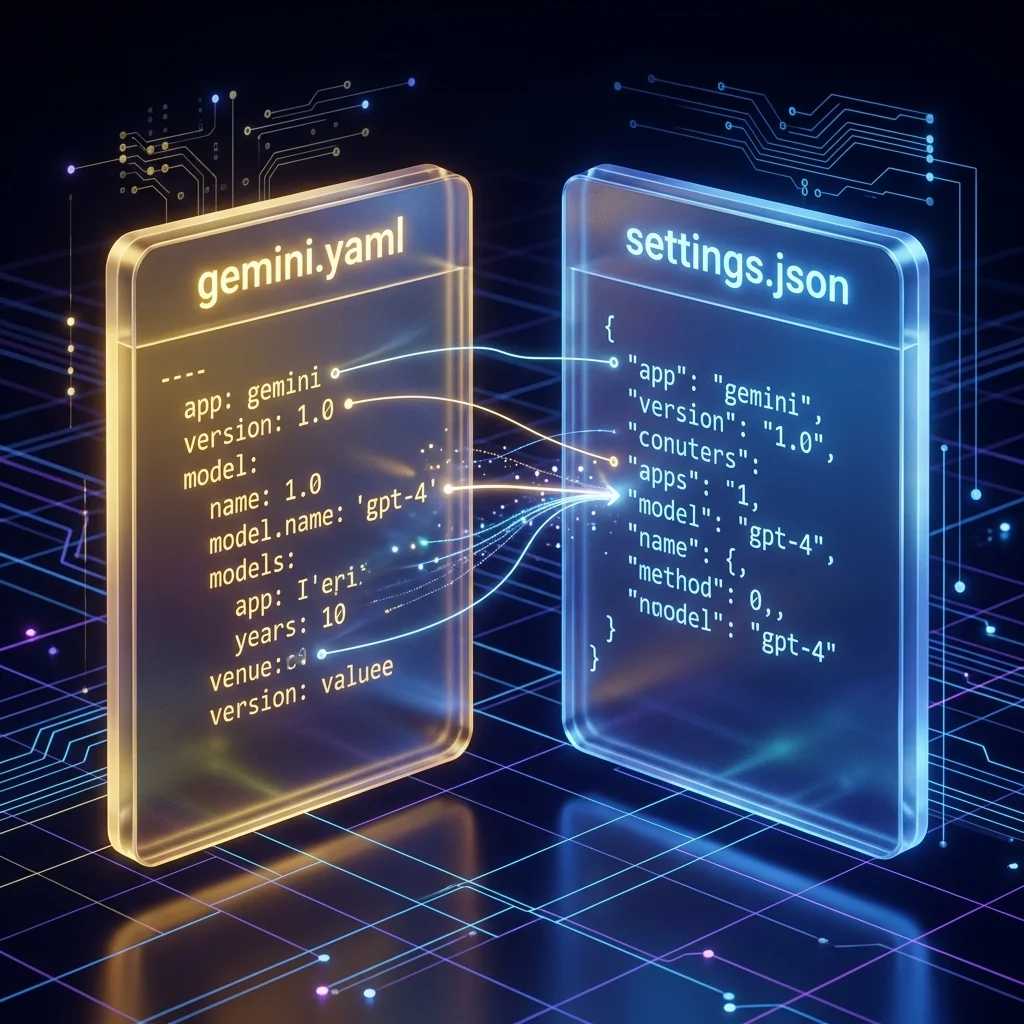
Gemini CLI stored settings in ~/.gemini/gemini.yaml. Antigravity CLI uses ~/.gemini/antigravity-cli/settings.json (JSON format, not YAML).
Common settings to migrate:
| Old (gemini.yaml) | New (settings.json) |
|---|---|
model.name | model field (string) |
sandbox.mode | enableTerminalSandbox (boolean) + toolPermission (string) |
trustedFolders | trustedWorkspaces (array) |
Example settings.json:
{
  "model": "Gemini 3.5 Flash (High)",
  "enableTerminalSandbox": true,
  "toolPermission": "request-review",
  "trustedWorkspaces": ["/home/user/projects"],
  "enableTelemetry": true,
  "colorScheme": "dark"
}
Project context files
GEMINI.md — Works identically. No changes needed.
AGENTS.md — Also supported. No changes needed.
.geminiignore — Rename to .antigravityignore if you want Antigravity-specific exclusion rules. The old name still works as a fallback.
MCP servers
Gemini CLI used gemini mcp add <name> <command>. Antigravity CLI uses:
agy mcp add <name> <command>
List existing servers:
agy mcp list
If you have MCP servers configured in ~/.gemini/gemini.yaml, you'll need to re-add them via agy mcp add. The settings format differs.
Extensions → Plugins
Gemini CLI extensions are called plugins in Antigravity CLI:
# Old
gemini extensions install <repo>

# New
agy plugin install <repo>
List installed plugins:
agy plugin list
Step 4: Replace Ralph Loop
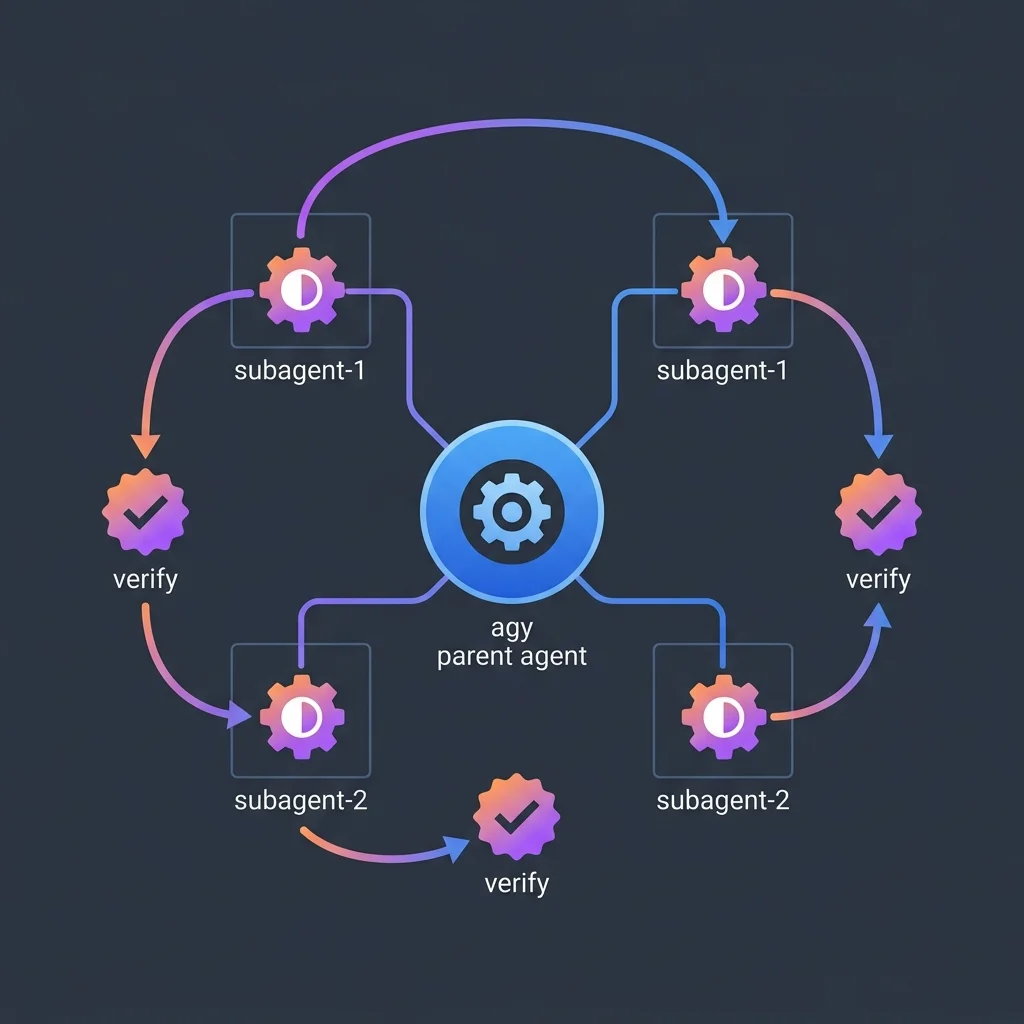
The Ralph Loop extension (/ralph-loop) is not available in Antigravity CLI. Replace it with hooks + subagents:
Old Ralph Loop workflow
# In Gemini CLI
/ralph-loop "Upgrade React 18 to 19" --max-iterations 50
New hooks + subagents workflow
Create a .gemini/hooks/ directory with scripts:
.gemini/hooks/
├── pre-apply
├── post-apply
└── verify
Then delegate autonomous tasks via agents:
# In Antigravity CLI
/agents "Upgrade React 18 to 19" --max-iterations 50
The agent re-runs the verify hook after each change, emulating the Ralph loop pattern.
Step 5: Update CI/CD Scripts
Headless mode
Gemini CLI:
gemini -p "Explain this codebase"
Antigravity CLI:
agy -p "Explain this codebase"
JSON output
# Old
gemini -p "Run tests" --output-format json

# New
agy -p "Run tests" --output-format json
Stream events
# Old
gemini -p "Deploy" --output-format stream-json

# New
agy -p "Deploy" --output-format stream-json
Docker CI example
FROM node:22

# Install agy
RUN curl -fsSL https://antigravity.google/cli/install.sh | bash
ENV PATH="/root/.local/bin:$PATH"

# Auth
ENV ANTIGRAVITY_API_KEY=${ANTIGRAVITY_API_KEY}

# Usage
CMD ["agy", "-p", "Run the test suite and report results", "--output-format", "json"]
GitHub Actions example
name: AI Code Review
on: [pull_request]
jobs:
  review:
    runs-on: ubuntu-latest
    steps:
      - uses: actions/checkout@v4
      - name: Install agy
        run: curl -fsSL https://antigravity.google/cli/install.sh | bash
      - name: Review PR
        run: |
          export ANTIGRAVITY_API_KEY=${{ secrets.ANTIGRAVITY_API_KEY }}
          agy -p "Review the diff in this PR for bugs, security issues, and style problems"
        env:
          ANTIGRAVITY_API_KEY: ${{ secrets.ANTIGRAVITY_API_KEY }}
Step 6: Uninstall Gemini CLI
Once you've verified Antigravity CLI works:
npm uninstall -g @google/gemini-cli
If installed via Homebrew:
brew uninstall gemini-cli
Quick Reference: Command Mapping
| Gemini CLI | Antigravity CLI |
|---|---|
gemini | agy |
gemini -p "..." | agy -p "..." |
gemini --version | agy --version |
gemini mcp add ... | agy mcp add ... |
gemini mcp list | agy mcp list |
gemini mcp remove ... | agy mcp remove ... |
gemini extensions install ... | agy plugin install ... |
gemini extensions list | agy plugin list |
gemini --help | agy --help |
/ralph-loop | /agents (with hooks for verify loop) |
/extensions | /skills |
/sandbox | /config (permissions via /permissions) |
/model | /model |
GEMINI.md | GEMINI.md (unchanged) |
.geminiignore | .antigravityignore (or .geminiignore) |
~/.gemini/gemini.yaml | ~/.gemini/antigravity-cli/settings.json |
Troubleshooting
"agy: command not found"
Binary isn't in PATH. Add ~/.local/bin to your PATH or re-run the installer.
"No authentication method found"
Run agy interactively once to complete OAuth, or export ANTIGRAVITY_API_KEY.
"Model not available"
Antigravity CLI supports Gemini 3.5 Flash/Pro, Claude Sonnet 4.6, Claude Opus 4.6, and GPT-OSS 120B. Run /model to see available options. If you need Gemini 2.5 Pro specifically, you may need to wait for an update — check agy --version for the latest.
"My old MCP servers don't work"
MCP config was stored in gemini.yaml. Re-add servers with agy mcp add <name> <command>.
"The Ralph loop is gone"
See Step 4 above. The hooks + subagent pattern replicates the functionality.
"Plugins vs Extensions — my extensions don't show up"
Extensions must be re-installed as plugins. Run agy plugin install <repo>. Check agy plugin list to verify.
"Where are my session files?"
Sessions are stored in ~/.gemini/antigravity-cli/brain/ instead of ~/.gemini/brain/. Checkpointing works identically — just the path changed.
Related
- Antigravity CLI Getting Started — Full documentation
- Antigravity CLI Configuration — Settings, MCP, and skills reference
- Mastering Gemini CLI — Original Gemini CLI deep dive
- Claude Code vs Gemini CLI vs OpenCode — Three-tool comparison
Related Articles & Deep Dives
 #agent-skills
Cross-Platform Agent Skills: Writing Universal SKILL.md for Antigravity, OpenCode & Claude Code
A complete guide to authoring portable Agent Skills that run seamlessly across Google Antigravity, OpenCode, Claude Code, and Cursor without rewrite.
 #gemini
Gemini 3.7 Flash: The Workhorse Gets Smarter and Cheaper
Gemini 3.7 Flash ships three weeks after 3.6 Flash with big coding and agent gains at half the price. FrontierCode, DeepSWE, AutomationBench, and what changed.
 #gemini
Gemini 3.5 Pro Is Delayed Again — What It Says About Google DeepMind's Release Cadence
Gemini 3.5 Pro was reportedly set to launch August 10 — it's not shipping this month. Why the delay is becoming a pattern, and what it means for developers planning on Gemini.