Archify — Agent Skill for Trusted Interactive Diagrams
Archify (tt-a1i/archify) is an open-source Agent Skill that turns a plain-language description of a system, process, or plan into a validated, self-contained interactive HTML diagram — architecture, workflow, sequence, data flow, or lifecycle — with zero runtime dependencies.
Archify
Archify is an open-source (MIT) Agent Skill that turns a plain-language description — a software system, a plan, or anything with steps, parts, relationships, or states — into a validated, self-contained interactive HTML diagram. The agent authors typed JSON from your description; Archify renders and validates it into a single HTML file with inline SVG that works in any browser with zero dependencies, no server, and no runtime.
It ships as a standard SKILL.md skill for Claude Code, Codex, Cursor, OpenCode, and GitHub Copilot, based on Cocoon-AI/architecture-diagram-generator. Site: archify.si.
When to use
- You need to understand or communicate a system — microservices topology, a CI/CD pipeline, an approval chain — and want an explorable map, not a screenshot you'll redraw every time the system changed
- You want a diagram to plan something non-code too: an annual-leave schedule, a job hunt, a monthly budget, a flat rental — Archify validates the structure of the plan exactly like a system diagram
- You want to share the output as a single file — attach it to a PR comment or email; readers can trace routes, focus nodes, switch themes, and export
When not to use
- You need a hosted, collaborative, real-time editor — Archify is not a WYSIWYG tool or a service; it's a one-file artifact generator
- You need validation that the runtime system behaves as drawn — the 9/9 checks validate the authored diagram, not the running system
- Mermaid round-tripping is required — it can accept existing Mermaid as input, but promises no automatic parsing of every construct
How it works
-
Describe it in plain words — "plan my annual leave: 10 days + 2 comp days that expire end of June", or "read this repository and map the request path"
-
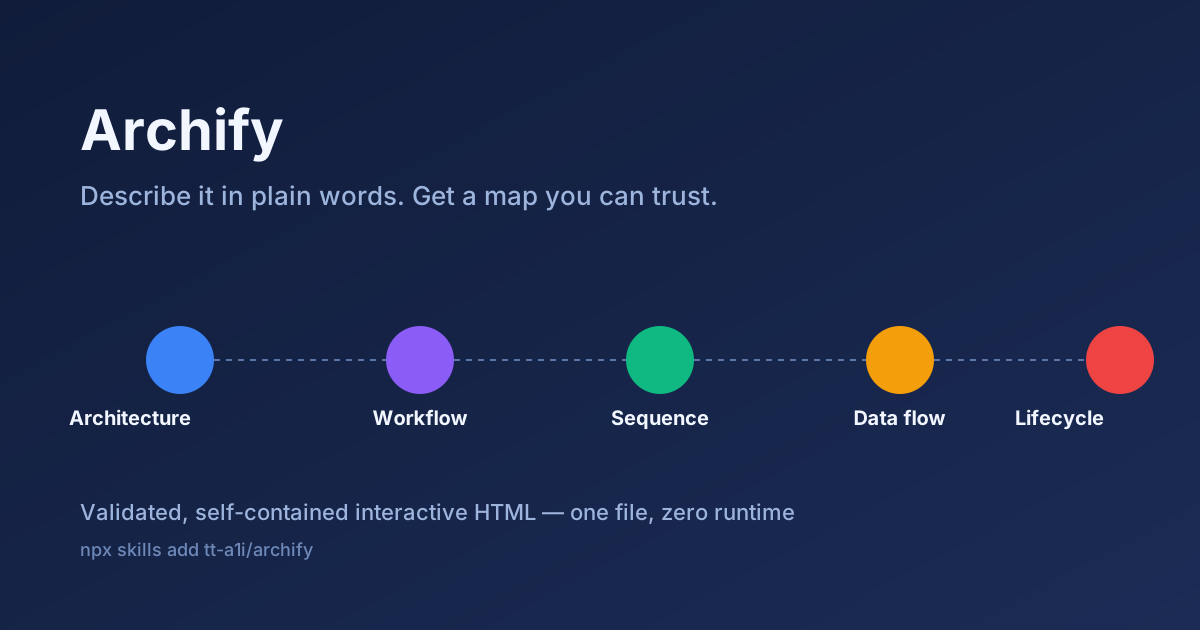
The agent authors typed JSON — one of five diagram types is chosen from the question you actually asked:
Question Diagram type Example What is it made of? Architecture Household accounts, cloud topology What happens next? Workflow Visa application, onboarding Who says what, when? Sequence Renting a flat through an agent Where does it go? Data flow Paycheck → bills → savings Where does it stand? Lifecycle Job applications, deployments -
Archify renders and validates — 9/9 validation checks per artifact; seven semantic node colours with a legend you can rename for your story
-
Iterate by chat — "move the summer trip to August", "add Redis", "make the deadline red" — no diagram editor to learn
-
Export natively — PNG, JPEG, WebP, dual-theme SVG, WebM, or clipboard, rasterized up to 4× in the browser
The output is one HTML file: inline SVG, dark + light theme variable sets that switch together (@media (prefers-color-scheme)), interactive routes (inspect any stop, play one finite reader-controlled pass per relationship), find/radar/presentation keyboard tools. Nothing is validated at "trust me" level: the typed JSON source ships inside the file so you can inspect the exact authored graph.
Install
npx skills add tt-a1i/archify -g
Installs globally for the agent you're running. Verify the canonical repo before running.
Agent access to files, a local Node.js runtime, and tools needed for your chosen export format remain part of your agent environment — Archify can't export PNG if your agent can't run a browser-local export.
Full SKILL.md
The stable skill source lives in the canonical repo: archify/SKILL.md on tt-a1i/archify (main). Published releases: releases page. Read it there rather than from a mirror; the repo is the single source of truth for what the skill instructs your agent to do.
Verify it yourself
Archify is a "produce files, no network" skill pattern, which cuts the scariest bug classes — but verify before granting an agent file access anyway:
- Static scan — confirm no
curl|sh, nobase64 -d, no secrets-reading, no network calls from scripts - Two-model review — paste the
SKILL.mdinto two different models with the Vetting Guide prompt; specifically ask whether the validation JSON schema lets arbitrary HTML/JS through, since the artifact is HTML - Sandbox first render — generate one artifact, open the HTML source, and confirm no external fetches before opening it in a browser
Review transparency
| Field | Value |
|---|---|
| Last reviewed | 2026-10-08 (launch baseline) |
| Reviewers | site baseline (product site + repo README/SKILL.md read; static scan) |
| Source | tt-a1i/archify via archify.si |
| License | MIT (skill + renderers) |
| Re-vet trigger | upstream change to SKILL.md; >30 days since review |
Related
- Skills Collection Overview
- Vetting Guide
- Build a Scroll-Storytelling Website With AI Image + Video — same "validated one-file artifact" discipline for landing pages
- Agent Skills — Open Standard
Related Articles & Guides
 #skills
UI UX Pro Max — Searchable Design Intelligence for Agents
UI UX Pro Max packages seven design skills, a local search corpus and a CLI. The core is MIT; logo/CIP and extended asset generation sit behind a paid Premium tier.
 #skills
Playwright Skill — Code-First Browser Automation for Agents
lackeyjb's Playwright Skill writes and runs reusable Playwright scripts through run.js — code-first, unlike Playwright MCP control or DevTools inspection.
 #skills
AI SEO — Audit AI Answer Visibility Without Promising Citations
AI SEO is a 15-reference workflow for AI-answer visibility: query audits, extractable structure, crawler policy by purpose, machine-readable files, and citation-versus-recommendation analysis.