Materials & Textures Prompts: Surface Design
Generate realistic material swatches and texture close-ups with Nano Banana. Perfect for 3D artists and graphic designers.
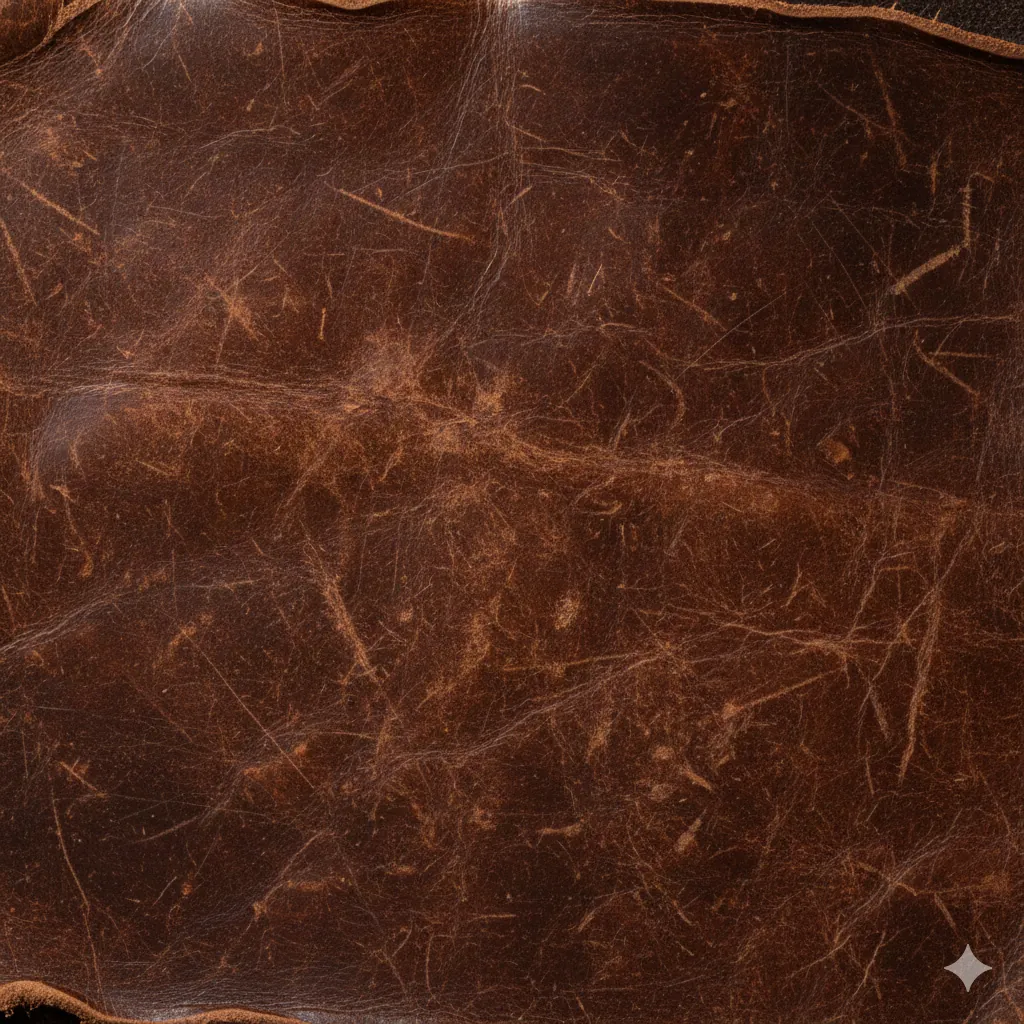
Sometimes you don't need a whole object; you just need the surface. Nano Banana can generate high-resolution, tileable textures for use in 3D rendering, background design, or material exploration.
Understanding Surface Detail
To get a realistic texture, you need to describe three things: Color, Tactility (how it feels), and Lighting. Lighting is crucial because without shadows, a texture looks flat and fake.
AGED LEATHER
Create a high-resolution material texture. Material: - **Type**: Distressed full-grain leather - **Color**: Deep cognac brown with dark patina - **Age**: Well-worn, vintage (20+ years old) Tactility: - **Texture**: Visible pores, natural creases, small scratches - **Finish**: Semi-gloss (oiled finish) - **Imperfections**: Scuffs and color variation Lighting: - **Setup**: Raking light (side lighting) - **Effect**: Highlights the depth of the cracks and grain - **Framing**: Top-down macro shot (flat lay)
Why This Works
The "Raking Light": "Raking light" comes from a low angle, skimming the surface. This creates tiny shadows behind every bump and crack, revealing the 3D depth of the texture. Front lighting would wash this out.
The "Patina" and "Age": New leather looks like plastic. "Aged" or "distressed" leather has character. Words like "patina" tell the AI to vary the color density, making it look organic.
The "Macro" Framing: Asking for a "macro shot" ensures the AI focuses on the microscopic details (pores, fibers) rather than trying to show a whole object (like a chair).
Common Mistakes
Note:
Scale Confusion: If you don't specify "close-up," the AI might give you a picture of a cow. Be specific: "Extreme close-up texture of leather surface."
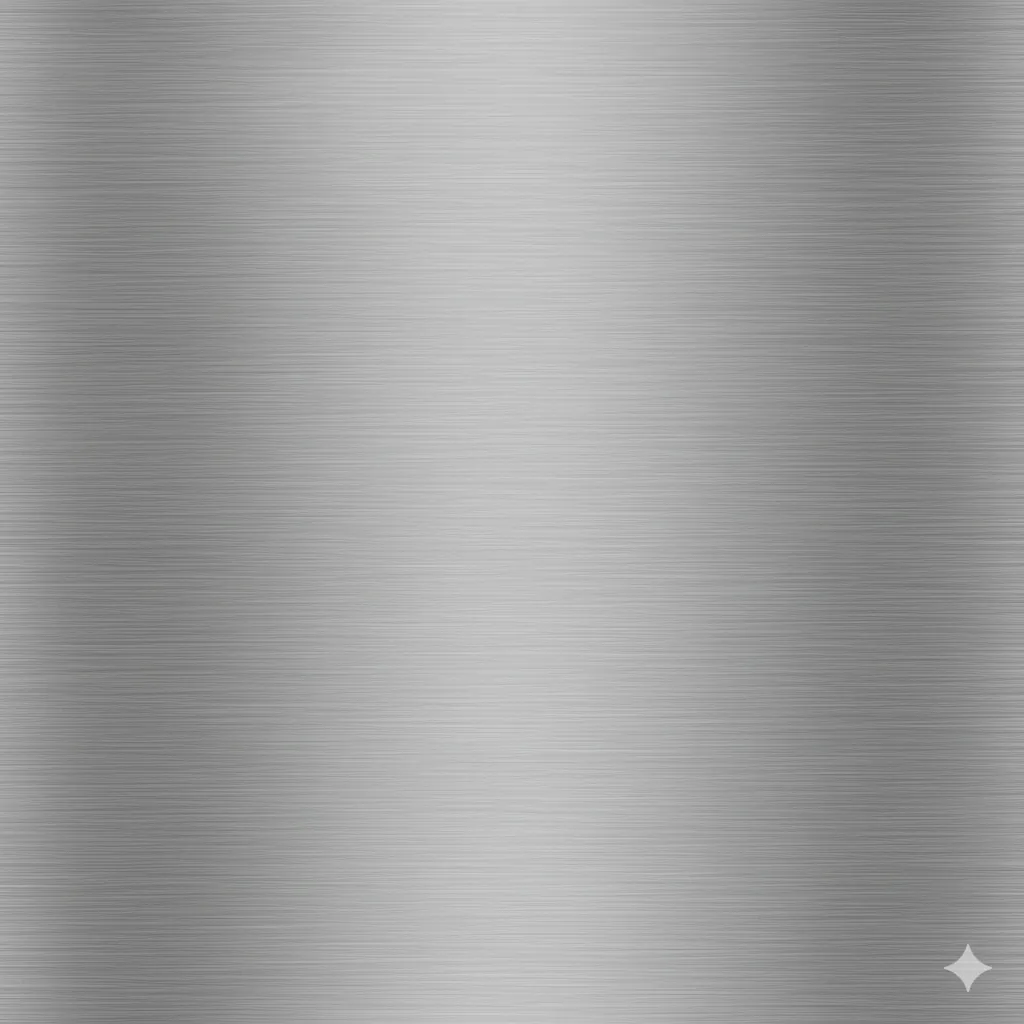
Create a seamless brushed stainless steel texture. Material Base: - **Type**: 304 Stainless steel - **Finish**: Brushed (directional grain) - **Reflectivity**: Satin finish, non-mirrored Surface Characteristics: - **Grain Direction**: Horizontal brushed lines - **Line Spacing**: Fine, consistent parallel grooves - **Depth**: Subtle micro-relief (not deep scratches) - **Pattern**: Directional brushing, no randomness Color & Tone: - **Base Color**: Cool metallic silver-grey - **Variation**: Subtle tonal shifts along grain direction - **Patina**: Minimal oxidation, mostly clean finish Lighting: - **Setup**: Even, diffused studio lighting - **Direction**: Slightly angled to catch the grain - **Effect**: Highlight the brushed texture directionality - **Framing**: Top-down macro shot, seamless tile - **Reflection**: Soft, subtle highlights along grain lines
What Changed: Brushed metal is much simpler for the AI to render than complex aggregate patterns. The directional grain is easier to understand and replicate consistently, making seamless tiles more achievable.
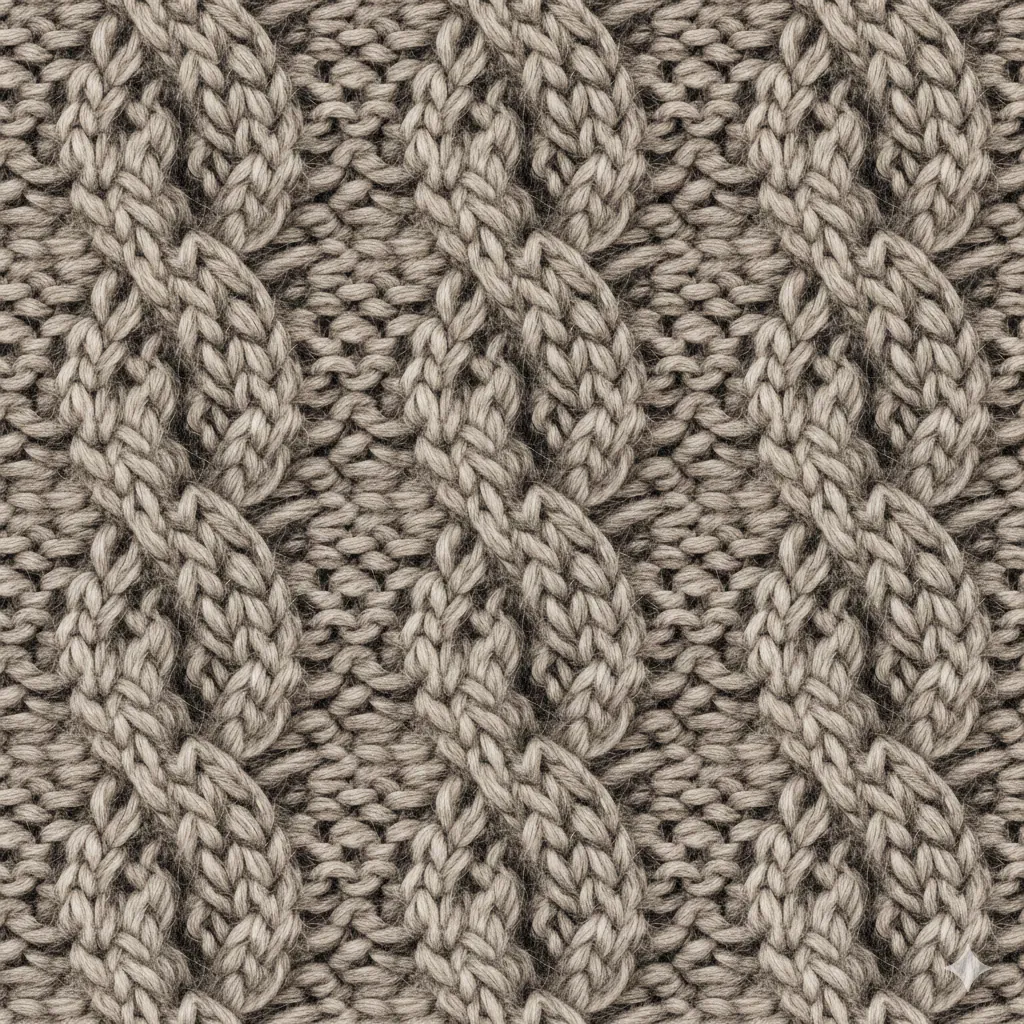
Create a macro knit fabric texture. Material: - **Type**: Chunky cable knit wool - **Structure**: Visible loops and cable pattern - **Fuzz**: Surface hair and fiber fuzz visible Color: - **Palette**: Melange grey (natural light and dark fibers) - **Variation**: Organic color mix, not uniform - **Tone**: Warm, slightly off-white shadows Lighting: - **Setup**: Soft, diffused light - **Effect**: Emphasize the textile texture without harsh shadows - **Framing**: Extreme close-up macro, filling the frame
What Changed: We focused on "fuzz" and "fibers" to sell the softness of the material. Organic color variation in the melange makes it look like real wool, not synthetic.
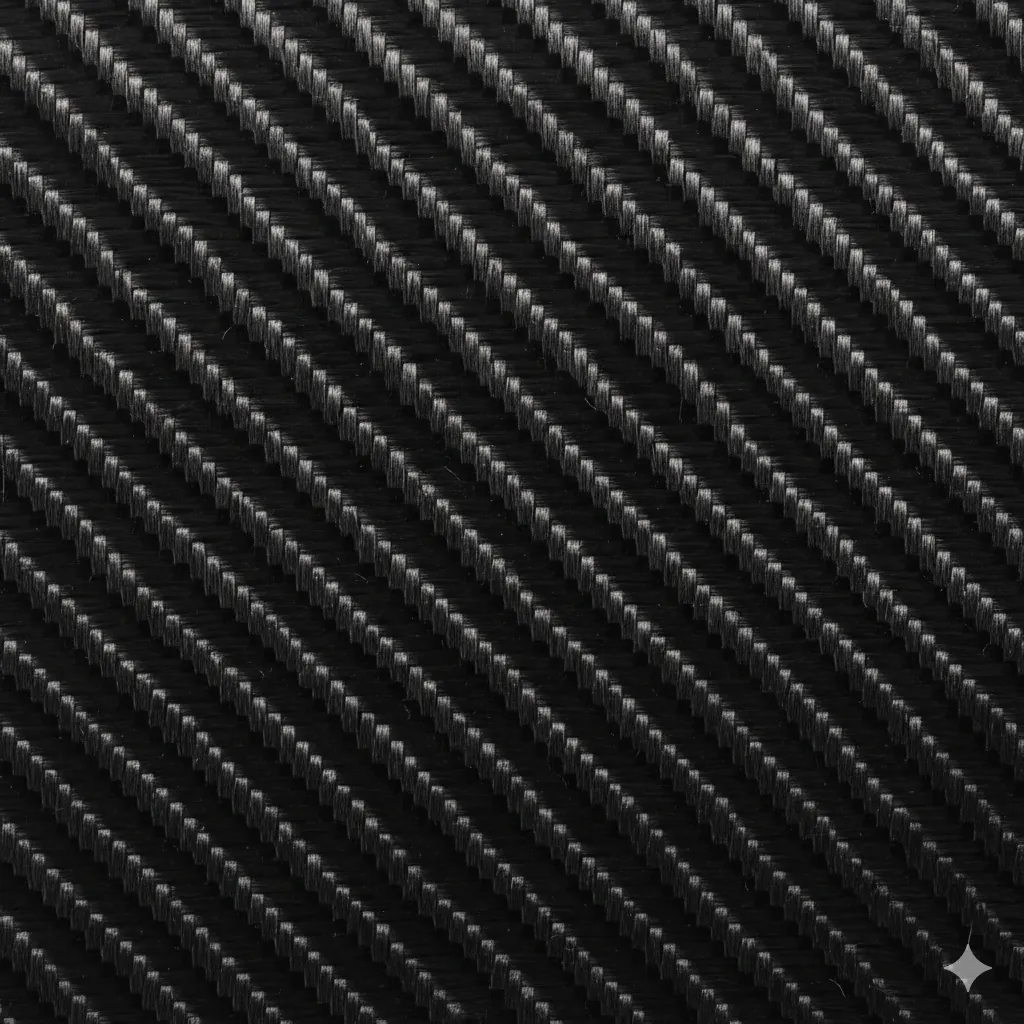
Create a carbon fiber weave texture. Weave & Structure: - **Pattern**: 2x2 twill weave - **Fiber Direction**: Visible interlocking pattern - **Consistency**: Regular, uniform weave spacing Finish: - **Topcoat**: High gloss clear coat over resin - **Gloss Level**: Mirror-like reflectivity - **Depth**: Visible fiber layers beneath transparent surface - **Surface**: Smooth, no texture bumps Lighting: - **Setup**: Sharp studio lighting - **Effect**: Emphasize gloss and reveal weave pattern through highlights - **Framing**: Top-down macro shot, seamless tile Vibe: - **Style**: Racing, aerospace, high-performance
What Changed: Carbon fiber's appeal is the visual weave pattern under the glossy surface. Sharp lighting reveals both the gloss reflectivity and the underlying fiber structure, making it look authentic.
Troubleshooting
Next Steps
- Product Mockups: Apply your new texture to a product.
- Interior Design: Use these materials in a room.
Related Articles & Guides
 #nano-banana
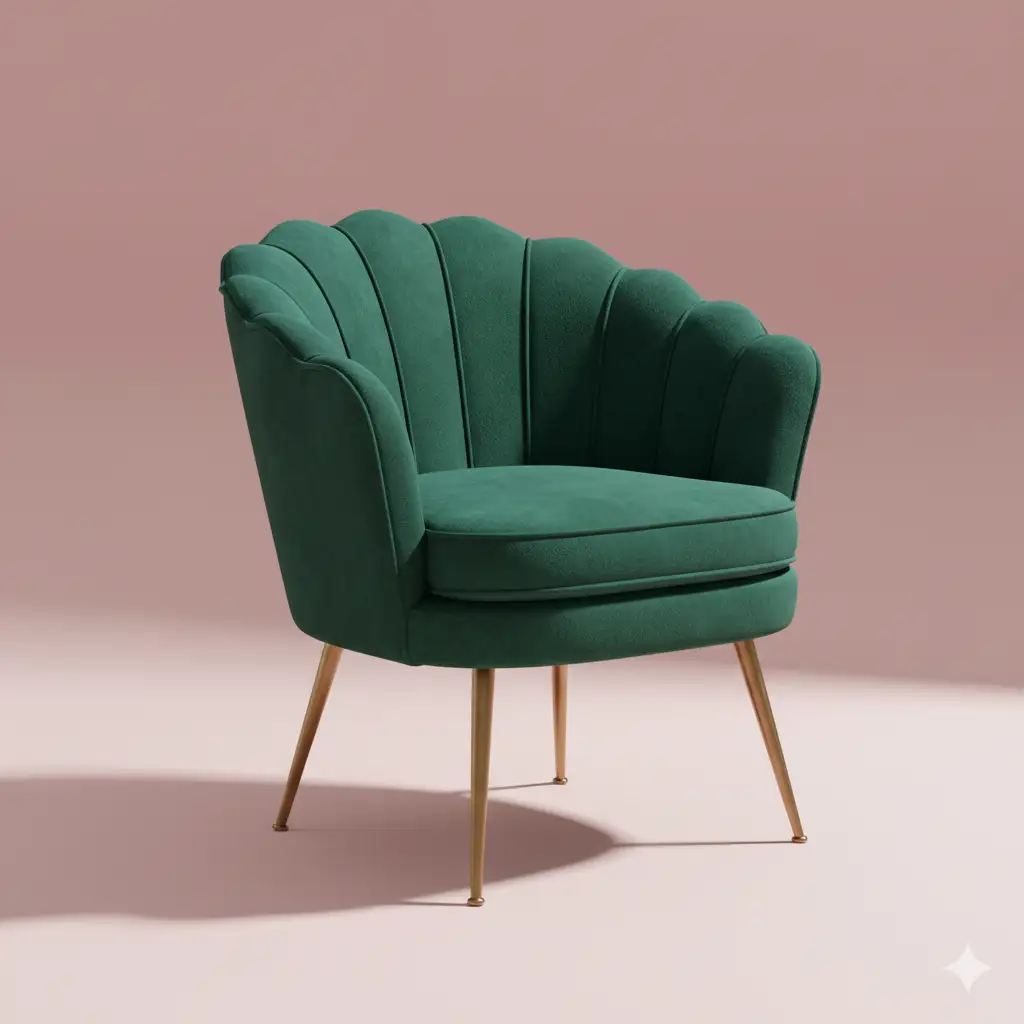
Furniture & Decor Prompts: Custom Design
Design custom furniture pieces and home decor items with Nano Banana. Visualize unique concepts for manufacturing or inspiration.
 #nano-banana
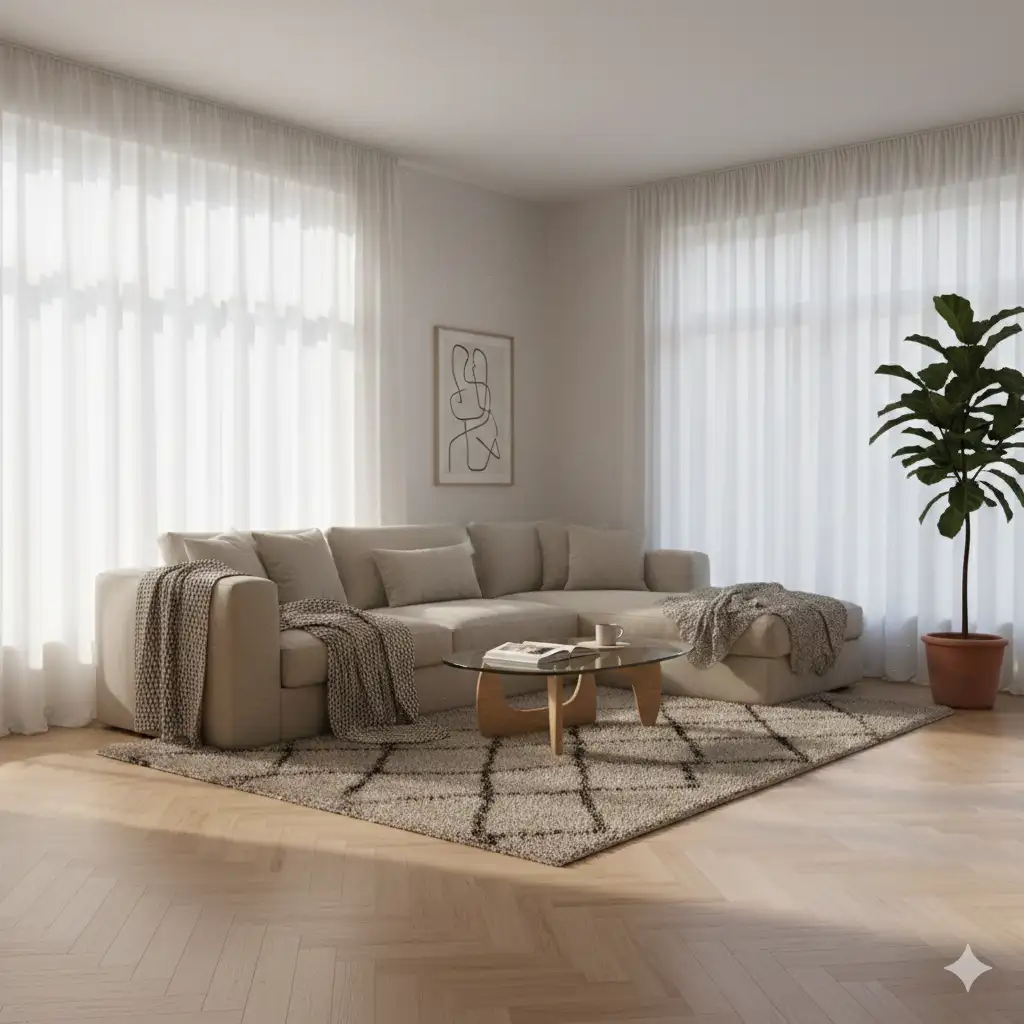
Interior Design Prompts: Room Visualization
Visualize room layouts, furniture styles, and decor themes with Nano Banana. Create photorealistic interior renders.
Product Mockup Prompts: E-commerce Photography
Create professional e-commerce product photography and packaging mockups with Nano Banana. Master lighting and composition.