Image Generation with ChatGPT
Explore creative image generation prompts for ChatGPT, from 3D glassmorphism icons to futuristic designs and artistic transformations.
Introduction
AI-powered image generation unlocks new creative possibilities, allowing you to transform ideas into stunning visuals with just a prompt. Whether you want to design icons, create futuristic artwork, or experiment with artistic styles, ChatGPT can help you craft prompts for a variety of image generation tools. For the release that made native image generation a default ChatGPT feature, see our GPT-4o image generation breakdown.
For current model-specific examples, browse our GPT Image 2 prompt collection, including a tested travel-photo-to-poster workflow.
Tool Comparison
| Tool | Best For | Access | Prompt Style |
|---|---|---|---|
| DALL-E 3 (via ChatGPT Plus) | General image generation, realistic scenes, text rendering | ChatGPT Plus subscription | Natural language descriptions |
| Midjourney | Artistic styles, concept art, game assets | Discord or web interface | Parameter-heavy, style-focused |
| Stable Diffusion | Local generation, fine-tuning, specific art styles | Open source / local | Composable prompts with negative prompts |
| Nano Banana (Gemini) | Fast iterations, photo editing, product mockups | Free via Google | Short, action-oriented prompts |
Practical Use Cases
- 3D Glassmorphism Icons: Generate modern, translucent icons for apps and websites.
- Futuristic Designs: Imagine sci-fi landscapes, advanced technology, or cyberpunk scenes.
- Artistic Transformations: Turn photos into paintings, sketches, or unique art styles.
- Product Mockups: Visualize products, packaging, or branding concepts.
- Social Media Graphics: Create eye-catching posts, banners, or profile images.
Tips for Effective Image Generation Prompts
Be Descriptive
Specify details like style, color, mood, and composition. For example: "A 3D glassmorphism icon of a rocket, blue and purple hues, soft shadows, on a transparent background."
Set the Scene
Include context or background elements: "A futuristic city skyline at sunset, neon lights, flying cars, in the style of cyberpunk art."
Experiment with Styles
Try different artistic directions: "A portrait of a cat in the style of Van Gogh's Starry Night."
Example Prompts
Copy these and adapt them to your own project. Each prompt is structured so ChatGPT understands the subject, style, and composition:
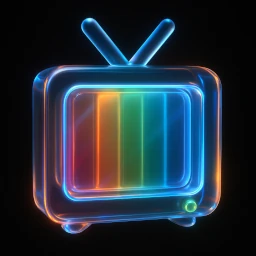
Create a 3D glassmorphism icon of a camera. - Style: Translucent frosted glass, glossy edges, neon rim light - Colors: Pastel palette (soft pink, mint, sky blue) - Lighting: Soft studio light with subtle internal reflections - Background: Transparent, high resolution
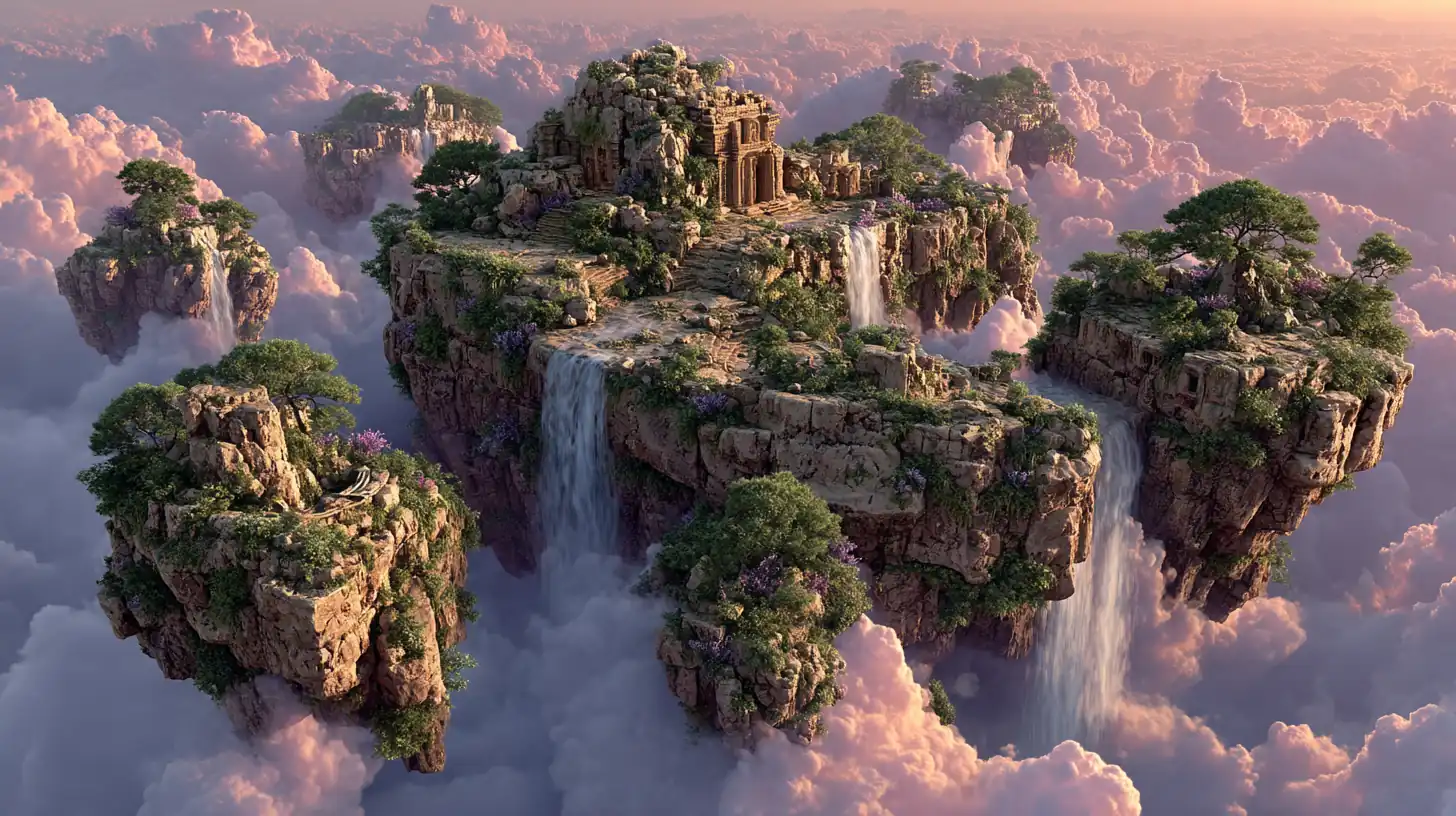
A futuristic robot chef preparing food in a neon-lit kitchen. - Style: Digital art, cyberpunk aesthetic - Lighting: Neon magenta and cyan accents - Mood: High-tech, cinematic - Composition: Wide shot with the robot centered
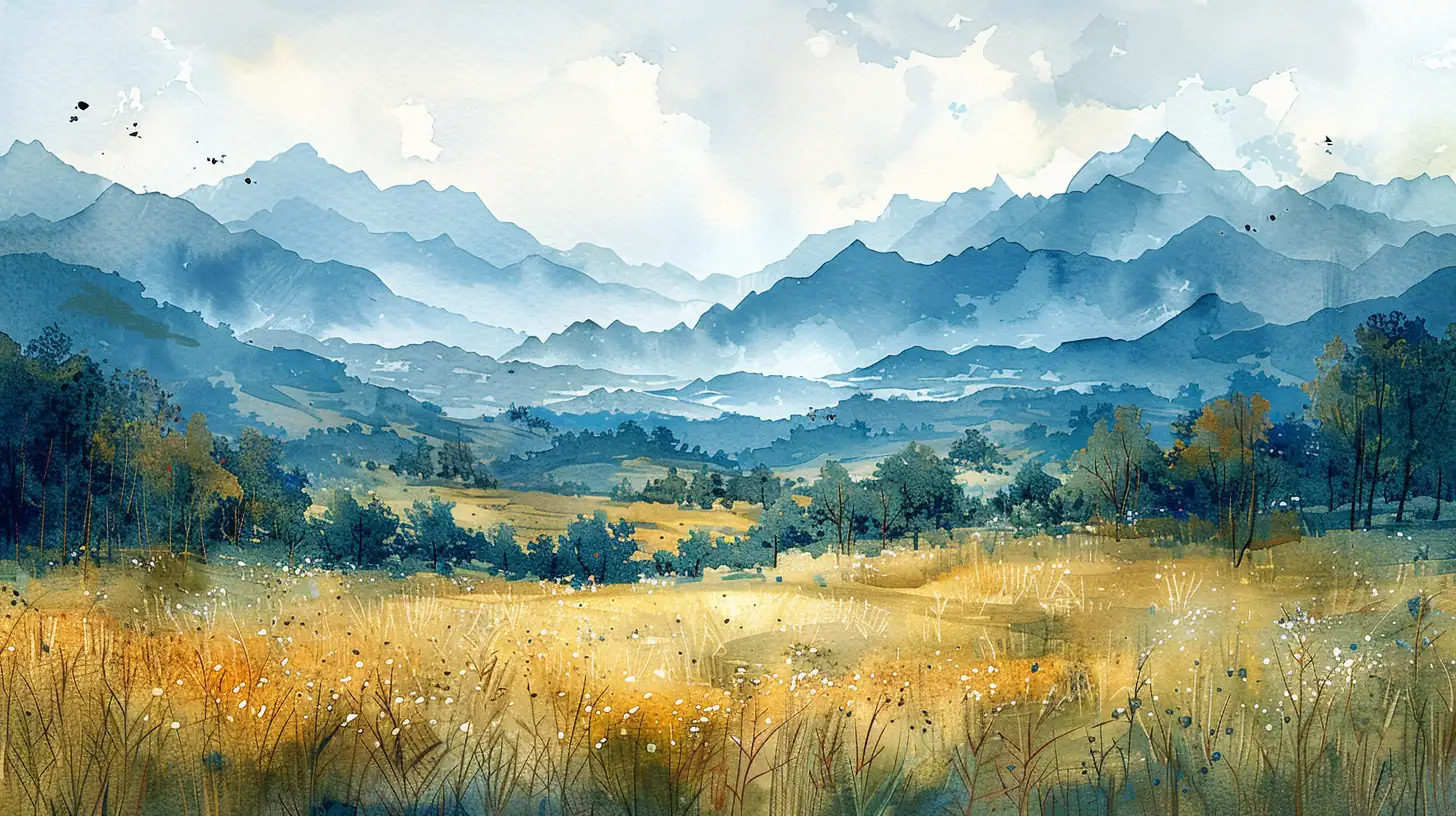
A serene landscape with mountains and a lake. - Medium: Watercolor painting - Palette: Soft blues, greens, and lavender - Mood: Calm, peaceful, atmospheric - Details: Gentle color bleeding and soft edges

A product mockup of an eco-friendly water bottle on a white background. - Style: Photorealistic, clean e-commerce product shot - Lighting: Soft, even studio lighting - Details: Subtle reflection and soft contact shadow - Color: Minimalist matte finish
Browse by Use Case
Pick a use case below for a full collection of ready-to-use prompts:
- 3D Glassmorphism Icons — Modern translucent app icons
Nano Banana Guides:
Looking for dedicated prompt collections? Nano Banana covers Product Mockups, Sticker Packs, Logo Design, Cyberpunk Scenes, Artistic Transformations, and Social Media.
Platform-Specific Tips
ChatGPT / DALL-E
- Be descriptive about style, lighting, and composition
- Specify aspect ratio (e.g., "square image," "wide banner")
- Mention color palette and mood
- DALL-E excels at rendering text in images — include specific text you want shown
Midjourney
- Use parameter flags for control:
--ar 16:9,--v 6,--s 250 - Reference artists or styles for specific aesthetics
- Use
--srefcodes for consistent style references - Midjourney v6 handles natural language better than earlier versions
Nano Banana (Gemini)
- Short, direct prompts work best
- Excellent for photo editing and transformation tasks
- Supports "character reimagining" and "style transfer"
- Fast iteration speed allows rapid experimentation
Note:
For best results, tailor your prompts to the capabilities of your chosen image generation tool (e.g., DALL·E, Midjourney, Stable Diffusion).
Choosing the Right Tool
| Task | Recommended Tool | Why |
|---|---|---|
| Quick social media graphics | ChatGPT / DALL-E | Fast, integrated with chat |
| Artistic concept art | Midjourney | Superior style rendering, artist references |
| Product mockups | Nano Banana (Gemini) | Fast iteration, photo editing capabilities |
| Local / custom models | Stable Diffusion | Full control, fine-tuning, no API costs |
| Consistent brand assets | Midjourney with SREF codes | Style consistency across generations |
Related Articles & Guides
#chatgpt3D Glassmorphism Icon Transformation
Discover how classic 2D icons are reimagined as stunning 3D glassmorphism objects, blending nostalgia with futuristic neon-lit design for next-gen digital experiences.
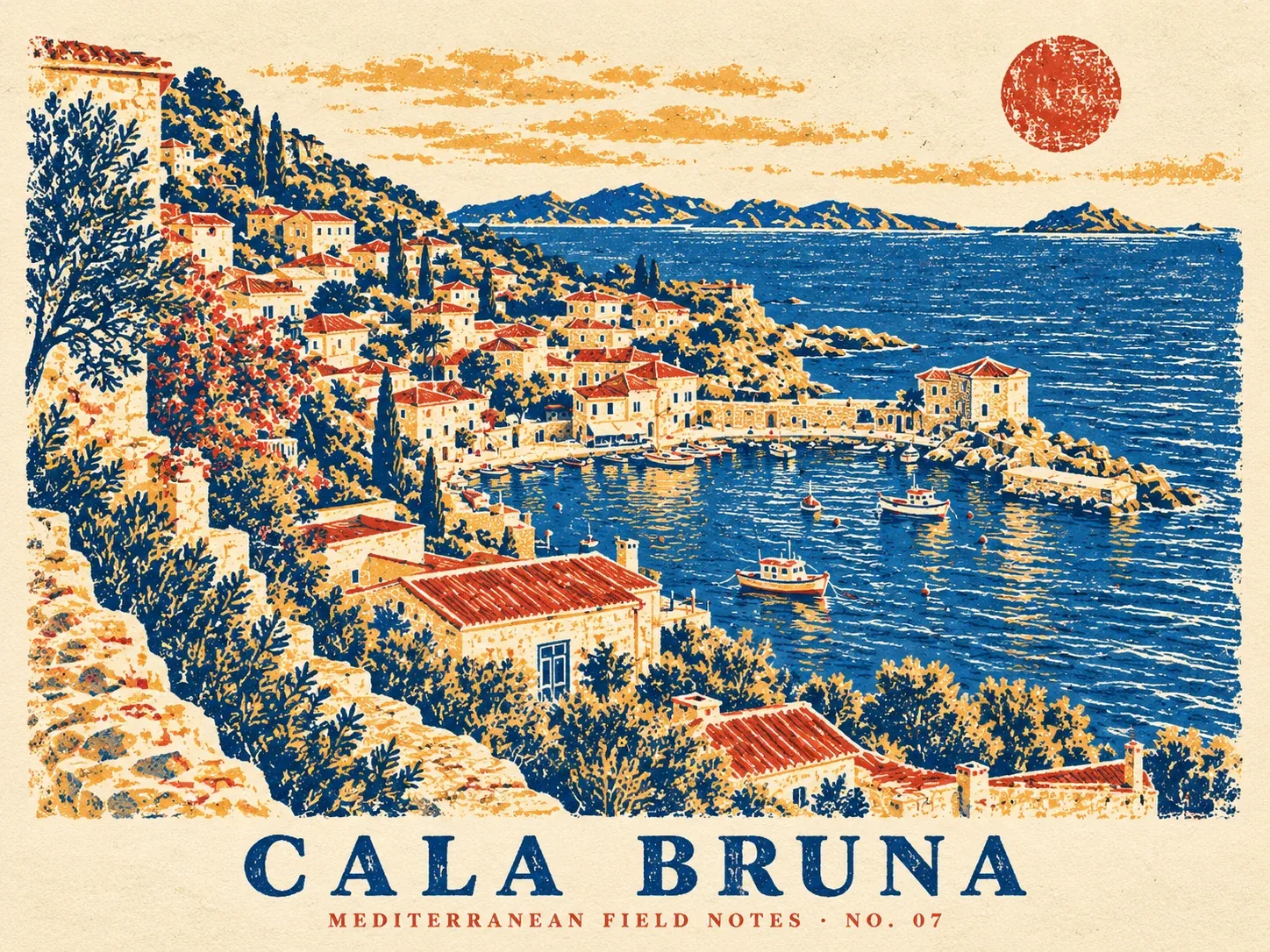 #gpt-image-2
GPT Image 2 Prompts and Workflows
Explore original GPT Image 2 prompts with generated examples for posters, art styles, composition studies, interface mockups, infographics, and photorealism.
 #chatgpt
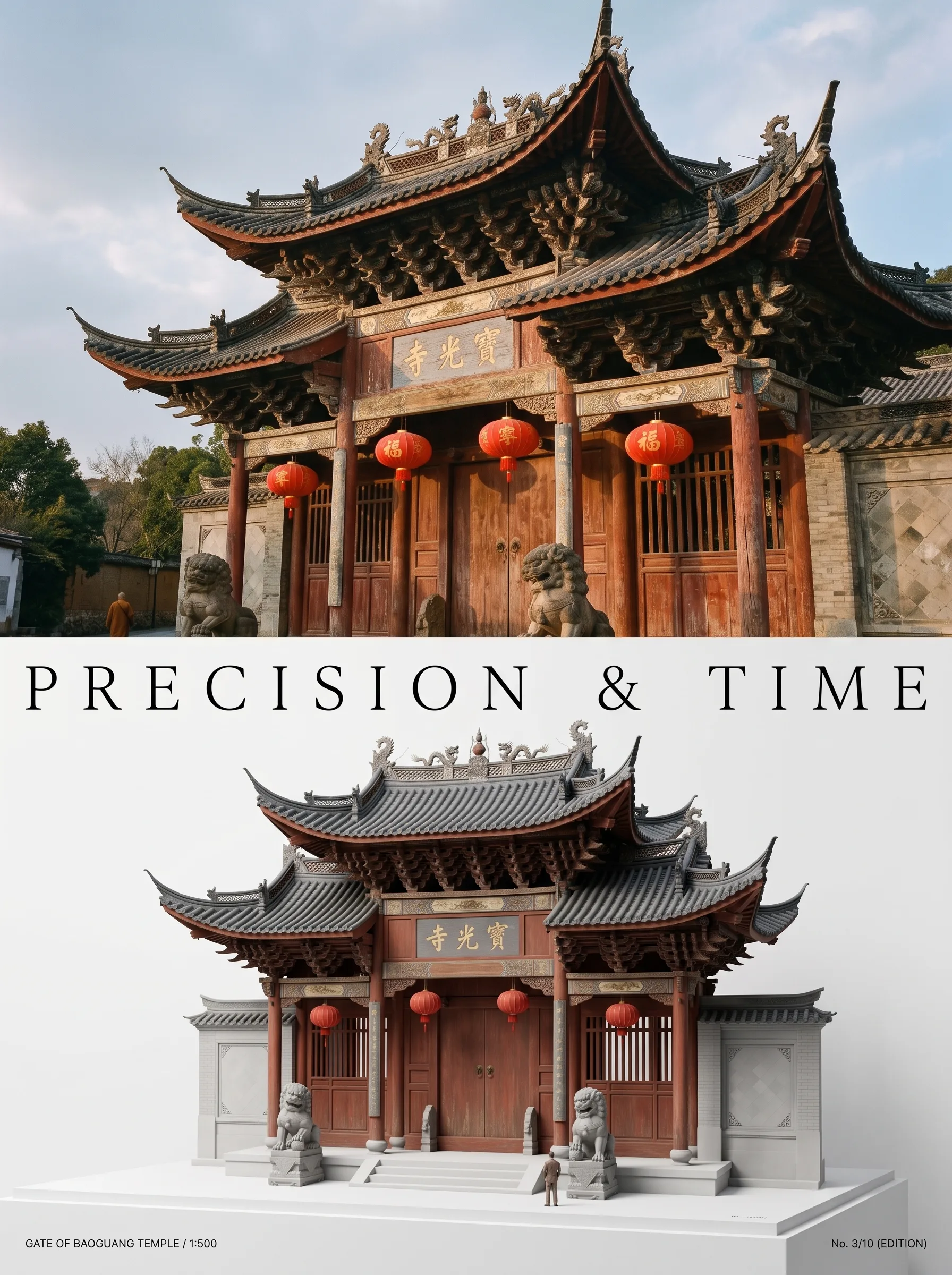
Photo to Architectural Model Poster
Turn any photo of a building into a dual-zone editorial poster: full photo on top, photoreal miniature museum model below. The precision prompt that avoids cartoon renders, tested on 6 building types.