Nano Banana Prompts: Google's AI Image Generation Guide
Master Nano Banana (Gemini 2.5 Flash & 3 Pro Image) with expert prompts for image generation, editing, and transformations. Best-in-class text rendering and photo editing.
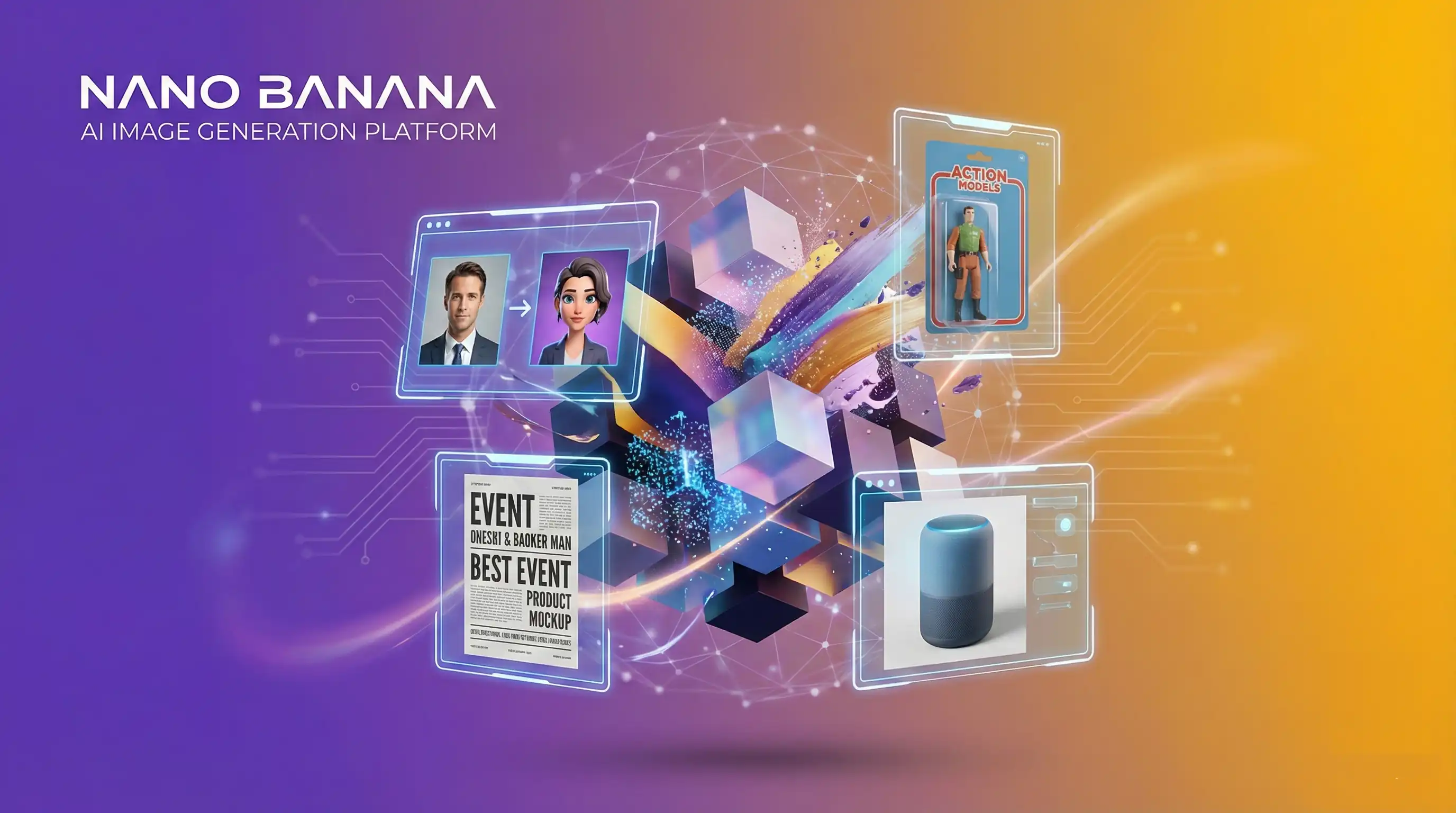
What is Nano Banana?
Nano Banana is Google DeepMind's advanced AI image generation and editing model, powered by Gemini 2.5 Flash Image and Gemini 3 Pro Image. Unlike traditional text-to-image models, Nano Banana combines generation with sophisticated editing capabilities, making it ideal for transforming personal photos, creating text-heavy designs, and iterative conversational workflows.
Key Capabilities
Nano Banana stands out from other AI image tools by combining generation with meaningful editing and reasoning capabilities.
1. Precise Text Rendering & Design
Unlike many models that struggle with text, Nano Banana can render accurate, legible text within images, making it perfect for typographic art, posters, and marketing materials.
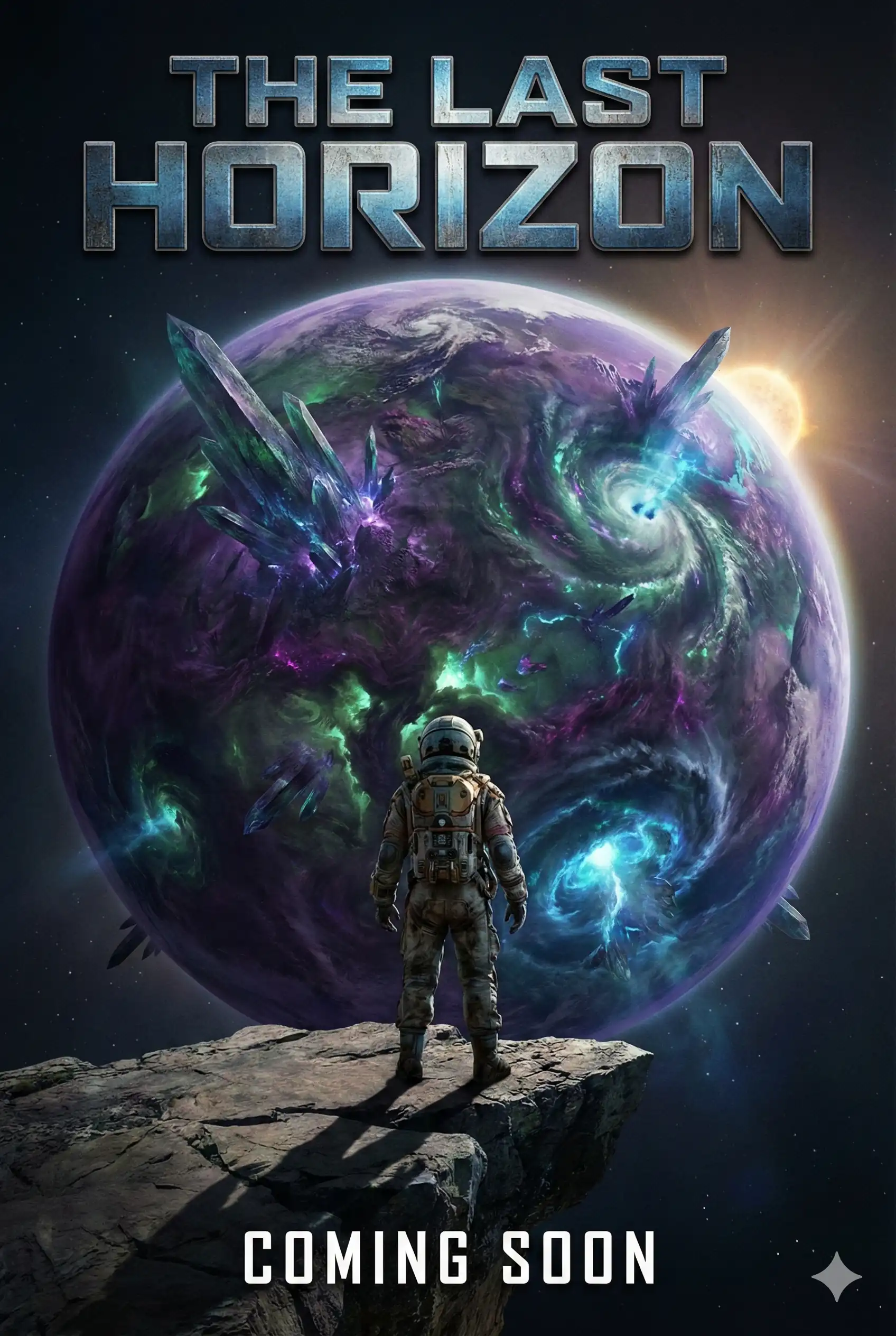
Create a professional movie poster for a sci-fi thriller titled 'The Last Horizon'. Use a dramatic composition with a lone astronaut facing a massive alien planet. The title text should be large, metallic, and centered at the top, with 'Coming Soon' at the bottom in a clean sans-serif font.
2. Professional Product Visualization
It excels at creating photorealistic product mockups and commercial assets that are ready for business use.
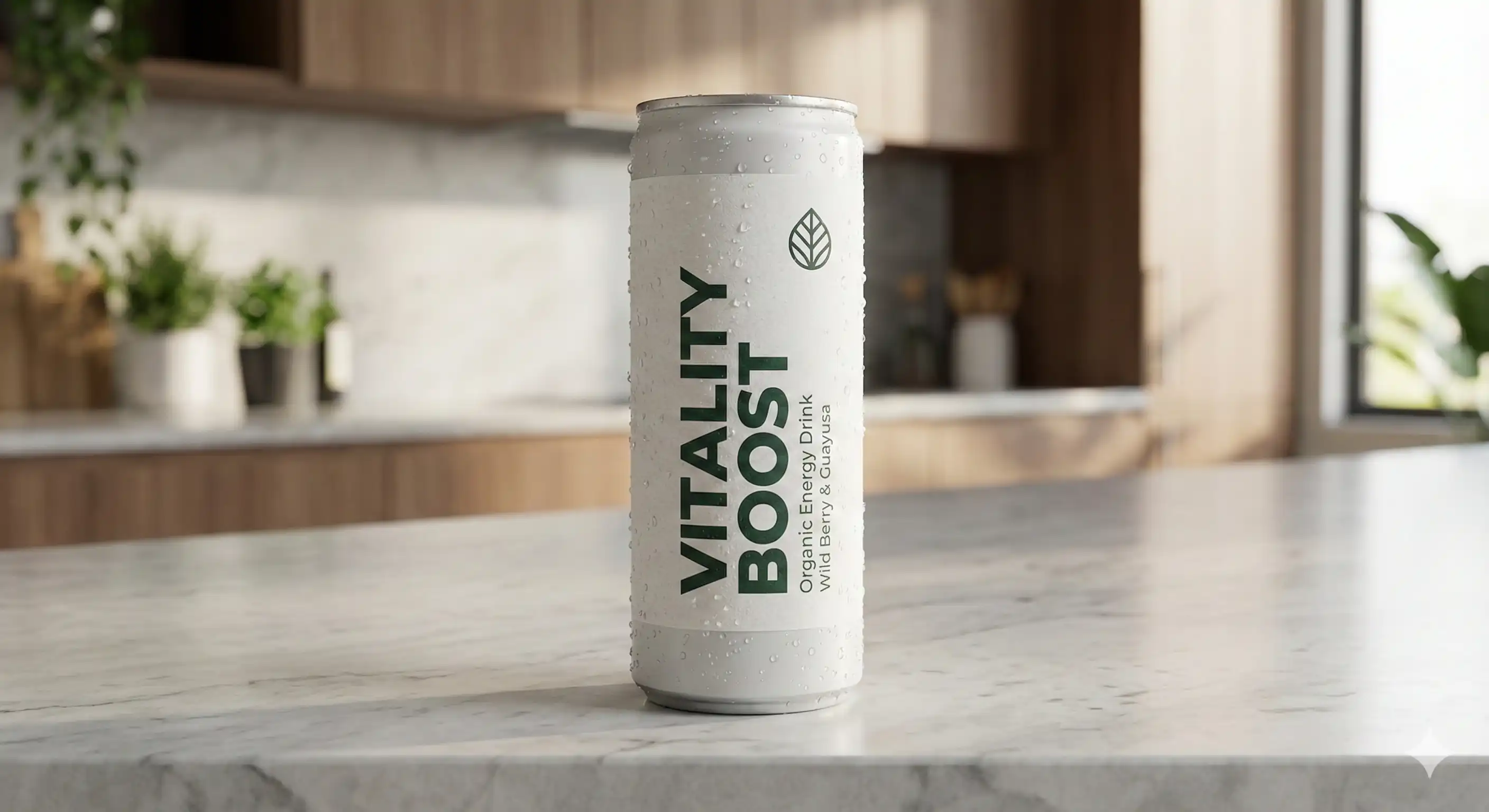
Generate a photorealistic product mockup of a sleek organic energy drink can on a marble countertop. The label should clearly display the text 'Vitality Boost' in bold, modern typography, with condensation droplets on the can, soft studio lighting, and a blurred kitchen background.
3. Complex Layouts & Reasoning
The model includes a "reasoning phase" where it plans the composition, allowing for complex diagrams, infographics, and structured content that follows logical rules.
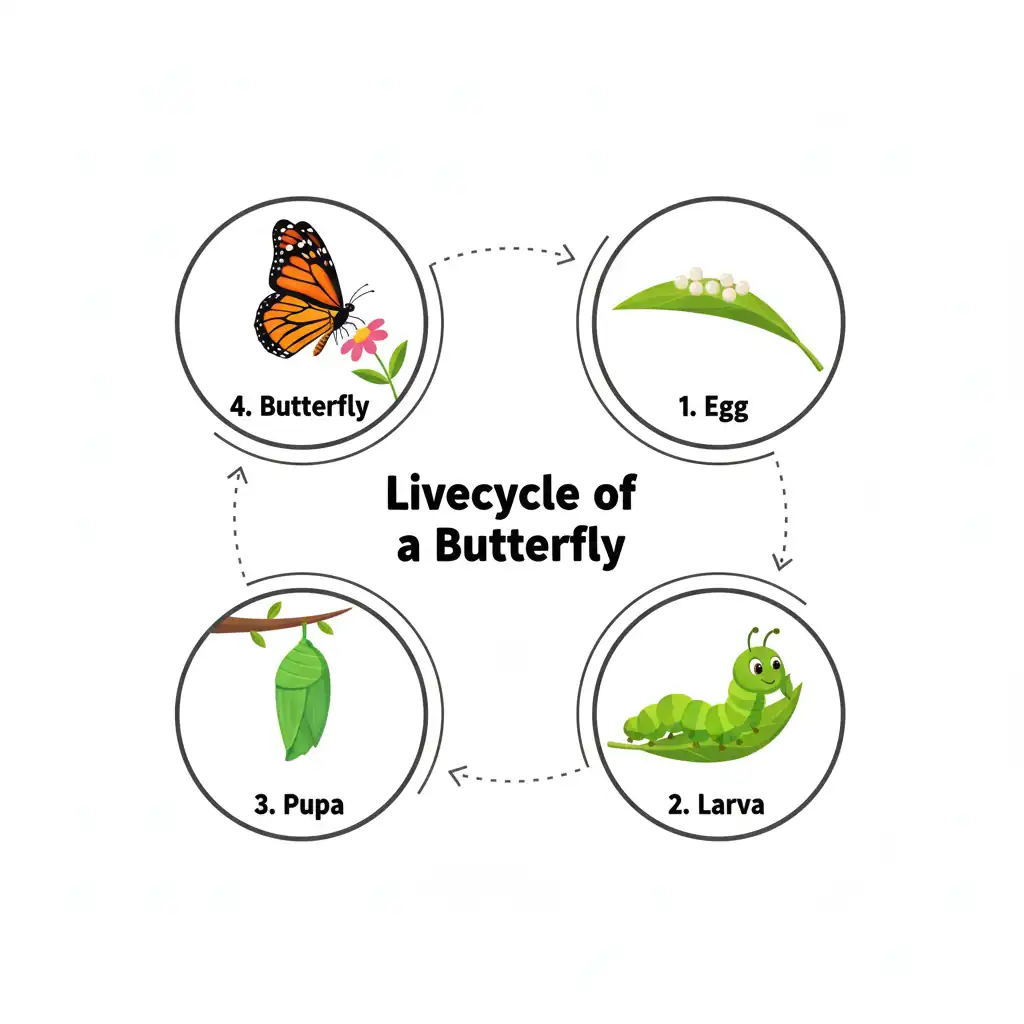
Design a clean, educational infographic about the 'Lifecycle of a Butterfly'. Include four distinct stages: Egg, Larva, Pupa, and Butterfly, arranged in a circular flow. Label each stage clearly with bold black text on a white background, using colorful vector-style illustrations.
4. Photorealistic Interior Design & Editing
Transform spaces and photos with high fidelity. You can upload existing photos to redesign a room or generate completely new photorealistic environments.
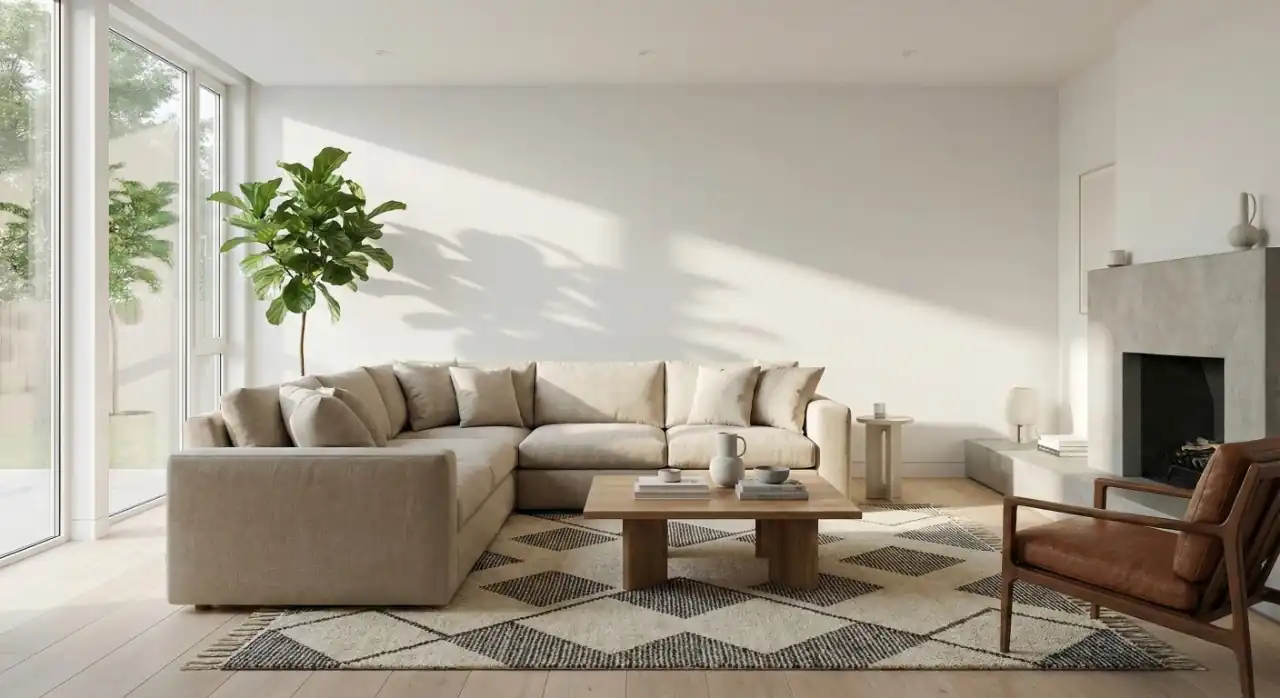
Visualize a modern Scandinavian living room interior design concept. The room should feature a beige sectional sofa, a geometric rug, and a large fiddle leaf fig plant. Natural light streams through floor-to-ceiling windows, creating soft shadows. Photorealistic style, 8k resolution.
Getting Started with Nano Banana
Where to Access Nano Banana
Nano Banana is available through Google AI Studio (formerly Makersuite), which offers a free tier for experimentation:
- Go to Google AI Studio — No credit card required
- Sign in with your Google account — Use any Google, Gmail, or Workspace account
- Start a new conversation — Select the Nano Banana Pro model
- Upload an image or describe what you want — Either upload a photo to edit or describe an image to create
Basic Workflow
The typical Nano Banana workflow is simple and conversational:
- Prepare your input — Either upload a photo you want to edit or have a clear description of what you want to create
- Write your prompt — Describe the transformation or creation in natural language
- Review the result — The model generates the image
- Refine conversationally — Ask for adjustments ("make it darker," "add more detail," "change the background")
- Export when satisfied — Download the final image
We encourage you to experiment with the examples above in Google AI Studio. Try modifying the descriptions slightly to see how the model responds.
Popular Use Cases
Explore what you can create with Nano Banana across different categories:
Personal Transformations
Transform yourself or others into creative styles and formats:
- Action Figures — Retro toy packaging with vintage aesthetics
- 3D Collectibles — Museum-quality figurines with display boxes
- Retro Eras — 1960s, 1980s, 1990s period styling
- Character Reimagining — Anime, cartoon, or fantasy versions
Professional Content
Create business-ready visuals for corporate and personal branding:
- LinkedIn Headshots — Professional profile photos
- Corporate Portraits — Team photography with consistent styling
- Background Modifications — Studio and office settings
- Personal Branding — Cohesive visual identity across platforms
Explore Professional Content →
Text & Design
Leverage Nano Banana's text rendering excellence:
- Posters & Promotional Graphics — Event and marketing materials
- Mockups — Product packaging and app interfaces
- Infographics & Diagrams — Data visualization and educational content
- Typography Art — Quote graphics and calligraphy
Product Visualization
Design and prototype products, interiors, and spaces:
- Interior Design — Room visualization and furniture placement
- Product Mockups — E-commerce photography and packaging
- Prototype Visualization — Concept renders and architectural mockups
- Materials & Textures — Fabric, marble, metal, and wood variations
Explore Product Visualization →
Fashion & Styling
Virtual try-on and outfit experimentation:
- Virtual Try-On — Clothing fit visualization
- Outfit Styling — Complete looks with accessories
- Fashion Lookbooks — Campaign content and catalogs
- Wardrobe Swaps — Casual to formal transformations
Nano Banana vs Other AI Image Tools
| Feature | Nano Banana | Midjourney | DALL-E 3 |
|---|---|---|---|
| Text Rendering | ~ Good | ✗ Good (most text) | ~ Good |
| Image Editing | ✓ Decent | ✗ None | ~ Basic |
| Photo Transformation | ✓ Excellent | ✗ Limited | ~ Good |
| Multi-Image Blending | ✓ Up to 3 images | ✗ None | ✗ None |
| Conversational Editing | ✓ Native | ✗ None | ~ Limited |
| Artistic Styles | ~ Good | ✓ Excellent | ✓ Excellent |
| Cost per Image | ~$0.039 | ~$0.10 | ~$0.04 |
Best for:
- Nano Banana — Text-heavy designs, photo editing, professional content, iterative refinement
- Midjourney — Artistic imagery, aesthetic styles, creative exploration
- DALL-E 3 — General-purpose generation, ChatGPT integration
Community & Resources
Learn More
- Nano Banana Official Blog — Google's announcements and updates
- Prompting Tips from Google — Official prompting guide
- Google AI Studio — Try Nano Banana for free
Stay Updated
Nano Banana is actively developed by Google DeepMind with regular improvements to:
- Image quality and resolution
- Text rendering accuracy
- Editing capabilities
- Processing speed
- Multi-image blending
Check back regularly for new guides, prompts, and use case tutorials as the model evolves.
Related Articles & Guides
 #chatgpt
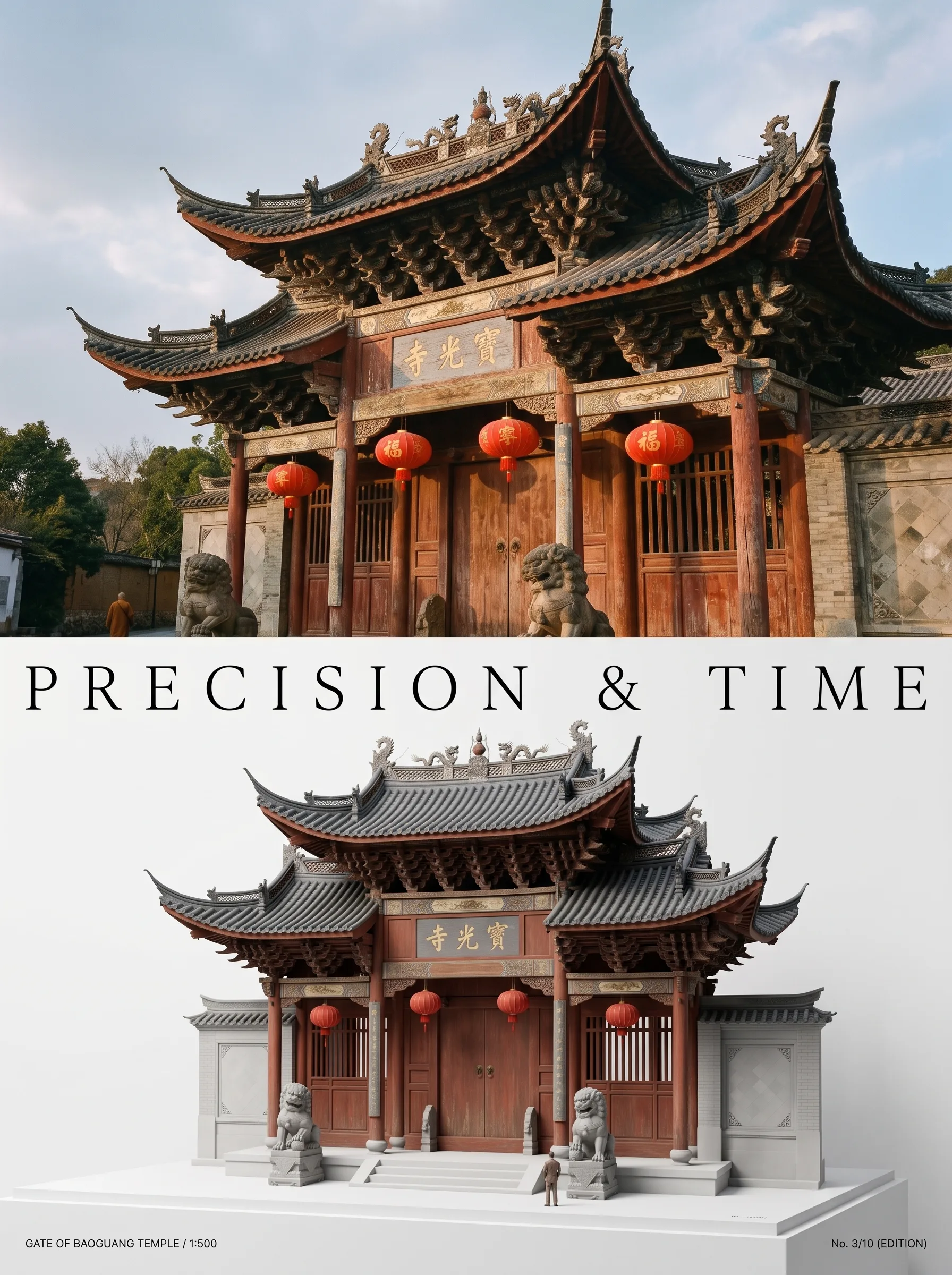
Photo to Architectural Model Poster
Turn any photo of a building into a dual-zone editorial poster: full photo on top, photoreal miniature museum model below. The precision prompt that avoids cartoon renders, tested on 6 building types.
 #nano-banana
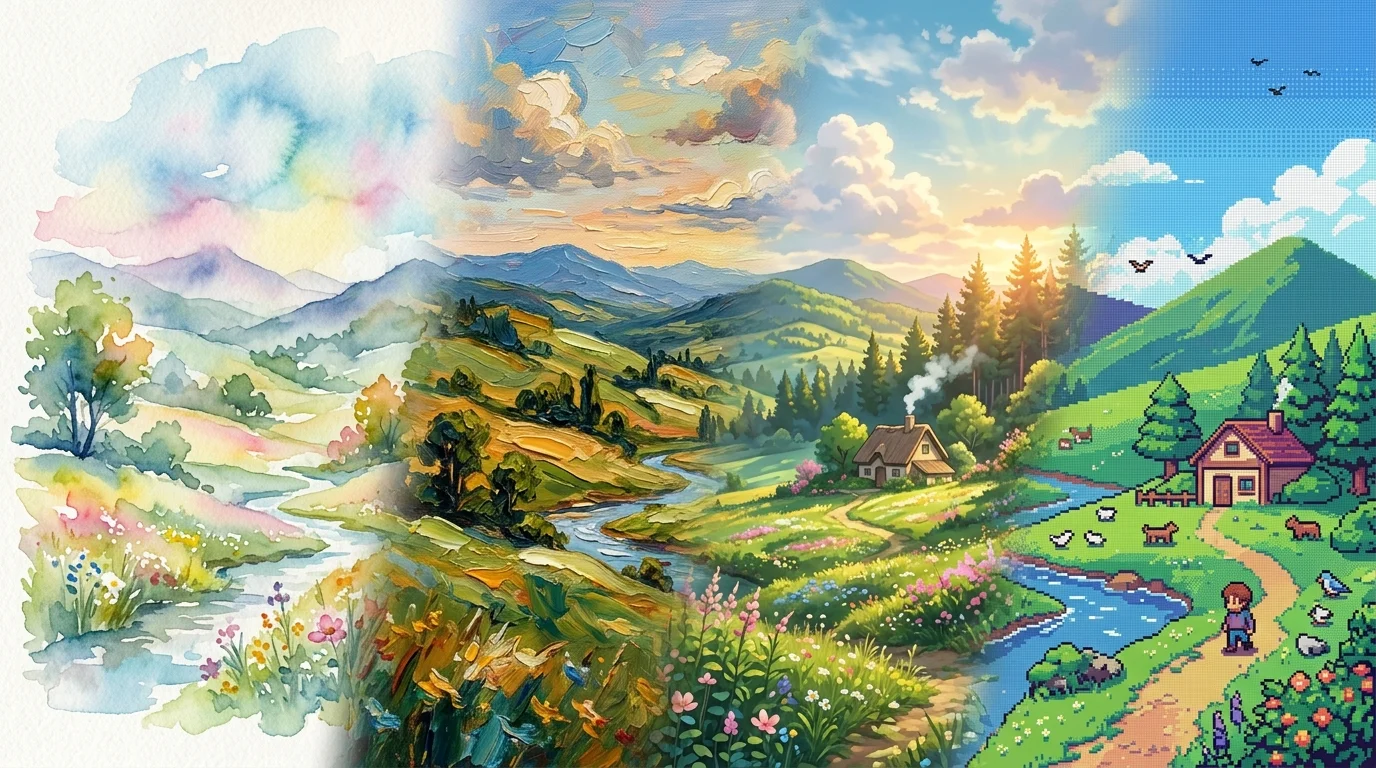
Artistic Transformation Prompts & Styles in Nano Banana
Turn photos into gallery art, anime scenes, oil paintings, and exhibition posters with Nano Banana. Master image-to-image style transfer prompt engineering.
 #nano-banana
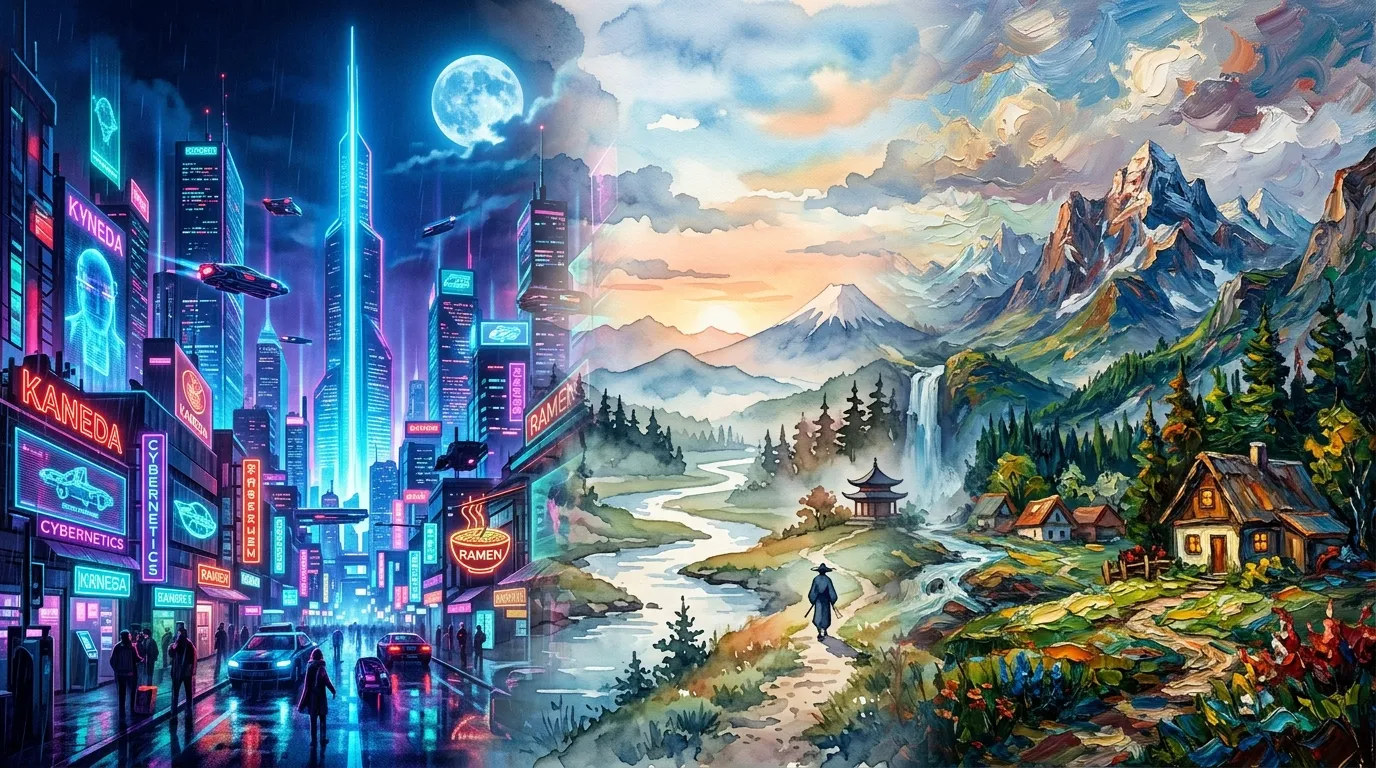
Art Styles & Themes with Nano Banana
Generate and reimagine scenes in distinct art styles with Nano Banana, from cyberpunk neon cities to painterly and retro aesthetics.