Nano Banana Fundamentals: Core Concepts & Prompting
Master the fundamentals of Nano Banana image generation: how it works, what makes it different, and essential prompting techniques for best results.
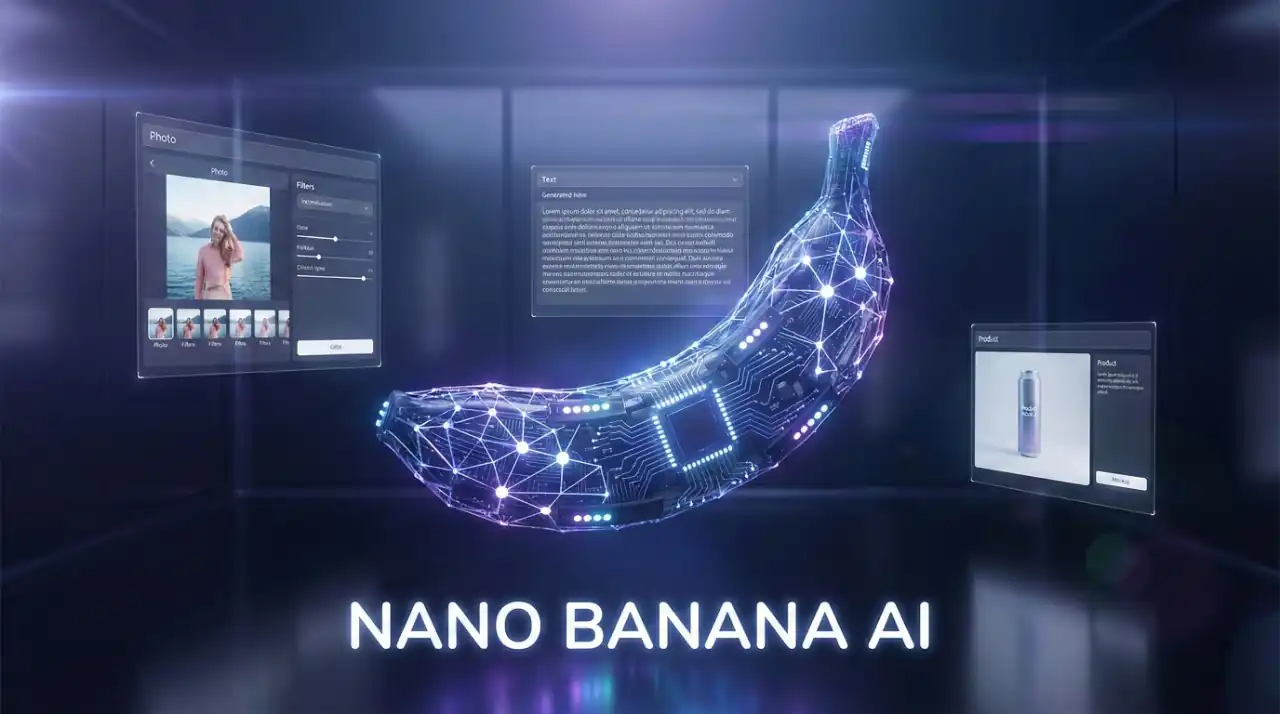
This section covers the core concepts of Nano Banana. Build a foundation in how the model works, what distinguishes it from other tools, and how to write prompts that produce professional results.
How Nano Banana Works
Unlike traditional AI image tools that simply pattern-match, Nano Banana uses a reasoning phase before generation. This means the model thinks through your request before rendering, making it especially effective for complex work.
The Generation Process
1. Analysis — Nano Banana reads your text prompt and any uploaded images, understanding what you're asking for.
2. Planning — The model reasons through the approach: How should elements be arranged? What's the lighting strategy? Where should text sit? For multi-image blending, how will images coherently merge?
3. Generation — Based on this planning, Nano Banana renders the final image with accurate text, proper composition, and realistic details.
This reasoning phase is what sets it apart. While other models improvise, Nano Banana plans—resulting in better composition, text accuracy, and multi-image coherence.
What Makes It Different
Nano Banana stands out through four core strengths:
1. Professional Text Rendering While most AI image models produce garbled text, Nano Banana renders legible, properly-placed typography in any language. This makes it the only viable choice for posters, mockups, and infographics that require accurate text.
2. Image Editing as a First-Class Feature Most models only generate from scratch. Nano Banana seamlessly edits your photos—change backgrounds, lighting, clothing, and settings while maintaining the original's essence. You work conversationally to refine until it's perfect.
3. Multi-Image Blending Combine up to 3 photos into a single, coherent composition. Blend people into one portrait, place yourself into vacation photos, or create composites—all while maintaining consistent lighting and perspective.
4. Conversational Workflow Instead of batch-generating 4 variations, Nano Banana refines through conversation. Ask naturally: "make the sky darker," "add more detail," "move it to the left." The model understands context and adapts. This is faster and more intuitive than iterating through prompts.
When to Use Nano Banana
Nano Banana excels when you need:
- Text-heavy designs — Posters, infographics, packaging mockups
- Photo editing — Transform existing images with conversational refinement
- Professional content — Headshots, corporate portraits, product photography
- Multi-image composition — Seamlessly blend multiple photos
- Iterative refinement — When you need to collaborate with the model
It's also cost-effective compared to other tools, requiring fewer iterations for professional results.
Understanding Limitations
Nano Banana's knowledge comes from training data through early 2024. This means:
- It knows: General people, places, established brands, and cultural references up to that date
- It doesn't: Recent events, newly launched products, or highly niche subjects
- Workaround: Be specific in your prompts. Instead of "2025 trending style," describe the look: "casual outfit with oversized blazer, wide-leg trousers, and earthy tones"
This is a feature, not a bug—specific prompts always produce better results. For a complete breakdown of technical limits and when to use alternative tools, see Limitations & Constraints.
Three Core Workflows
Nano Banana supports three distinct workflows. Understanding which applies to your project helps you choose the right approach:
1. Generation — Create images from text descriptions alone. Best for new designs, mockups, and concepts.
2. Editing — Upload your photo and ask for conversational changes (background, lighting, clothing). Fastest workflow for photo enhancement.
3. Blending — Combine 2-3 images into one cohesive composition. Perfect for placing yourself in vacation photos or combining multiple people into one portrait.
Each has different complexity, effort, and best practices. Learn more about each workflow →
Prompting Guide
The quality of your results depends on how well you structure your prompts. Clear, specific requests guide Nano Banana's reasoning phase, leading to better initial results and fewer iterations.
For simple requests, natural language works beautifully. As your compositions grow more complex—with multiple distinct elements needing different styling—you can organize your prompts into structured categories (subject, appearance, environment, lighting, style) for clarity and consistency.
The guide covers:
- The 4-part framework for controlled prompting
- Specific vocabulary for composition, lighting, and style
- Scaling to complexity — organizing multi-element prompts for readability and collaboration
- Workflow-specific techniques for generation, editing, and blending
- Refining through conversation — iterating naturally with the model
Read the Complete Prompting Guide →
Key Terminology
As you explore Nano Banana, you'll encounter specific terms like "reasoning phase," "inpainting," "conversational refinement," and more. Our glossary explains every concept you need to understand.
Related Articles & Guides
 #nano-banana
Nano Banana Prompting Guide: Craft Effective Prompts
Master the art of prompting Nano Banana. Learn prompt structure, use case patterns, and techniques for professional results.
 #chatgpt
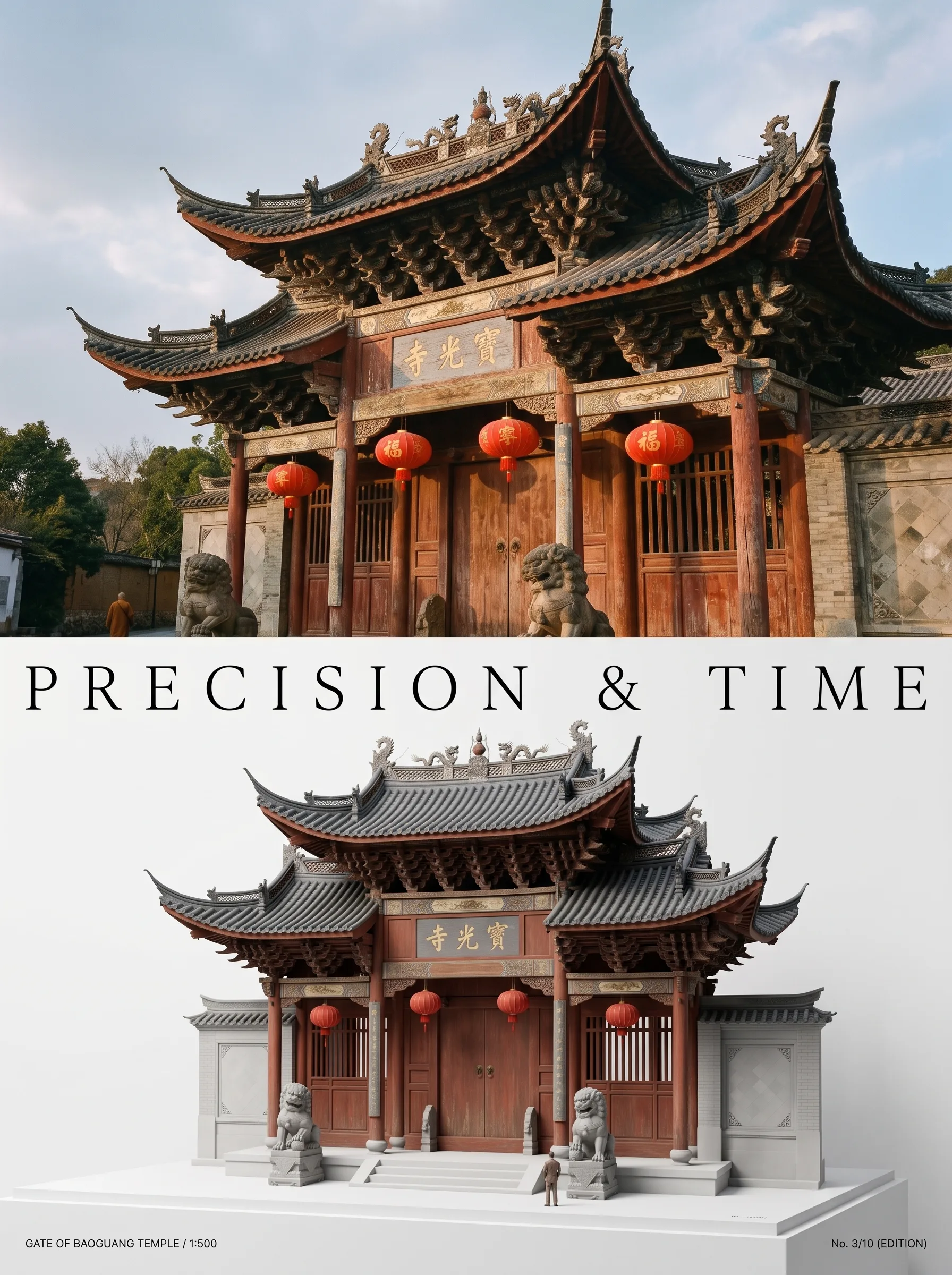
Photo to Architectural Model Poster
Turn any photo of a building into a dual-zone editorial poster: full photo on top, photoreal miniature museum model below. The precision prompt that avoids cartoon renders, tested on 6 building types.
 #nano-banana
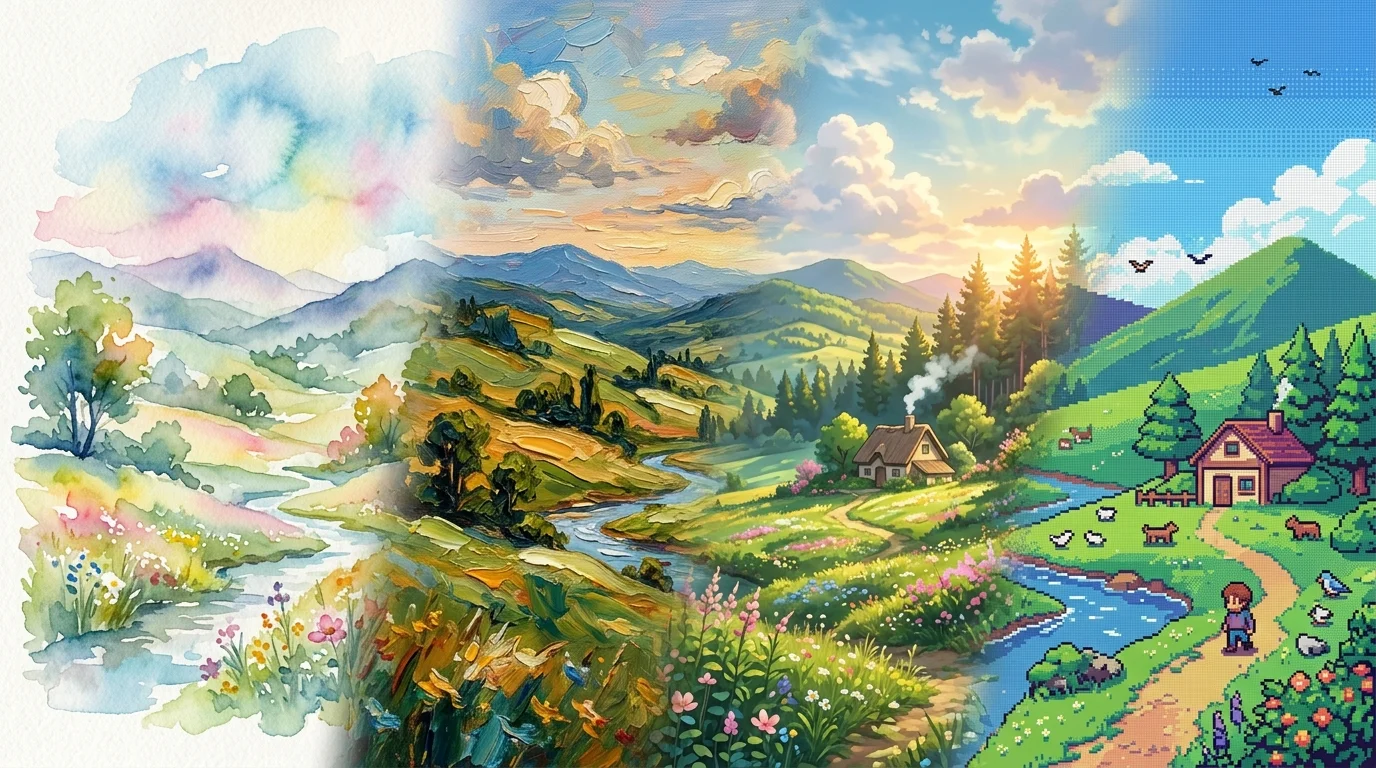
Artistic Transformation Prompts & Styles in Nano Banana
Turn photos into gallery art, anime scenes, oil paintings, and exhibition posters with Nano Banana. Master image-to-image style transfer prompt engineering.