Motion AI Kit — Free Motion Skills and Docs Search, Paid Motion+ Audits
Motion AI Kit installs the /motion skill and hosted MCP servers: free docs search and CSS springs, with Motion+ audits and example source behind a paid login.

Motion AI Kit
Motion AI Kit is the Motion team's agent toolkit: a npx installer that copies a /motion skill into your coding agent and registers two hosted MCP servers. The free tier covers animation guidance, current documentation search, CSS spring generation, and upgrade help. Performance audits, example source, and the visual transition editor are Motion+ features behind an account.
It is not just a SKILL.md. The installer writes skill folders, may write agent-specific rules and subagents, and edits MCP configuration. That makes it more capable and more invasive than a text-only skill.
Source and revision
| Field | Value |
|---|---|
| Maintainer | Motion (motiondivision), authored by Matt Perry |
| Canonical source | plugins/motion/skills/motion/SKILL.md at 0ebeb53 |
| Revision inspected | 0ebeb5313a069986376430f665415252e223d1d4, updated 2026-10-23 |
| Access date | 2026-10-23 |
| Package version | motion-ai 14.2.0 in packages/motion-ai/package.json |
| License | MIT declared in the README and the package manifest. No root LICENSE file exists at this revision. |
| Install unit | The motion-ai npm package; its bundled plugins/motion content |
The version labels do not agree: the package manifest says 14.2.0, while the newest CHANGELOG.md entry is 7.0.1 (2026-10-15). Treat the commit hash as the reliable identifier and check npx motion-ai --version before installing.
What the agent actually gets
The /motion skill was unified into a single entry point in changelog 6.0.0. Its SKILL.md routes requests into five folders:
| Folder | Purpose |
|---|---|
best-practices/ | Hand-written animation advice for vanilla JS, React, Vue, Base UI, and Radix, covering Motion and plain CSS |
codex/ | Documentation, example, and Motion UI search |
css-spring/ | Spring and bounce generation as CSS linear() easing |
performance-audit/ | MotionScore static and runtime audits with Performance Doctor fixes |
transition-preview/ | Visual transition tuning |
The skill file is explicit about tiering: best practices, search, and easing generation work without an account; audits, example source, the Motion+ documentation sections, and the transition editor need a second MCP server with a signed-in Motion+ account.
Free versus Motion+
This is the distinction most listicles blur. A widely shared October 2026 thread described the kit as "motion docs, CSS springs and animation audits for agents" — the first two are free, the third is not.
| Feature | Free | Motion+ |
|---|---|---|
| Animation best practices | Yes | Yes |
| Current Motion docs search | Yes | Yes |
| CSS spring generation | Yes | Yes |
| Version upgrade guidance | Yes | Yes |
| Motion+ and early-access docs | No | Yes |
| Source for 450+ Motion Examples and Motion UI components | No | Yes |
| Visual transition editor | No | Yes |
| Performance Doctor / MotionScore audits | No | Yes |
motion-reviewer subagent in Claude Code and Cursor | No | Yes |
Without Motion+, example search still returns each result's title, description, grade, and a link to its public demo. The gated part is the source code, not the existence of the example.
Motion+ is sold as two plans: Personal (one-time licence) and Business (annual, per seat), per the skill text. The repository does not contain pricing or entitlement logic; the hosted server enforces access.
Installer behavior, verified from source
npx motion-ai is interactive and refuses to run without a TTY. It asks for:
- Scope — project (current directory) or global (home directory).
- Agents — a multi-select of Claude Code, Codex, Cursor, Amp, OpenCode, Gemini CLI, Copilot, or a custom dotfolder.
- Confirmation — it prints the target path and servers before writing.
On confirmation it copies every bundled skill into agent-folder/skills/<skill-name>/, writes extra agent formats, and upserts the MCP servers through the add-mcp dependency.
| Agent | Skills written to | Extras |
|---|---|---|
| Claude Code | .claude/skills/motion/ | .claude/agents/ subagent |
| Codex | .agents/skills/motion/ | MCP in .codex/config.toml |
| Cursor | .cursor/skills/motion/ | .cursor/rules/, .cursor/agents/ |
| OpenCode | .opencode/skills/motion/ | MCP config |
| Amp | .amp/skills/motion/ | MCP must be added manually |
| Gemini CLI | .gemini/skills/motion/ | MCP config |
| Copilot | .copilot/skills/motion/ | MCP config |
Two server behaviors matter:
- The free
motionserver (https://mcp.motion.dev) is added for every install. No API key is needed. - The
motion-plusserver (https://mcp.motion.dev/plus) is added only with--plus, because it returns 401 until the user completes OAuth. The installer's own comment says adding it by default would make Codex hit that 401 on every run.
The installer has no uninstall command, and it does not add the motion or motion-plus npm packages to your project. Those are separate implementation dependencies.
How it behaves in an agent
The skill activates on animation work even without an explicit command. /motion is the explicit surface:
/motion— general animation help and API questions./motion upgrade— reads the installed Motion version first, then follows the matching upgrade guide. It warns thatframer-motionandmotionmust never both be installed./motion audit src/components— Performance Doctor, Motion+ only.- Spring requests — generates CSS
linear()easing from a bounce and duration.
If the MCP server is missing, best-practices/ still works because it is bundled. Search, spring generation, transition preview, and audits need the server; the skill tells the agent to say so rather than invent an API.
Practical examples
Free, signed out:
/motion what options does layout have?
/motion generate a CSS spring with bounce 0.3 over 0.5s
/motion upgrade from framer-motion
The spring request does not produce a Motion component; it produces a CSS easing value you can paste into a transition or animation. The docs request queries the hosted server, so it reflects the current documentation rather than the model's memory.
Motion+ only:
/motion audit src/components
The README shows the expected shape: an S–F distribution, per-file findings with a grade, an explanation of why the technique is expensive, and a suggested upgrade. Claude Code and Cursor can also spawn a motion-reviewer subagent to audit areas in parallel.
These commands are documented, not executed for this review. No install, MCP connection, or audit was run.
Performance Guard is a separate product
The same README documents MotionScore Guard, a GitHub Action that audits preview deployments and comments the per-page grade on pull requests. Pull-request comments are free; the threshold gate that fails a build below a grade needs a paid plan. It uses motiondivision/motionscore-guard@v1 and a MOTIONSCORE_TOKEN secret. That is CI infrastructure, not part of the local skill install.
Prerequisites and footprint
| Item | Detail |
|---|---|
| Runtime | Node.js 18 or newer, an interactive terminal |
| Agent | One that reads skill folders and supports MCP over HTTP; the installer covers the seven listed above plus custom folders |
| Network | Install-time package download; hosted MCP calls at use time |
| Credentials | None for free features; Motion+ OAuth for audits, source, and the transition editor |
| Writes | Skill folder, optionally agent rules/subagents, and MCP configuration |
| Context cost | ~5.5 KB SKILL.md plus the subfolder the request routes into |
Install
npx motion-ai
Choose project or global scope, then the agents to configure. The free motion MCP server is added; motion-plus is not.
Removal
The inspected CLI has no uninstall flag. To reverse an install:
- Delete the copied skill folder, for example
.claude/skills/motion/or.opencode/skills/motion/. - Remove the
motionandmotion-plusentries from the agent's MCP configuration. - Delete extras the installer wrote:
.claude/agents/,.cursor/rules/, and.cursor/agents/entries related to Motion. - For Cursor, uninstall the Motion plugin from the marketplace.
Nothing is written to a global package directory by the installer itself; npx caches the package as usual.
Permissions and dependencies
| Item | Detail |
|---|---|
| npm dependencies | @clack/prompts for the interactive UI, add-mcp for client-specific MCP config |
| File access | Writes skill folders and agent configuration at the selected scope |
| Network | Hosted MCP at mcp.motion.dev for docs, springs, and audits |
| Data leaving the machine | Search queries, spring parameters, and audit inputs go to Motion's hosted service. The repository does not document retention terms in the files inspected; check Motion's policies before auditing proprietary code. |
| Credentials | Motion+ OAuth only; the free tier has no API key |
Licensing and attribution
The README and packages/motion-ai/package.json declare MIT. At the inspected commit there is no root LICENSE file, so this is a declared licence, not a repository-wide licence audit. If you redistribute the package or the bundled skill text, keep the attribution and check the upstream repository for a licence file added after this review.
Limits
- Motion-specific. It teaches Motion and CSS animation. It is not a universal motion-design curriculum; for that, use LottieFiles Motion Design.
- The useful audit is paid. Static and runtime performance grading, the audit methodology, example source, and the transition editor require Motion+.
- The audit methodology is not in the repository. It is served from the Motion+ MCP server, so you cannot inspect the grading rules locally.
- Installer is interactive only. It exits when stdin is not a TTY, which makes it awkward in scripted provisioning.
- Global OpenCode path is unusual. A global install writes to
~/.opencode/skills/. OpenCode's documented global skills location is~/.config/opencode/skills/; if the skill does not appear, use project scope or move the folder. - No uninstaller. Removal is manual and partially depends on which agent extras were written.
- Version labels disagree. Package 14.2.0 versus changelog 7.0.1 at the same commit.
- Hosted dependency. Free best practices work offline, but docs search, springs, and audits fail without the MCP server.
- No independent performance claim. The S–F grades come from Motion's own scoring engine. This review did not benchmark them.
Verify it yourself
- Run
npx motion-ai --versionand confirm it matches the version you intend to install. Pin the version in CI if the floatingnpxresolution is a risk. - Read the installer confirmation screen before accepting. It prints the scope path and the servers it will add.
- After install, inspect the MCP config.
motionshould be present;motion-plusshould appear only if you passed--plus. - Test a free request signed out — "what options does layout have?" — and confirm the agent actually queries the server instead of reciting memory.
- Ask for an audit without Motion+ and confirm the agent reports the paid boundary instead of pretending to grade.
- Before redistributing, check for a root
LICENSEfile at the commit you are copying.
Review transparency
| Field | Value |
|---|---|
| Last reviewed | 2026-10-23 |
| What was inspected | SKILL.md, repository tree, README, packages/motion-ai/package.json, src/cli.ts, src/install.ts, src/agents.ts, plugins/motion/mcp.json, and CHANGELOG.md at 0ebeb53 |
| What was not done | No package install, no MCP connection, no OAuth, no audit run, no model review |
| Reviewers | Editorial source inspection only |
| Re-vet trigger | Any change to the installer, skill tiers, MCP endpoints, or licence; more than 30 days since review |
This is an original guide with short attributed references. It does not reproduce the full skill text.
Related
- Motion Design — universal principles; this page is the Motion-specific implementation layer
- React Best Practices — code-level performance rules for React and Next.js
- Web Performance Audit — measure animation cost with real browser traces
- Browser Testing with DevTools — the browser evidence loop
- How to Vet an Agent Skill — review installers and MCP servers, not just the
SKILL.md
Related Articles & Guides
 #skills
Motion Design — LottieFiles' Universal Motion Principles for Agents
LottieFiles' motion-design skill packages timing, easing, choreography and Disney's 12 principles as implementation-agnostic guidance for any animation system.
 #skills
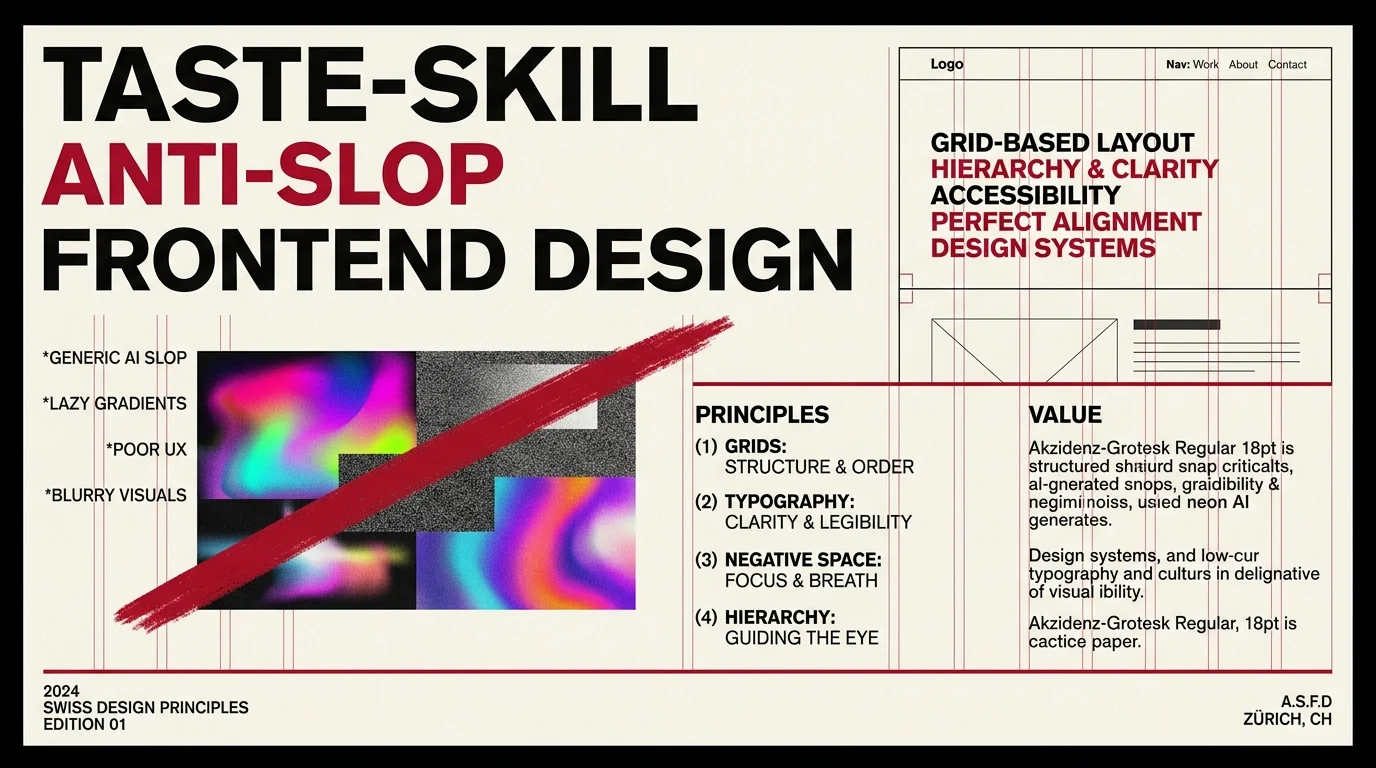
Taste-Skill — Anti-Slop Frontend Skill for AI-Generated Sites
Taste-skill (taste-skill-v1 and gpt-tasteskill) is the most-cited anti-slop frontend skill in the ecosystem. Pairs an opinionated design vocabulary with a set of hard 'no' patterns to keep AI-generated sites from looking generic.
 #skills
UI UX Pro Max — Searchable Design Intelligence for Agents
UI UX Pro Max packages seven design skills, a local search corpus and a CLI. The core is MIT; logo/CIP and extended asset generation sit behind a paid Premium tier.