Web Performance Audit — Core Web Vitals Evidence, Not Guesswork
Cloudflare's web-perf skill runs a five-phase browser audit: performance trace, Core Web Vitals analysis, network requests, accessibility snapshot, and codebase review. It is a measurement procedure, not a Cloudflare product pitch.

Web Performance Audit
Web Performance Audit is Cloudflare's procedure for diagnosing a page with a real browser: record a trace, break down Core Web Vitals, inspect network requests, check the accessibility snapshot, and then look at the codebase if you have it.
It lives in cloudflare/skills, but the content is vendor-neutral performance work. It does not recommend a Cloudflare product as the fix. That distinction matters when you install a vendor's skill.
Source and revision
| Field | Value |
|---|---|
| Maintainer | Cloudflare |
| Canonical source | skills/web-perf/SKILL.md at 3af2c77 |
| Revision inspected | 3af2c77450c91af61384887def098fbfd247bbad, updated 2026-09-05 |
| Access date | 2026-10-23 |
| License | Apache-2.0 (LICENSE) |
| Install unit | One SKILL.md; browser tools come from Chrome DevTools MCP |
What the skill actually does
The skill starts with a retrieval instruction: performance thresholds and tool APIs change, so verify numbers against web.dev, Chrome DevTools docs, and Lighthouse scoring rather than trusting model memory. Then it checks which MCP tools are available. If trace tools are missing, it continues with source or network analysis and states which measurements could not be collected.
The audit has five phases:
- Performance trace. Navigate to the target URL and start a trace with reload to capture a cold load.
- Core Web Vitals analysis. Use the trace insights for LCP breakdown, CLS culprits, render-blocking resources, document latency, and network dependency chains.
- Network analysis. List requests by resource type and look for render-blocking CSS/JS, late-discovered resources, missing preloads, weak caching, oversized payloads, and unused preconnects.
- Accessibility snapshot. Check missing or duplicate ARIA IDs, contrast, focus traps, focus indicators, and accessible names.
- Codebase analysis. If you have the code, detect the framework and bundler, check tree-shaking, unused JS/CSS, polyfills, minification, compression, and source maps.
The output format is a Core Web Vitals summary table, a prioritized issue list with estimated impact, specific recommendations, and codebase findings.
The measurement discipline
Two lines in the skill are worth applying even if you never install it:
- Quantify impact. Use estimated savings from the trace. Do not prioritize a change with 0 ms impact.
- Skip non-issues. If render-blocking resources have no estimated impact, note them but do not recommend action.
That is the difference between an audit and a checklist. A page with 200 ms LCP and 0 CLS is already good; the skill says to say so. A "fix" that adds complexity for no measurable gain is a regression in maintenance cost.
The skill also warns that insight names vary across Chrome DevTools versions. If an insight name fails, inspect the trace response for the available set rather than inventing a name. That is a small detail that prevents a common agent failure: confidently calling a tool that does not exist.
Illustrative audit
This is a constructed example, not a run against a live site.
Target: a marketing page with a hero image and a web font.
- Navigate and record a cold-load trace.
- LCP breakdown shows most of the delay in resource load, not TTFB or render delay.
- Network panel shows the hero image is 1.8 MB and the font is discovered through CSS, creating a chain.
- CLS culprits show the hero image has no width and height, so the headline shifts when it loads.
- Recommendations: compress the hero to AVIF/WebP with explicit dimensions, preload the font or self-host it with
font-display, and remove an unused preconnect that received zero requests. - Re-record the trace with the same device and network settings. Compare LCP, CLS, and the request waterfall.
Expected output: a metric table with good/needs-improvement/poor ratings, a short list of changes ranked by estimated savings, and a note that lab traces are not field data. Do not present the before/after as a universal gain; it is one page, one run, one environment.
When to use it
- You need to diagnose LCP, CLS, INP, TBT, or render-blocking resources on a page.
- You are reviewing a frontend change and want before/after evidence.
- You need a codebase-level pass on bundling, polyfills, or compression.
- You want an agent to state which measurements it could not collect instead of guessing.
When not to use it
- You need field data from real users. A lab trace is not CrUX or RUM.
- You need load testing, stress testing, or backend profiling.
- You are auditing a third-party site without codebase access. Skip phase 5 and do not pretend to know the stack.
- You want a guaranteed Lighthouse score. The score is a weighted lab metric, not a business outcome.
- You need a Cloudflare configuration review. This skill is not a product setup guide.
Install
npx skills add cloudflare/skills --skill web-perf -a claude-code
Prerequisites and footprint
| Item | Detail |
|---|---|
| Runtime | A host with Chrome DevTools MCP tools; Node.js and npx |
| Browser | Chrome/Chromium compatible with the MCP server |
| Network | Target URL plus first-run package download |
| Credentials | None for public pages; authenticated pages need a test profile, not production credentials |
| Writes | Traces, screenshots, and reports if the host saves them |
| Context cost | About 1,100 words, plus large trace outputs |
The skill is Apache-2.0. If you redistribute it, keep the license and any NOTICE file. There is no NOTICE at the repository root at this revision, but that can change; check before repackaging.
Limitations
- Lab data is not field data. A trace does not tell you what real users experience across devices and networks.
- Thresholds drift. The skill gives current good/needs-improvement/poor bands, but tells the agent to verify against web.dev. Treat the table as a snapshot.
- Insight names vary by Chrome DevTools version. The skill says to discover available insights rather than assume.
- No codebase, no codebase findings. Phase 5 is explicitly skipped for third-party sites.
- Estimated savings are estimates. They are useful for prioritization, not a forecast.
- Vendor context. Cloudflare maintains the skill, but this page's audit procedure is not a Cloudflare product recommendation.
Verify it yourself
- Read the retrieval-sources table and confirm the skill tells the agent to check current documentation rather than trust memory.
- Confirm the MCP config uses the server you intend to run.
@latestis not pinned. - Run the audit on a page you control and compare the trace with the browser's own Performance panel. If the agent reports a metric the trace does not show, stop.
- Check whether the agent states which measurements were unavailable when a tool is missing. That is a required behavior in the skill.
- Do not repeat a Lighthouse score as a business result. Report the metric, the environment, and the sample.
Review transparency
| Field | Value |
|---|---|
| Last reviewed | 2026-10-23 |
| What was inspected | Full SKILL.md, license, pinned commit metadata, repository README install notes |
| What was not done | No MCP install, no trace, no Lighthouse run, no field-data comparison |
| Reviewers | Editorial source inspection only. Not a two-model security review. |
| Re-vet trigger | Any change to the audit phases or thresholds; a new Chrome DevTools MCP version; more than 30 days |
This is an original guide with short attributed references. It does not reproduce the full skill text.
Related
- React Best Practices — what to change; this page is how to prove it changed
- Browser Testing with DevTools — the MCP setup and safety boundary
- Performance Analysis with ChatGPT — prompt-level analysis
- Verify This — baseline and treatment discipline
- How to Vet an Agent Skill — review the MCP and the skill separately
Related Articles & Guides
 #skills
Motion AI Kit — Free Motion Skills and Docs Search, Paid Motion+ Audits
Motion AI Kit installs the /motion skill and hosted MCP servers: free docs search and CSS springs, with Motion+ audits and example source behind a paid login.
 #skills
React Best Practices — Vercel's 70-Rule Performance Checklist for Agents
Vercel's React Best Practices skill packages performance rules across eight categories, from waterfalls and bundle size to re-renders and JavaScript micro-optimizations. It is guidance, not a profiler.
 #skills
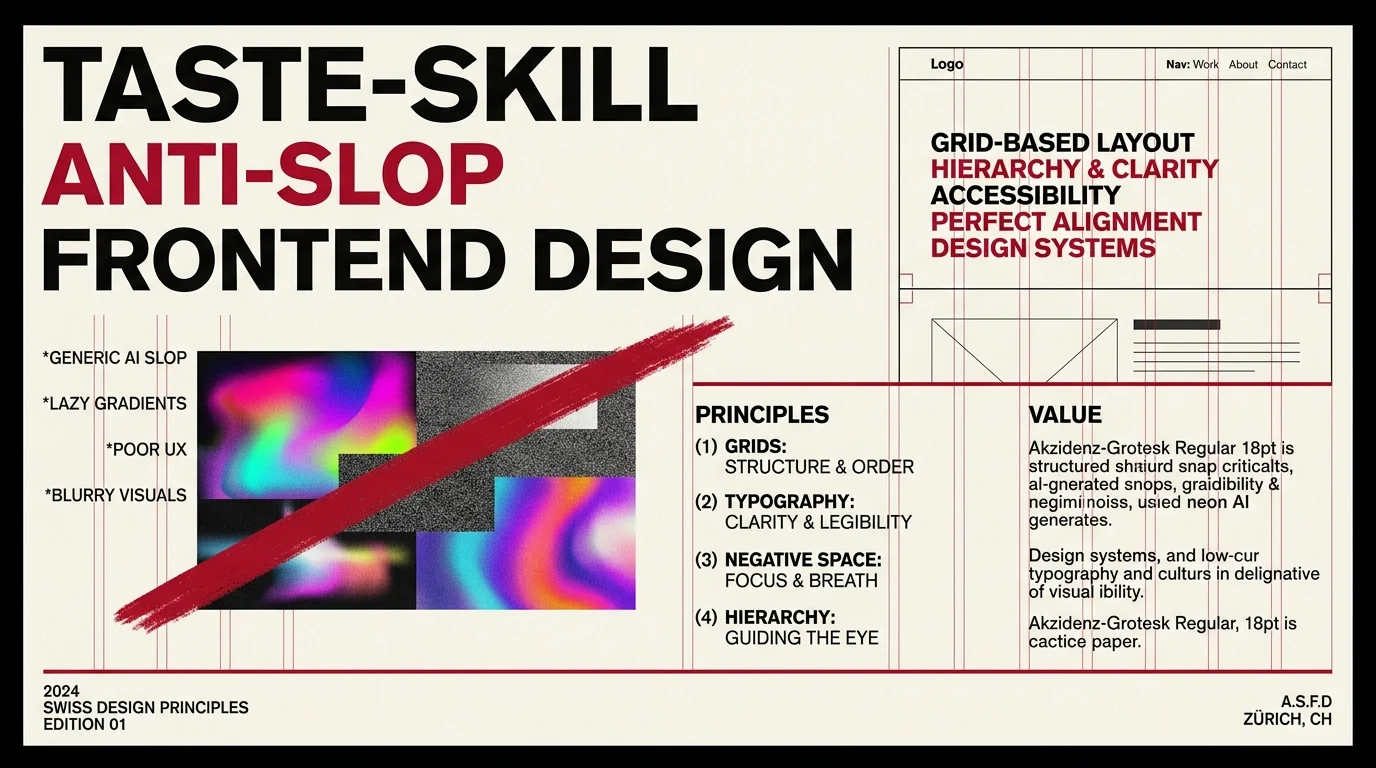
Taste-Skill — Anti-Slop Frontend Skill for AI-Generated Sites
Taste-skill (taste-skill-v1 and gpt-tasteskill) is the most-cited anti-slop frontend skill in the ecosystem. Pairs an opinionated design vocabulary with a set of hard 'no' patterns to keep AI-generated sites from looking generic.