Nano Banana Limitations & Constraints: Know What to Expect
Understand Nano Banana's constraints: knowledge cutoff, file limits, technical specs, and when to use alternative tools.
Understanding Nano Banana's limitations helps you set realistic expectations and choose the right tool for your project. Success with Nano Banana requires patience and persistence—plan for multiple refinement cycles and iterative feedback rather than expecting perfect results on the first try.
Knowledge & Training Data
Nano Banana's training data extends through early 2024. This is important context for prompting.
What it knows:
- General knowledge of people, places, and objects
- Established brands and products
- Cultural references and events up to early 2024
- Multiple languages and writing styles
- Photography, art, and design concepts
What it doesn't know:
- Events after early 2024
- Recently launched products or services
- Very new trends or cultural phenomena
- Specific person likenesses after training cutoff
- Niche or obscure subjects
Practical workaround: Instead of relying on recent context, describe the visual qualities directly. Rather than "Create a 2025 trendy outfit," say "Create a casual outfit with oversized blazer, wide-leg trousers, neutral tones, and minimalist sneakers."
File & Input Specifications
Image Input Limits
- Max file size: 2MB per image
- Supported formats: JPEG, PNG, WebP
- Multi-image limit: Up to 3 images for blending
- Recommended resolution: 1024×1024 or larger
Text Input Limits
- Max prompt length: ~4000 tokens (roughly 3000 words)
- In practice, prompts under 500 words perform best—be specific, not verbose
Output Specifications
Every image generates at:
- Size: 1024×1024 pixels (fixed, no size options)
- Format: PNG with transparency support
- Quality: Single output (no variations or quality tiers)
- Generation time: 10-30 seconds typically
This means you can't request larger images or multiple quality levels. Nano Banana generates one image at a fixed quality.
Processing Constraints
- Batch processing: Not available. Generates one image at a time
- No upscaling: The 1024×1024 output is the final size
- No variations: You get one result per prompt; refine through conversation
- Processing speed: Typically 10-30 seconds (slower than batch-based tools)
Where You'll Need Patience & Iteration
Nano Banana delivers strong results for most use cases. However, certain scenarios are more likely to require multiple refinement cycles. Understanding these areas helps you plan appropriately and use iteration strategically:
Text Rendering Inconsistency
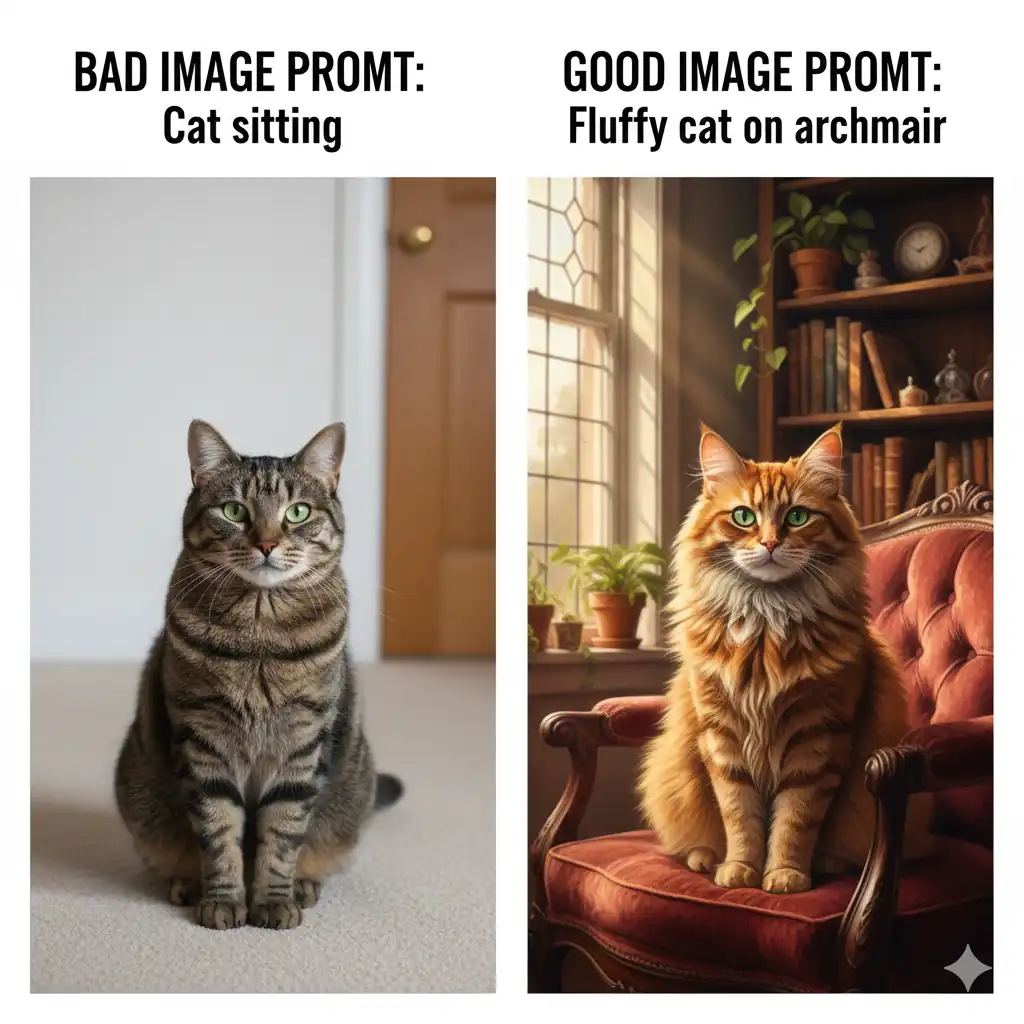
Despite marketing claims, text rendering is somewhat unreliable still. Generated text can have malformed, misspelled, or illegible text. Expect to iterate multiple times or use manual post-processing for text-heavy designs.
Artistic Styles Highly specific artistic movements and styles work better with Midjourney. Nano Banana prioritizes photorealism and clarity over artistic interpretation.
Batch Generation If you need multiple variations quickly, Nano Banana isn't ideal. It's designed for conversational refinement, not rapid iteration.
Exact Likenesses You can't reliably recreate specific real people's faces beyond general descriptions. Use your own photos instead (upload for editing).
Complex Animations Nano Banana generates static images only. For animated sequences or video, use specialized tools.
When to Use Alternative Tools
Use Midjourney Instead For:
- Highly artistic or stylized imagery
- Rapid batch generation of variations
- Specific artistic styles or movements
- When you need multiple quality/style options
- Creative exploration and experimentation
Use DALL-E 3 Instead For:
- Quick experimentation without cost
- General-purpose generation
- ChatGPT integration workflows
- When ChatGPT context matters
Use Photo Editing Software For:
- Pixel-perfect adjustments
- Color grading and advanced masking
- Multi-layer compositions
- Precise text placement beyond Nano Banana's capabilities
Do Manual Design Work For:
- Complex layouts with precise typography
- Multi-element compositions requiring exact positioning
- Designs requiring professional design software expertise
Realistic Expectations
Nano Banana is best for:
- Basic image generation and composition (often gets it right on first try)
- Iterative refinement through conversation
- Photography and photorealistic outputs
- General-purpose image creation
Nano Banana may require iteration for:
- Text-heavy designs (text is unreliable and often requires post-processing or 3-5 refinement cycles)
- Photo editing (results are inconsistent, may need multiple passes to get right)
- Critical deliverables where text accuracy is essential
- Complex transformations or edits
- Artistic experimentation
- Perfect first-try outputs
The Iterative Approach Works
The key to success is embracing iteration. For most projects, your first generation will be a strong foundation—often 70-80% of the way there. Use the conversational interface to refine from there. With patient iteration, you can achieve professional results. Think of each generation as feedback on how to adjust your next prompt. This iterative workflow, while requiring patience, often produces better results than expecting perfection on the first try.
Workarounds & Solutions
Knowledge Cutoff Limitation
Workaround: Describe the visual qualities instead of relying on recency. Focus on style, composition, and elements you want.
Fixed Output Size (1024×1024)
Workaround: Use an upscaler tool after generation if you need larger images. Or crop/compose multiple 1024×1024 images.
No Batch Variations
Workaround: Lean into conversational refinement—it's actually Nano Banana's strength. Ask for adjustments naturally rather than batch regenerating. This iterative approach often produces better results because the model has context from previous attempts.
Text Rendering Issues
Workaround: For critical text, generate without text and add it in post-processing using design tools. Or generate with text but expect to iterate 3-5 times. Keep text simple and avoid complex fonts or special characters. Test text-heavy designs early and be prepared to use manual design tools as a backup.
Image Editing Limitations
Workaround: Use photo editing software (Photoshop, Lightroom, etc.) for reliable edits. Nano Banana works best for basic transformations; for complex edits, upload a base image and use targeted prompts for specific areas rather than comprehensive edits.
Difficult Artistic Styles
Workaround: Describe the style visually ("watercolor with soft edges") rather than naming specific movements. Or use Midjourney for highly stylized work.
Ready to work with Nano Banana's strengths? Check the Prompting Guide for techniques that make your iterative workflow faster and more effective.
Related Articles & Guides
 #chatgpt
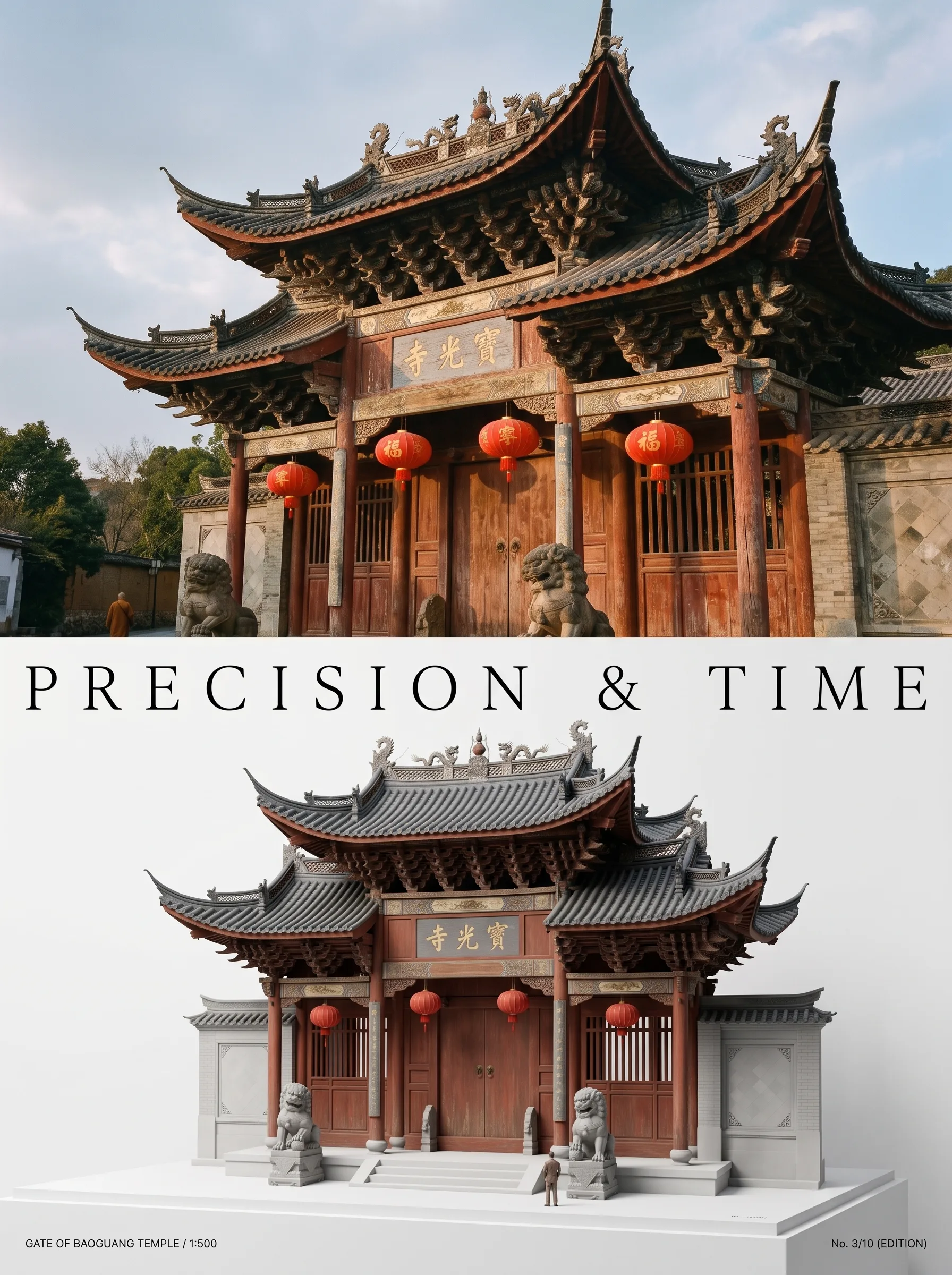
Photo to Architectural Model Poster
Turn any photo of a building into a dual-zone editorial poster: full photo on top, photoreal miniature museum model below. The precision prompt that avoids cartoon renders, tested on 6 building types.
 #nano-banana
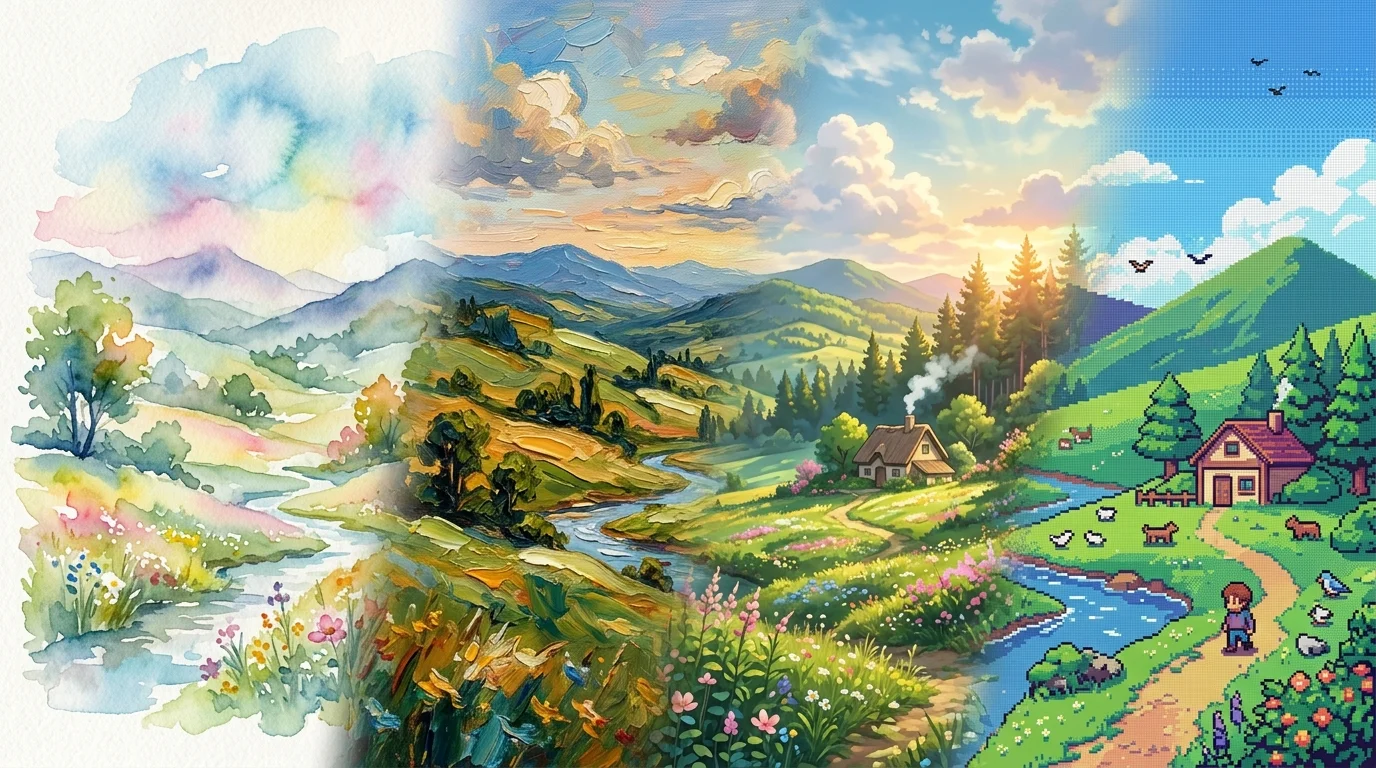
Artistic Transformation Prompts & Styles in Nano Banana
Turn photos into gallery art, anime scenes, oil paintings, and exhibition posters with Nano Banana. Master image-to-image style transfer prompt engineering.
 #nano-banana
Art Styles & Themes with Nano Banana
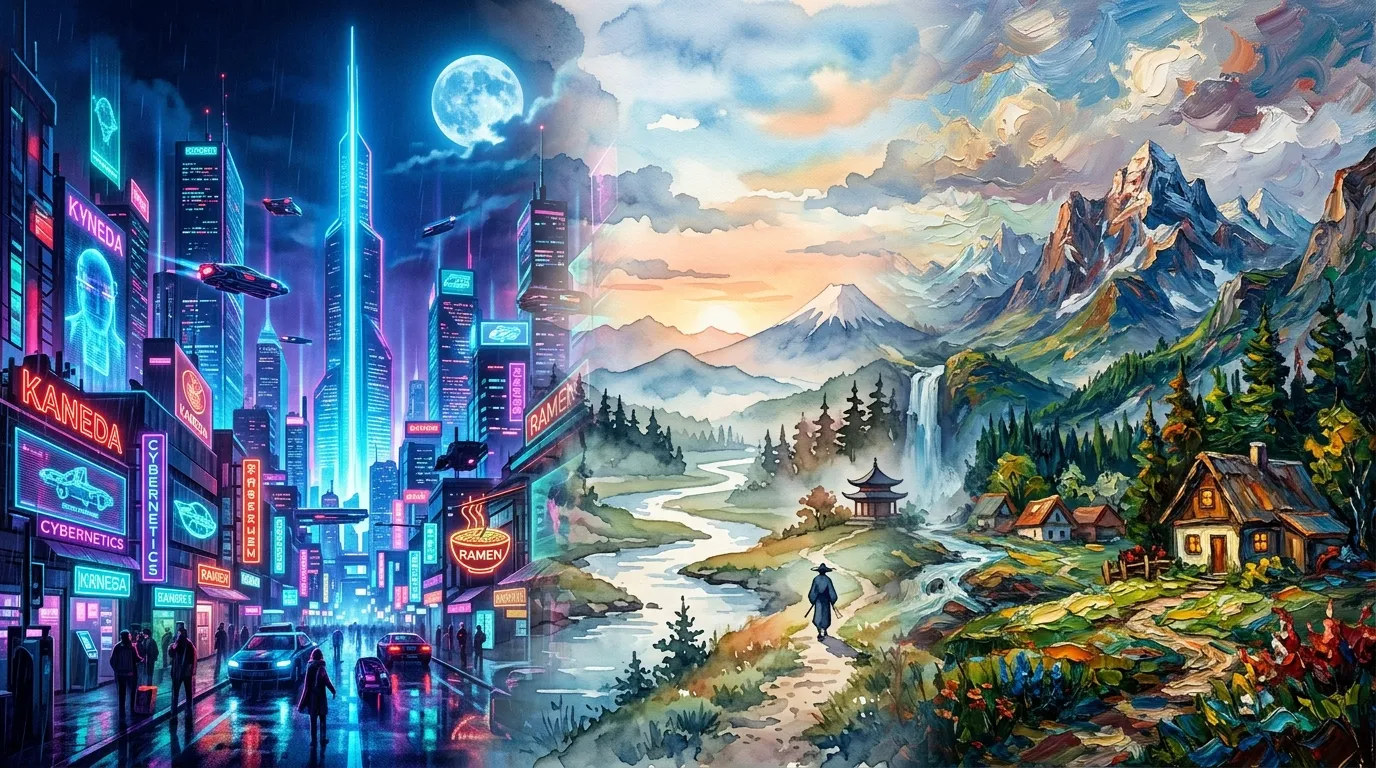
Generate and reimagine scenes in distinct art styles with Nano Banana, from cyberpunk neon cities to painterly and retro aesthetics.