OfficeCLI — An Office Suite Purpose-Built for AI Agents
OfficeCLI is the first open-source Office suite designed from the ground up for AI agents. Single binary, no Office installation required, with a built-in rendering engine that closes the create-view-fix loop autonomously. Here's why this fills a critical gap in enterprise agent tooling.
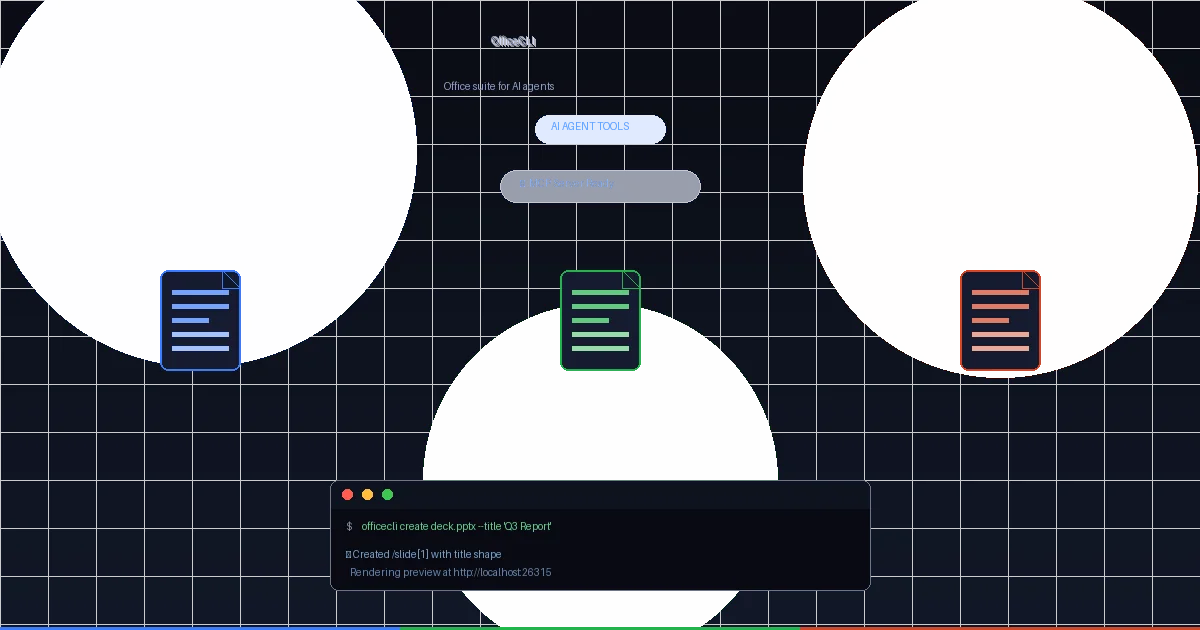
Most enterprise data lives in Microsoft Office files. Contracts are .docx. Budgets are .xlsx. Board decks are .pptx. And for AI agents, these formats have been effectively invisible — a massive blind spot in the automation pipeline.
OfficeCLI changes that. It's the first open-source Office suite built specifically for AI agents — a single ~25MB binary that gives any agent read, create, and edit access to Word, Excel, and PowerPoint files. No Microsoft Office installation. No LibreOffice. No Python dependencies. Just one curl pipe and your agent can start manipulating documents.
At 7,700+ GitHub stars and climbing fast, this fills a gap that's been quietly obvious to anyone building enterprise agents.
The Problem OfficeCLI Solves
Before OfficeCLI, giving an agent access to Office files meant one of three bad options:
-
python-docx / openpyxl / python-pptx — Works, but each format has its own library with its own API, its own pain points, and zero consistency. Good luck getting an agent to fluently navigate three different library APIs without hallucinating method names.
-
LibreOffice headless — You get full format support, but you're running a 1.5GB GUI application in headless mode just to convert a document. Startup time is measured in seconds, not milliseconds. And the output isn't structured — you're scraping stdout like it's 1995.
-
Microsoft Office automation — COM objects, VBA macros, interop assemblies. Fragile, Windows-only, and a nightmare to debug when your agent generates broken Visual Basic.
OfficeCLI solves all of this with a single consistent CLI: /slide[1]/shape[2] paths, --json output on every command, and zero runtime dependencies. The binary is written in C# with a self-contained .NET deployment — no framework installation needed.
What Makes It Agent-First
The design decisions here are worth unpacking because they reveal a team that actually understands how agents work, not just how Office files work.
Deterministic JSON output. Every command accepts --json and returns a consistent schema. No stdout scraping, no human-readable tables that shift formats between versions. Your agent gets back structured data it can process without guessing. This sounds obvious until you realize almost no office tooling does it.
Path-based addressing. Office files are XML zip packages internally. OfficeCLI gives you a clean path syntax — /slide[1]/shape[2], /body/p[1]/r[1] — so your agent can address elements without touching namespaces or parsing XML. This is the same approach that made jQuery successful: give developers (or in this case, agents) a consistent selector language over a complex DOM.
Progressive complexity (L1→L2→L3). The architecture tiers operations so agents start simple and only escalate when needed:
- L1 (Read):
create,view,get,query,validate - L2 (DOM Edit):
set,add,move,swap,remove - L3 (Raw XML):
raw,raw-set— when you genuinely need to touch XML directly
Most agent tools dump you into a flat API. OfficeCLI creates a gradient of complexity that maps naturally to how agents should work: try the simple path first, fall back when needed.
Self-healing error codes. When a command fails, OfficeCLI doesn't just return a generic error. It returns structured codes (not_found, invalid_value) with suggestions and valid value ranges. An agent reading this can self-correct without needing a human to interpret a stack trace. This matters more than it sounds like it matters — one of the biggest failure modes for agent tool use is brittle error handling that can't recover.
The Rendering Engine — The Actual Killer Feature
Here's the part that genuinely excites me. OfficeCLI includes a built-in rendering engine that can convert Office files to HTML, PNG screenshots, or SVG — all from the same binary, headless, in CI or on a server.
officecli view deck.pptx html -o /tmp/deck.html
officecli view deck.pptx screenshot -o /tmp/deck.png --page 1-2
officecli watch deck.pptx  # Live auto-refresh server at localhost:26315
Why does this matter for agents? Because agents can't see what they're creating. If an LLM generates a slide deck, it has no way to verify the output looks right. The rendering engine closes the create → render → inspect → fix loop autonomously. An agent can:
- Add a chart to a slide
- Render the slide as HTML
- Inspect the rendered output for visual issues (overlapping elements, wrong colors, missing data)
- Fix and re-render
The watch command takes this further — it runs a local HTTP server that auto-refreshes when the file changes, with click-to-select element inspection. An agent can open a document, start the watch server, make edits, and immediately see visual feedback through the browser.
This is the kind of loop that separates toy agent demos from production workflows. Without visual feedback, document generation is a blind write. OfficeCLI gives agents eyes.
MCP Server Integration
OfficeCLI ships with built-in MCP server setup — probably the smartest decision in the entire project:
officecli mcp claude    # Install MCP config for Claude Code
officecli mcp cursor    # Install for Cursor
officecli mcp vscode    # Install for VS Code Copilot
officecli mcp list      # Show all installed MCP configurations
This is the right call for agent tooling in 2026. MCP is becoming the standard protocol for agent-to-tool communication, and OfficeCLI meeting agents where they already are — in their IDE, in their coding assistant — removes the integration friction entirely.
The MCP server exposes the same help schemas that the CLI uses, so an agent connected via MCP can introspect the available commands and properties without reading documentation. That's the kind of self-describing tool surface that makes agents more reliable, not just more capable.
Template Merge and Round-Trip Dump
Two features worth calling out separately because they unlock specific enterprise patterns:
Template merge lets you define a .docx or .pptx template with {{key}} placeholders, then fill it programmatically:
officecli merge invoice-template.docx out-001.docx --data '{"client":"Acme","total":"$5,200"}'
This solves the biggest practical problem with agent-generated documents: they look like an alien designed them. Let a human define the layout once, and the agent fills in the data N times deterministically.
Round-trip dump serializes any Office file into replayable batch JSON:
officecli dump existing.docx -o blueprint.json
officecli batch new.docx --input blueprint.json
An agent can learn from human-authored templates — dump a real document, understand the structure, then generate new documents that follow the same patterns. This is the closest thing we have to "agents learning from examples" in the Office domain.
The Excel Story
Excel support deserves its own paragraph because it's where OfficeCLI really delivers on the agent promise. 350+ formula functions auto-evaluate on write. Native OOXML pivot tables from a source range with one command. Column-by-name query syntax:
officecli add sales.xlsx '/Sheet1' --type pivottable \
  --prop source='Data!A1:E10000' \
  --prop rows='Region,Category' \
  --prop cols=Quarter \
  --prop values='Revenue:sum,Units:avg'
For enterprise agents that need to generate financial reports, clean up datasets, or produce data-driven presentations from spreadsheets, this is the difference between "technically possible" and "practical to implement in a prompt."
The Bottom Line
OfficeCLI is the first tool I've seen that genuinely understands what agents need to work with Office documents. It's not a wrapper around LibreOffice with some JSON flags bolted on. It's a ground-up redesign of what Office tooling looks like when the primary consumer is an AI agent, not a human.
The single-binary deployment means it works in CI, Docker, GitHub Actions, serverless compute, and edge environments. The rendering engine closes the visual feedback loop that agents desperately need. The MCP server integration means it plugs into existing agent workflows with zero configuration. And the Apache 2.0 license means there's no enterprise tax to pay.
If you're building agents that need to touch real-world business documents, install OfficeCLI today:
curl -fsSL https://d.officecli.ai/install.sh | bash
Your agent should not be flying blind through .docx files anymore.
Sources
Related Articles & Guides
Sandboxed Code Execution for AI Agents with MicroPython + WASM
Build a safe code-execution tool for AI agents with MicroPython on WebAssembly: one-shot and persistent sessions, resource limits, host fns.
Codex CLI: OpenAI's Terminal Coding Agent, Explained
What Codex CLI does, how its sandbox and approval layers differ, where it beats Claude Code or OpenCode, and which page to read first.
Codex CLI Configuration: config.toml Keys and Precedence
Configure Codex CLI: config.toml precedence, sandbox modes, approval policies, profiles, MCP servers, environment variables, and diagnostics.