Google Colab Guides — GPUs, Drive, CLI, and Open-Weight Models
Practical Google Colab guides: get started with a paid Google AI plan, mount Drive, manage GPU runtimes and compute units, use the Colab CLI, and run Qwen-Image and MiniMax H3 in ComfyUI.
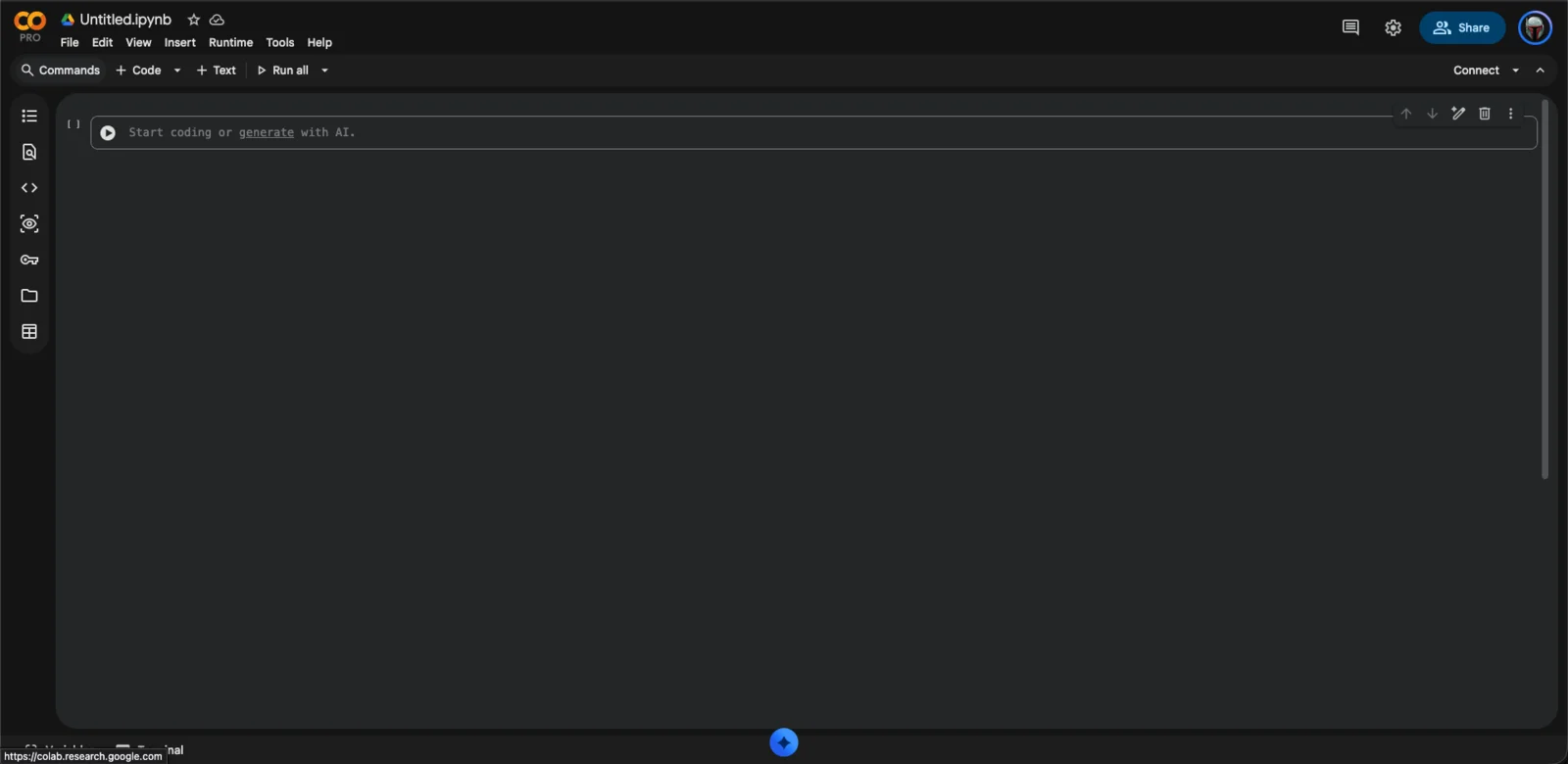
Google Colab gives you a hosted Jupyter notebook backed by a temporary cloud virtual machine, with optional GPUs and TPUs. Since September 2026, eligible paid Google AI plans include Colab benefits — compute units and access to more powerful hardware — so a subscription you may already pay for doubles as a cloud workspace.
This section is a practical path through that setup, based on our own runs. The announcement blog post covers the news; these guides cover the doing.
Where to start
- Getting Started — confirm your plan's Colab benefits, create a notebook, connect, and choose a runtime.
- Working in Colab — the four skills you will use constantly: mounting Google Drive, inspecting GPUs and compute units, driving runtimes from the terminal with the Colab CLI, and reaching web UIs such as ComfyUI through proxies and tunnels.
- Hugging Face Models in Colab — choose the right model files, budget disk and VRAM, and download weights into the layout a workflow expects.
Model walkthroughs
- Run Qwen-Image 2.1 in Colab with ComfyUI — a complete image-generation run: ComfyUI, GGUF loaders, workflow import, and the troubleshooting we needed along the way.
- Run MiniMax H3 in Colab with ComfyUI — video generation with audio on a Blackwell-class GPU, including hardware checks and a large model download done right.
Related Articles & Guides
 #google-colab
Test Image and Video Models on Colab GPUs: One VM, Mix and Match
Run keyframe and image-to-video models on one Colab VM, swap models and GPUs through one storyboard, and measure time, VRAM and quality to find the best fit.
Getting Started with Google Colab on a Paid Google AI Plan
Confirm your Google AI plan's Colab benefits, create a notebook, connect to a runtime, and choose a GPU. Understand the difference between the saved notebook and the temporary runtime.
Using Hugging Face Models in Google Colab
Download open-weight Hugging Face models into Colab correctly: list repo files before downloading, budget disk and VRAM, verify weights, and put files in the layout tools like ComfyUI expect.