Key Terminology: Nano Banana Glossary
Essential terms and concepts to understand Nano Banana: reasoning phase, inpainting, blending, and more.
This glossary defines key terms and concepts used throughout Nano Banana documentation and workflows.
Core Concepts
Reasoning Phase The planning stage before image generation where Nano Banana analyzes your request and decides on composition, layout, lighting, and visual strategy. This happens internally—you don't see it, but it directly improves output quality by planning before rendering.
Conversational Refinement The iterative workflow where you ask for adjustments naturally ("make the sky darker," "add more detail") rather than rewriting the entire prompt. The model understands context and adapts based on previous generations.
Generation The final stage where Nano Banana renders the actual image based on the reasoning phase planning. Each generation produces one 1024×1024 PNG image.
Image Types & Operations
Text-to-Image Generation Creating a new image from a text description alone, without any uploaded photos. Nano Banana excels at this, especially for text-heavy designs and complex compositions.
Image Editing Transforming an existing photo based on text instructions. Upload your photo and ask for changes—background modifications, lighting adjustments, clothing changes, object removal, etc. The original's core essence is preserved.
Inpainting A specific type of editing where you modify specific regions of an image while keeping the rest unchanged. Nano Banana applies inpainting naturally through conversational requests like "change just the background."
Multi-Image Blending Combining 2-3 separate images into one cohesive composition. Nano Banana maintains consistent lighting, perspective, and character positioning across all inputs.
Photorealistic Output Images that appear photographic and realistic rather than stylized or artistic. Nano Banana prioritizes photorealism as its default approach.
Technical Terms
Tokens Units of text length. A rough estimate: 1 token ≈ 4 characters or 0.75 words. Prompts have a ~4000 token limit (roughly 3000 words).
Resolution (or Output Size) The dimensions of generated images. Nano Banana generates fixed 1024×1024 pixel images. There's no option to request larger sizes; upscaling requires external tools.
Prompt Your text request to the model. Effective prompts are specific about subject, style, composition, and context—not vague or overly detailed.
Reasoning (or Thinking) The internal planning process Nano Banana uses before generation. Similar to how humans think through a problem before acting.
Workflow Concepts
Batch Generation Generating multiple variations quickly (common in other tools). Nano Banana doesn't support this—it generates one image at a time but optimizes through conversational refinement instead.
Iterative Refinement Improving an image through multiple rounds of adjustments. With Nano Banana, you naturally refine through conversation rather than batch-regenerating variations.
Knowledge Cutoff The date of the training data (early 2024 for Nano Banana). The model's knowledge stops here—it doesn't know recent events, new products, or very recent trends.
Conversational Context The history of your conversation with Nano Banana. The model remembers previous generations and refinements, allowing it to understand relative requests like "make it darker" without ambiguity.
Prompt Formatting & Structure
JSON Prompting A structured approach to prompting that organizes your request into a JSON (JavaScript Object Notation) object with categorized fields like "subject," "environment," "lighting," and "style." JSON and text prompts produce equivalent image quality, but JSON excels for organization, readability, and collaboration on complex compositions. Using consistent JSON structures makes prompts easier to share, edit, and iterate on systematically.
Structured Prompt Any prompt organized into clear categories or sections—usually using JSON format—rather than a single continuous text description. Structured prompts make complex requests more manageable and easier to share with collaborators.
Natural Language Prompt A traditional text-based prompt written in conversational language without formal structure. Ideal for simple requests, brainstorming, and conversational refinement. Natural language works best when exploring rather than when you need precise, repeatable control.
Schema The template or blueprint for a JSON prompt—the defined structure of categories and fields that organize information. A consistent schema across multiple prompts ensures repeatable results and makes collaboration easier.
Prompt Validation Checking your JSON prompt for syntax errors (missing brackets, unescaped quotes, unmatched curly braces). Valid JSON is essential for successful prompt submission. Tools like JSONLint verify prompt syntax before you submit.
Quality & Output Terms
Composition The arrangement and positioning of visual elements in an image—where the subject sits, how elements relate spatially, balance, framing.
Lighting How light interacts with subjects—shadows, highlights, color temperature, direction. Nano Banana's reasoning phase plans lighting strategy.
Coherence How well multiple elements work together visually. Important in multi-image blending, where lighting and perspective must align across all images.
Typography Text rendering in images. Nano Banana's strength is legible, properly-placed typography at accurate sizes.
Detail Level How much visual information and fine detail is present. "Add more detail" or "more simplistic" adjusts this through conversation.
Common Request Types
Professional Content Business-focused outputs: headshots, corporate portraits, product photography, professional branding.
Text-Heavy Design Designs requiring legible text: posters, infographics, packaging mockups, social media graphics with overlays.
Photo Transformation Editing personal photos: changing backgrounds, adjusting lighting, modifying clothing, applying filters or effects.
Product Visualization Creating mockups and renderings: interior design visualization, product mockups, prototype visualization, furniture placement.
Creative Blending Combining photos: placing yourself into vacation photos, blending multiple people into one portrait, photo compositing.
Need more help understanding how these concepts apply? Check the Prompting Guide or Workflow Types.
Related Articles & Guides
 #chatgpt
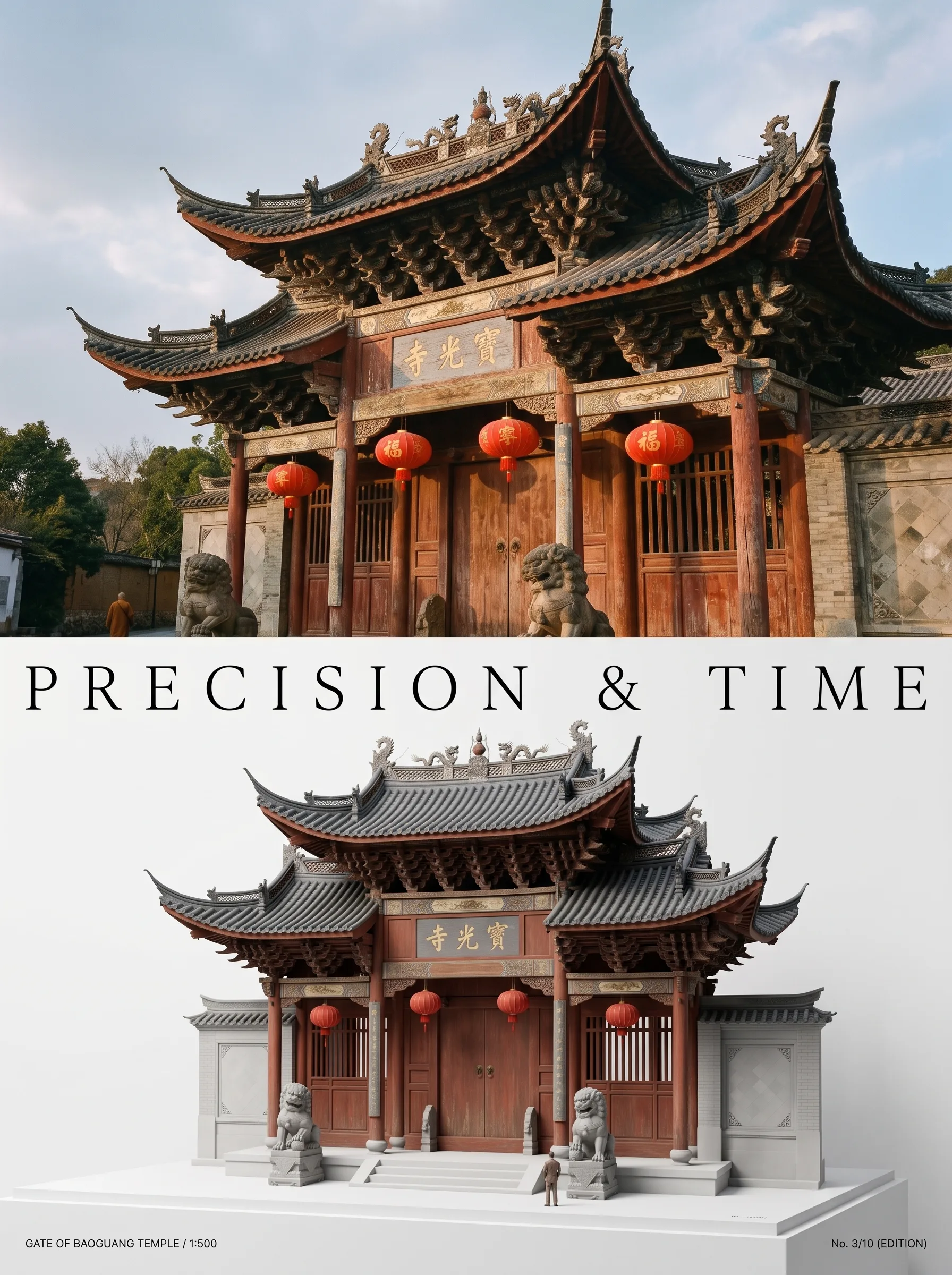
Photo to Architectural Model Poster
Turn any photo of a building into a dual-zone editorial poster: full photo on top, photoreal miniature museum model below. The precision prompt that avoids cartoon renders, tested on 6 building types.
 #nano-banana
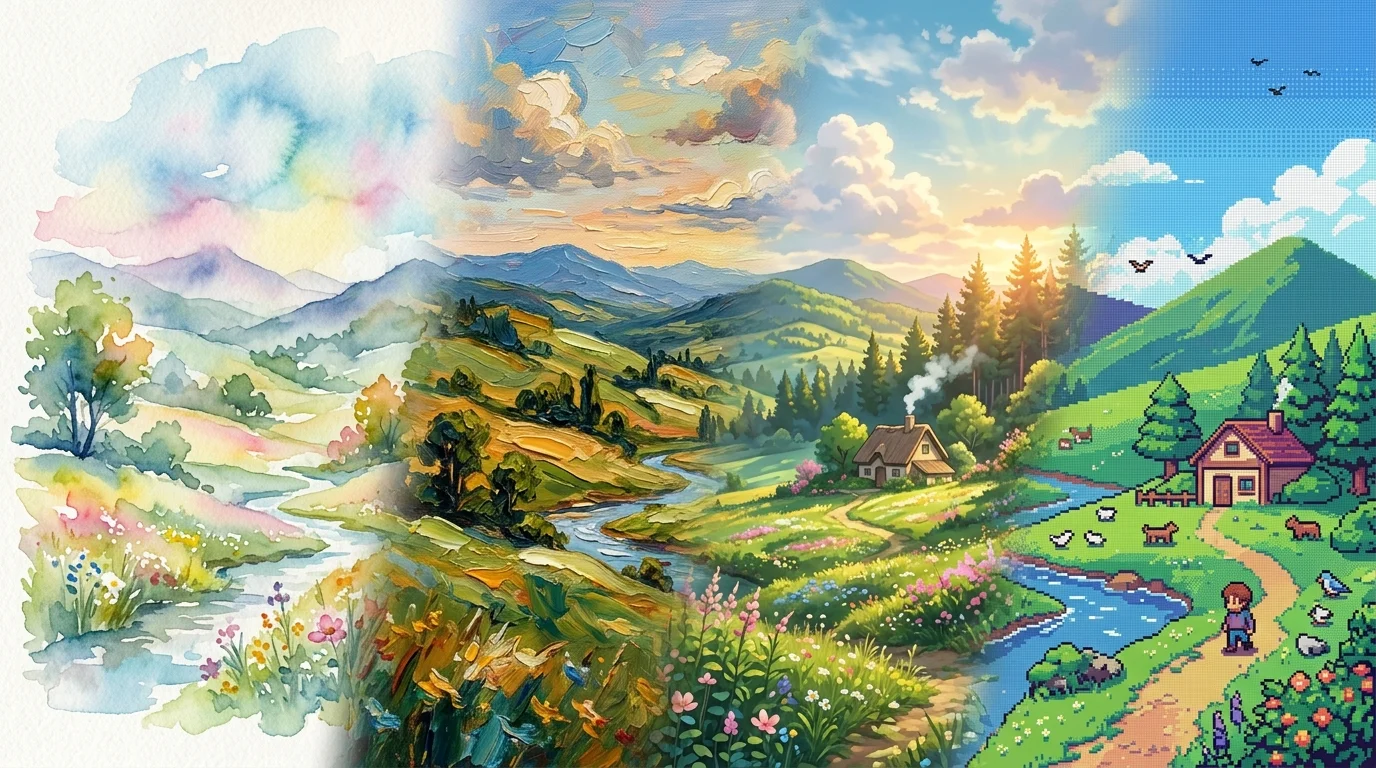
Artistic Transformation Prompts & Styles in Nano Banana
Turn photos into gallery art, anime scenes, oil paintings, and exhibition posters with Nano Banana. Master image-to-image style transfer prompt engineering.
 #nano-banana
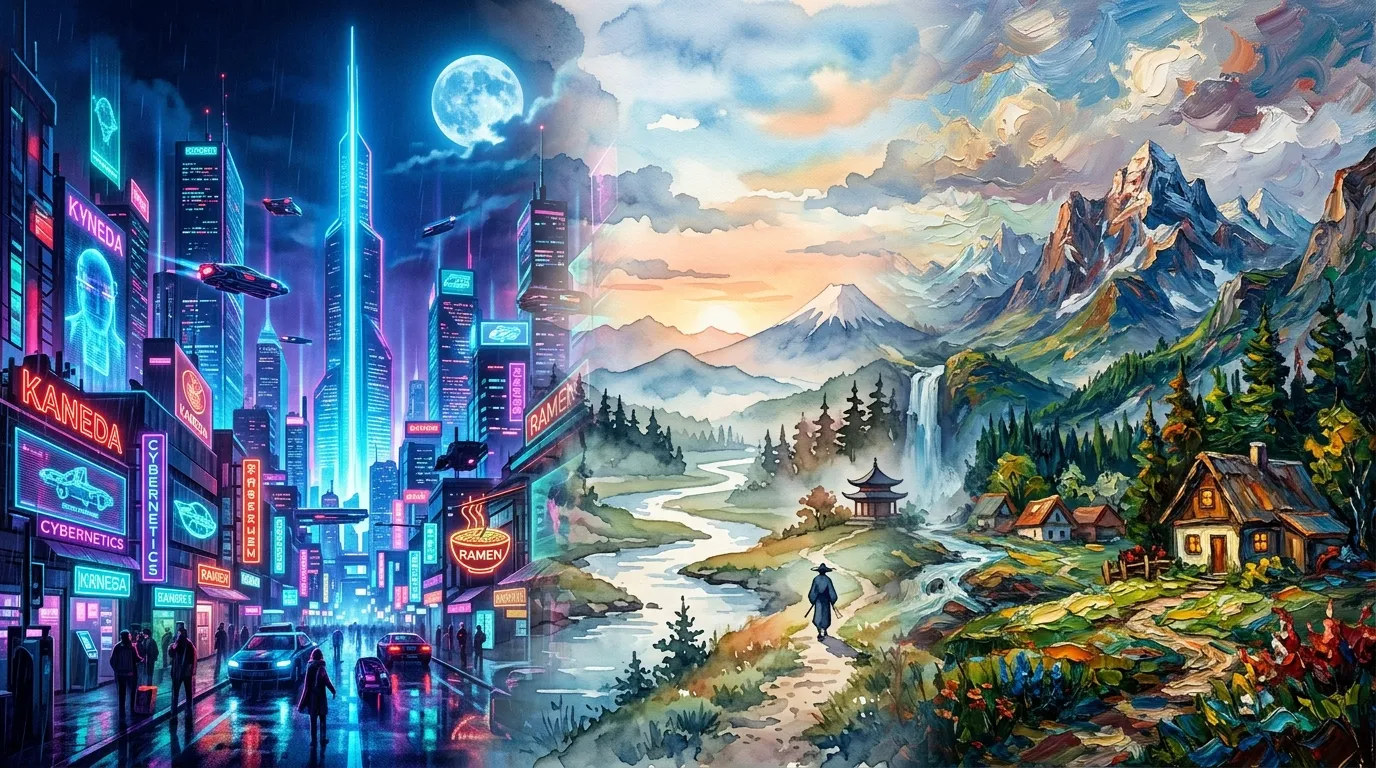
Art Styles & Themes with Nano Banana
Generate and reimagine scenes in distinct art styles with Nano Banana, from cyberpunk neon cities to painterly and retro aesthetics.