Mockup Prompts: Product & Interface Visualization
Generate realistic product mockups, app interfaces, billboard mockups, and comprehensive brand collections with Nano Banana. Visualize designs in the real world.
Mockups bridge the gap between a 2D design and the real world. Whether you are showing a client how their app looks on a phone, how their logo looks on a bottle, or visualizing an entire branded ecosystem, Nano Banana can generate photorealistic context shots that sell the concept instantly.
Understanding Mockup Generation
The key to a good mockup is Materiality and Context. You aren't just generating a screen; you are generating a glass screen reflecting the environment. You aren't just generating a label; you are generating paper wrapped around a cylinder.
APP INTERFACE
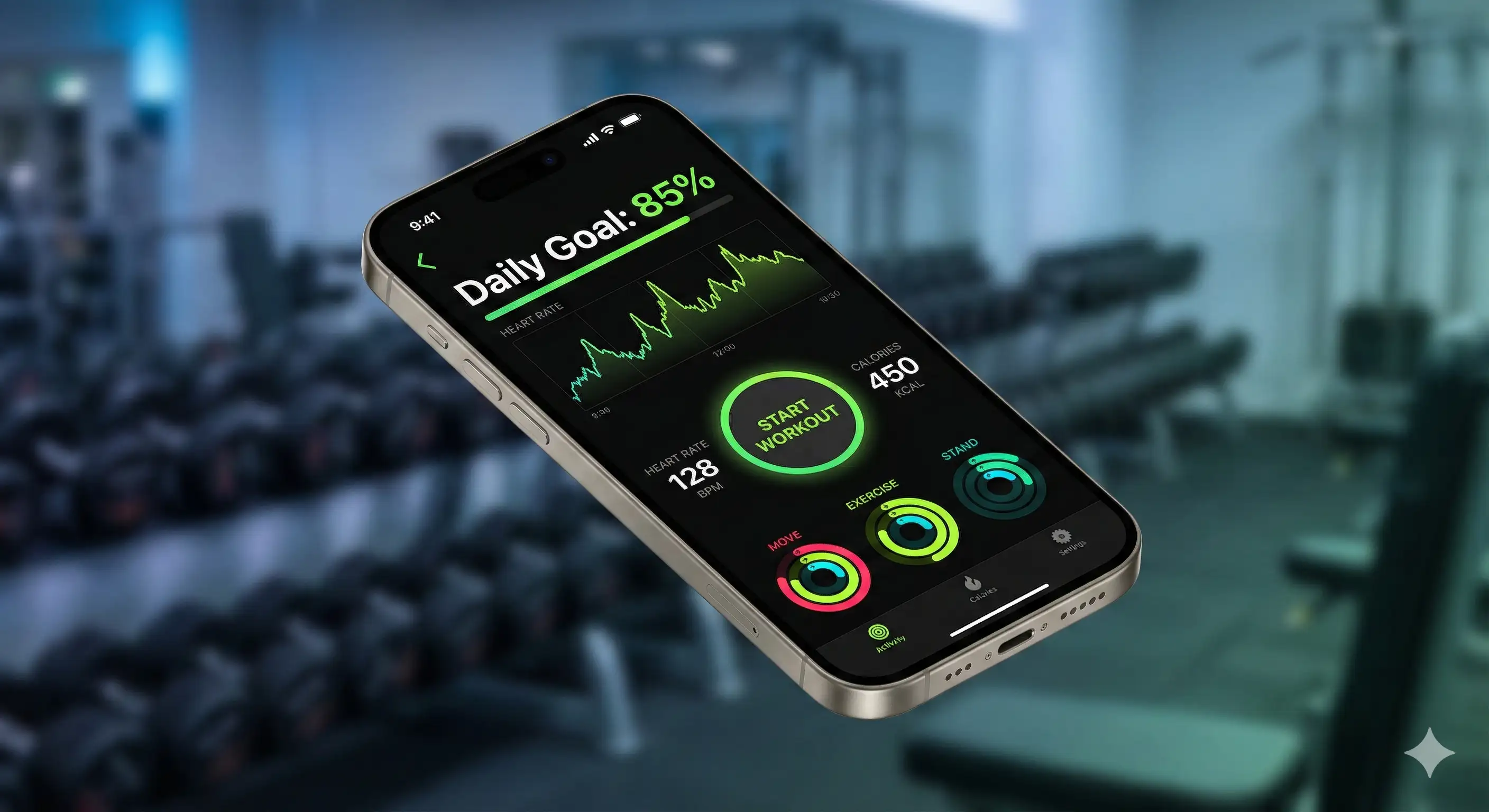
Let's start with the foundation example: a photorealistic app mockup. Here is the complete, fully detailed prompt to generate the "APP INTERFACE" mockup.
[Optional Base Image] Create a photorealistic mockup of a fitness app. Device Context: - **Device**: Floating iPhone 15 Pro in natural titanium - **Orientation**: Angled slightly (isometric view) - **Screen**: Active display showing the app interface - **Reflection**: Subtle screen glare from studio lights Interface Design: - **App Type**: Fitness tracking dashboard - **Colors**: Dark mode UI with neon green data visualization - **Elements**: Heart rate graph, "Start Workout" button, activity rings - **Text**: "Daily Goal: 85%" clearly visible Environment: - **Background**: Blurred gym environment (dumbbells in background) - **Lighting**: Cool, energetic lighting - **Depth**: Shallow depth of field focusing on the screen
Why This Works
The "Floating Device": Asking for a "floating" device is a classic design trope. It isolates the product while still allowing for 3D depth and shadows, making it look premium and modern.
The "Screen Glare": This is the detail that sells the realism. Without "screen glare" or "reflections," the UI looks like a flat sticker pasted on a phone. The reflection integrates the screen into the world.
The Contextual Background: A "blurred gym" tells the viewer exactly what the app is for without distracting from the design. It provides subconscious context.
Common Mistakes
Note:
Impossible UI: AI sometimes invents nonsense UI elements. Be specific about what's on the screen: "Login button," "Graph," "Profile picture." Don't just say "cool app interface."
The Skincare Bottle
Luxury packaging visualization.
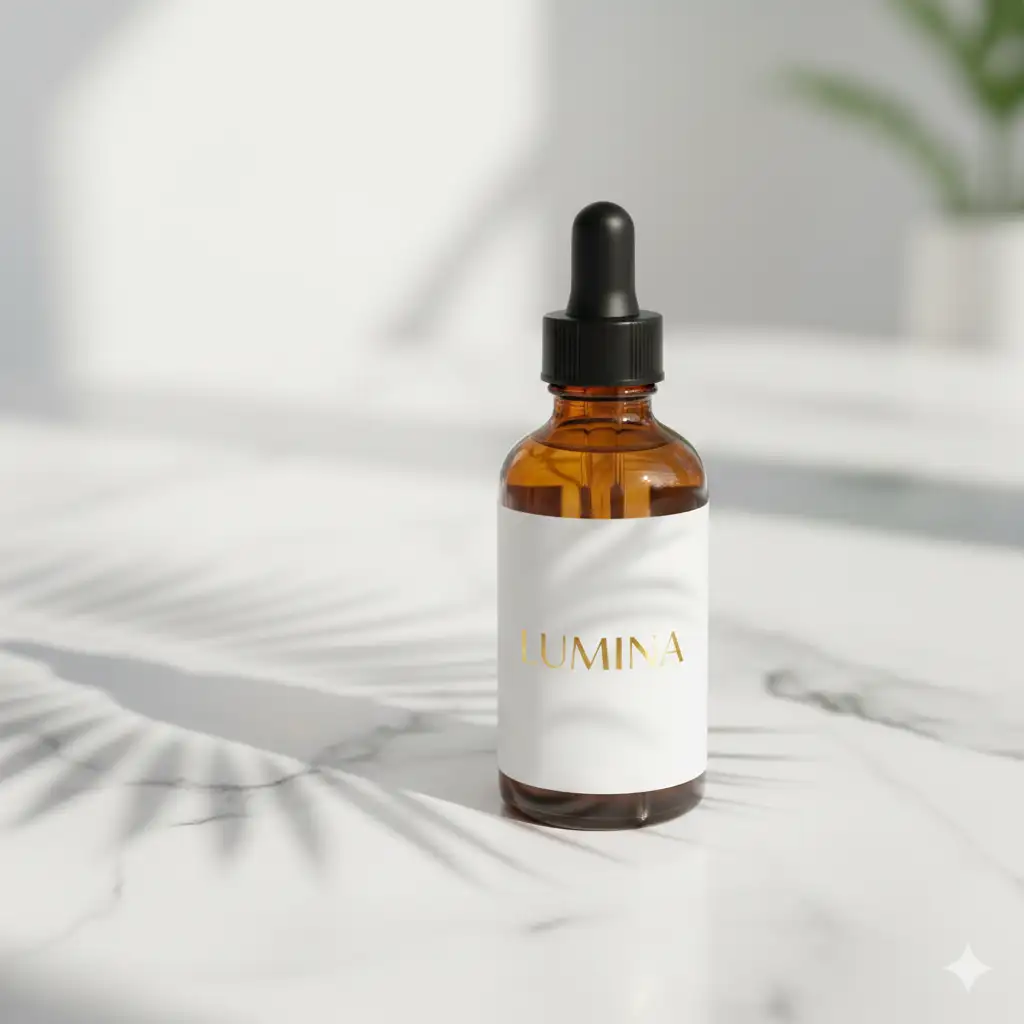
Create a professional product shot of a skincare serum. - **Object**: Amber glass dropper bottle - **Label**: White minimalist label with gold foil text "LUMINA" - **Surface**: White marble countertop - **Shadow**: Palm leaf shadow cast across the bottle - **Lighting**: Soft, high-key natural light - **Vibe**: Organic, expensive, spa-like
Key Detail: The "amber glass" and "gold foil text" define the premium aesthetic immediately—amber suggests both natural skincare and luxury. The "palm leaf shadow" cast across the bottle adds organic texture without overwhelming the shot, while "soft, high-key natural light" on white marble creates the clean, expensive spa aesthetic that luxury skincare demands.
BRAND STATIONERY
Let's start with the foundation example. Here is the complete, fully detailed prompt to generate the "BRAND STATIONERY" set.
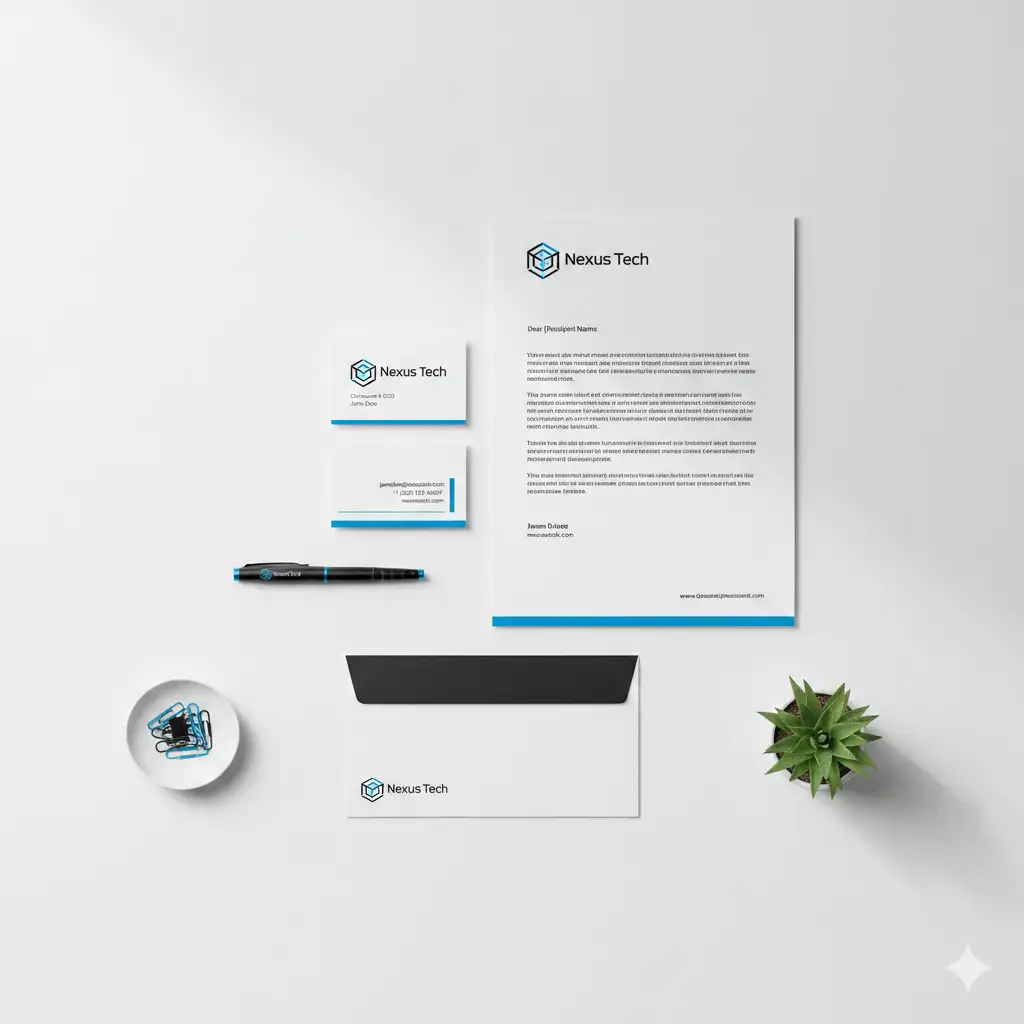
[Optional Base Image] Create a matching brand identity stationery set. Items: - **Business Card**: Front and back visible - **Letterhead**: A4 paper with typed text - **Envelope**: C5 size, matching color - **Accessories**: Pen, paper clips, succulent plant Design: - **Brand Name**: "Nexus Tech" - **Logo**: Geometric hexagon icon - **Palette**: Minimalist black and white with electric blue accent - **Style**: Clean, modern, tech startup aesthetic Composition: - **Arrangement**: Knolling (flat lay grid) - **Background**: Clean white desk surface - **Lighting**: Soft overhead softbox lighting (shadowless)
Key Detail: The "knolling" arrangement with "matching color" across all items is essential—it signals to the AI that these items belong to the same brand ecosystem. Adding "accessories" like pen and plant provides scale and realism; without them, the paper items appear to float. The explicit "shadowless" lighting ensures the focus stays on the design details, not environmental drama.
The Billboard Ad
Outdoor advertising scale.
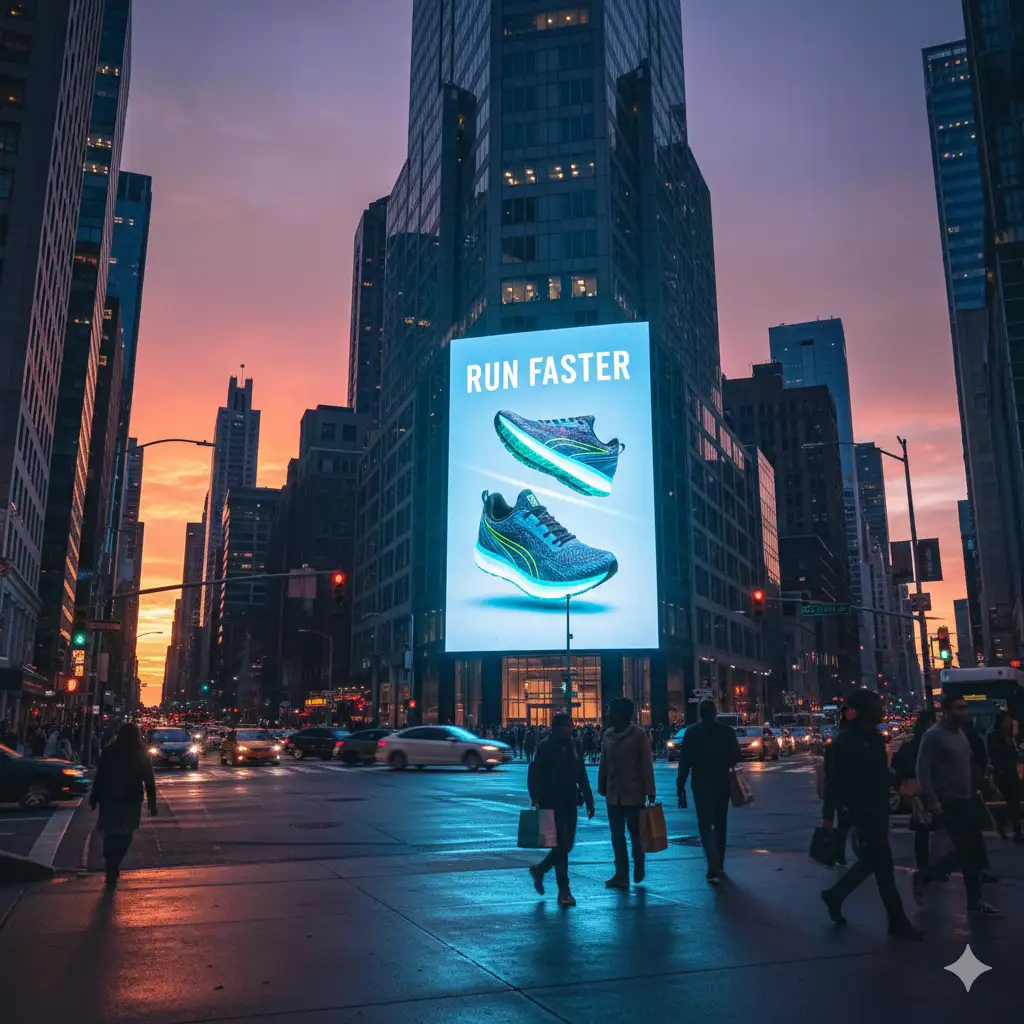
Create a realistic city billboard mockup. - **Setting**: Busy city intersection at sunset - **Object**: Large digital billboard on building side - **Ad Content**: Sneaker ad with text "RUN FASTER" and a running shoe - **Lighting**: Billboard is glowing, illuminating the street slightly - **Perspective**: Low angle looking up
Key Detail: The "glowing digital billboard" that "illuminates the street slightly" is key—it proves the billboard is lit, not just a flat surface. The "low angle looking up" perspective makes the ad feel massive and dominant, while the "busy city intersection at sunset" provides scale context. Together, these tell the AI to render environmental light interaction, not just a billboard floating in space.
The Merch Collection
For bands or streetwear brands.
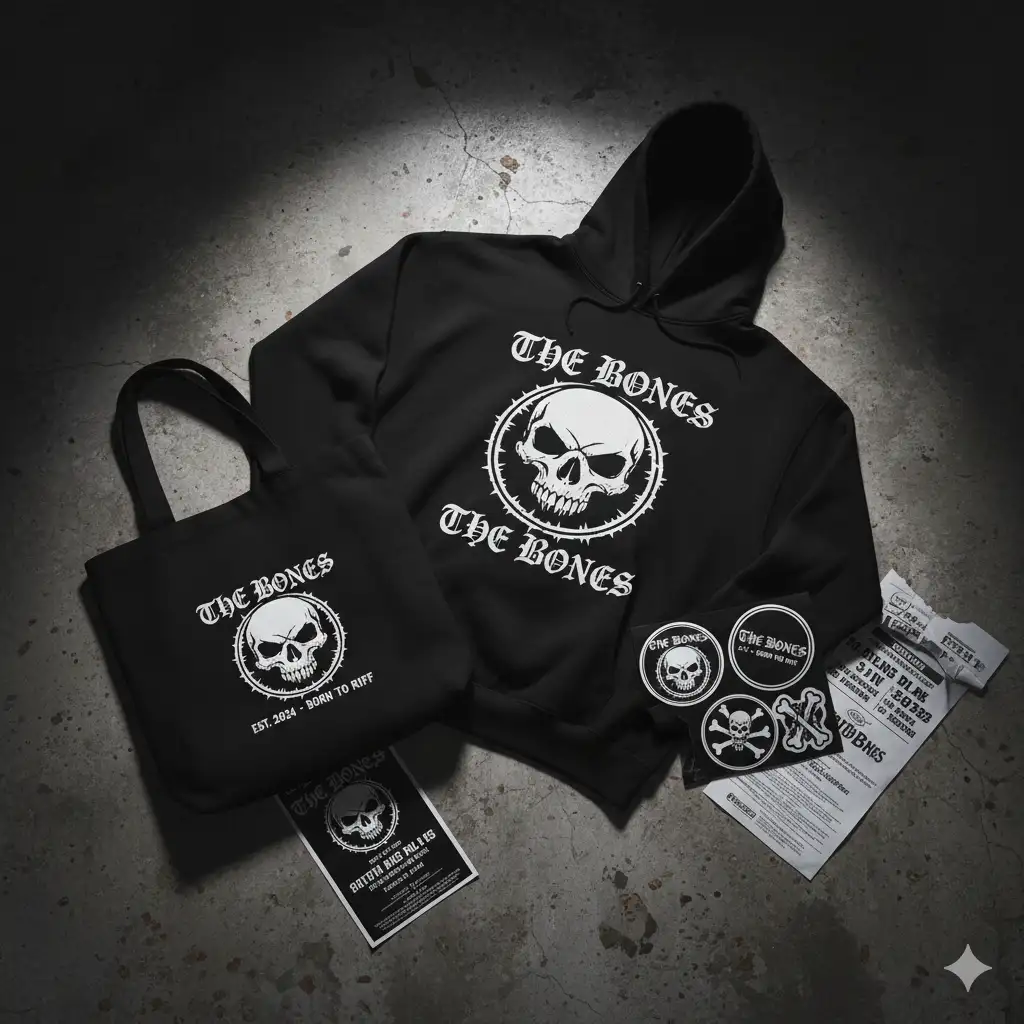
Create a streetwear merchandise collection. - **Items**: Black hoodie, tote bag, sticker pack - **Brand**: "THE BONES" (Rock band) - **Graphics**: Skull logo and gothic text - **Background**: Distressed concrete floor - **Lighting**: Moody, high contrast - **Arrangement**: Casually scattered (messy but styled)
Key Detail: "Casually scattered" instead of knolling signals a rebellious, lived-in aesthetic—perfect for streetwear and music brands. The "moody, high contrast" lighting reinforces the edgy vibe while the "distressed concrete floor" grounds the collection in an authentic, gritty context rather than a sterile studio setting.
The Laptop Screen (Website)
Showcase web design in context.
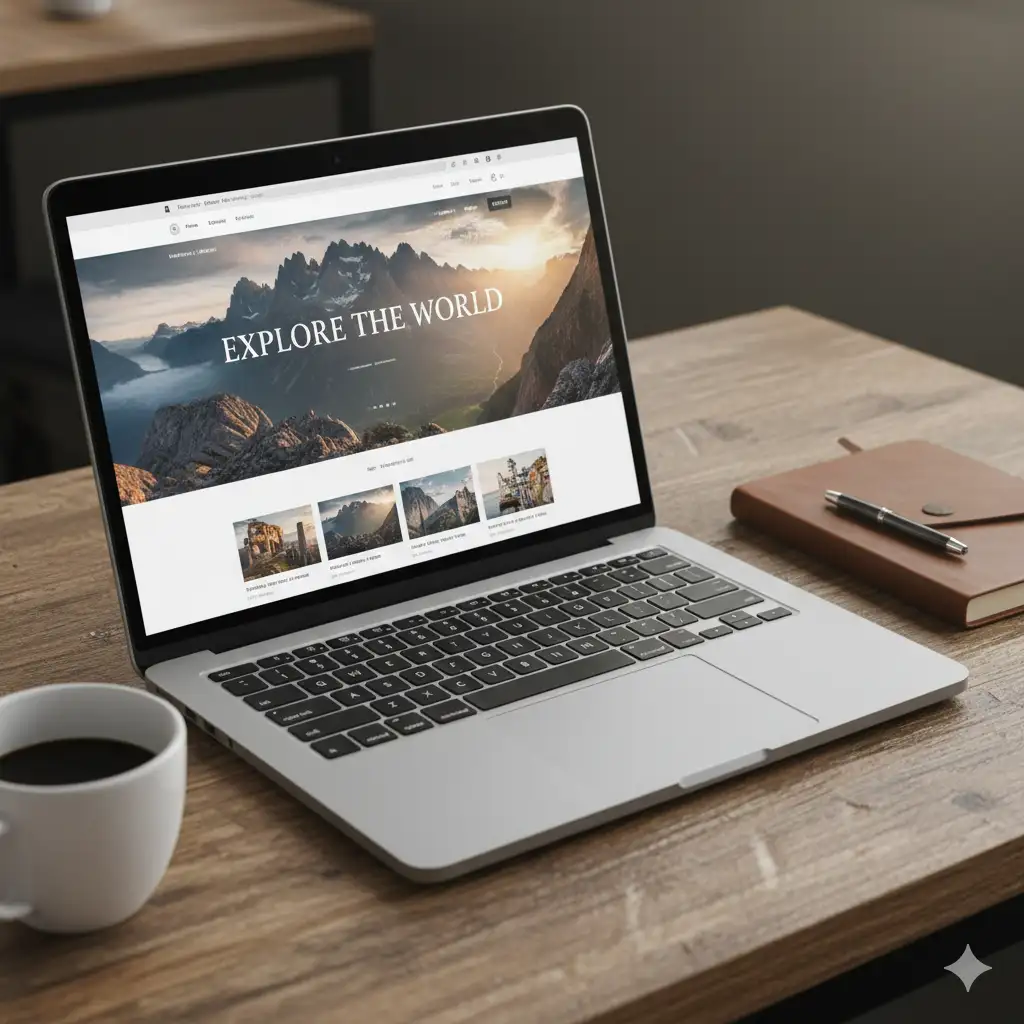
Create a laptop mockup showing a website. - **Device**: MacBook Pro open on a wooden desk - **Screen**: Travel blog website homepage - **Context**: Coffee cup and notebook next to laptop - **Lighting**: Warm cafe lighting - **Screen Content**: "EXPLORE THE WORLD" header with mountain photo
Key Detail: The "wooden desk" and "coffee cup" alongside the laptop establish a lifestyle context—this isn't a sterile product shot, it's a designer actually working in a cafe. The "warm cafe lighting" and specific device ("MacBook Pro") ground the mockup in reality. By specifying both the website content ("EXPLORE THE WORLD" header) and the environment, the AI knows to render the scene as a coherent moment, not isolated elements.
The Cosmetic Line (Retail)
A family of skincare products.
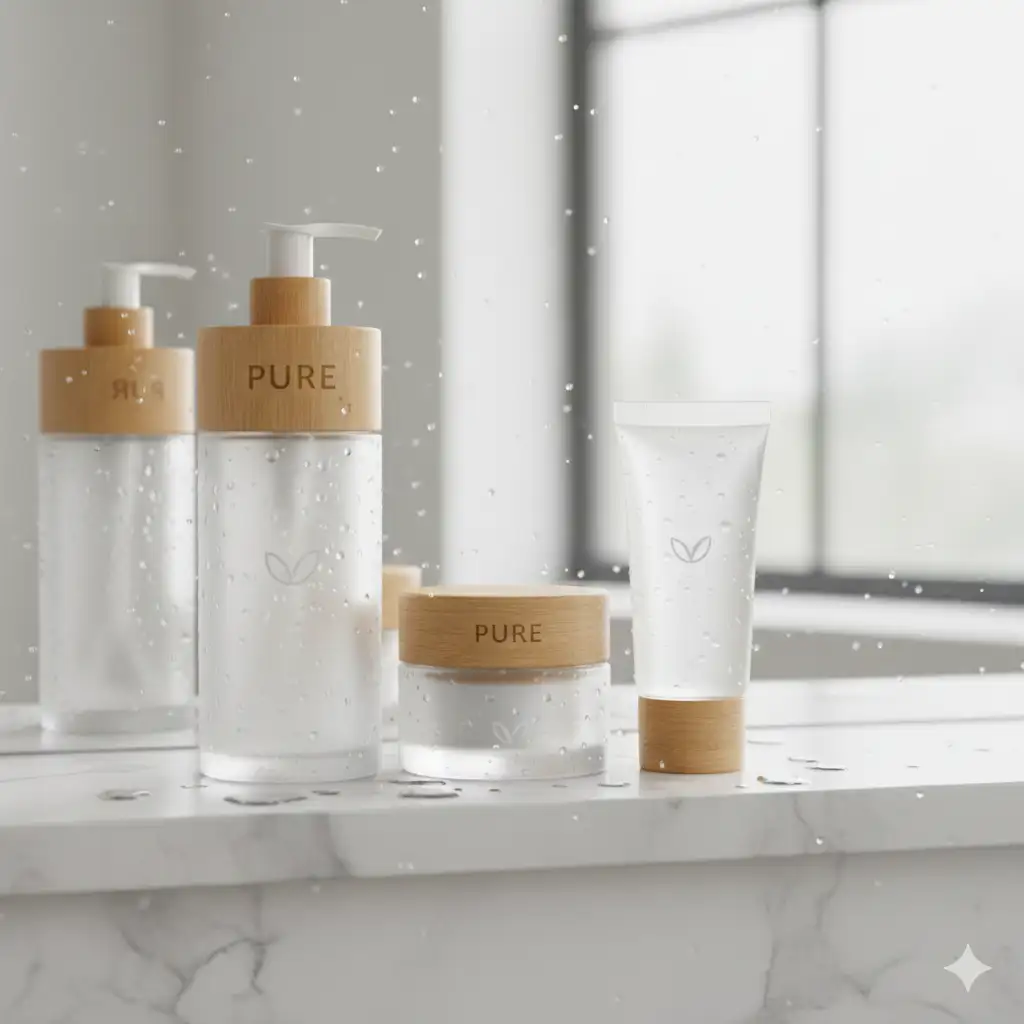
Create a cosmetic product line collection. - **Items**: Tall pump bottle, small glass jar, tube - **Brand**: "PURE" (Skincare) - **Packaging**: Frosted glass with bamboo lids - **Setting**: Bathroom marble shelf with water droplets - **Arrangement**: Standing in a row (family shot)
Key Detail: The "frosted glass with bamboo lids" immediately communicates premium, eco-conscious skincare—two storytelling details in one. "Standing in a row (family shot)" creates visual hierarchy while the "water droplets" on the marble shelf add an organic, spa-like texture that reinforces the luxury aesthetic without cluttering the composition.
The Tote Bag (Merchandise)
Visualize branded merch.
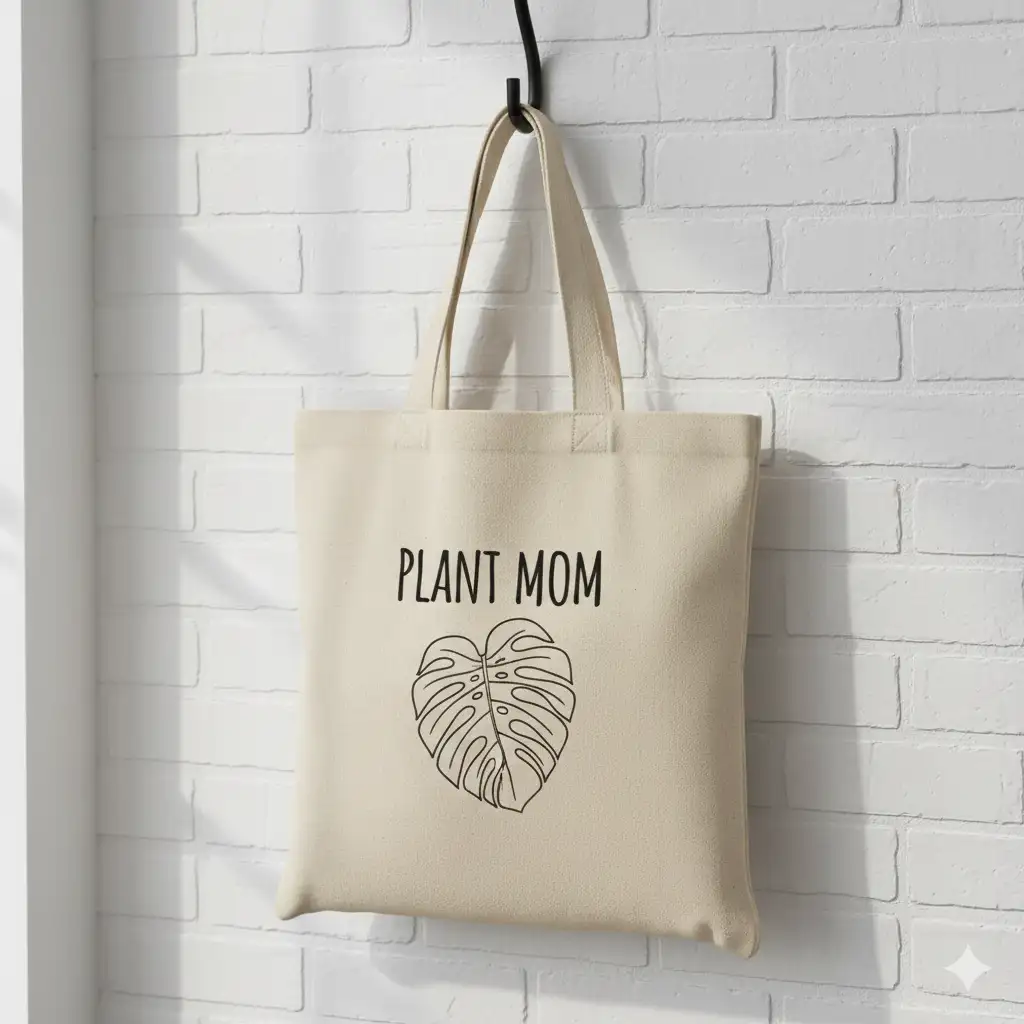
Create a canvas tote bag mockup. - **Object**: Natural beige canvas tote bag hanging on a hook - **Design**: "PLANT MOM" text with monstera leaf illustration - **Texture**: Visible canvas fabric weave - **Lighting**: Soft daylight - **Background**: White brick wall
Key Detail: The "visible canvas fabric weave texture" is the detail that makes this feel like real merchandise. The "beige canvas" color and "hanging on a hook" pose establish authenticity, while the "soft daylight" and "white brick wall" create neutral, clean product photography context. Specifying both the object material AND the environment prevents the bag from looking like a design mockup instead of an actual product.
The App UI Screens
Showcase a digital user journey.
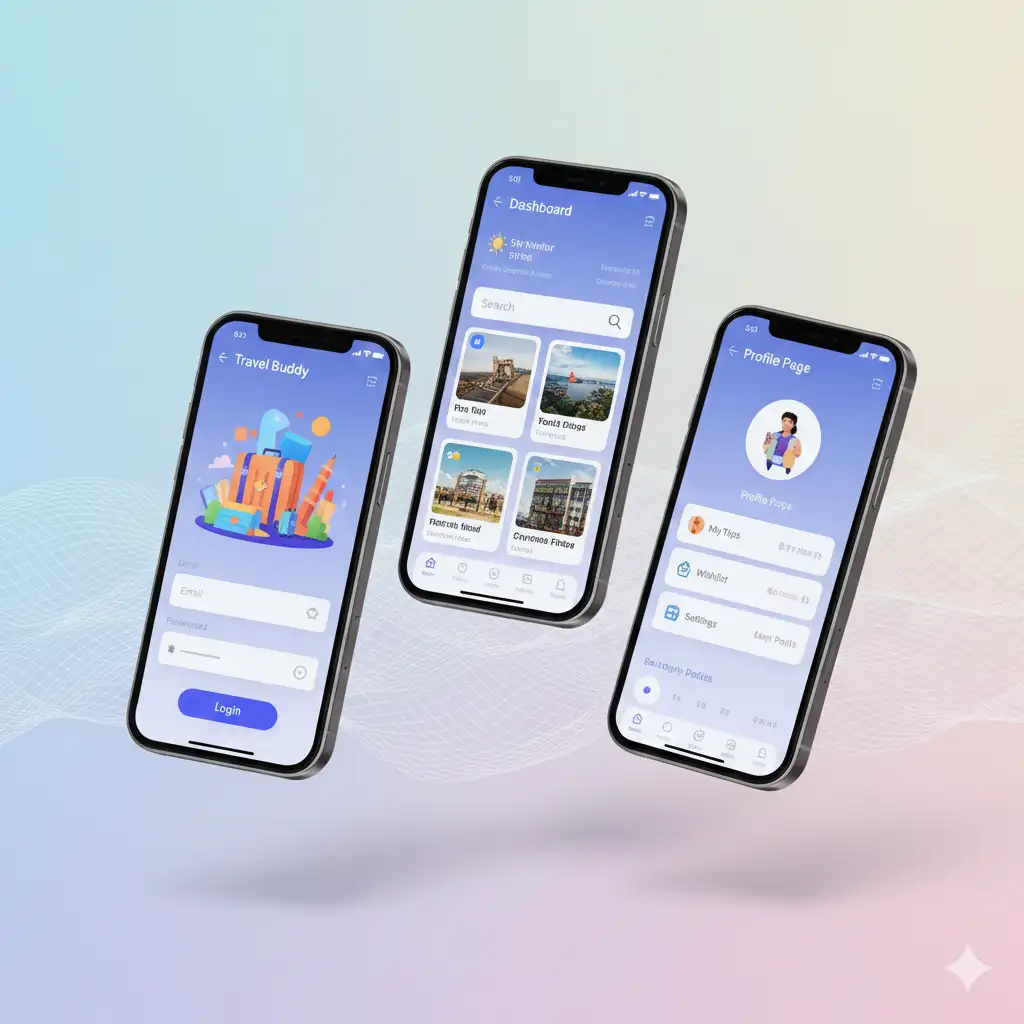
Create a mobile app screen presentation. - **Items**: 3 iPhone 15 Pro devices side-by-side - **Screens**: Login screen, Dashboard, Profile page - **App**: "Travel Buddy" booking app - **UI Style**: Colorful, modern, rounded corners - **Background**: Soft gradient mesh - **Arrangement**: Floating isometric view
Key Detail: The "floating isometric view" instead of flat lay shows depth and dimensionality—perfect for showcasing a user journey across multiple screens while specifying "side-by-side" arrangement keeps each screen distinct and prevents overlapping. This perspective makes the app feel dynamic and three-dimensional, a common approach in modern app marketing and presentations where each screen must remain legible and visible.
The Restaurant Menu Suite (Hospitality)
A complete dining experience.
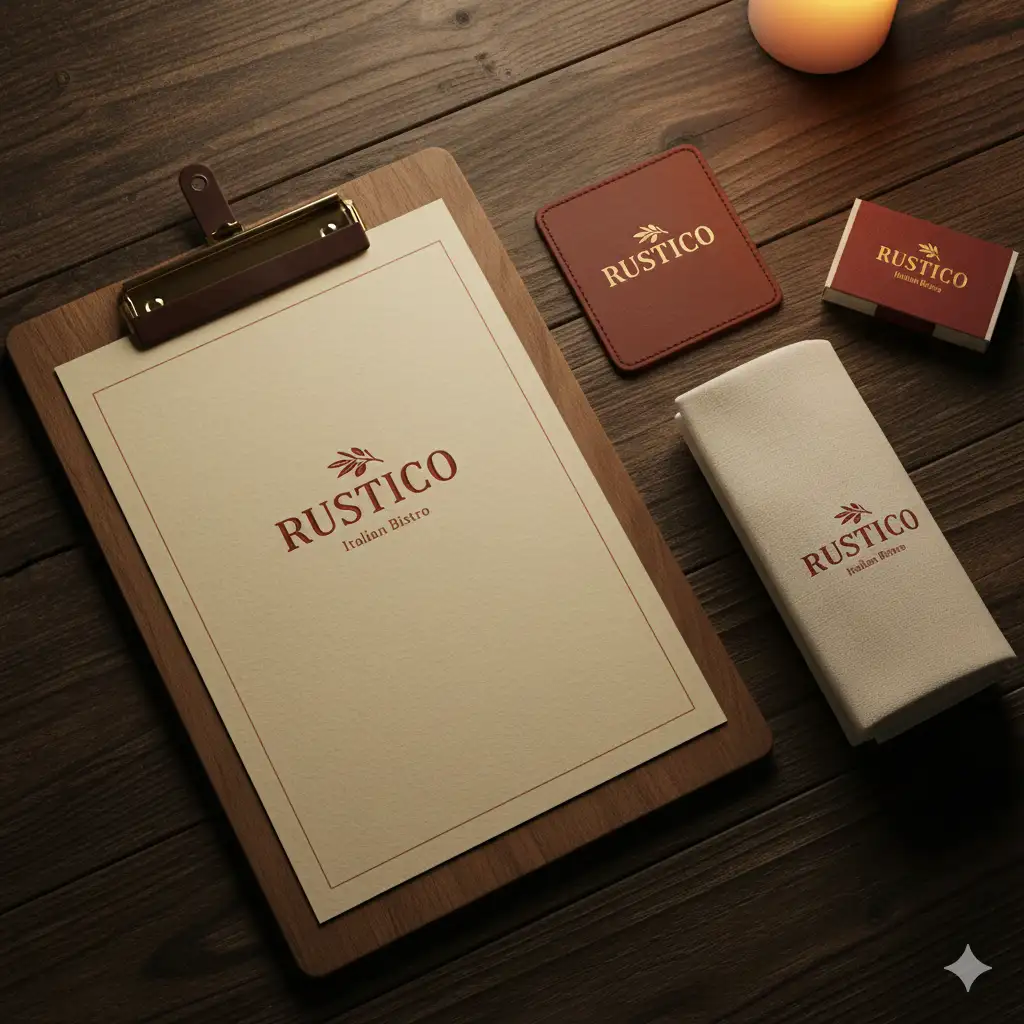
Create a restaurant branding suite. - **Items**: Menu clipboard, coaster, napkin, matchbox - **Brand**: "RUSTICO" (Italian bistro) - **Style**: Warm, textured paper, leather details - **Background**: Dark wooden table - **Lighting**: Warm candlelight
Key Detail: "Warm candlelight" immediately evokes the dining experience—it's not just lighting, it's ambiance. The "dark wooden table" and "warm, textured paper" establish an upscale-yet-intimate aesthetic, while specifying "leather details" adds tactile luxury that communicates craftsmanship and quality to the viewer.
Troubleshooting
Next Steps
- Typography: Add custom lettering to your mockups.
- Posters & Promotional: Combine mockups with poster design.
- Infographics & Diagrams: Put your diagrams into mockup contexts.
- Product Visualization: Design the product itself, not just the mockup.
Related Articles & Guides
 #nano-banana
Nano Banana Text & Design: Typography and Graphics Guide
Master text rendering and graphic design with Nano Banana. Create posters, mockups, infographics, and typography with AI-powered design prompts.
 #nano-banana
Product Visualization with Nano Banana: Design & Rendering
Visualize interior designs, product mockups, and prototypes with Nano Banana. Create professional product photography and design renderings with AI.
Product Mockup Prompts: E-commerce Photography
Create professional e-commerce product photography and packaging mockups with Nano Banana. Master lighting and composition.