Prompt Engineering in OpenCode
Master prompt engineering for OpenCode. AGENTS.md conventions, /slash commands, plan mode workflows, provider-switching strategies, and multi-model prompt patterns.
Prompt Engineering in OpenCode
OpenCode's multi-provider architecture means your prompts need to work across different models with different strengths. The AGENTS.md file and /slash commands are your primary prompt engineering tools.
AGENTS.md — The System Prompt
AGENTS.md at project root (or .opencode/AGENTS.md) is OpenCode's equivalent of CLAUDE.md. It's read every session. Write it for clarity across models — what works for Claude might be wordy for Gemini.
Commands Section
## Commands
- `npm run dev` — Start dev server (Next.js, port 3000)
- `npm run build` — Production build (type check, lint, bundle)
- `npx vitest run` — Run all tests
- `npx vitest run -- src/auth/**` — Run auth tests only
- `npx playwright test` — E2E tests
Architecture Section
Be explicit about patterns, not just file locations:
## Architecture
- **State management** — Zustand stores in src/stores/. Each store is a single concern. No Redux.
- **Data flow** — Server components fetch data directly. Client components call tRPC procedures.
- **Routing** — App Router. Route groups: (auth), (dashboard), (marketing).
- **Error handling** — Error boundaries at route group level. Sentry in production.
Conventions Section
## Conventions
- Use TypeScript — no `any`. Use `unknown` and narrow with type guards
- Imports: React → libs → @/ path alias → relative
- Server components by default, `'use client'` only for interactivity
- File naming: kebab-case for components, camelCase for utilities
- Co-locate tests: `button.spec.tsx` next to `button.tsx`
Multi-Provider Notes
Help OpenCode work well regardless of which model you're using:
## Provider Notes
- Claude (primary): Use extended thinking for architecture decisions
- DeepSeek (budget): Switch to this for documentation, test generation
- Gemini (context): Use for codebase-wide analysis with 1M context
Essential Slash Commands for Prompt Engineering
Plan Mode — Scoped Analysis
Instead of immediately writing code, press Tab to switch to plan mode:
> We need to add OAuth2 login with GitHub and Google.
  Analyze our current auth system (Clerk in src/auth/) and
  propose an implementation plan.
  Do NOT write any code — just the plan.
Plan mode makes OpenCode a thinking partner, not an executor. Use it for:
- Architecture decisions
- Multi-system refactors
- Security reviews
- Performance analysis
/models — Dynamic Model Switching
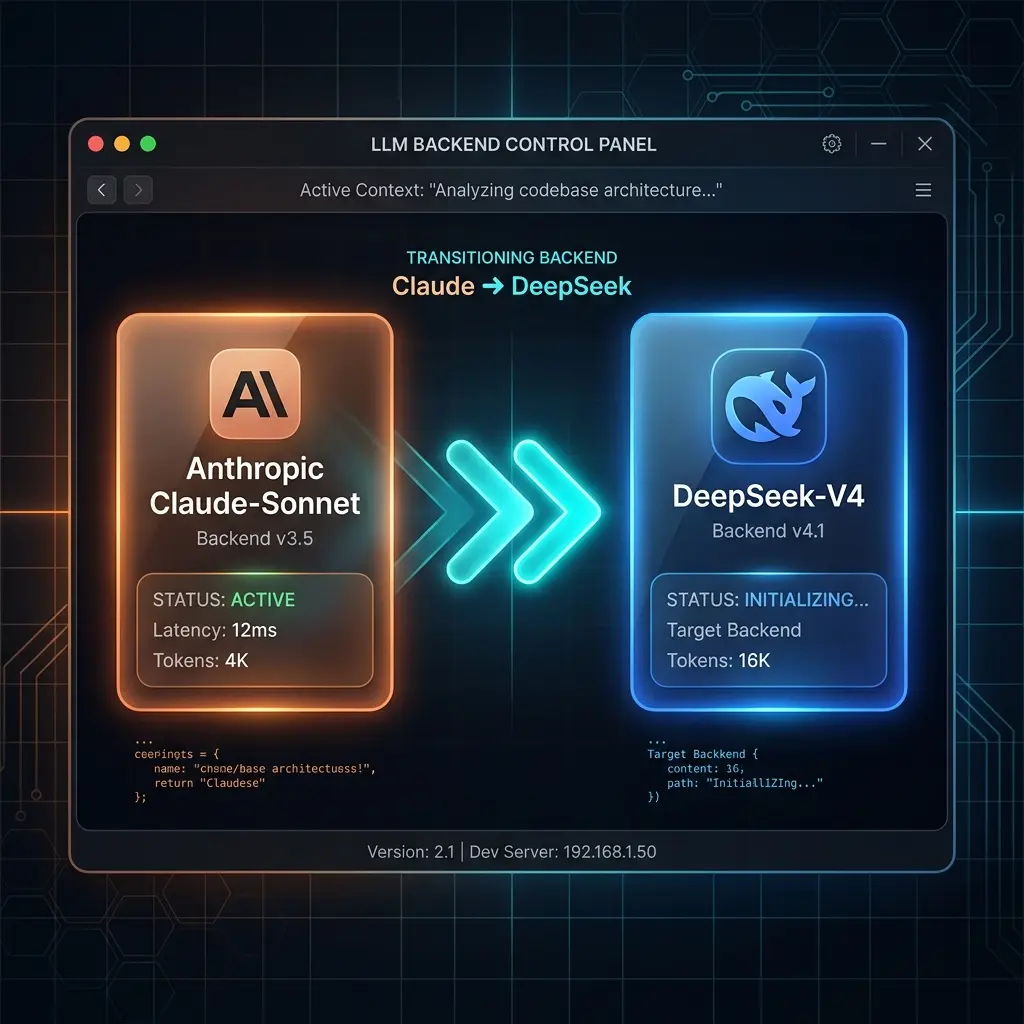
OpenCode lets you switch models mid-session without losing context:
> Think through this architecture problem with deep reasoning.
  /models (select anthropic/claude-sonnet-4-5)

... (gets detailed analysis with Sonnet's reasoning) ...

> Now generate the boilerplate code for what we discussed.
  /models (select deepseek/deepseek-v4-pro)

... (DeepSeek generates code at 95% lower cost) ...
Strategy: Use expensive models for reasoning, cheap models for generation.
Skills — Domain Knowledge Injection
Skills are reusable instruction bundles loaded on-demand. OpenCode lists available skills to the model, which loads one by calling the skill tool when the task matches its description.
Create custom skills for your domain in .opencode/skills/<name>/SKILL.md:
# .opencode/skills/react-best-practices/SKILL.md
---
name: react-best-practices
description: React component patterns used across this codebase.
---

## Patterns
- Prefer function components with hooks
- Extract business logic into lib/ before components grow
- Co-locate tests: button.spec.tsx next to button.tsx
Skills are discovered from ~/.config/opencode/skills/ and .opencode/skills/. You don't invoke them with a slash command — the model loads them on demand.
Prompt Patterns for OpenCode
Pattern 1: Provider-Aware Prompts
Tell OpenCode which model for which part:
> /models (select anthropic/claude-sonnet-4-5)
> Review the authentication flow in src/auth/ for security vulnerabilities.
> Focus on: CSRF, session fixation, token storage, OAuth state validation.
> Report findings only.
Then for the fix:
> /models (select deepseek/deepseek-v4-pro)
> Now implement the 3 fixes from the security review above.
> Only change files in src/auth/. Run auth tests when done.
Pattern 2: Incremental Refactoring
> Step 1: Extract all database queries from src/components/ into src/db/queries/
> Step 2: Update imports in src/components/ — do NOT touch src/pages/ yet
> Step 3: Run `npx vitest run -- src/db/` to verify queries still work
> Step 4: If tests pass, continue to src/pages/
Each step is a checkpoint. OpenCode reports completion before moving on.
Pattern 3: Cross-Provider Validation
Use two models to catch each other's mistakes:
> /models (select anthropic/claude-sonnet-4-5)
> Write a function that parses S3 event notifications and extracts
> relevant metadata. Handle all edge cases.

... (Claude writes the function) ...

> /models (select deepseek/deepseek-v4-pro)
> Review this function for edge cases the first model might have missed.
> Focus on: empty events, malformed JSON, missing fields, large payloads.
> List any issues found — don't fix them, just report.
Pattern 4: Context Budgeting with DeepSeek
When you need 1M tokens of context but can't afford Sonnet:
> /models (select google/gemini-2.5-pro)
> Read all files in src/ and create a comprehensive index of:
> - All exported functions and their signatures
> - All API endpoints and their middleware stacks
> - All database models and their relationships
> Save this as CODEBASE_INDEX.md

... (Gemini processes the entire codebase at 1M context) ...

> /models (select anthropic/claude-sonnet-4-5)
> @CODEBASE_INDEX.md
> Based on this index, propose a plan to refactor the auth middleware
> stack for better composition.
The cheap, high-context model creates an index. The expensive, smart model works from the index.
Common Pitfalls
Not Specifying Scope per Step
> Refactor the app   ← Bad (OpenCode might touch everything)

> Step 1: Extract auth logic from app/ to lib/auth/   ← Good
> Step 2: Update imports in app/ without changing behavior
Ignoring Provider Strengths
> /models (select deepseek/deepseek-v4-pro)
> Design a new microservices architecture   ← Bad (wrong model for this)

> /models (select anthropic/claude-sonnet-4-5)
> Design a new microservices architecture   ← Good
Forgetting to Switch Back
You switch to DeepSeek for generation but forget to switch back to Sonnet for review. Add reminders:
> Generate the test suite for src/services/payment.ts.
  After ALL generation is complete, remind me to switch back
  to Sonnet for review before committing.
Related Pages
- OpenCode Getting Started — Installation and provider setup
- OpenCode Configuration — opencode.json, MCP, skills
- Prompt Chaining (Prompts Section) — Multi-step prompt patterns
- DeepSeek for Coding (Prompts Section) — DeepSeek + Claude Code/OpenCode integration
Related Articles & Guides
Prompt Engineering in Jcode
Master prompt engineering for jcode. Hill-climbable goals, confidence stepping, todo discipline, AGENTS.md conventions, and the lean-prompt philosophy of a modern harness.
OpenCode — AI Coding Agent
Complete guide to OpenCode, the terminal-based AI coding agent. Covers installation, prompt engineering, configuration, providers, skills, and best practices.
OpenCode — Getting Started
Install and configure OpenCode, the multi-provider AI coding agent. Covers installation, LLM provider setup, Zen/Go pricing, and first session walkthrough.