Windsurf — AI Coding Tool Guide
Windsurf IDE with Cascade AI flow editor. Prompt patterns, rules configuration, multi-file editing, and comparison with Cursor and Copilot.
Windsurf
Windsurf is an AI-powered IDE built on VS Code with a unique Cascade workflow system. Unlike Cursor's tab/chat/agent split, Windsurf uses a unified "flow" where AI edits propagate across your entire project in a single operation.
What Makes Windsurf Different
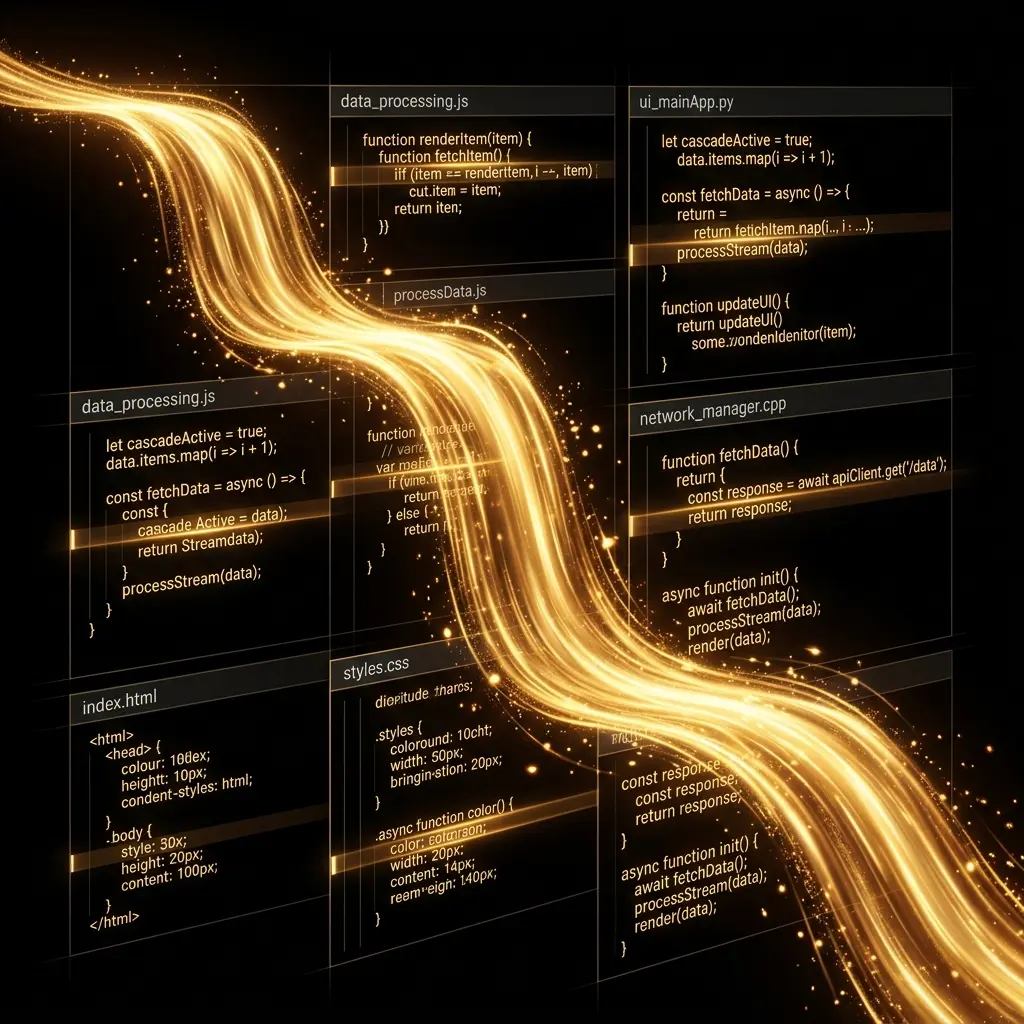
- Cascade — AI edits flow across files in a single operation. No switching between chat and inline editing. You describe a change, and Cascade reads the affected files, applies edits across all of them, and shows you the unified result.
- Flow state — Cascade remembers your position in a multi-step task. You can say "continue" and it picks up exactly where it left off.
- Rules — System-level
.windsurfrulesand project-levelrules/directory for layered configuration. - Free for individuals — Full AI features at no cost.
Getting Started
Download from codeium.com/windsurf, install, and sign in. Windsurf is free for individuals with paid tiers for teams.
Prompt Patterns
Cascade Multi-File Prompts
Windsurf's Cascade works best with scoped, multi-file instructions:
Create an admin dashboard page:
1. Authentication check (redirect if not admin) using the existing auth helper from src/lib/auth.ts
2. Stats cards for users, revenue, active sessions — use StatCard from src/components/ui/
3. Recent activity table using DataTable from src/components/ui/
4. API route at src/app/api/dashboard/stats/ that aggregates the data
5. Loading skeletons and error states for each section
Cascade will read the existing auth helper, StatCard, and DataTable, understand their interfaces, then create the dashboard page and API route in a single flow.
Refactoring with Cascade
Refactor the user profile page to use the new design system:
1. Read src/app/profile/page.tsx to understand current layout
2. Replace all custom button styles with Button component variants
3. Replace inline form validation with the FormField wrapper
4. Replace raw Tailwind spacing with design-token spacing classes
5. Keep all existing behavior and tests passing
Feature Migration
Migrate the settings page from pages router to app router:
1. Read src/pages/settings.tsx and src/pages/api/settings.ts
2. Create src/app/settings/page.tsx (server component)
3. Create src/app/settings/SettingsForm.tsx (client component)
4. Create src/app/api/settings/route.ts (route handler)
5. Update all imports to use @/ path alias
6. Test: npm run dev and navigate to /settings
Rules Configuration
.windsurfrules at project root:
Always respond in TypeScript with strict types.
Use `@/` for internal imports.
Do not modify configuration files (next.config.ts, tailwind.config.ts, tsconfig.json) without asking.
Prefer server components — only use 'use client' for interactivity.
Project-Specific Rules
.windsurfrules
rules/
├── typescript.md      # TypeScript conventions
├── react.md           # React component patterns
└── testing.md         # Test conventions
Windsurf rules are compatible with Cursor's .cursor/rules/ format — you can share the same rule files between both IDEs.
Windsurf vs Cursor vs Copilot
| Feature | Windsurf | Cursor | Copilot |
|---|---|---|---|
| Multi-file editing | Cascade (unified) | Agent mode | Agent mode |
| System prompt file | .windsurfrules | .cursorrules | copilot-instructions.md |
| Pricing | Free | $20/mo | Free / $10/mo |
| Model flexibility | Limited | Multiple providers | OpenAI only |
| Flow state memory | Yes | No | No |
Pick Windsurf if you want unified multi-file editing in a single flow and don't want to pay for Cursor.
Pick Cursor if you want the most mature IDE AI experience and don't mind the subscription.
Pick Copilot if you're deep in the GitHub ecosystem.
Related Pages
- Tool Comparison — Windsurf vs Cursor vs Copilot vs CLI tools
- Cursor Prompt Engineering — Compare IDE-based prompt patterns
- Cursor Rules Section — Rules templates (compatible with Windsurf)
Related Articles & Guides
Jev Prompt Engineering — Questions, Criteria & State
How to write Jev questions and criteria that hold up: one judgment per question, situation-based criteria, clean state, parallelism, and the model's known failures.
Pi — Terminal AI Coding Agent
Complete guide to pi, Mario Zechner's minimal terminal coding agent. Covers installation, prompt engineering, context files, skills, and the lean-harness philosophy.
Prompt Engineering in Pi
Master prompt engineering for pi, the minimal terminal coding agent. Context files, system prompt files, slash commands, message queueing, and the four built-in tools.