Character Design with Nano Banana: Generation Guide
Create original characters, mascots, and concept art from scratch using Nano Banana's text-to-image generation capabilities.
Nano Banana isn't just for editing existing photos—it's a powerful tool for generating original characters from scratch. Whether you need a consistent brand mascot, a video game protagonist, or a stylized toy design, you can bring them to life using only text descriptions.
Understanding Character Generation
When generating characters, you are the Director, Costume Designer, and Casting Agent all in one. You need to define:
- The Subject: Who are they? (Species, Age, Vibe)
- The Style: How are they rendered? (3D, 2D, Sketch, Realistic)
- The Context: Where are they? (Background, Lighting, Action)
Concept Art
Brand Mascots
Toy Design
RPG Avatars
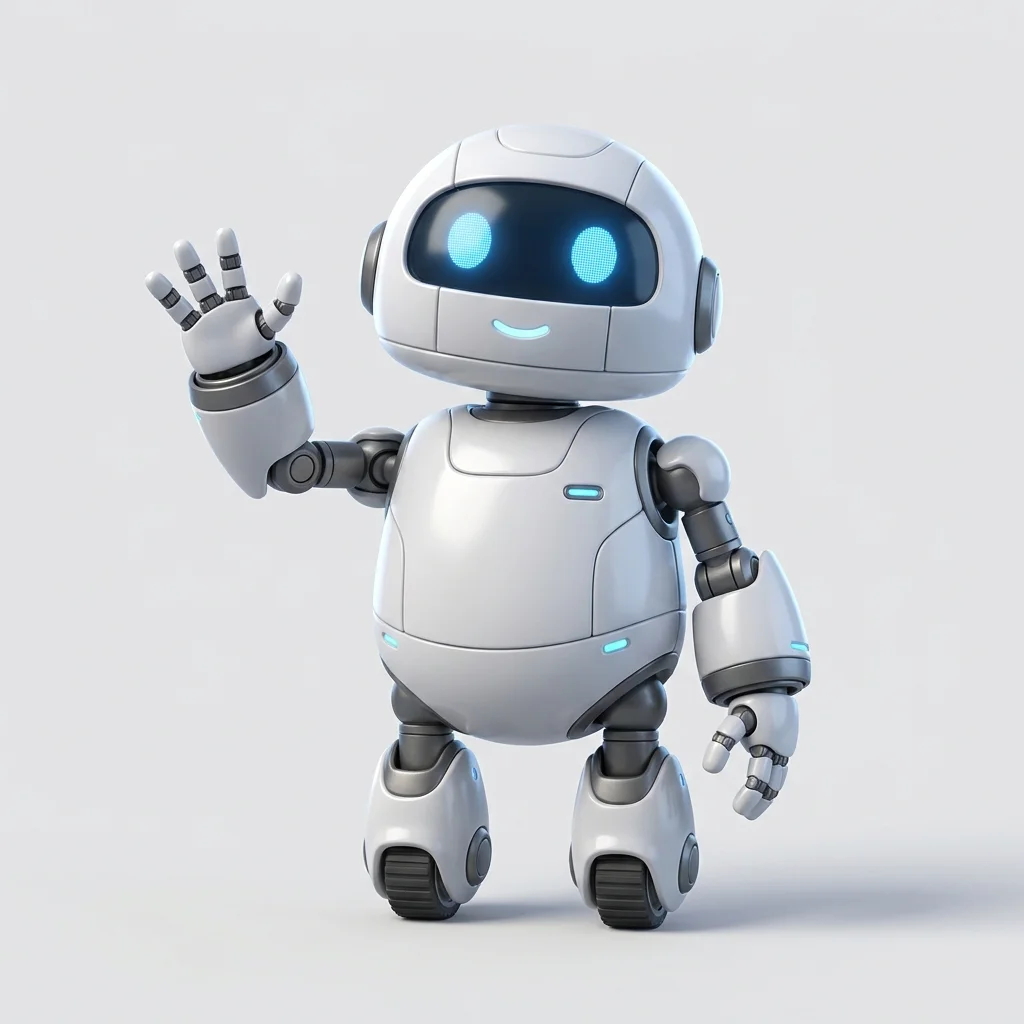
3D Mascot Creation
Create adorable, high-quality 3D characters suitable for apps, websites, or merchandise.
Generate a cute 3D mascot character. Subject: - **Type**: Small friendly robot - **Shape**: Round, soft edges, approachable - **Materials**: Glossy white plastic with matte grey accents - **Features**: Glowing blue digital eyes, waving hand Style & Render: - **Aesthetic**: Pixar-style 3D render - **Lighting**: Soft studio lighting, rim light - **Background**: Clean solid color background (hex #F0F0F0) - **Vibe**: Helpful, tech-savvy, friendly --ar 1:1
Why This Works
- Material Definition: Specifying "glossy white plastic" vs "matte accents" gives the character physical weight and realism.
- Studio Lighting: Asking for "soft studio lighting" ensures the character looks professional and ready for use in marketing assets.
Fantasy Character Concepts
Generate detailed concept art for fantasy or sci-fi projects.
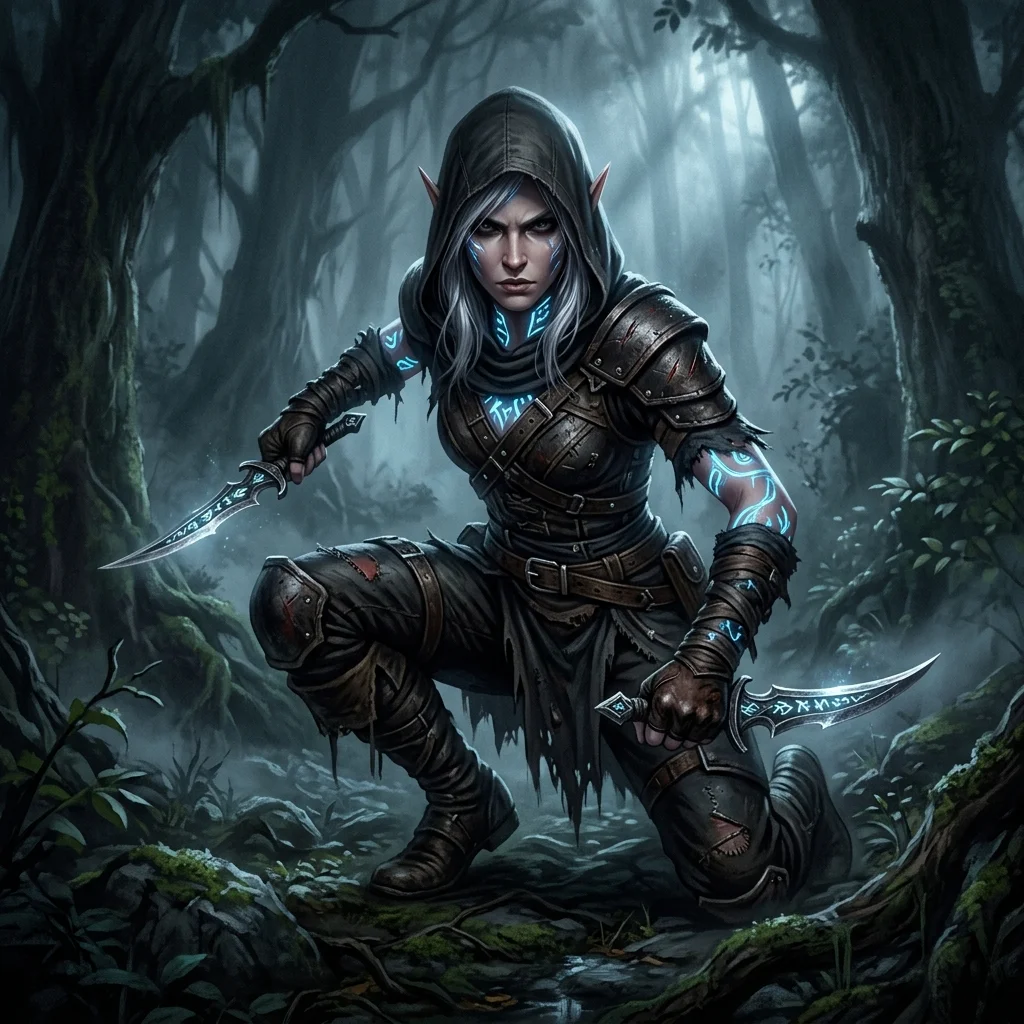
Generate a fantasy character concept art. Subject: - **Race**: Elf Rogue - **Appearance**: Sharp features, silver hair, glowing rune tattoos - **Attire**: Worn dark leather armor with hood, dual daggers - **Pose**: Crouched, ready to strike Art Style: - **Medium**: Digital painting - **Style**: Semirealistic, gritty, detailed textures - **Lighting**: Moody, low-key lighting with cool blue ambient light - **Background**: Misty forest shadows
Pro Tip: Iterating on Details
If the generation is perfect but the hair color is wrong, you don't need to regenerate from scratch. You can switch to Transformation workflow (see Character Reimagining) to edit just the hair while keeping the rest of your new character.
Toy & Collectible Design
Visualize what a character would look like as a physical product.
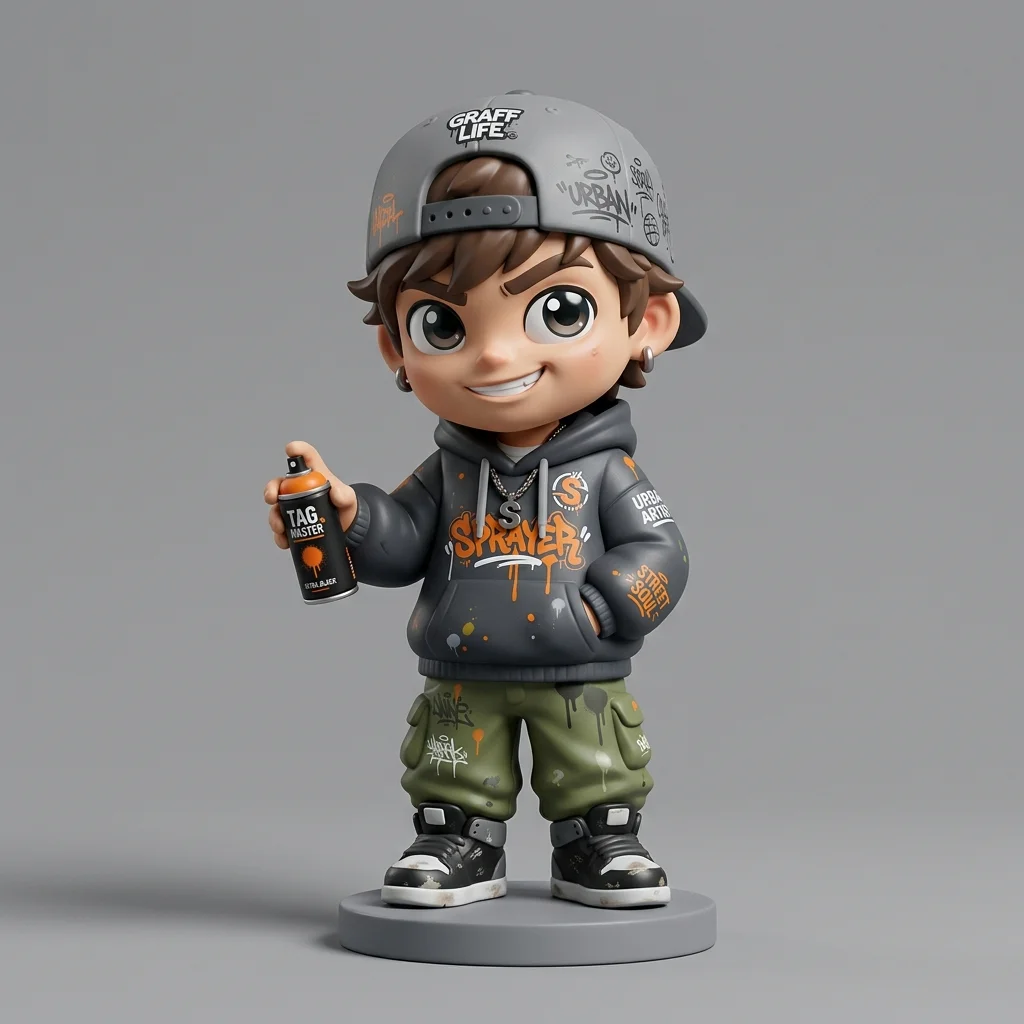
Generate a vinyl art toy design. Subject: - **Character**: Graffiti artist with a spray can - **Style**: Super-deformed (chibi proportions), big head, small body - **Outfit**: Oversized hoodie, cap backwards, baggy pants Material & Finish: - **Material**: Smooth vinyl - **Finish**: Matte finish with glossy eyes - **Packaging**: Box standing behind the figure (optional) Presentation: - **Angle**: Front 3/4 view - **Lighting**: Product photography lightbox - **Background**: Neutral grey
Next Steps
Now that you've generated a character, what's next?
- Character Reimagining: Change their outfit or style while keeping the face.
Related Articles & Guides
 #nano-banana
Nano Banana Workflows: Generation, Editing & Blending
Learn the three main workflows: pure generation, photo editing, and multi-image blending. Understand effort, complexity, and best use cases for each type.
 #nano-banana
Character Reimagining: Nano Banana Prompt Guide
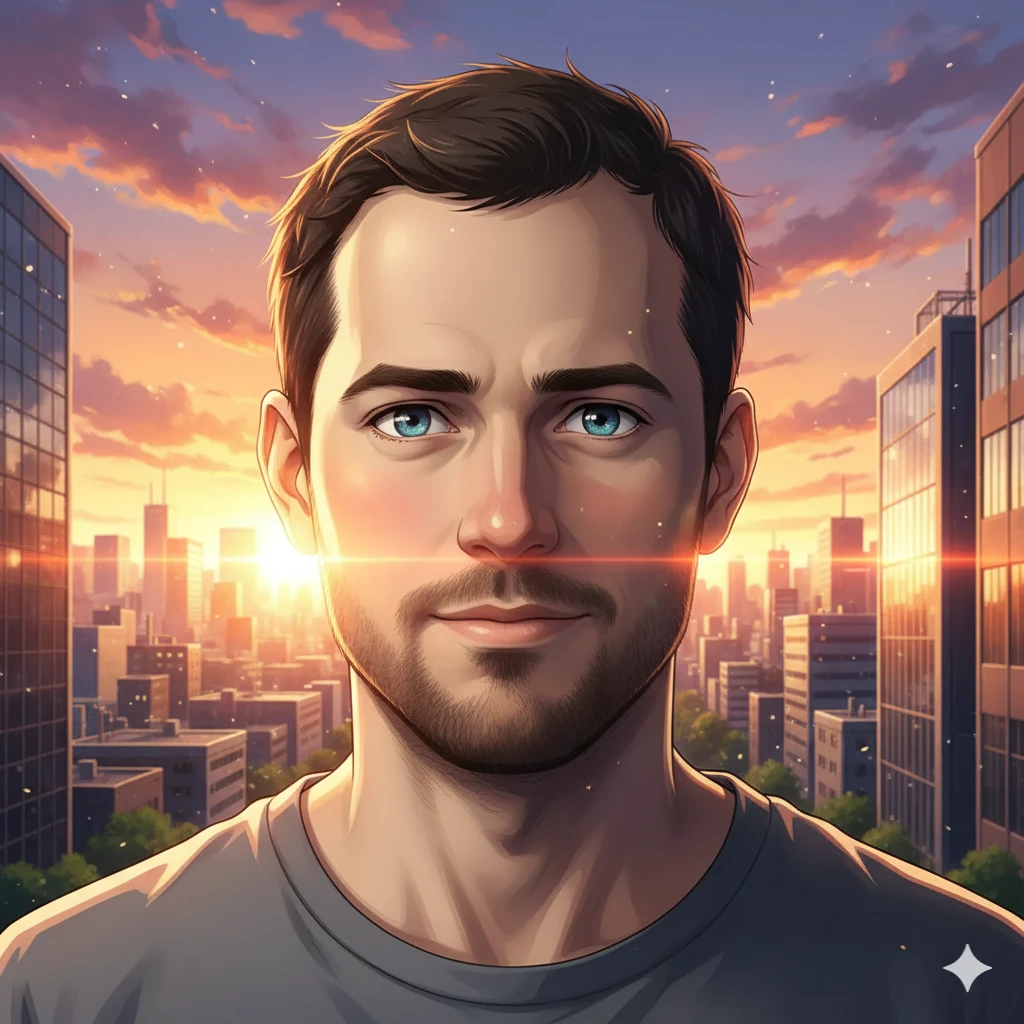
Reimagine yourself as an anime character, fantasy hero, or game avatar with Nano Banana. Master style transfer and character design.
 #chatgpt
Photo to Architectural Model Poster
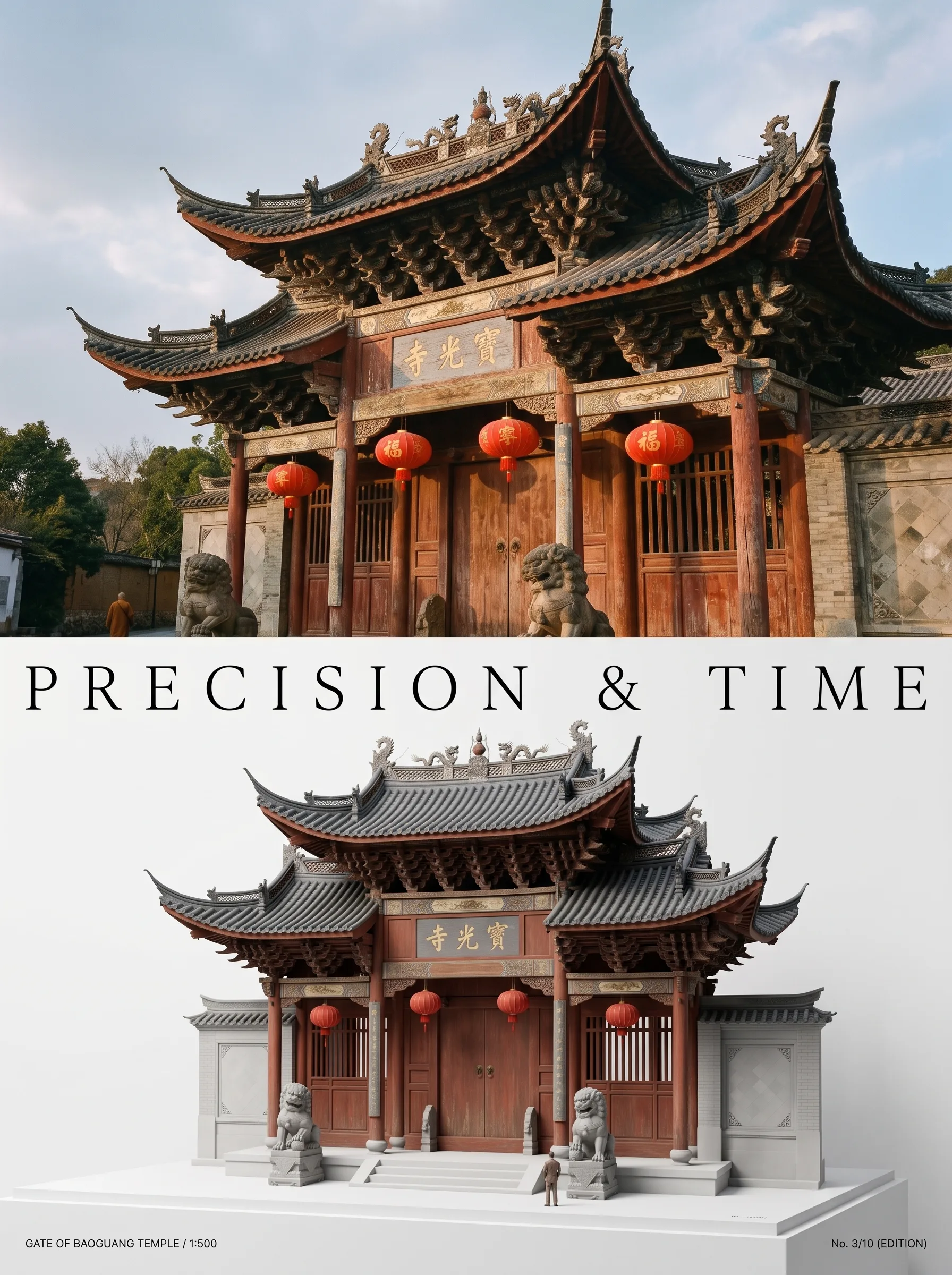
Turn any photo of a building into a dual-zone editorial poster: full photo on top, photoreal miniature museum model below. The precision prompt that avoids cartoon renders, tested on 6 building types.