StockFlow MCP Server: Real-time Stock Data & Options Analysis
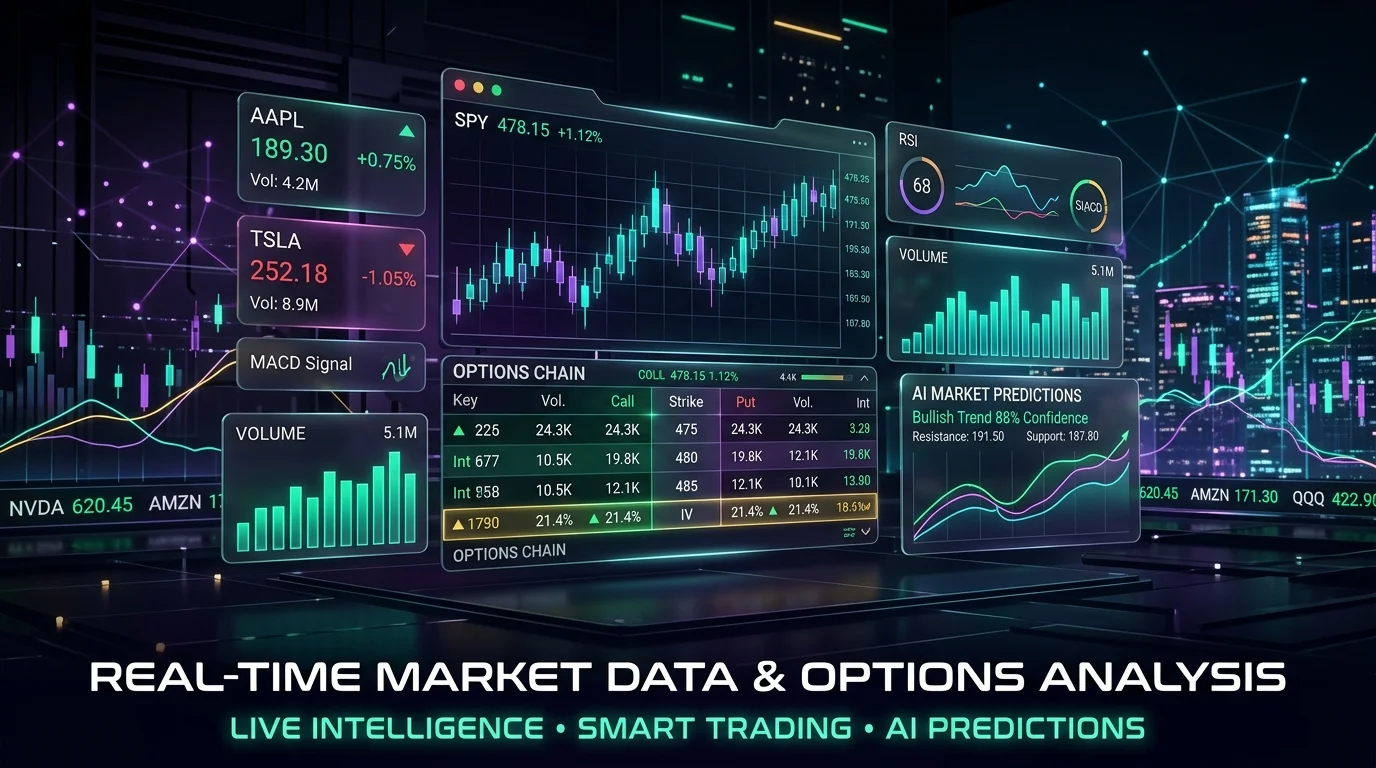
StockFlow MCP Server provides real-time stock data & options analysis via Yahoo Finance. Empower LLMs to access market data, analyze stocks, and evaluate strategies.


Overview
The StockFlow MCP Server is a Model Context Protocol (MCP) server that provides real-time stock data and options analysis through Yahoo Finance. It enables Large Language Models (LLMs) to access market data, analyze stocks, and evaluate options strategies.
Developed by:
Developed by Todd Wolven
Key Features
Real-time Stock Data
Access up-to-the-minute stock prices, historical data, and fundamental information directly from Yahoo Finance.
Options Analysis
Evaluate complex options strategies with detailed pricing models and risk assessments.
LLM Integration
Seamlessly integrate with Large Language Models to enable AI-driven financial analysis and decision-making.
Flexible Deployment
Deploy as a standalone Python application or within a Docker container for easy setup and scalability.
Available Tools
Quick Reference
| Tool | Purpose | Category |
|---|---|---|
get_stock_data | Get comprehensive real-time stock information. | Data |
get_historical_data | Retrieve historical stock prices and indicators. | Data |
get_options_chain | Access options chain data for a given stock. | Options |
Detailed Usage
get_stock_data❯
Retrieves current stock data, including real-time prices, key metrics, company fundamentals, and market indicators.
use_mcp_tool({
  server_name: "stockflow",
  tool_name: "get_stock_data",
  arguments: {
    symbol: "AAPL",
    include_financials: true,  // optional
    include_analysis: true,    // optional
    include_calendar: true     // optional
  }
});
Use this to get up-to-the-minute stock information.
get_historical_data❯
Fetches historical price data with OHLC (Open, High, Low, Close) values and configurable time periods.
use_mcp_tool({
  server_name: "stockflow",
  tool_name: "get_historical_data",
  arguments: {
    symbol: "AAPL",
    period: "1y",        // 1d, 5d, 1mo, 3mo, 6mo, 1y, 2y, 5y, 10y, ytd, max
    interval: "1d",      // 1m, 2m, 5m, 15m, 30m, 60m, 90m, 1h, 1d, 5d, 1wk, 1mo, 3mo
    prepost: false       // optional - include pre/post market data
  }
});
Analyze past stock performance and identify trends.
get_options_chain❯
Provides complete options chain data, including calls and puts, strike prices, Greeks (delta, gamma, theta, vega), volume, and open interest.
use_mcp_tool({
  server_name: "stockflow",
  tool_name: "get_options_chain",
  arguments: {
    symbol: "TSLA",
    expiration_date: "2024-12-20",  // optional - uses nearest date if not specified
    include_greeks: true            // optional
  }
});
Evaluate complex options strategies and risk assessments.
Installation
To integrate the StockFlow MCP Server with your LLM environment, follow the installation steps below. You can choose between a Docker-based setup for containerized deployment or a direct Python installation.
Prerequisites
Ensure Docker is installed and running on your system.
Install with Docker
-
Clone the repository:
git clone https://github.com/twolven/mcp-stockflow.git cd mcp-stockflow -
Build the Docker image:
docker build -t mcp-stockflow . -
Run the Docker container:
docker run -d --name stockflow-server mcp-stockflow python stockflow.py
Configuration
Add to your MCP settings file (e.g., ~/.gemini/settings.json or Claude Desktop config):
{
  "mcpServers": {
    "stockflow": {
      "command": "docker",
      "args": ["exec", "-i", "stockflow-server", "python", "stockflow.py"]
    }
  }
}
Common Use Cases
1. Real-time Stock Monitoring and Fundamental Analysis❯
An LLM can use get_stock_data to fetch current stock prices, key metrics, and fundamental information to provide up-to-the-minute insights or answer user queries about a company's financial health.
// Example LLM interaction to get real-time stock data
use_mcp_tool({
    server_name: "stockflow",
    tool_name: "get_stock_data",
    arguments: {
        symbol: "MSFT",
        include_financials: true,
        include_analysis: true
    }
});
2. Historical Data Analysis and Technical Indicators❯
Leverage get_historical_data to retrieve past stock performance, enabling LLMs to identify trends, calculate technical indicators, or assist in backtesting trading strategies.
// Example LLM interaction to get historical stock data
use_mcp_tool({
    server_name: "stockflow",
    tool_name: "get_historical_data",
    arguments: {
        symbol: "GOOG",
        period: "1y",
        interval: "1wk"
    }
});
3. Options Strategy Evaluation❯
Utilize get_options_chain to access detailed options data, allowing LLMs to analyze potential options strategies, assess risk/reward profiles, or explain complex options concepts to users.
// Example LLM interaction to get options chain data
use_mcp_tool({
    server_name: "stockflow",
    tool_name: "get_options_chain",
    arguments: {
        symbol: "TSLA",
        expiration_date: "2024-09-20",
        include_greeks: true
    }
});
Configuration
Note:
The StockFlow MCP Server primarily relies on its internal logic and the yfinance library to fetch data from Yahoo Finance. Therefore, no explicit database connection strings or external service configurations (like Redis) are typically required for its operation.
Note:
If you are running the Python version, ensure all dependencies are installed via pip install -r requirements.txt. For Docker, the dependencies are handled within the image build process.
Sources
Related Articles & Guides
Clamp Analytics MCP Server
Connect AI assistants to Clamp Analytics for product analytics, user behavior tracking, and data-driven insights through the Model Context Protocol.
 #MCP Server
PostHog MCP Server: AI-Powered Analytics & Feature Flags
PostHog MCP server enables AI models to interact with PostHog analytics for project management, annotations, feature flags, and error analysis.
 #MCP Server
Seq MCP Server: Real-time Log Analytics for AI Models
Search, stream, and analyze structured log events from Datalust Seq using the Seq MCP Server. Integrate log analytics directly with AI assistants through the Model Context Protocol.