Accessories & Details Prompts: Generate Fashion Accents
Generate stunning jewelry, bags, shoes, and fashion details with Nano Banana. Master the art of accessory design and visualization.
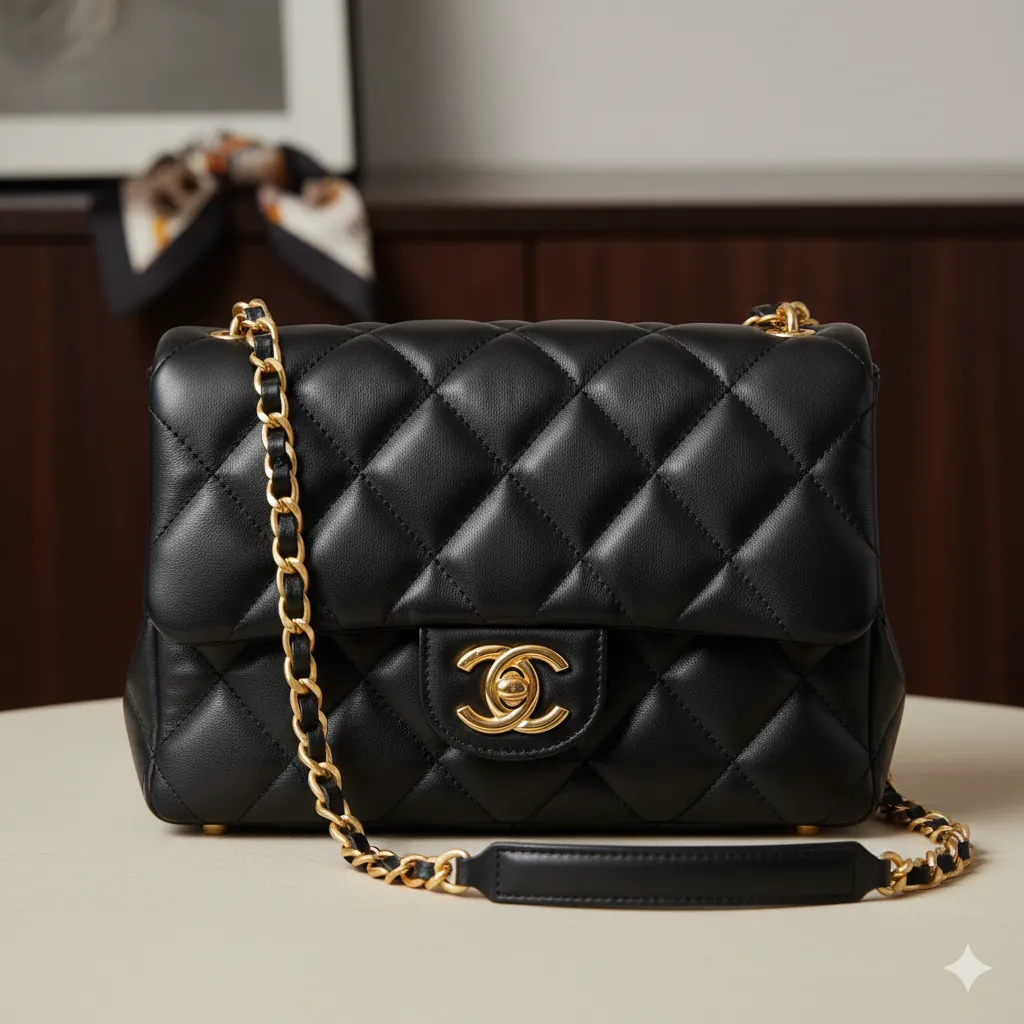
The right accessory can transform an entire look. A simple outfit becomes elegant with the right watch, or bohemian with the right jewelry. Nano Banana excels at generating detailed accessory imagery from text descriptions, allowing you to visualize complete styled concepts or create stunning product-focused images that showcase specific accessories in meticulous detail.
Understanding Accessory Generation
Generating realistic accessories is about understanding how materials interact with light (metal reflections, leather texture), how they're photographed (scale, perspective, context), and how to communicate fine details through precise language so the AI renders them beautifully.
Accessory Design Concepts
Visualize high-end jewelry, watches, and accessories from scratch. Perfect for product designers and stylists looking to prototype ideas.
Generating a Luxury Watch
Let's create a detailed product shot of a luxury timepiece. Here is the complete, fully detailed prompt to generate the "LUXURY WATCH" visual.
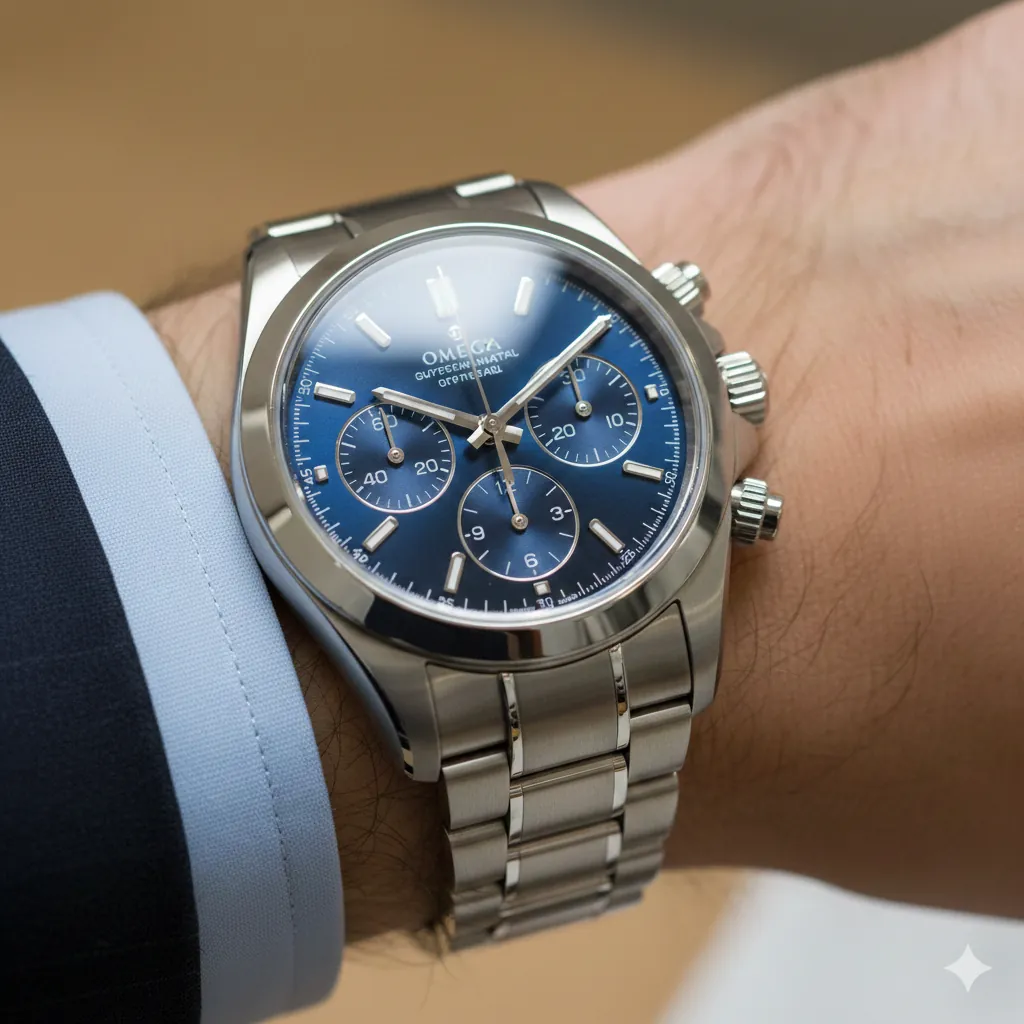
Generate a luxury chronograph watch product photograph. Subject: - **Item**: Stainless steel chronograph watch with blue dial - **Brand Style**: Luxury timepiece aesthetic (Rolex/Omega style) - **Details**: Three sub-dials, date window, luminous hands - **Band**: Brushed stainless steel bracelet with polished center links Photography & Presentation: - **View**: Macro focus on the watch face and hands - **Lighting**: Reflections highlighting the sapphire crystal and metal - **Context**: Professional business attire sleeve visible (white or light blue cuff) - **Styling**: Watch displayed on wrist at an elegant angle - **Depth**: Shallow depth of field, face sharp, background blurred - **Mood**: Luxury, precision, timelessness
Why This Works
The Material Specificity: "Stainless steel" with "brushed" and "polished" finishes tells the AI exactly how light should behave on the watch. Brushed metal has directional matte highlights; polished metal has sharp, mirror-like reflections. This precision is what separates a believable luxury product from a generic timepiece.
The Photography Direction: Specifying "macro focus" and "shallow depth of field" tells the AI how the watch should be photographed and composed. You're not just describing an object; you're describing the entire visual presentation and framing.
The Context and Styling: Including "professional business attire sleeve visible" and "watch displayed on wrist at an elegant angle" grounds the accessory in a realistic lifestyle context. This transforms it from a floating object into a cohesive product shot.
Common Mistakes
Note:
Avoid Vague Descriptions: If you just say "generate a watch," the AI might create a cartoon watch or something generic and unconvincing. Always specify the style (chronograph, dive watch, smart watch), material (steel, leather, ceramic), and photography context (macro, lifestyle, display case).
The Designer Handbag
Showcase a specific bag with brand-accurate details.
Generate a luxury handbag product shot. Design & Materials: - **Style**: Classic quilted leather tote with structured silhouette - **Material**: Black lambskin with diamond quilting pattern, supple texture - **Hardware**: Gold chain strap, interlocking logo clasp, metal feet - **Craftsmanship**: Premium stitching, hand-finished details Photography & Presentation: - **Presentation**: Positioned on a neutral background or lifestyle setting - **Details**: Realistic leather texture, light reflections on metal hardware - **Photography**: Professional styling, studio lighting, pristine presentation - **Lighting**: Even, flattering light showing depth and dimensionality - **Vibe**: Timeless luxury, investment-quality craftsmanship - **Mood**: Sophisticated elegance, luxury investment piece
The Statement Necklace
Create a focal point with dramatic jewelry.
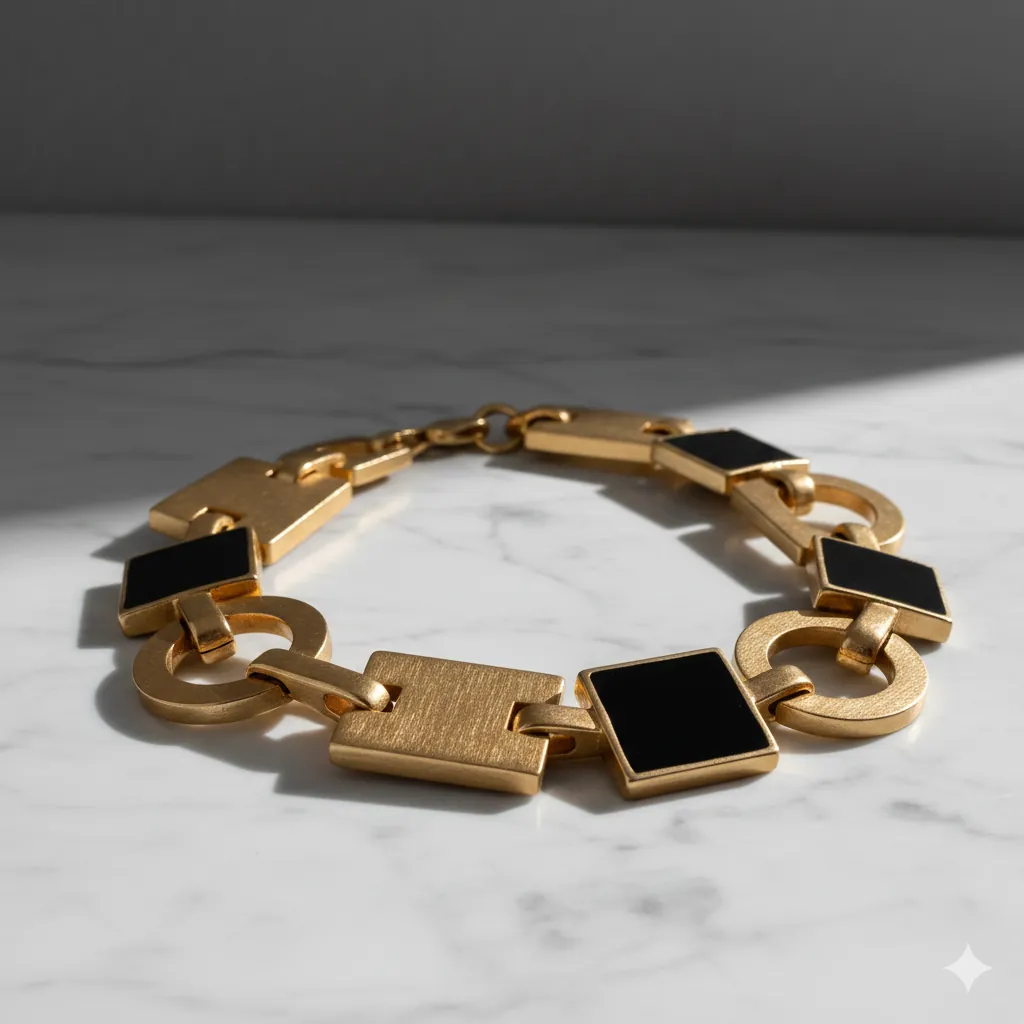
Generate a bold statement necklace product photograph. Design & Materials: - **Style**: Chunky geometric modern design - **Material**: Brushed gold with matte black enamel accents - **Weight**: Heavy, substantial jewelry (substantial presence) - **Craftsmanship**: Bold, artistic design, contemporary luxury Photography & Presentation: - **Presentation**: Draped elegantly on a model's neck or displayed on a marble surface - **Context**: Minimal, sophisticated background that doesn't compete - **Lighting**: Warm gold reflections, distinct shadows highlighting geometry - **Photography**: Professional product shot, sharp focus on details - **Mood**: Artistic, bold, contemporary luxury
The Smart Watch (Tech)
Modern, minimalist technology aesthetic.
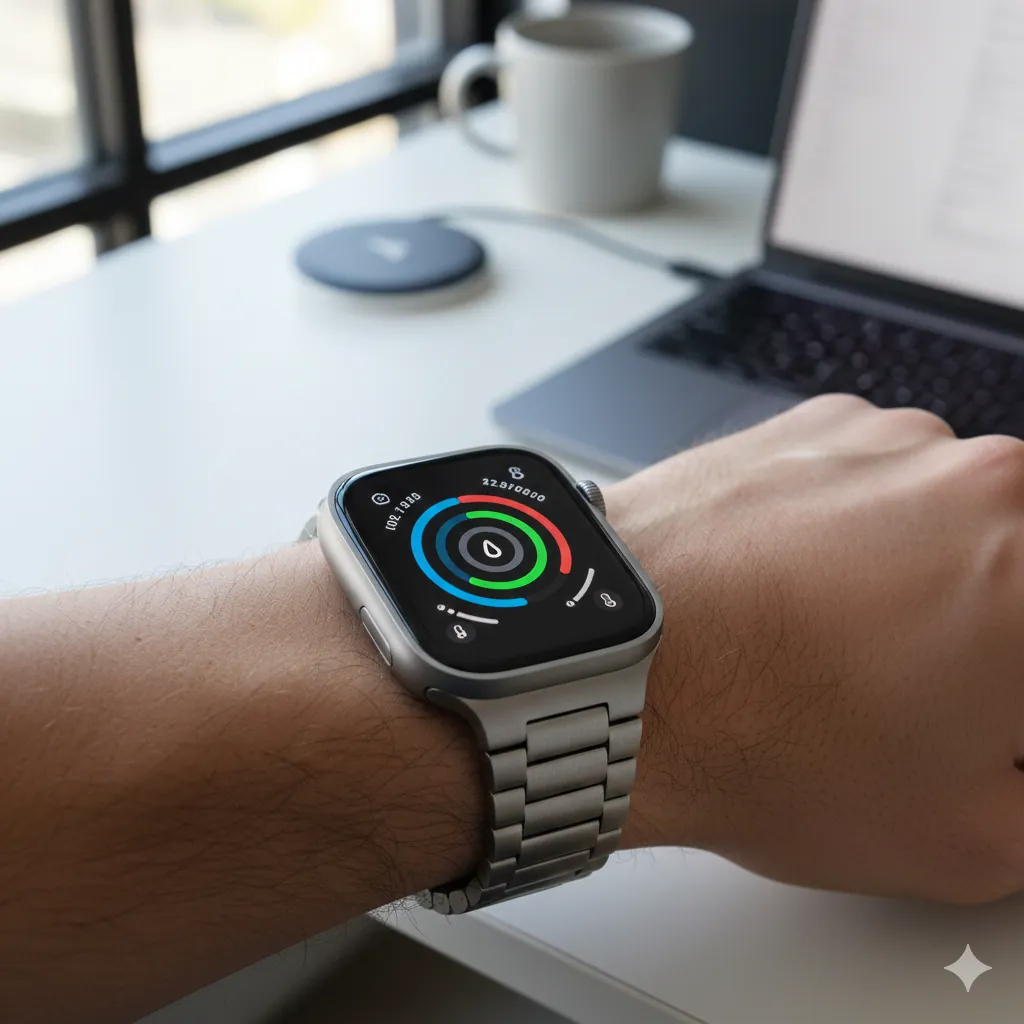
Generate a modern smart watch product shot. Device & Details: - **Device**: Apple Watch Ultra or similar premium smart watch - **Band**: Titanium link bracelet or Alpine loop fabric - **Screen**: Active display showing fitness rings or colorful watch face - **Materials**: Premium titanium, sapphire crystal, precision crafted Photography & Styling: - **Styling**: Displayed on wrist in casual tech environment - **Lighting**: Screen glow mixing with natural light - **Context**: Tech-forward, modern, sleek - **Photography**: Product lifestyle shot, bright and contemporary - **Mood**: Innovation, performance, cutting-edge technology
The Vintage Heirloom (Classic)
Timeless elegance with history.
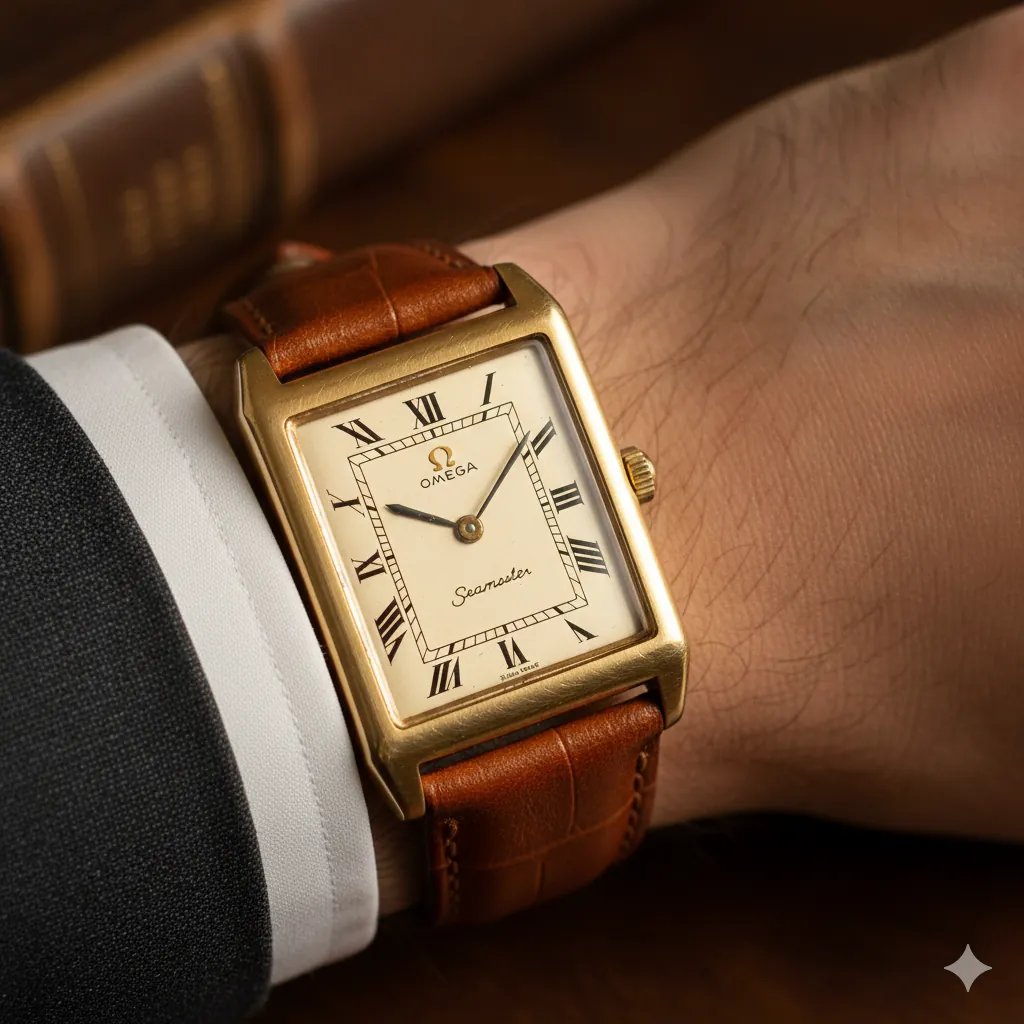
Generate a vintage luxury dress watch. Design & Materials: - **Style**: 1960s Omega Seamaster or Cartier Tank style - **Material**: Yellow gold case with warm patina, aged cognac leather strap - **Dial**: Cream-colored dial with Roman numerals and aged lume - **Condition**: Well-maintained vintage with subtle wear and character - **Craftsmanship**: Heirloom quality, Swiss precision Photography & Styling: - **Styling**: Displayed on elegant wrist wearing fine tailoring - **Photography**: Warm, nostalgic lighting emphasizing the watch's heritage - **Details**: Close-up macro shot showing patina and craftsmanship - **Lighting**: Soft, warm, golden-hour aesthetic - **Vibe**: Inherited treasure, sophisticated, timeless elegance - **Mood**: Heritage, legacy, timeless craftsmanship
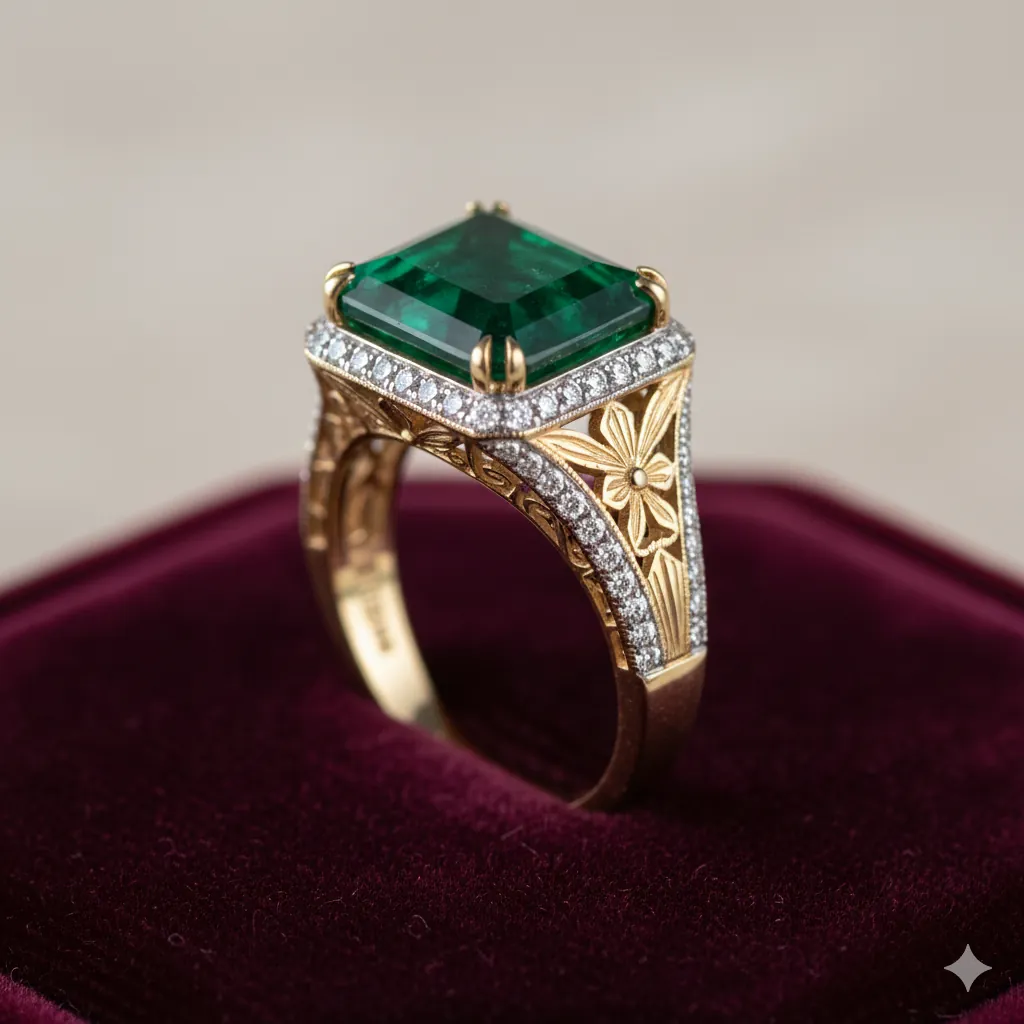
Generate a macro product shot of a luxury ring. Design: - **Style**: Art Deco inspired - **Gemstone**: Large emerald-cut emerald (deep green) - **Setting**: 18k Gold with pavé diamonds on the band - **Details**: Intricate filigree work on the side profile Presentation: - **Background**: Deep burgundy velvet cushion - **Lighting**: Soft jewelry box lighting, starburst reflections - **Focus**: Shallow depth of field
Troubleshooting
Next Steps
- Fashion Lookbooks: Create editorial fashion imagery.
Related Articles & Guides
Fashion & Styling with Nano Banana: Virtual Wardrobe AI
Master virtual try-on, outfit styling, and fashion photography with Nano Banana. Create lookbooks, wardrobe transformations, and style experiments.
Virtual Try-On Prompts: Nano Banana Guide
Master Nano Banana's complete virtual fashion studio. Generate outfit ideas, try them on your photos, and transform existing outfits into new styles.
 #chatgpt
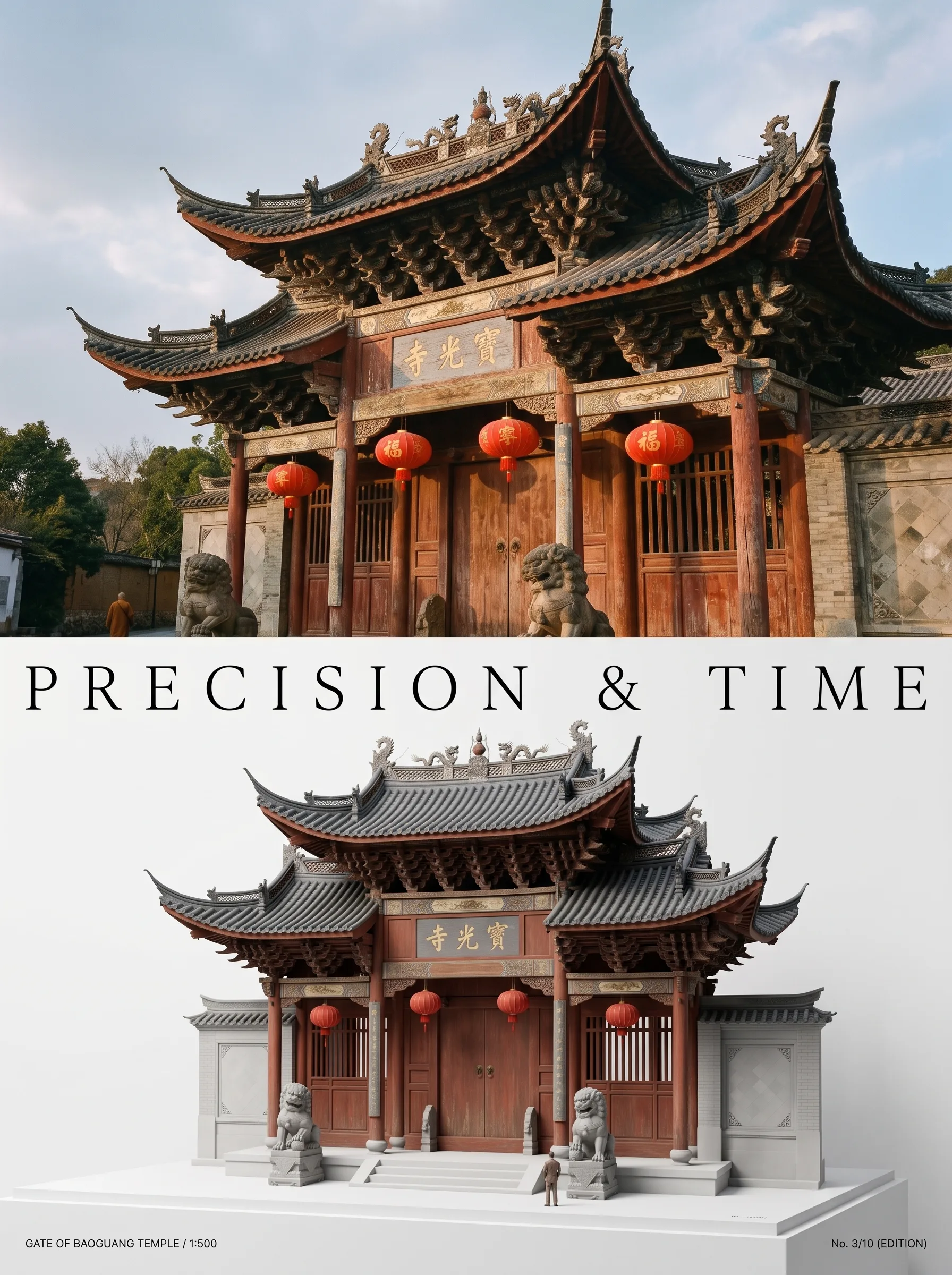
Photo to Architectural Model Poster
Turn any photo of a building into a dual-zone editorial poster: full photo on top, photoreal miniature museum model below. The precision prompt that avoids cartoon renders, tested on 6 building types.